9 Best AI Productivity Tools for Efficiency in 2026

AI is transforming how we work - from writing emails to scheduling meetings to summarizing documents. The right AI tools save hours every week. We tested 20+ AI productivity tools to find which actually deliver meaningful time savings.

Last updated: February 3, 2026Reviewed 20+ tools

9 Best AI Productivity Tools comparison

Feature Comparison

ToolStarting PricePrimary UseFree TierMobile AppOur Rating
ChatGPTFree/$20General AIYesYes9.5/10
ClaudeFree/$20DocumentsYesYes9.4/10
Notion AI$10/userWorkspaceTrialYes9.1/10
Otter.aiFree/$16.99MeetingsYesYes9.0/10
GrammarlyFree/$12WritingYesKeyboard8.9/10
Superhuman$30/moEmailTrialYes8.8/10
Motion$19/moSchedulingTrialYes8.7/10
MemFree/$14.99NotesYesYes8.5/10
PerplexityFree/$20ResearchYesYes9.0/10

Deep Dives

1

ChatGPT

Best Overall
ChatGPT

ChatGPT is the most versatile AI assistant. Draft emails, brainstorm ideas, write code, analyze data, and more. The free tier is genuinely useful. GPT-4 adds advanced capabilities.

Starting priceFree/$20

Strengths

  • Most versatile
  • Great free tier
  • Plugin ecosystem
  • Code interpreter
  • Image generation
  • Voice mode

Limitations

  • Can hallucinate
  • Knowledge cutoff
  • Context limits
Who it's for: Essential for everyone.
Visit ChatGPT
2

Claude

Best for Enterprise
Claude

Claude excels at longer documents and nuanced analysis. Upload PDFs, analyze contracts, and get thoughtful responses. The large context window handles entire documents.

Starting priceFree/$20

Strengths

  • Long documents
  • Thoughtful analysis
  • Large context
  • Safety focused
  • Coding help
  • PDF analysis

Limitations

  • Fewer plugins
  • Slower sometimes
  • Less creative
Who it's for: Best for document-heavy work.
Visit Claude
3

Notion AI

Best for Beginners
Notion AI

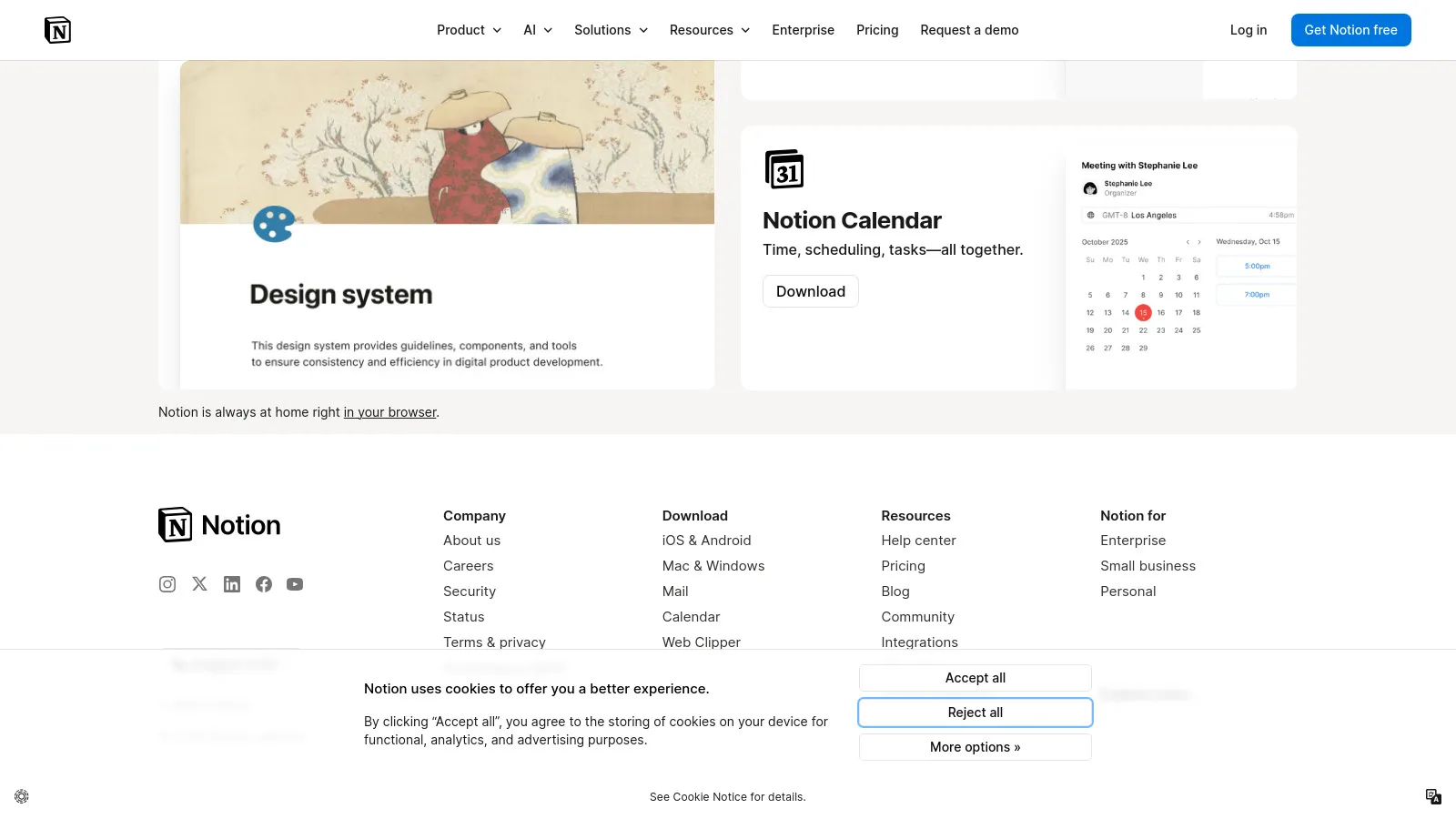
Notion AI brings AI directly into your workspace. Summarize pages, generate content, and improve writing without leaving Notion. Seamless integration.

Starting price$10/user

Strengths

  • Built into Notion
  • Summarize pages
  • Improve writing
  • Generate content
  • Easy to use
  • No switching

Limitations

  • Notion only
  • Add-on cost
  • Less powerful
Who it's for: Great for Notion users.
Visit Notion
4

Otter.ai

Best for Budget
Otter.ai

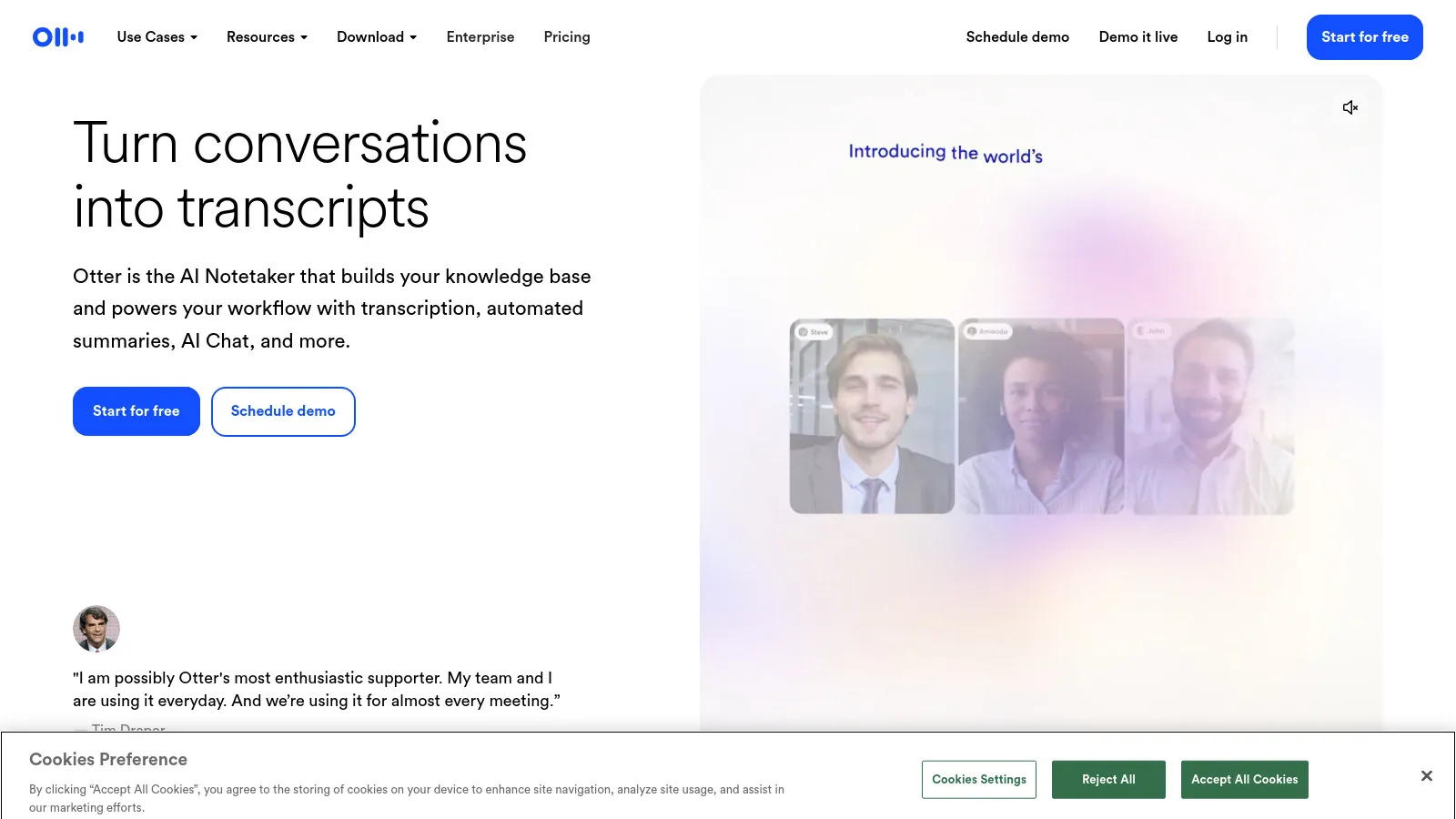
Otter transcribes meetings in real-time with impressive accuracy. Auto-generates summaries and action items. Integrates with Zoom, Teams, and Google Meet.

Starting priceFree/$16.99

Strengths

  • Great transcription
  • Meeting summaries
  • Action items
  • Meeting integrations
  • Good free tier
  • Searchable

Limitations

  • English focus
  • Accuracy varies
  • Monthly limits
Who it's for: Essential for meeting-heavy roles.
Visit Otter
5

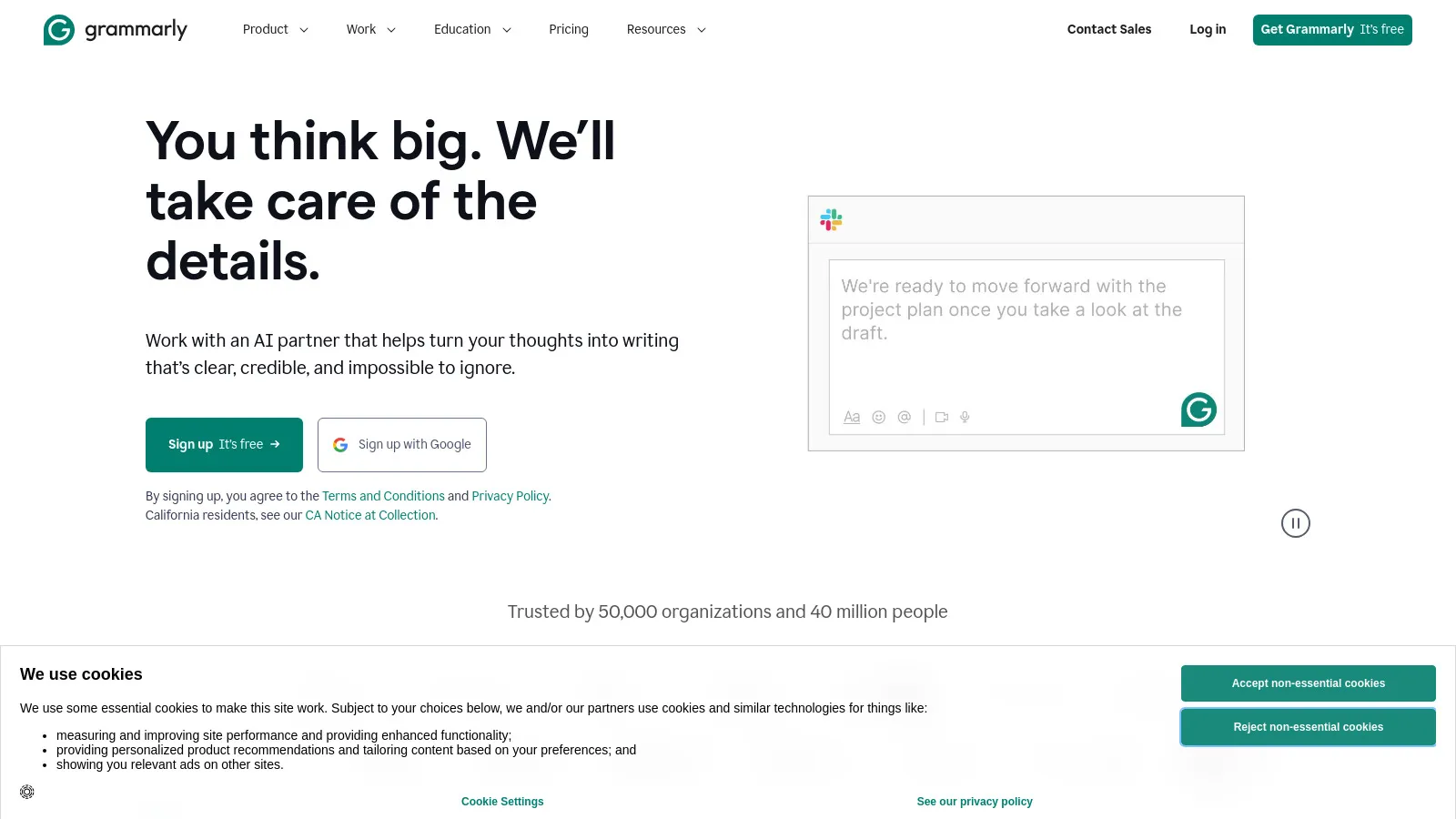
Grammarly

Grammarly

Grammarly catches grammar issues and improves writing everywhere you type. The AI features now help with tone, clarity, and even generate content.

Starting priceFree/$12

Strengths

  • Works everywhere
  • Grammar + style
  • Tone detection
  • AI generation
  • Browser extension
  • Free tier

Limitations

  • Premium for full
  • Can be overzealous
  • Privacy concerns
Who it's for: Great for everyone who writes.
Visit Grammarly
6

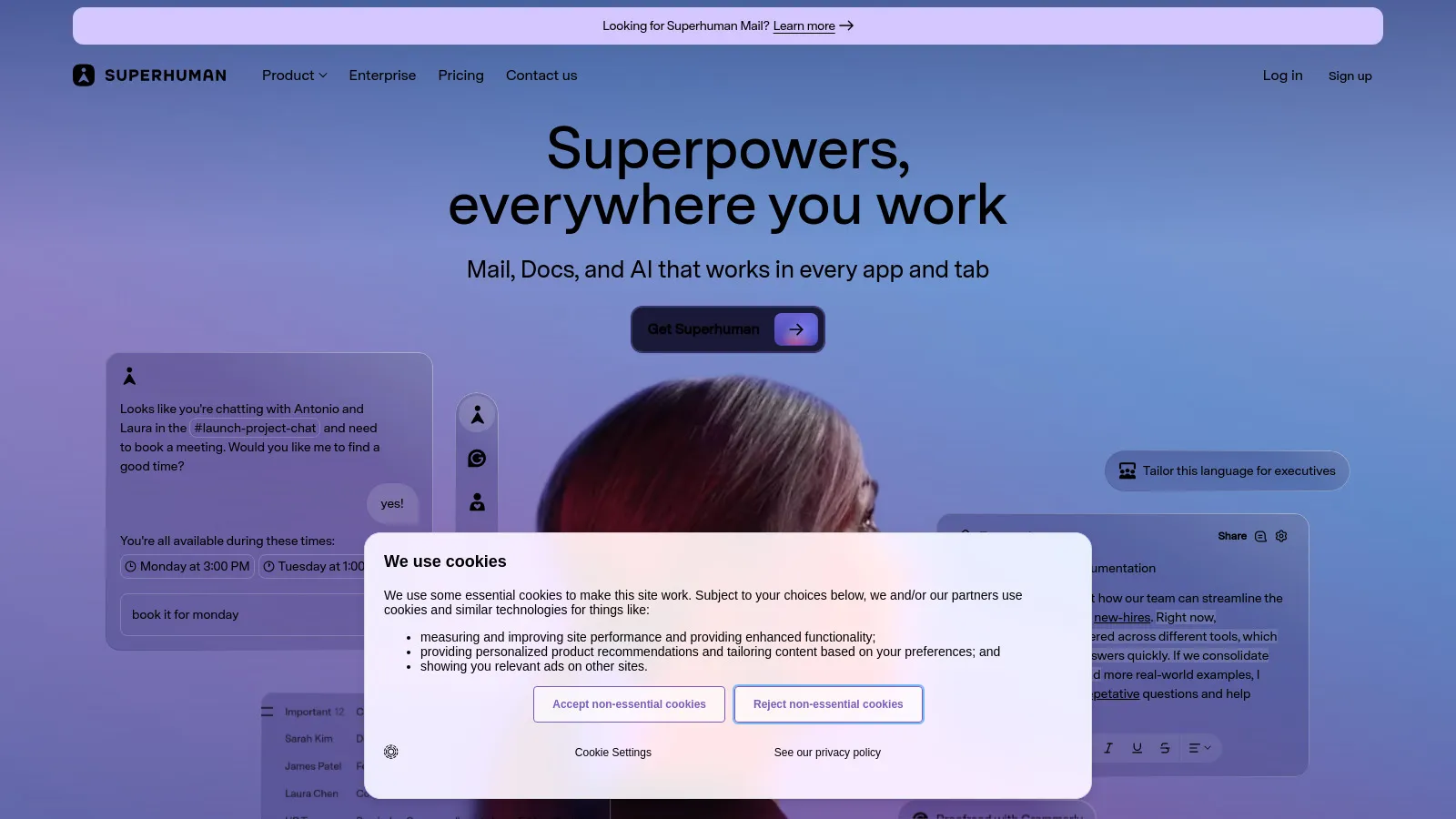
Superhuman

Superhuman

Superhuman is the fastest email experience with AI built in. Draft replies instantly, schedule emails, and achieve inbox zero. Premium but worth it for email-heavy roles.

Starting price$30/mo

Strengths

  • Fastest email
  • AI drafts
  • Keyboard shortcuts
  • Split inbox
  • Beautiful design
  • Read receipts

Limitations

  • Expensive
  • Gmail/Outlook only
  • Learning curve
Who it's for: Best for email power users.
Visit Superhuman
7

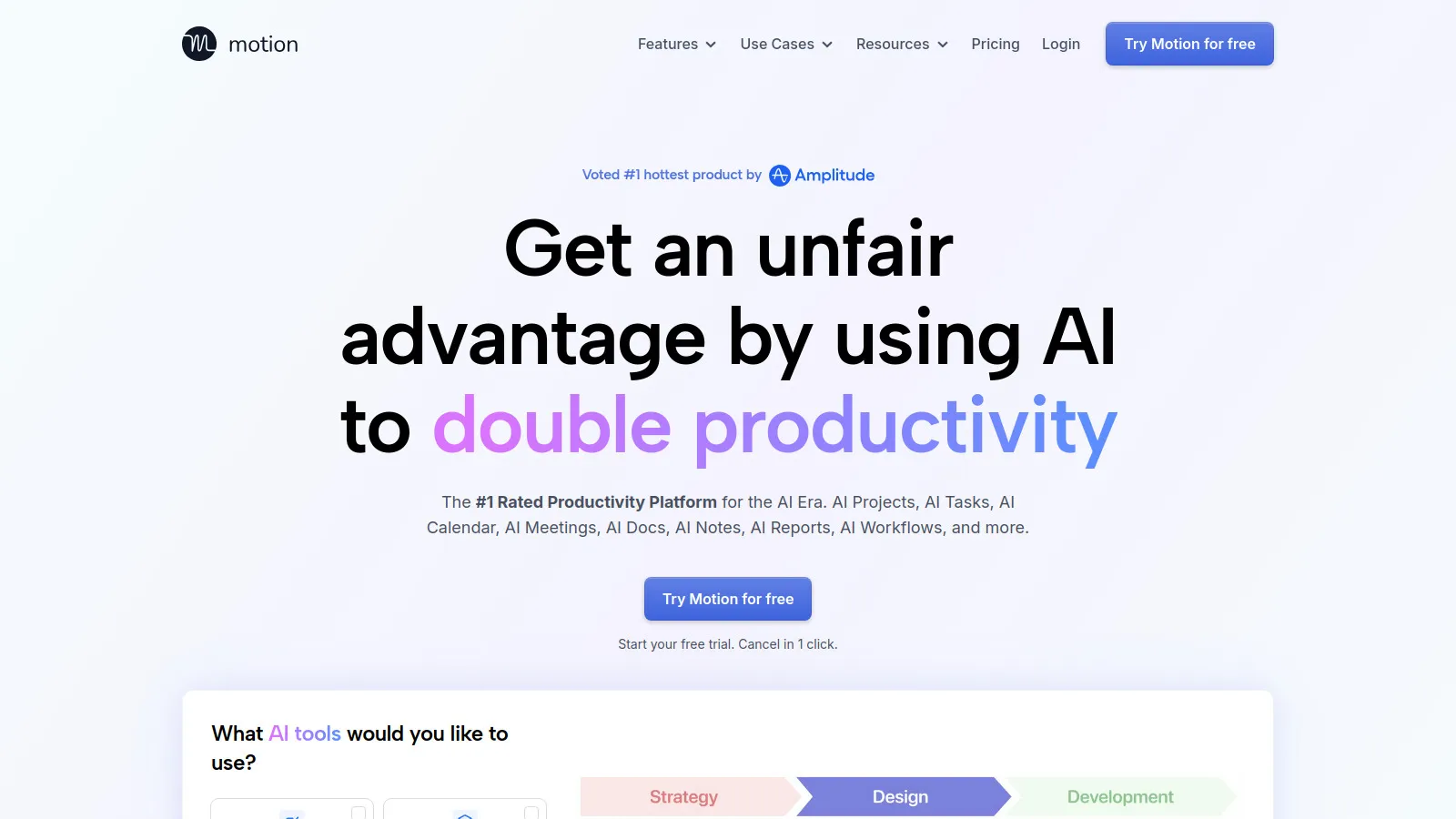
Motion

Motion

Motion uses AI to automatically schedule your tasks and meetings. Tell it what you need to do, and it finds the time. Reduces scheduling decisions.

Starting price$19/mo

Strengths

  • Auto scheduling
  • Task management
  • Calendar blocking
  • Priorities
  • Meeting booking
  • No scheduling stress

Limitations

  • Requires trust
  • Learning period
  • Monthly cost
Who it's for: Great for people who struggle to schedule.
Visit Motion
8

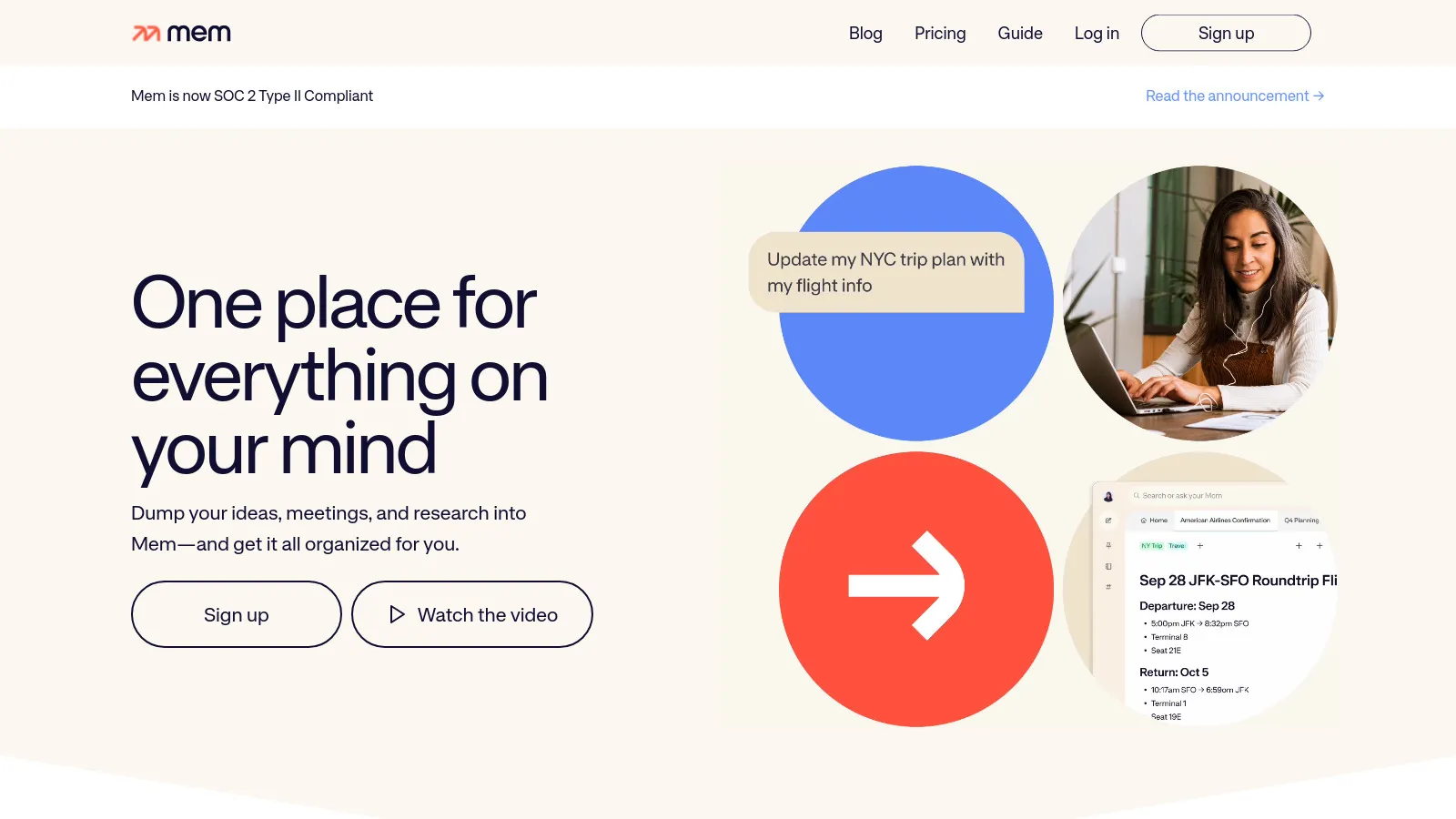
Mem

Mem

Mem is the self-organizing note app. Write notes and Mem's AI finds connections, surfaces relevant info, and helps you remember. Less organizing, more thinking.

Starting priceFree/$14.99

Strengths

  • Self-organizing
  • AI connections
  • Smart search
  • Quick capture
  • Meeting notes
  • No folders needed

Limitations

  • Different paradigm
  • Less structure
  • Smaller ecosystem
Who it's for: Good for people who hate organizing notes.
Visit Mem
9

Perplexity

Perplexity

Perplexity is AI-powered search that actually cites its sources. Get answers with references, not just generated text. Great for research and fact-checking.

Starting priceFree/$20

Strengths

  • Cited answers
  • Real-time info
  • Research focus
  • Good free tier
  • Follow-up questions
  • Collections

Limitations

  • Search-focused
  • Less creative
  • Newer platform
Who it's for: Great for research and fact-checking.
Visit Perplexity

How We Evaluated

We measured actual time savings and output quality.

  • Time Savings (30%)Hours saved per week.
  • Output Quality (25%)AI produces usable results.
  • Ease of Use (20%)Quick to learn and use.
  • Integration (15%)Works with existing tools.
  • Value (10%)ROI on subscription.

How to Choose

  • Choose ChatGPT if you need General AI help.
  • Choose Claude if you need Document analysis.
  • Choose Otter.ai if you need Meeting notes.
  • Choose Grammarly if you need Writing help.
  • Choose Perplexity if you need Research.

Common Questions

ChatGPT is more versatile with plugins and tools. Claude excels at longer documents and nuanced analysis. Most power users have both - ChatGPT for variety, Claude for depth.

If they save you an hour per week and you value your time at $50/hour, a $20/month tool pays for itself 10x. The free tiers are great for trying before buying.

ChatGPT or Claude (general AI) + Otter (meetings) + Grammarly (writing). Add Perplexity for research. Most others are nice-to-have.