7 Best Free Productivity Tools for Getting More Done in 2026

You don't need to pay for productivity. Many excellent tools offer generous free tiers that cover most needs. We tested 20+ free productivity tools to find which actually help you get more done without spending a dime.

Last updated: February 3, 2026Reviewed 20+ tools

7 Best Free Productivity Tools comparison

Feature Comparison

ToolFree LimitsPrimary UseMobile AppCloud SyncOur Rating
NotionUnlimited personalAll-in-oneYesYes9.5/10
Todoist5 projectsTasksYesYes9.3/10
Google CalendarUnlimitedCalendarYesYes9.2/10
Toggl TrackUnlimited trackingTimeYesYes9.0/10
ForestCore featuresFocusYesYes8.7/10
ObsidianAll featuresNotesYesPaid9.1/10
ClockifyTruly unlimitedTeam timeYesYes8.8/10

Deep Dives

1

Notion

Best Overall
Notion

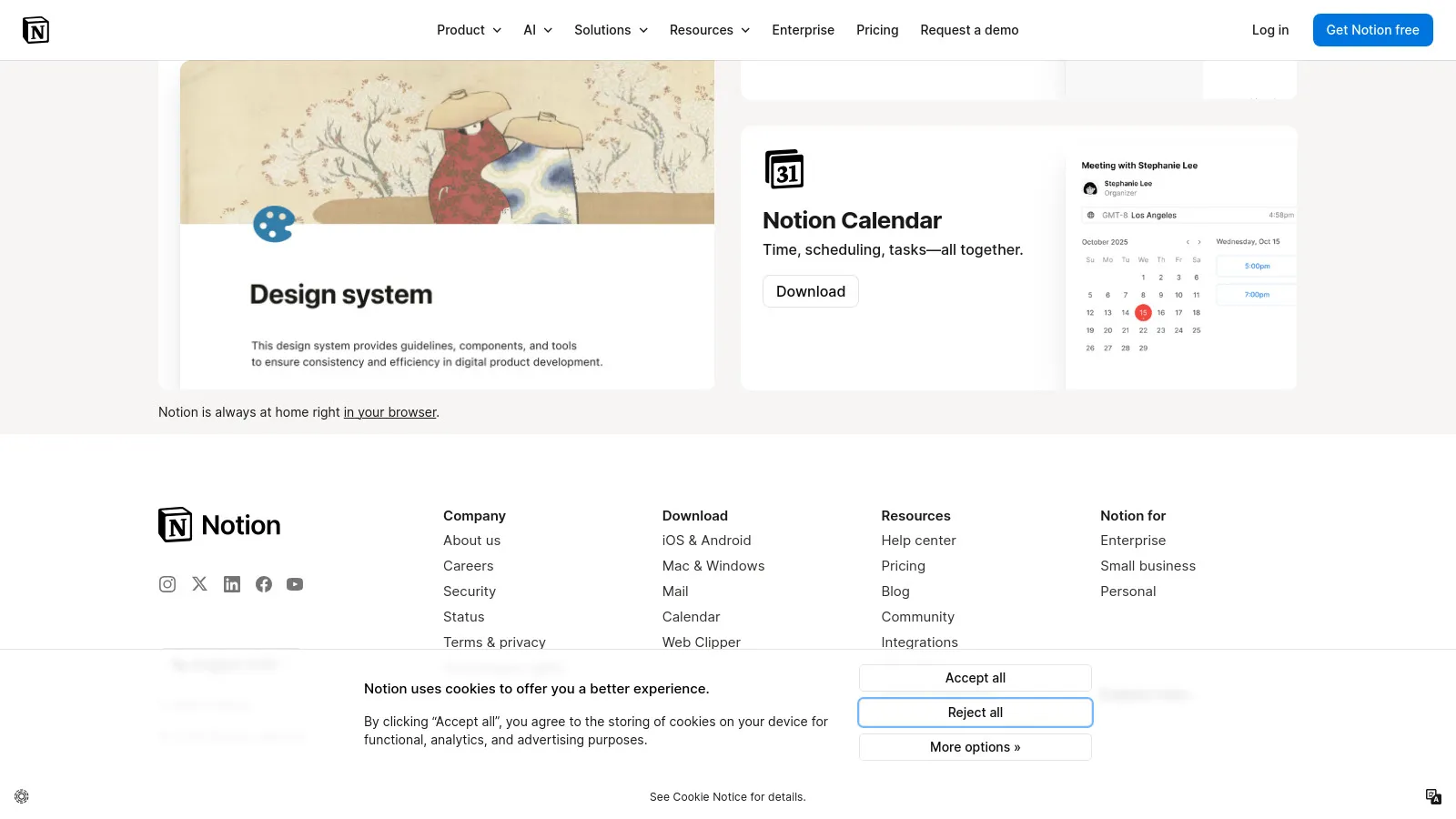
Notion's free personal plan is remarkably complete. Notes, tasks, databases, and docs in one workspace. The only limit is no team features - perfect for individuals.

Strengths

  • All-in-one
  • Unlimited personal
  • Flexible templates
  • Web + apps
  • Great community
  • Regular updates

Limitations

  • Learning curve
  • No offline free
  • Can be slow
Who it's for: Best free all-in-one for individuals.
Visit Notion
2

Todoist

Best for Enterprise
Todoist

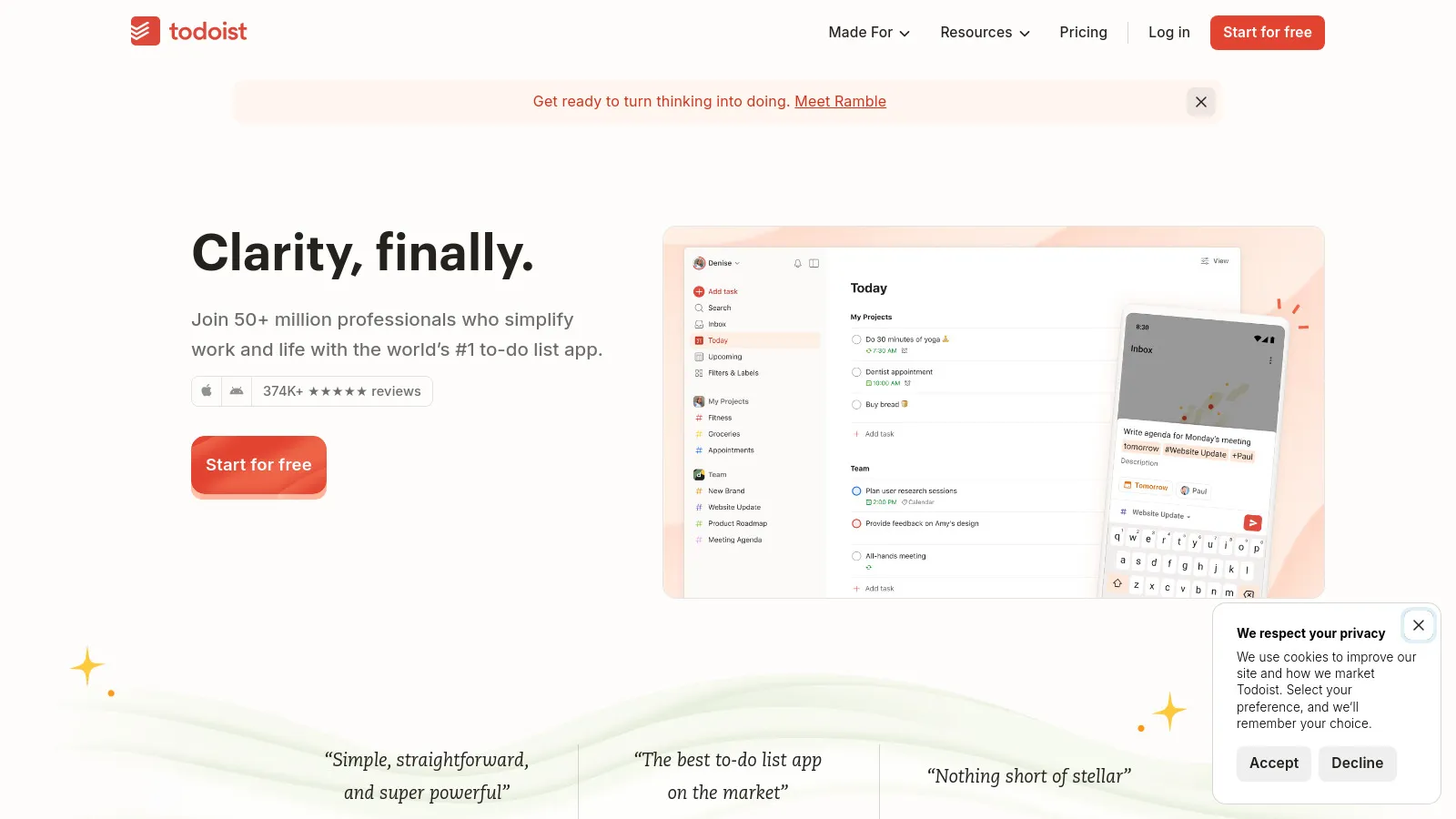
Todoist's free tier gives you 5 projects with all core task features. Natural language input, due dates, and priorities. Clean and fast across all devices.

Strengths

  • Great free tier
  • Natural language
  • Fast apps
  • Clean design
  • Reliable sync
  • Integrations

Limitations

  • 5 project limit
  • No reminders free
  • Basic labels
Who it's for: Best free task manager.
Visit Todoist
3

Google Calendar

Best for Beginners
Google Calendar

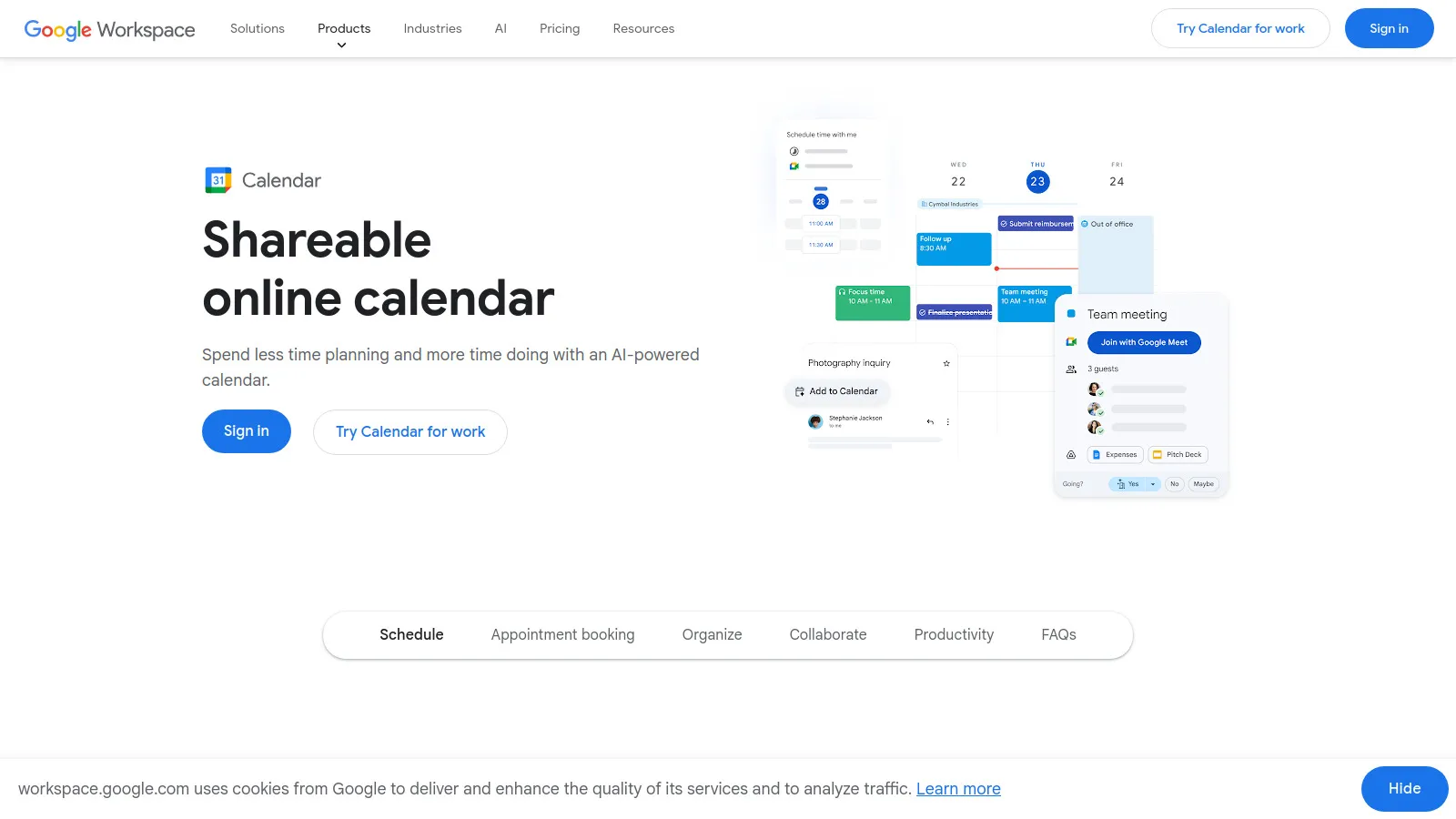
Google Calendar is completely free with no limits. Scheduling, reminders, shared calendars, and excellent integrations. The calendar that just works.

Strengths

  • Completely free
  • Works everywhere
  • Great integrations
  • Shared calendars
  • Reminders
  • Reliable

Limitations

  • Google account needed
  • Basic features
  • Less customization
Who it's for: The default calendar for most.
Visit Google Calendar
4

Toggl Track

Best for Budget
Toggl Track

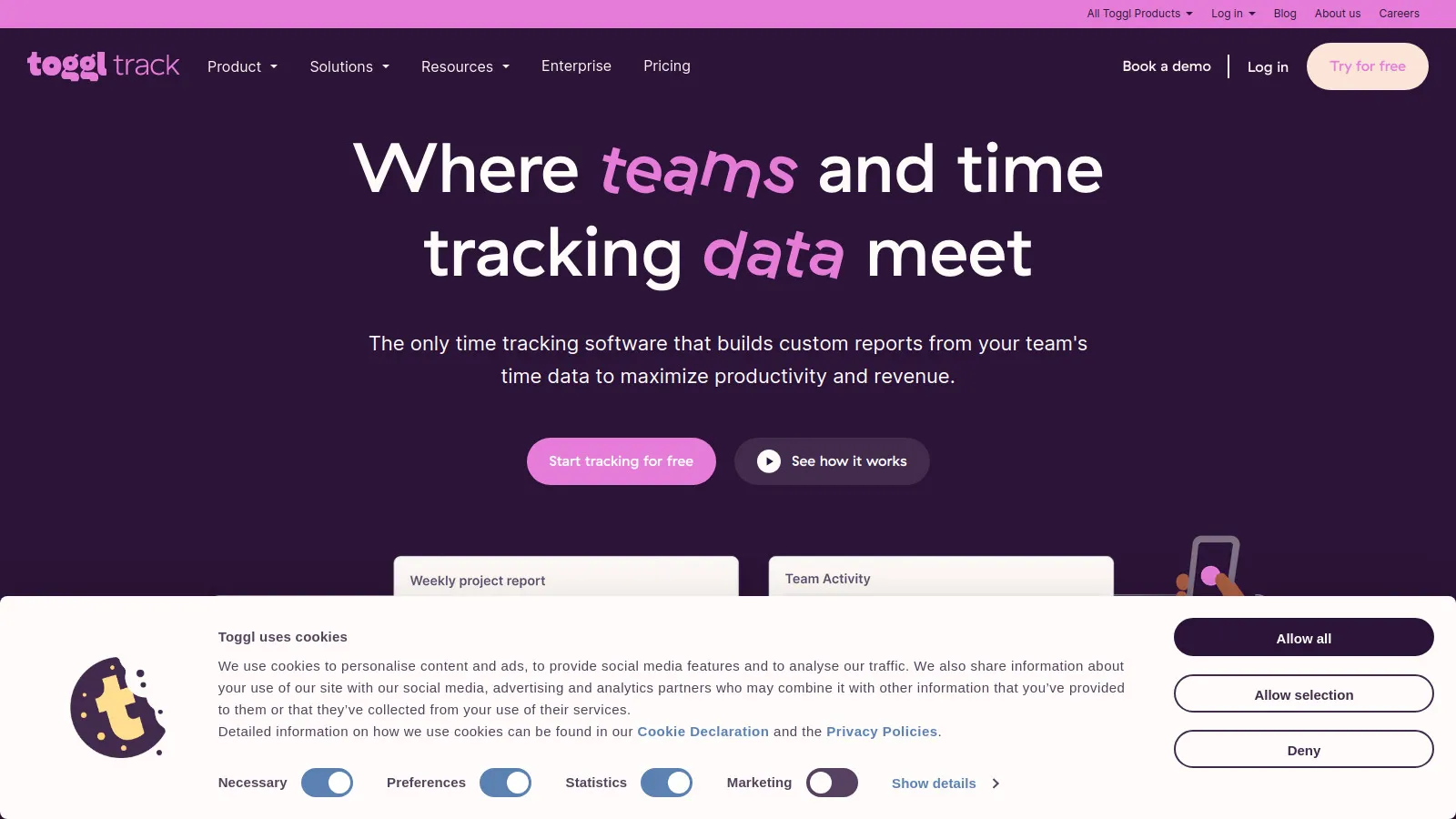
Toggl Track's free tier includes unlimited time tracking with basic reports. One-click timer, project tracking, and simple interface. Great for freelancers.

Strengths

  • Unlimited tracking
  • Simple interface
  • One-click timer
  • Basic reports
  • All platforms
  • Browser extension

Limitations

  • Limited reports
  • No billable rates
  • Basic projects
Who it's for: Great free time tracker.
Visit Toggl
5

Forest

Forest

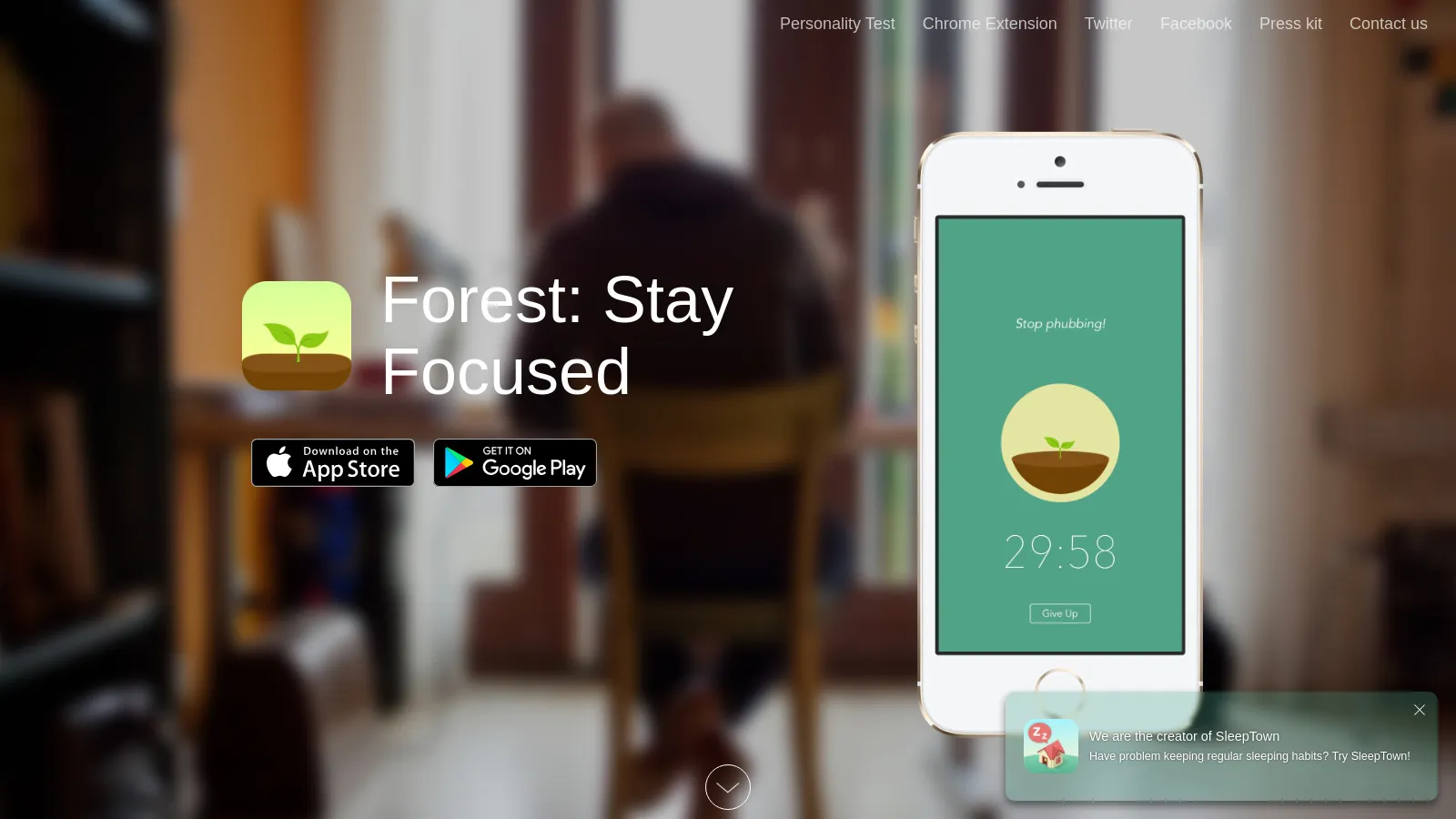
Forest gamifies focus with tree planting. Stay focused and grow virtual trees - get distracted and they die. Actually plants real trees through partnership.

Strengths

  • Fun approach
  • Real tree planting
  • Pomodoro built-in
  • Social features
  • Good free tier
  • Mobile + desktop

Limitations

  • Gamification not for all
  • Simple features
  • Limited customization
Who it's for: Great for making focus fun.
Visit Forest
6

Obsidian

Obsidian

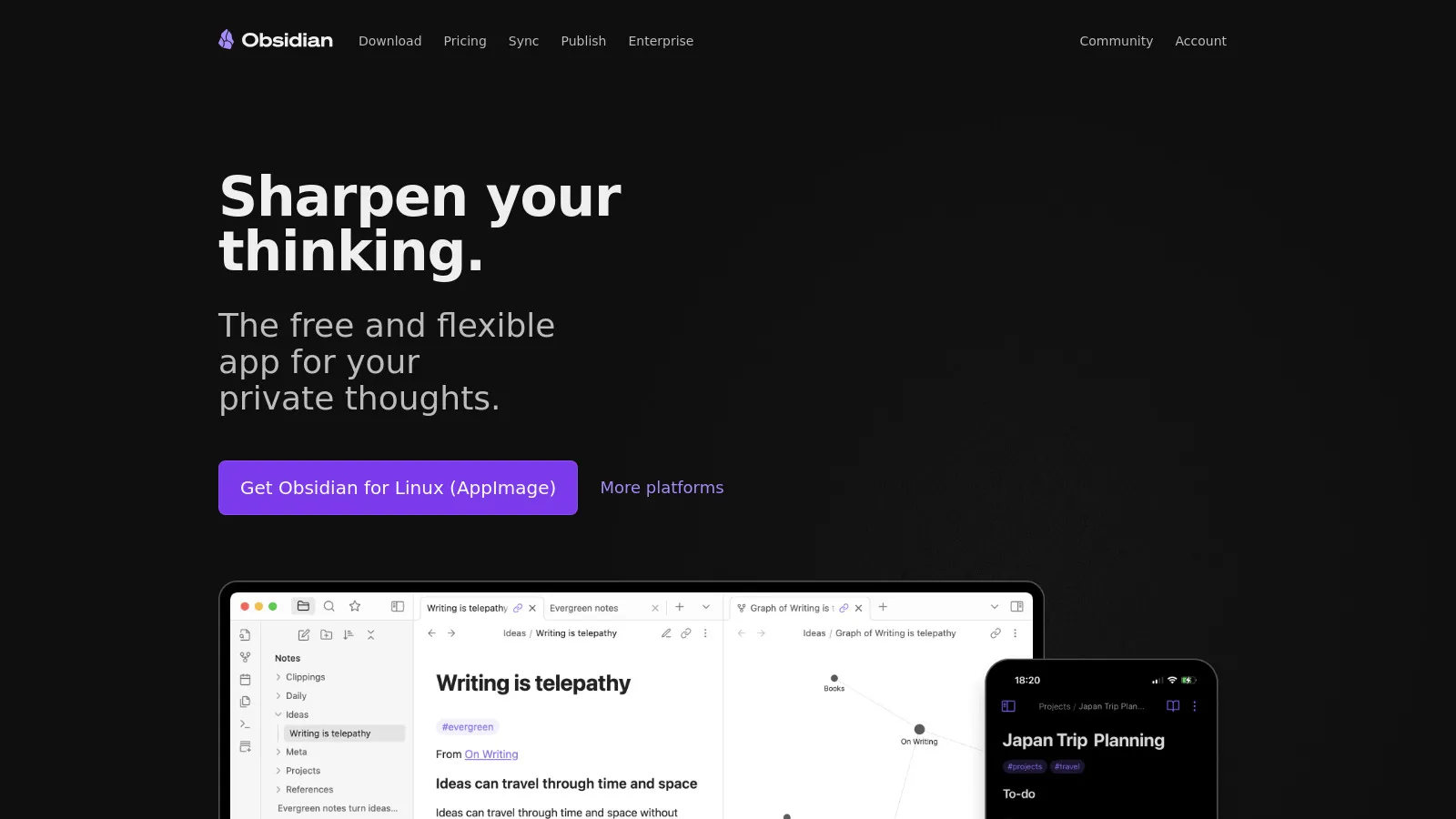
Obsidian is completely free for personal use with all features. Local-first notes with powerful linking and plugins. Your notes are markdown files you own.

Strengths

  • 100% free personal
  • Local files
  • Powerful linking
  • Plugin ecosystem
  • Privacy
  • Customizable

Limitations

  • Sync is paid
  • Learning curve
  • Less pretty default
Who it's for: Best for power users and privacy.
Visit Obsidian
7

Clockify

Clockify

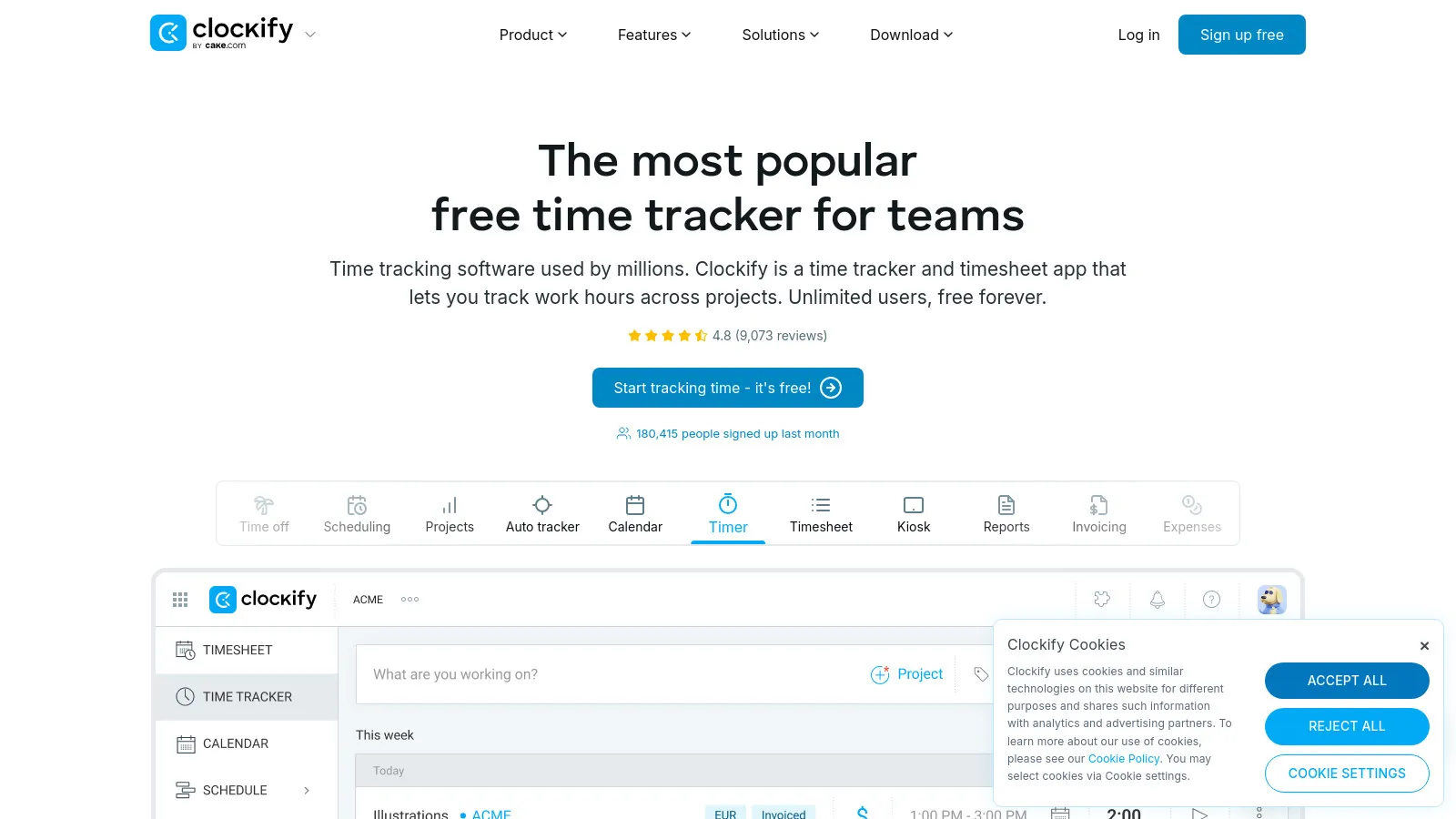
Clockify is the rare tool that's truly 100% free for unlimited users and time tracking. Teams can track time together without paying. Reports included.

Strengths

  • 100% free
  • Unlimited users
  • Unlimited tracking
  • Reports included
  • Team features
  • All platforms

Limitations

  • Basic interface
  • Less polished
  • Limited advanced
Who it's for: Best for teams needing free time tracking.
Visit Clockify

How We Evaluated

We evaluated free tiers on genuine usability.

  • Free Tier Quality (35%)Actually usable long-term.
  • Feature Access (25%)Good features included.
  • Ease of Use (20%)Quick to start using.
  • Cross-Platform (10%)Works everywhere.
  • No Gotchas (10%)Free means free.

How to Choose

  • Choose Notion if you need All-in-one.
  • Choose Todoist if you need Task management.
  • Choose Google Calendar if you need Calendar.
  • Choose Toggl Track if you need Time tracking.
  • Choose Clockify if you need Team time tracking.

Common Questions

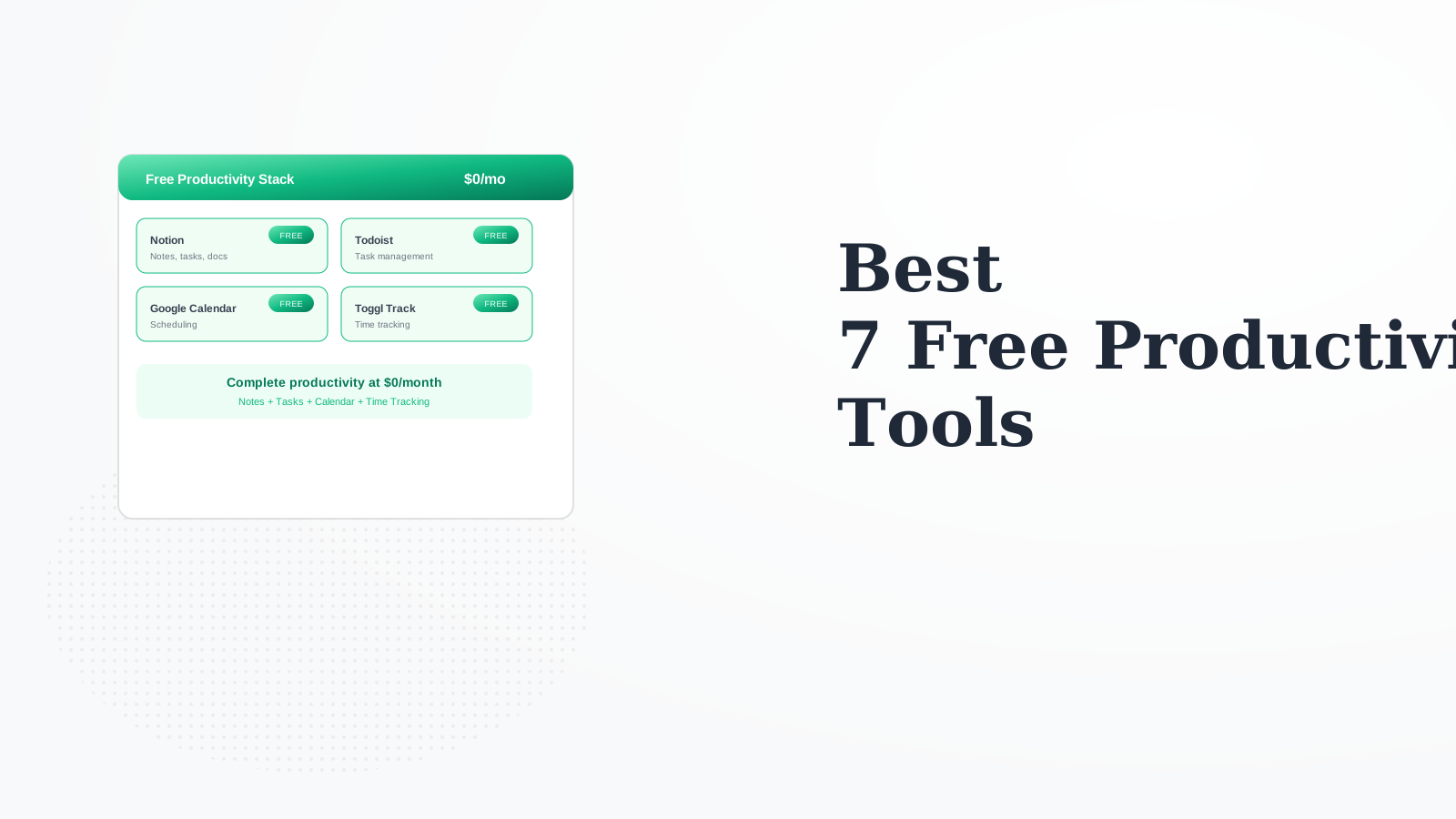
Notion (workspace) + Todoist (tasks) + Google Calendar + Toggl (time) + Forest (focus). Complete productivity at $0/month.

When free limits become real constraints: Todoist 5 projects isn't enough, you need team features, or you want Obsidian sync. Most individuals never need to pay.

Notion for flexibility and all-in-one. Obsidian for privacy, power, and ownership. Notion is easier, Obsidian is more powerful.