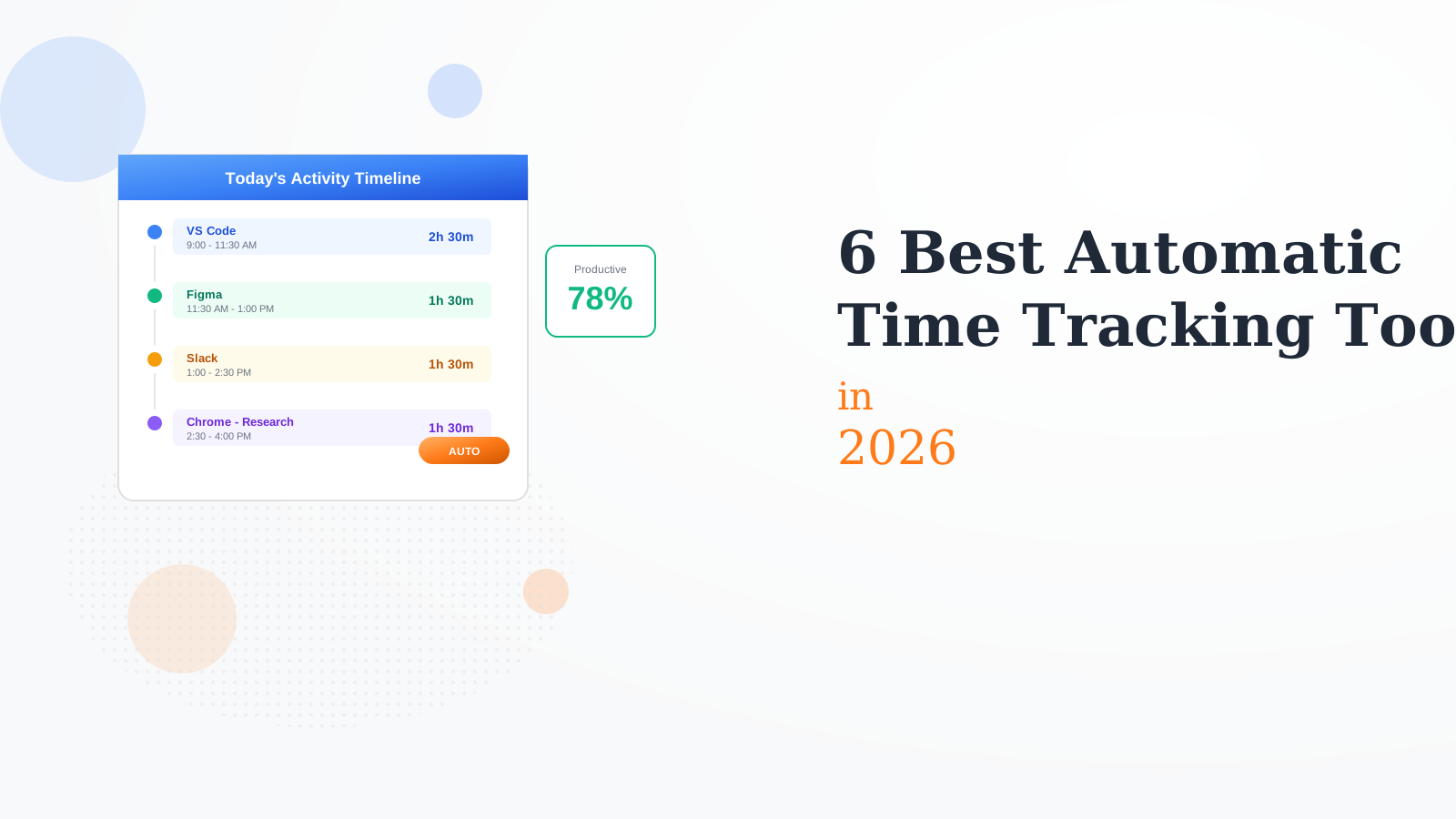
We tested 10+ automatic time trackers to find the best for passive tracking. These tools run in the background, logging how you spend time without manual timers or input.
Timing is the best automatic time tracker for Mac. It runs silently, learning which apps belong to which projects. The AI categorization improves over time. Beautiful timeline view shows exactly where time went. Essential for Mac-based freelancers and consultants.
Starting price$8/mo
Strengths
Best AI categorization
Beautiful timeline
Mac native
Project tracking
Great reports
Limitations
Mac only
Monthly subscription
Learning curve for rules
No team features
Who it's for: Best for Mac users who want accurate automatic tracking for billing.
RescueTime is the productivity-focused automatic tracker. It calculates a productivity score based on your activities. Set goals and get alerts when you go off track. Block distracting sites during focus time. The original automatic time tracker.
Starting priceFree
Strengths
Cross-platform
Productivity scoring
Distraction blocking
Good free tier
Goals & alerts
Limitations
Less project focus
Basic categorization
Cloud-based data
Dated interface
Who it's for: Best for people wanting to improve productivity and reduce distractions.
Rize adds AI coaching to automatic time tracking. It nudges you to take breaks and stay focused. Session summaries show how deep work sessions went. Designed for knowledge workers who want to improve focus over time.
Starting price$10/mo
Strengths
AI coaching
Focus sessions
Break reminders
Good insights
Modern design
Limitations
No free tier
Newer product
Less mature
Limited integrations
Who it's for: Best for knowledge workers who want to improve focus with AI coaching.
Clockk is automatic tracking built for billable work. It detects which project you are working on and logs time automatically. Generate timesheets from captured activity. Great for consultants who forget to start manual timers.
Starting price$15/mo
Strengths
Project detection
Billable focus
Timesheet generation
Mac + Windows
Good accuracy
Limitations
Higher price
Less productivity focus
Smaller user base
Basic free tier
Who it's for: Best for consultants who need automatic project-based time capture.
ActivityWatch is the open-source automatic tracker. All data stays on your computer. Completely free with no tracking or accounts. Requires more setup but offers full privacy. Great for developers and privacy-conscious users.
Starting priceFree
Strengths
Completely free
Open source
Local data only
Privacy focused
Extensible
Limitations
Requires setup
Less polished
No AI
Basic reporting
Who it's for: Best for privacy-conscious users who want free, local-only tracking.
Qbserve is a simple Mac productivity tracker with a one-time purchase. It categorizes apps as productive, neutral, or distracting. Shows a productivity score in the menu bar. No subscription, no cloud, just simple tracking.
Starting price$40
Strengths
One-time purchase
Simple and clean
Local only
Privacy focused
No subscription
Limitations
Mac only
Less features
No AI learning
Basic categorization
Who it's for: Best for Mac users who want simple tracking without subscriptions.
We tested each tracker for accuracy, privacy, and usefulness of insights.
Tracking Accuracy (30%) — How well it captures and categorizes activity.
Privacy & Security (25%) — Data handling and privacy options.
Insights Quality (20%) — Usefulness of reports and analytics.
Ease of Use (15%) — Setup simplicity and minimal friction.
Pricing (10%) — Value for the tracking capabilities.
How to Choose
Choose Timing if you need Mac + billing.
Choose RescueTime if you need productivity focus.
Choose Rize if you need focus coaching.
Choose ActivityWatch if you need privacy priority.
Choose Qbserve if you need no subscription.
Common Questions
Modern tools are very accurate for app and website tracking. However, they cannot know intent - you might have Slack open but be thinking deeply. Review and adjust categories regularly for accurate reporting.
Tools vary widely. ActivityWatch and Qbserve keep all data local. Others sync to the cloud. Check privacy policies and choose based on your comfort level. Many allow you to exclude sensitive apps.
Yes, many people do. Use automatic tracking for awareness and estimates. Use manual timers for precise client billing. Some tools like Timing let you refine automatically captured time.