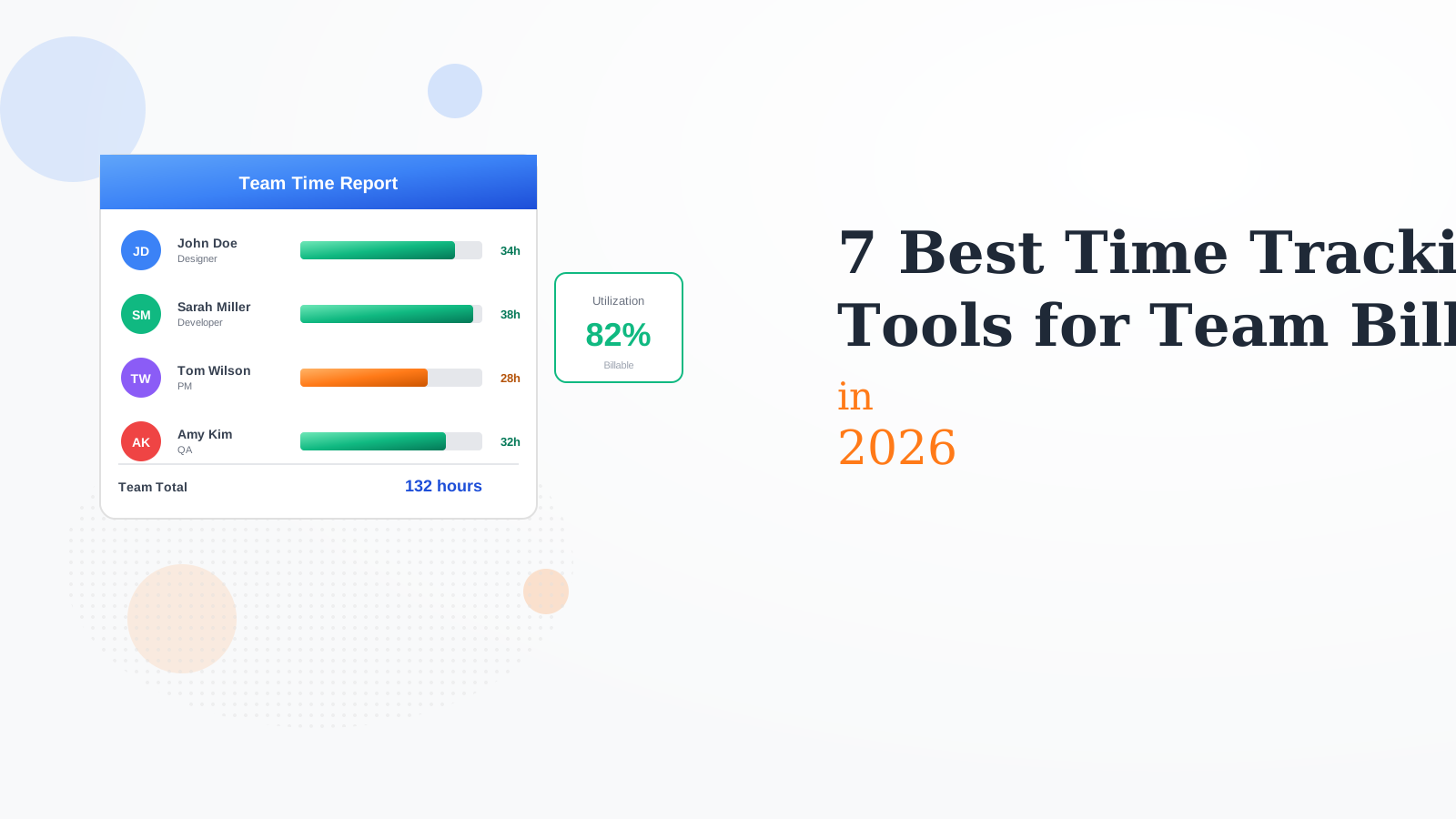
7 Best Time Tracking Tools for Team Billing in 2026
We tested 15+ team time tracking platforms to find the best for billable work. These tools help teams track hours, allocate time to projects, monitor utilization, and generate client-ready reports.
Harvest is the go-to for agencies and consulting firms. Track time, track expenses, and invoice clients from one platform. Team reports show who worked on what. Utilization reports help with capacity planning. The complete solution for billable teams.
Starting price$12/mo
Strengths
Built-in invoicing
Expense tracking
Great reports
Easy adoption
Professional look
Limitations
Higher per-user cost
Limited project management
No monitoring features
Basic free tier
Who it's for: Best for agencies and consulting firms billing clients for time.
Toggl Track wins on user experience. Teams actually use it because it is so easy. One-click timers, beautiful reports, and seamless syncing. The Business plan adds team features like audit logs and priority support. High adoption leads to accurate data.
Starting price$10/mo
Strengths
Best user experience
High adoption rates
Beautiful reports
100+ integrations
Great mobile apps
Limitations
Invoicing costs extra
No expense tracking
Advanced features need upgrade
Per-user pricing adds up
Who it's for: Best for teams who need high adoption and user-friendly tracking.
Clockify is the most generous free time tracker for teams. Unlimited users, unlimited projects, forever free. Paid tiers add invoicing, expenses, and advanced reports. The best option for teams on a tight budget who still need solid features.
Starting priceFree
Strengths
Unlimited free users
Good core features
All platforms
Affordable upgrades
Kiosk mode
Limitations
Advanced features paid
Less polished UI
Invoicing extra
Basic support free
Who it's for: Best for budget-conscious teams who need free time tracking.
Replicon is enterprise time and resource management. Handles complex compliance requirements. AI-powered time capture reduces manual entry. Resource planning for capacity management. Built for large organizations with sophisticated needs.
Starting priceCustom
Strengths
Enterprise grade
Compliance features
AI time capture
Resource planning
Professional support
Limitations
Enterprise pricing
Complex implementation
Overkill for small teams
Learning curve
Who it's for: Best for enterprises with complex compliance and resource needs.
Everhour integrates time tracking into project management tools. Track time inside Asana, Monday, Jira, or ClickUp without switching contexts. Budget tracking prevents projects from going over. Great for teams already using PM tools.
Starting price$10/mo
Strengths
Best PM integration
Budget tracking
No context switching
Clean interface
Good reports
Limitations
Needs PM tool
Basic standalone
Limited invoicing
Fewer integrations
Who it's for: Best for teams who want time tracking inside their PM tools.
Time Doctor adds productivity monitoring to time tracking. Screenshots, activity levels, and website tracking. Payroll integration pays based on tracked time. Best for remote teams needing accountability and visibility into how time is spent.
Starting price$7/mo
Strengths
Screenshots
Activity tracking
Payroll integration
Productivity insights
Distraction alerts
Limitations
Privacy concerns
Can feel invasive
Trust issues
Higher friction
Who it's for: Best for remote teams needing productivity monitoring.
Hubstaff combines time tracking with GPS location for field teams. Know where workers are and what they are working on. Automatic payroll from tracked time. Great for construction, field service, and distributed teams with mobile workers.
Starting price$7/mo
Strengths
GPS tracking
Field team features
Auto payroll
Screenshots optional
Geofencing
Limitations
Privacy invasive
Trust concerns
Overkill for office teams
Battery drain mobile
Who it's for: Best for field service and construction teams with mobile workers.
We tested each platform with real teams tracking billable hours.
Team Adoption (25%) — How likely teams are to actually use it consistently.
Reporting (25%) — Quality of team reports and client-facing outputs.
Utilization Tracking (20%) — Ability to track billable vs non-billable and capacity.
Integrations (15%) — Connections to PM, invoicing, and payroll tools.
Pricing (15%) — Value for teams of different sizes.
How to Choose
Choose Harvest if you need client billing focus.
Choose Toggl Track if you need need high adoption.
Choose Clockify if you need tight budget.
Choose Everhour if you need use PM tools.
Choose Time Doctor if you need remote monitoring.
Common Questions
Choose tools with low friction like Toggl. Make tracking part of the workflow, not an extra task. Lead by example and track your own time. Use integrations so tracking happens where work happens.
Yes, tracking all time gives you true utilization data. Knowing that a team member spends 40% on non-billable work helps with pricing and hiring decisions. Just categorize billable vs non-billable.
For billing, round to the nearest 15 minutes typically. For internal planning, general accuracy is fine. The goal is understanding where time goes, not micromanaging minutes. Start approximate and refine over time.