6 Best Personal Automation Tools for Daily Tasks in 2026
Why do manually what can run automatically? Personal automation tools handle the recurring tasks in your digital life - from email sorting to file organization to app connections. We tested tools for individual use, not enterprise workflows.
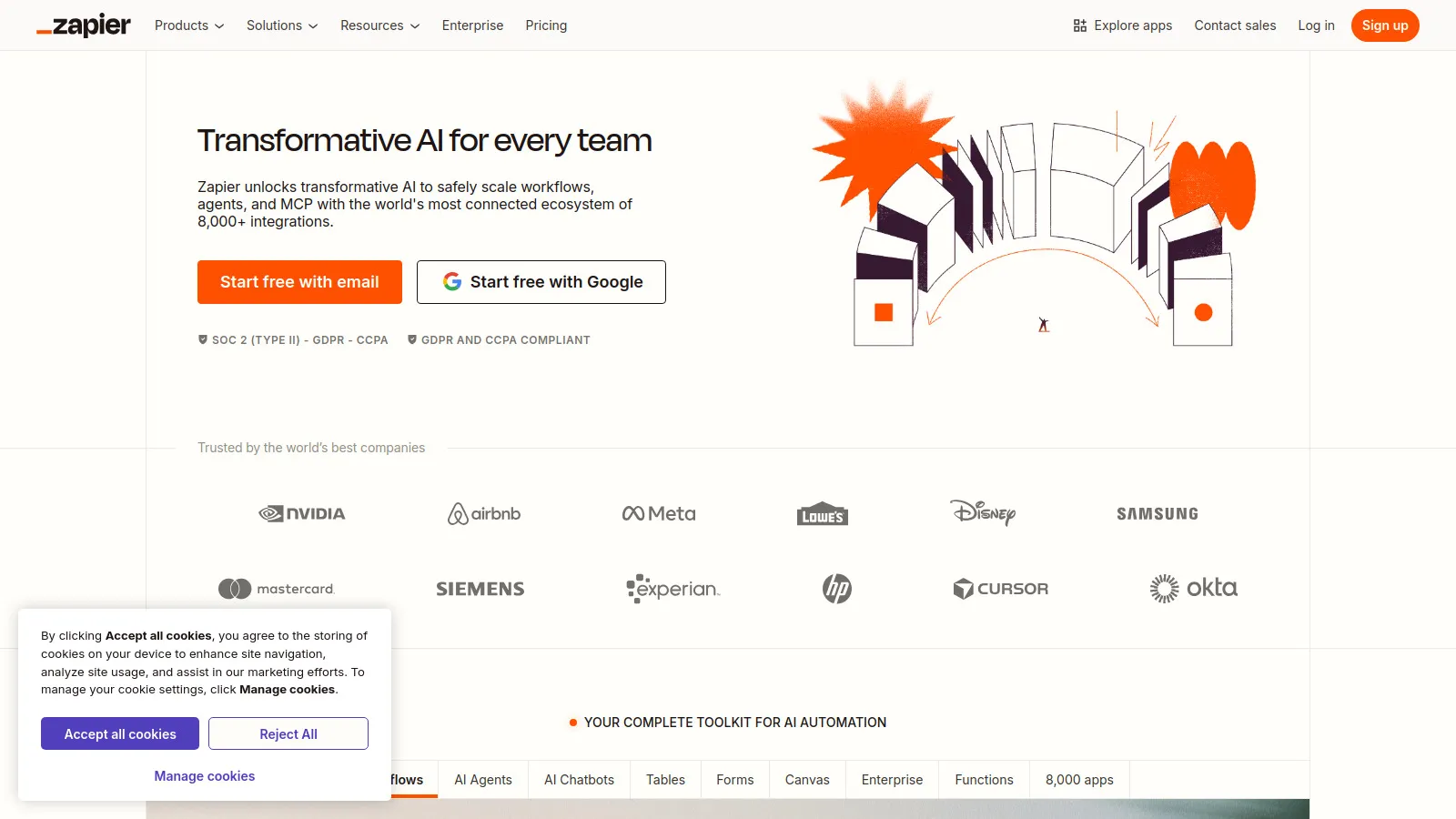
Zapier is the default choice for connecting apps. With 6,000+ integrations, it probably supports everything you use. The interface is simple enough for anyone. Start with the generous free tier.
Starting priceFree/$19.99
Strengths
Most integrations
Easy to use
Reliable
Good free tier
Templates
Multi-step zaps
Limitations
Gets expensive
Task limits
Less complex logic
Who it's for: Best starting point for anyone wanting app automation.
Make (formerly Integromat) handles complex automations that Zapier can't. Visual scenario builder, branching logic, and data transformation. More powerful but requires more learning.
Strengths
Complex logic
Visual builder
Data transformation
More affordable
Branching
Error handling
Limitations
Steeper learning curve
Less intuitive
Fewer integrations
Who it's for: Great for power users who outgrow Zapier.
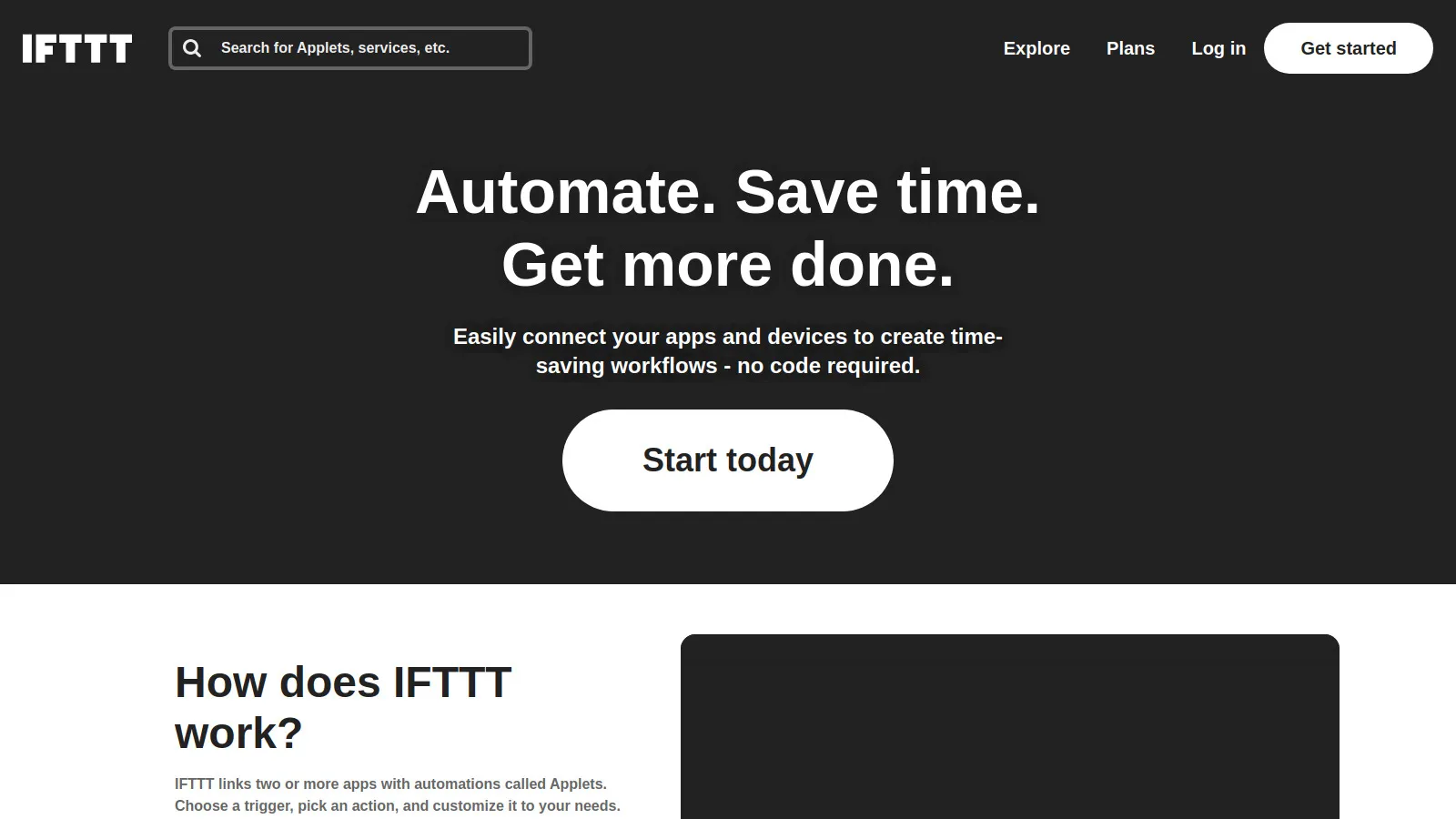
IFTTT (If This Then That) is the simplest automation tool. Perfect for basic triggers and actions, especially with smart home devices. The free tier is surprisingly generous.
Starting priceFree/$3.49
Strengths
Easiest to use
Good free tier
Smart home focus
Consumer apps
Simple triggers
Reliable
Limitations
Basic only
One trigger/action
Limited logic
Who it's for: Best for simple automations and smart home.
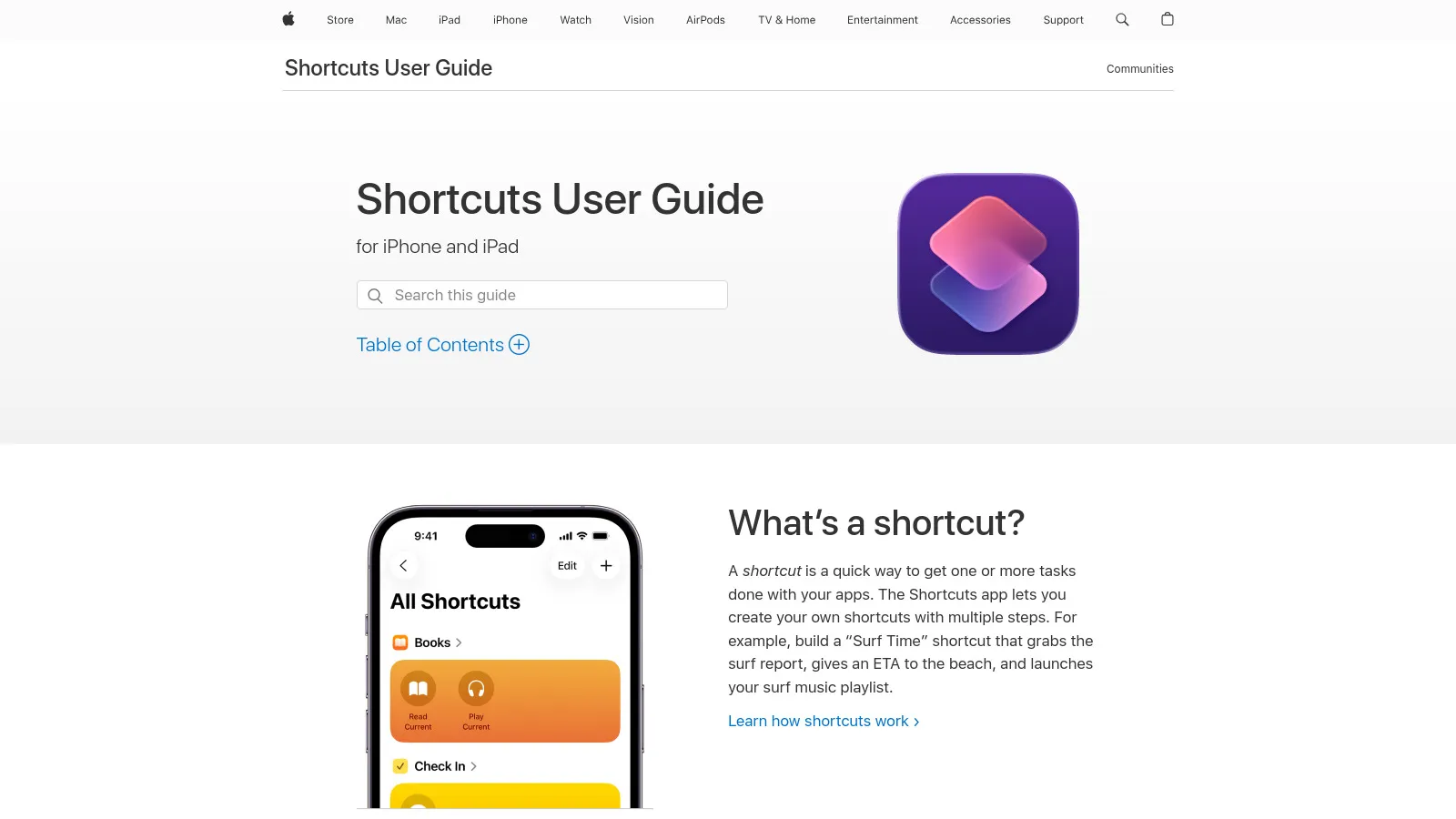
Apple Shortcuts is built into iOS and macOS. Automate device actions, create workflows, and trigger with Siri. Free and well-integrated, but limited to Apple ecosystem.
Starting priceFree
Strengths
Free
Built-in
Siri integration
Device automation
Share sheet
Widget support
Limitations
Apple only
Can be buggy
Limited web services
Who it's for: Essential for Apple users wanting device automation.
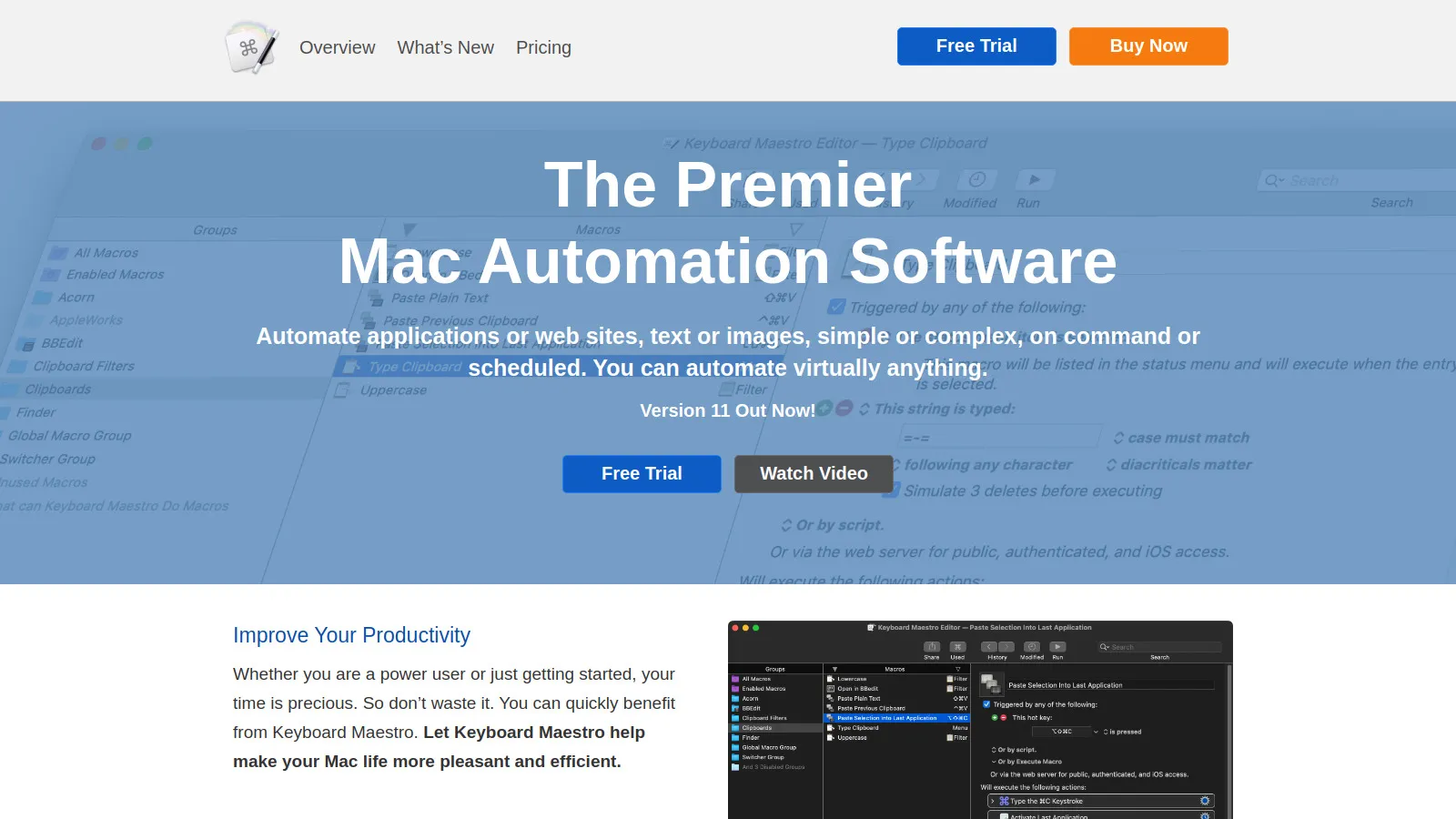
Keyboard Maestro is the most powerful Mac automation tool. Control apps, create complex macros, automate repetitive tasks. One-time payment for unlimited power.
Starting price$36
Strengths
Most powerful Mac automation
One-time payment
Keyboard macros
App control
Text expansion
Clipboard history
Limitations
Mac only
Steep learning curve
Complex
Who it's for: Essential for Mac power users wanting deep automation.
n8n is an open-source automation platform you can self-host. Full control over your data and workflows. Technical to set up but powerful and free if you host yourself.
Starting priceFree/$20
Strengths
Self-hosted option
Open source
Full control
No vendor lock-in
Complex workflows
Developer-friendly
Limitations
Technical setup
Self-hosting required for free
Less polished
Who it's for: Best for technical users wanting control and self-hosting.