Developer productivity is about protecting flow state, reducing context switching, and automating the boring stuff. We surveyed 100+ developers and tested their recommended tools to find which actually improve coding output versus which are just hype.
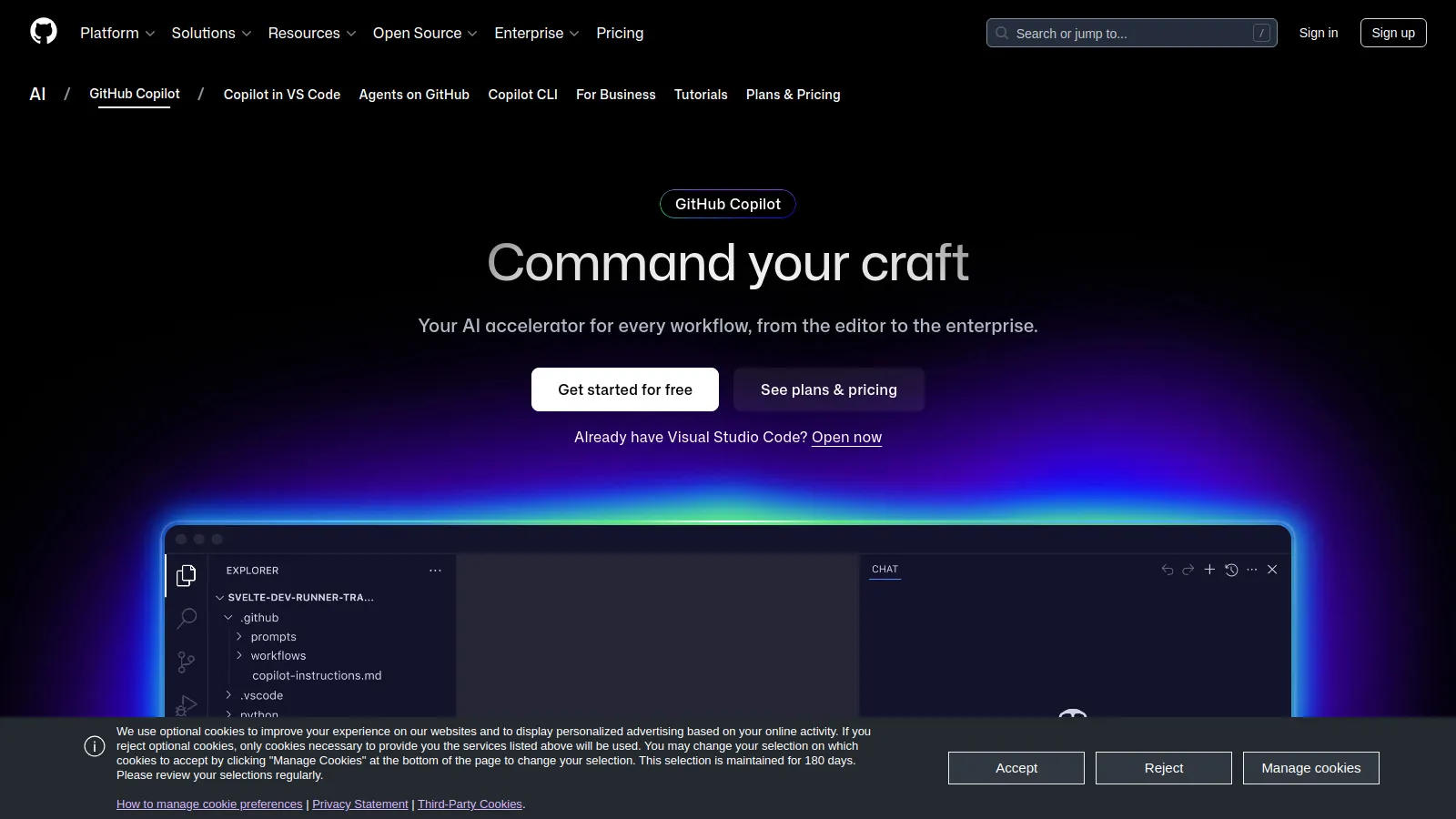
GitHub Copilot is the productivity multiplier most developers swear by. It suggests code as you type, understands context, and handles boilerplate. The chat feature explains code and suggests fixes. At $10/month, the ROI is clear.
Starting price$10/mo
Strengths
AI code completion
Context-aware
Works in any IDE
Chat feature
Explains code
Test generation
Limitations
Subscription required
Can suggest wrong code
Privacy considerations
Who it's for: Essential for any professional developer.
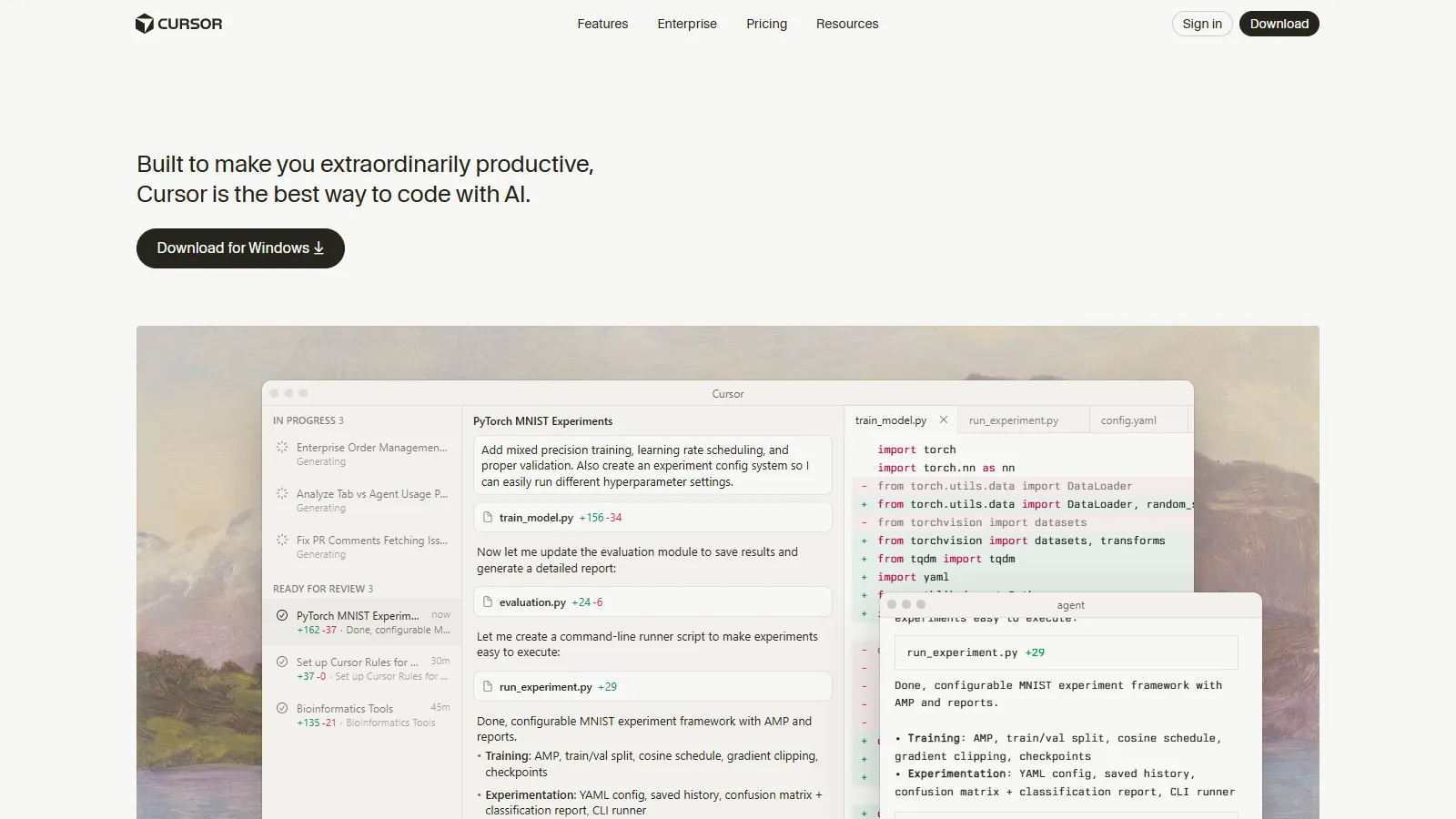
Cursor is an AI-first code editor that understands your entire codebase. Chat about your code, get intelligent refactoring suggestions, and use AI that knows your project structure. More integrated than Copilot in a traditional IDE.
Starting price$20/mo
Strengths
Codebase-aware AI
Built-in chat
Smart refactoring
VS Code familiar
Fast and modern
Composer feature
Limitations
New editor to learn
More expensive
Some bugs
Who it's for: Best for developers wanting deeper AI integration.
Raycast replaces Spotlight with a developer-focused launcher. Quick access to code snippets, GitHub, documentation, and more. The extension marketplace covers most developer tools. Built-in AI for quick queries.
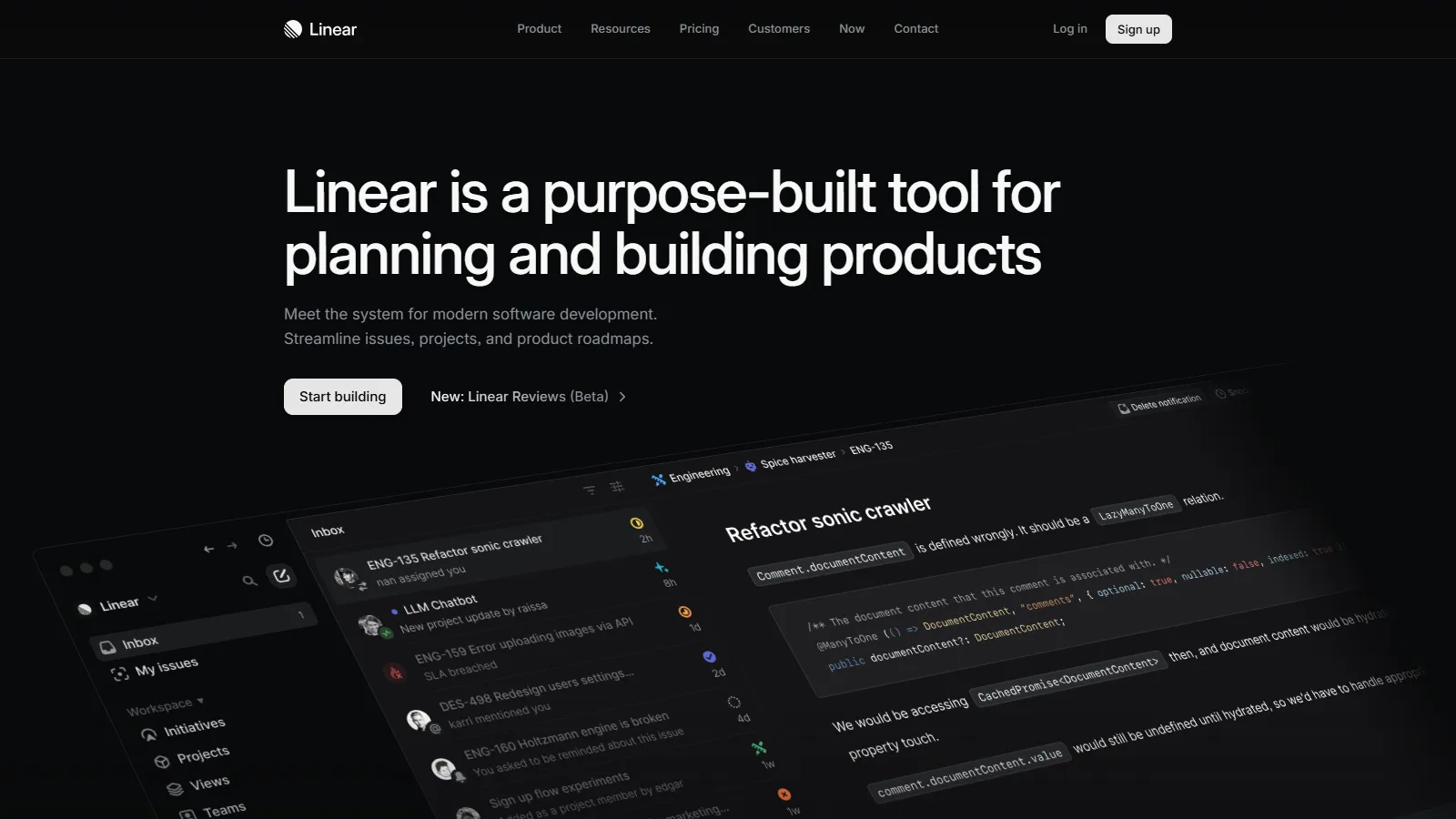
Linear is the issue tracker developers actually enjoy using. Keyboard-first design, instant search, and beautiful UI. GitHub integration syncs issues with PRs. The fastest way to manage development work.
Starting priceFree/$8
Strengths
Fastest issue tracker
Keyboard shortcuts
Beautiful UI
GitHub sync
Cycles
Triage workflow
Limitations
Less customizable
Opinionated workflow
Team adoption needed
Who it's for: Best for teams tired of slow, clunky issue trackers.
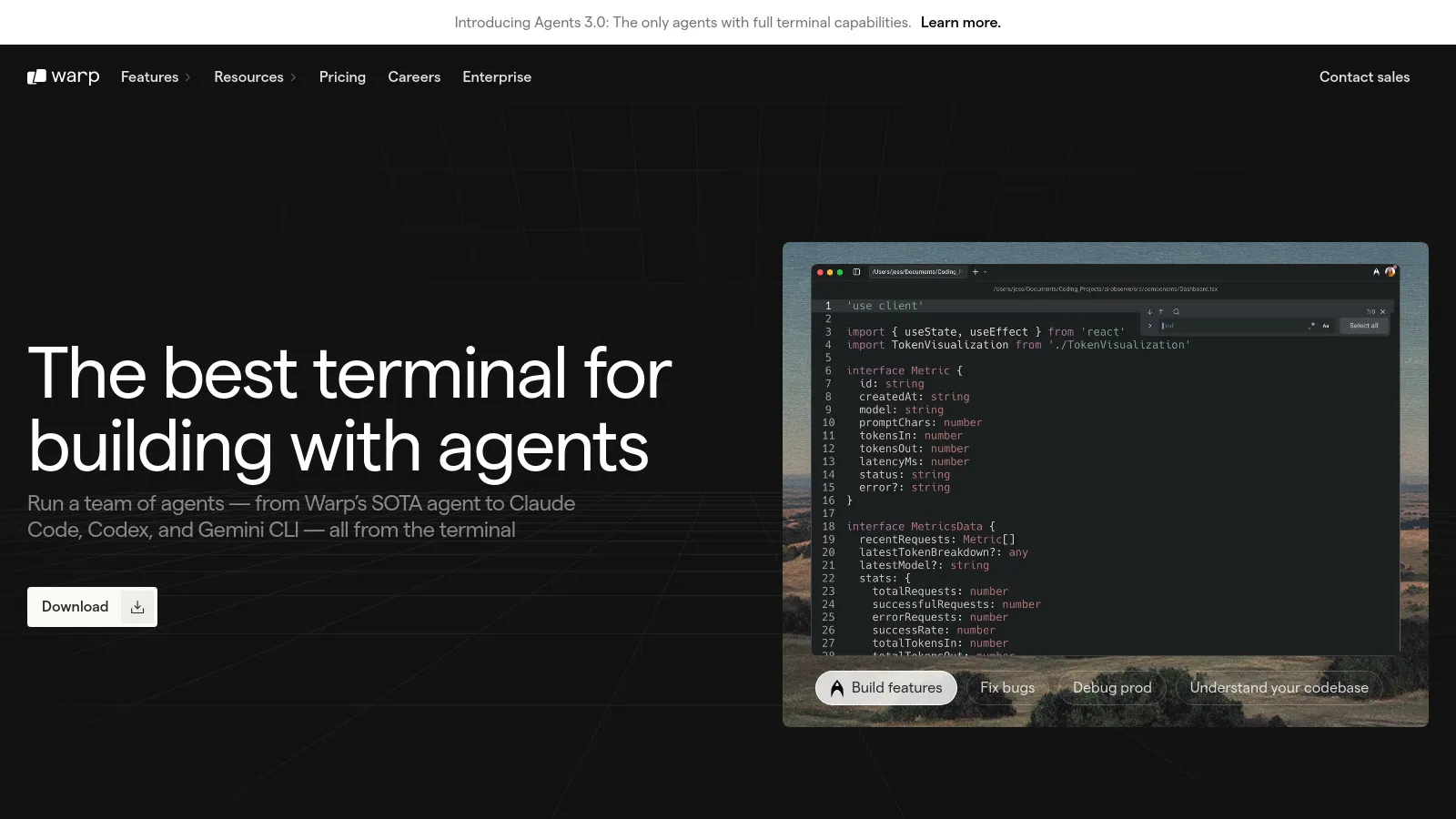
Warp reimagines the terminal with AI, command blocks, and modern UX. Ask AI to explain or write commands. Block-based output makes it easy to work with results. Feels like a modern app versus legacy terminals.
Starting priceFree/$15
Strengths
AI command help
Block-based output
Modern interface
Fast
Shareable workflows
Collaboration
Limitations
Mac/Linux only
Account required
Different workflow
Who it's for: Great for developers wanting a modern terminal.
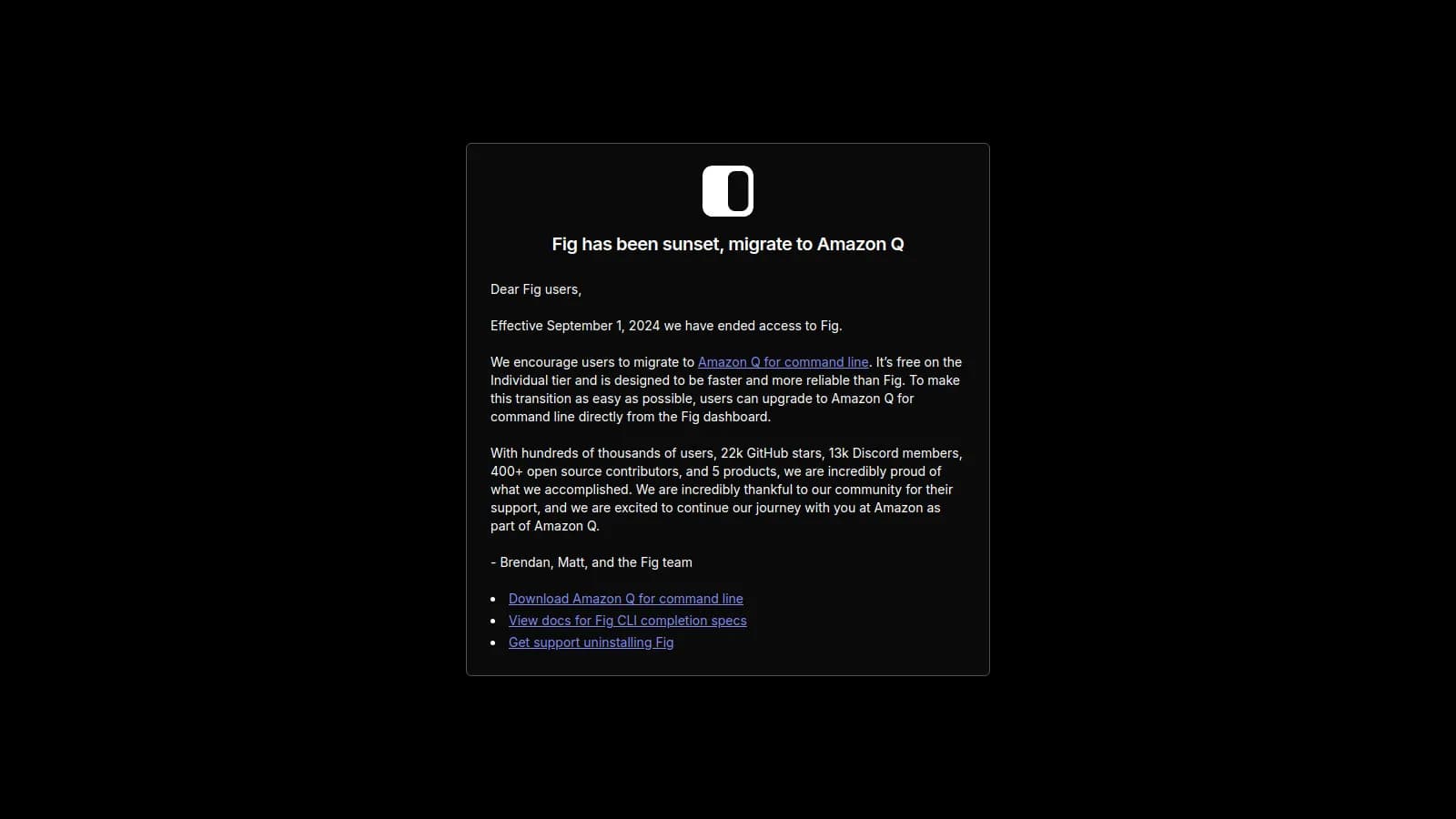
Fig adds IDE-style autocomplete to your terminal. Tab through suggestions for commands, flags, and arguments. Works with any shell. Dotfiles sync keeps your setup consistent across machines.
Starting priceFree
Strengths
Terminal autocomplete
Dotfiles sync
Free
Works with any shell
Script marketplace
Fast
Limitations
Mac/Linux only
Occasional bugs
Learning curve
Who it's for: Essential free tool for terminal power users.
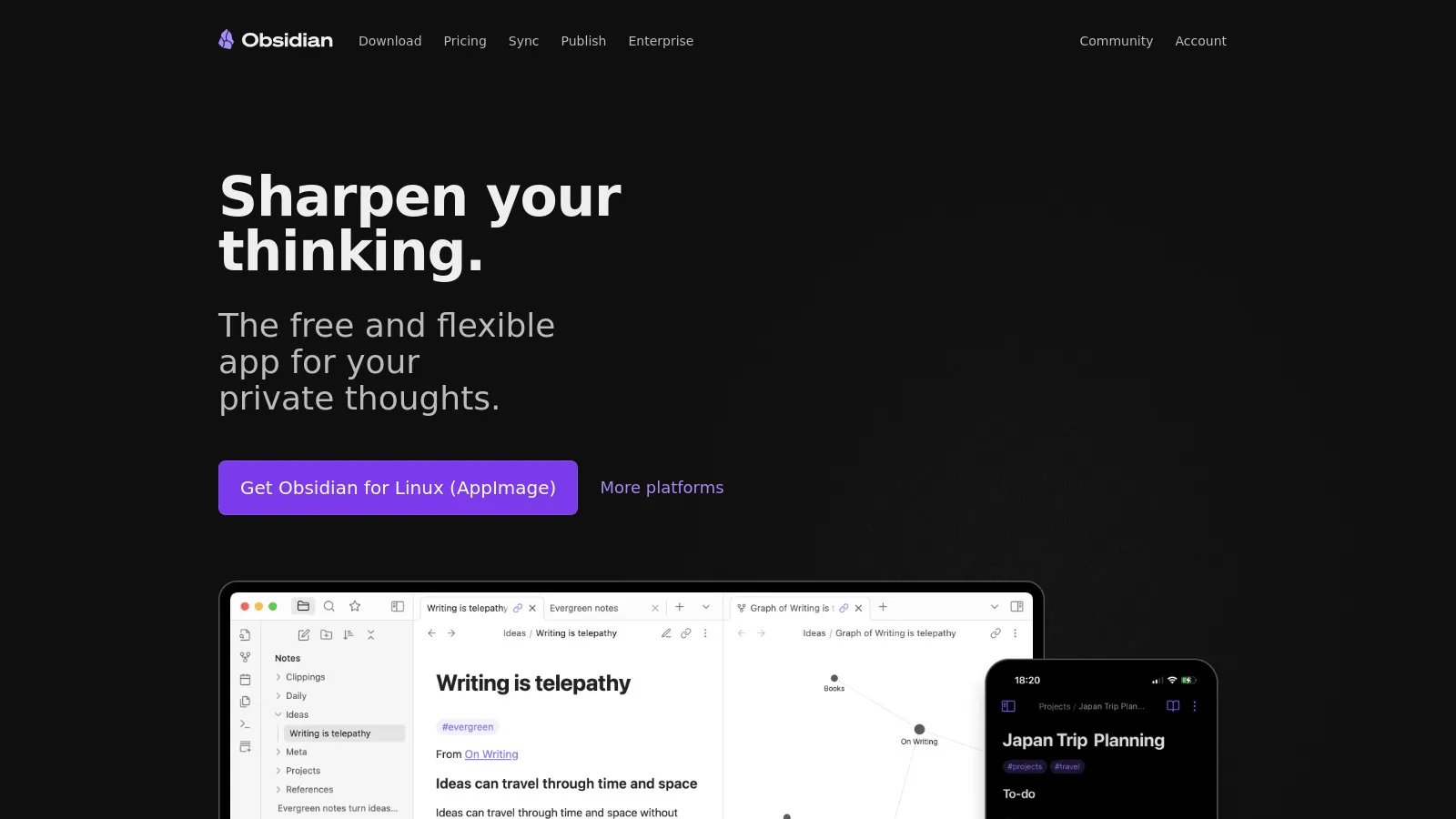
Obsidian is the note-taking app developers love. Markdown files, local storage, and a massive plugin ecosystem. Build a personal wiki, track learnings, and link ideas. Plugins add AI and developer-specific features.
Starting priceFree
Strengths
Markdown-first
Local files
Plugin ecosystem
Linking
Customizable
Free for personal
Limitations
Learning curve
Sync costs extra
Plugin quality varies
Who it's for: Best for developers who want control over their notes.
Copilot works in any IDE you already use. Cursor is an AI-first editor that offers deeper integration but requires switching editors. Many developers use both.
If your team is frustrated with Jira or GitHub Issues, Linear's speed and UX are worth the switch. Migration is straightforward.
Raycast (free tier) + Fig + Obsidian + Linear (free tier). Covers launcher, terminal, notes, and issues at $0.