9 Best Productivity Tools for Writers and Authors in 2026
Writers need tools that support the creative process, not interrupt it. We surveyed published authors, content writers, and journalists to find which tools actually improve writing output. These 9 help you write more and write better.
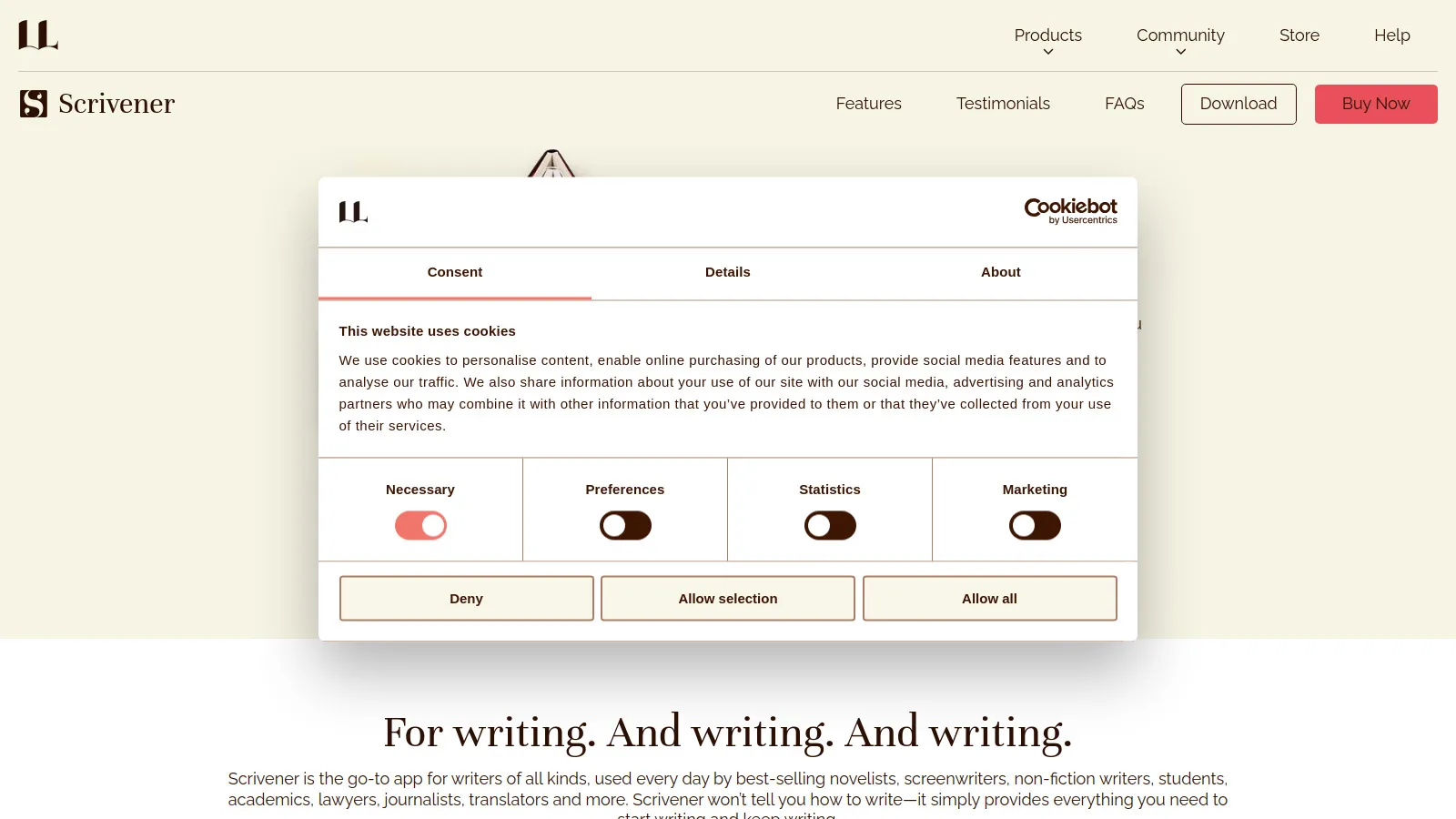
Scrivener is the gold standard for book writing. Organize chapters, scenes, and research in one project. The binder keeps everything accessible. Compile to any format when ready to publish.
Starting price$49
Strengths
Built for books
Excellent organization
Research management
Compile feature
Corkboard view
One-time payment
Limitations
Learning curve
Dated interface
iOS sync can be tricky
Who it's for: Essential for anyone writing books or long-form content.
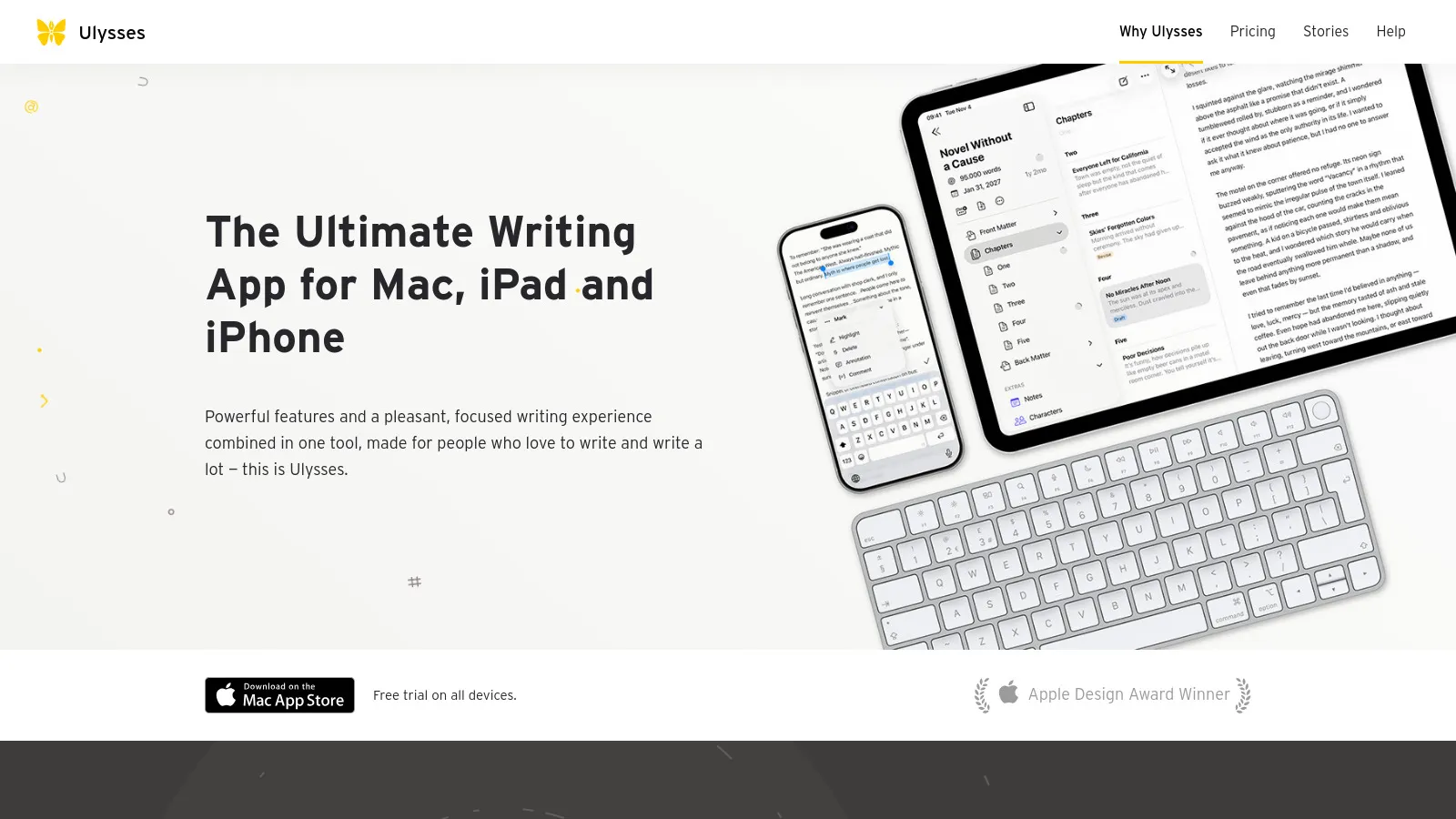
Ulysses offers the most beautiful writing experience on Mac and iOS. Markdown-first, with excellent organization and direct publishing to WordPress, Medium, and more. The subscription includes all platforms.
Starting price$5.99/mo
Strengths
Beautiful interface
Markdown-first
iCloud sync
Direct publishing
Goals and statistics
Dark mode
Limitations
Subscription only
Apple only
Less for complex projects
Who it's for: Perfect for Apple users wanting a beautiful writing app.
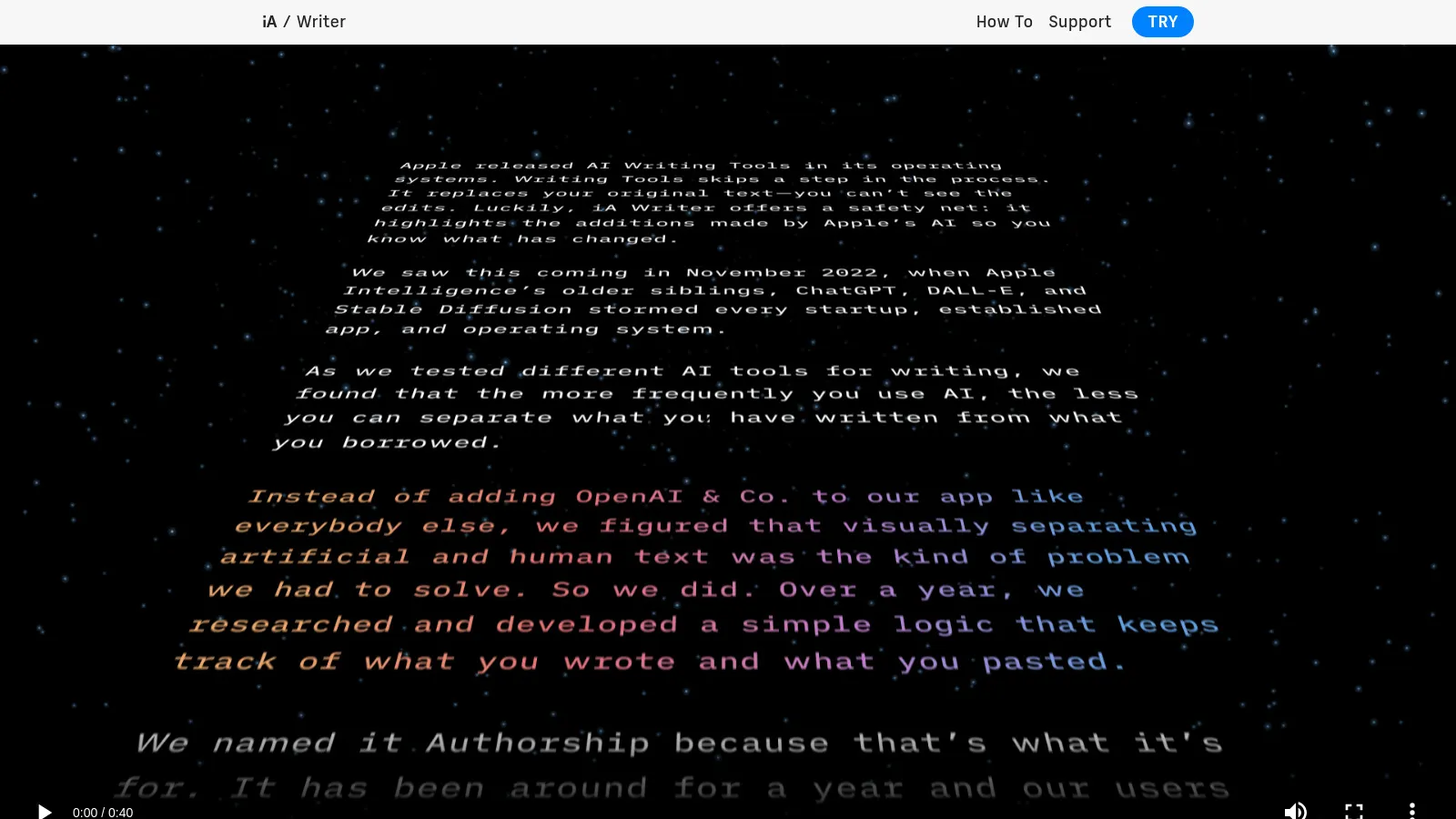
iA Writer strips away everything except the text. Focus mode dims everything but the current sentence. Syntax highlighting shows structure. One-time payment for a tool that lasts.
Starting price$29.99
Strengths
Minimal design
Focus mode
Syntax highlighting
Cross-platform
One-time payment
Style check
Limitations
Basic organization
Less for long projects
Few features
Who it's for: Best for writers who want distraction-free simplicity.
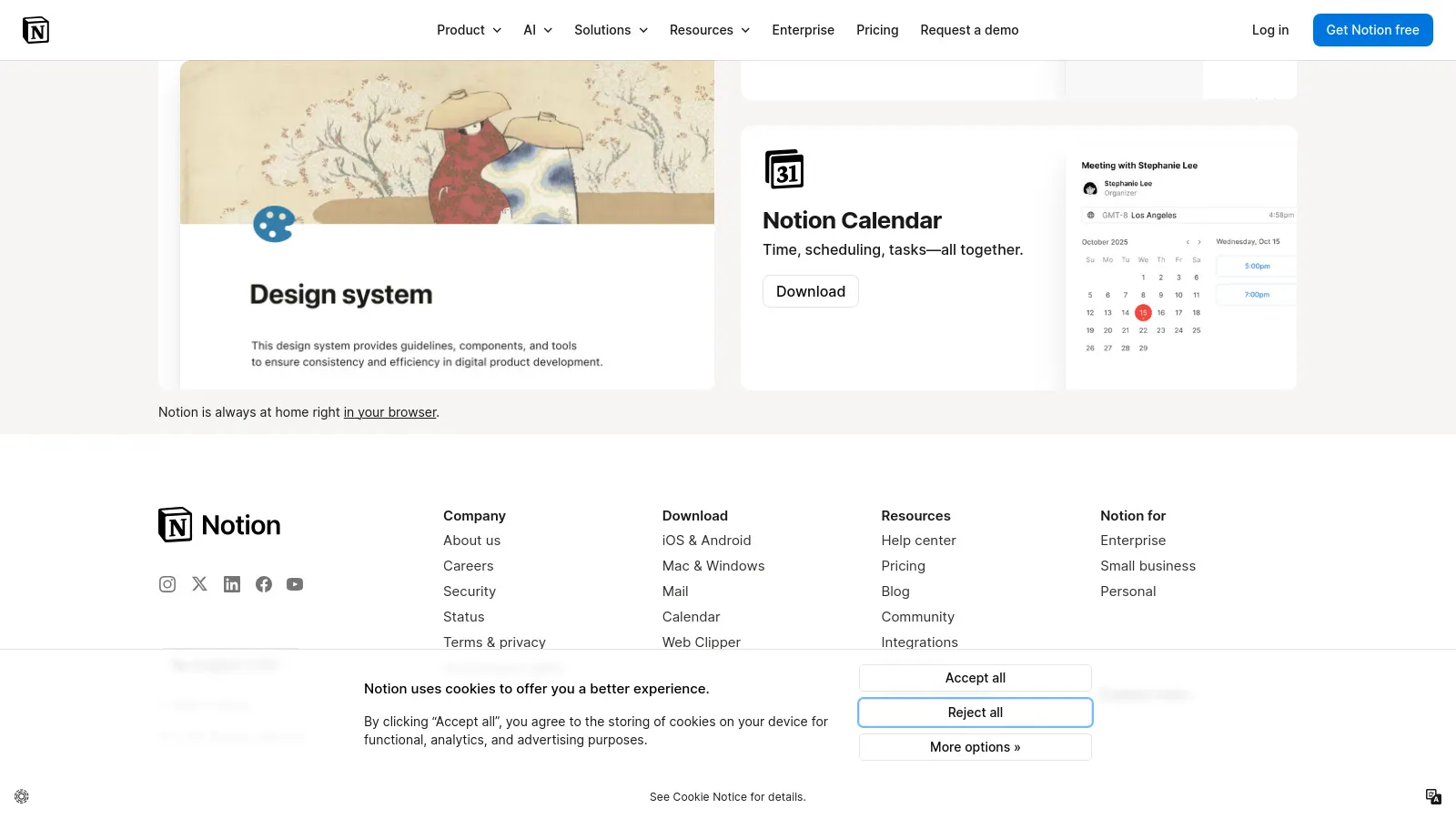
Notion excels at content planning and research organization. Build content calendars, store research, and plan projects. Less ideal for actual writing but perfect for the surrounding workflow.
Starting priceFree/$8
Strengths
Content calendars
Research databases
Collaboration
Flexible
Free tier
Templates
Limitations
Not a writing app
No offline
Can be distracting
Who it's for: Great for content planning alongside a dedicated writing app.
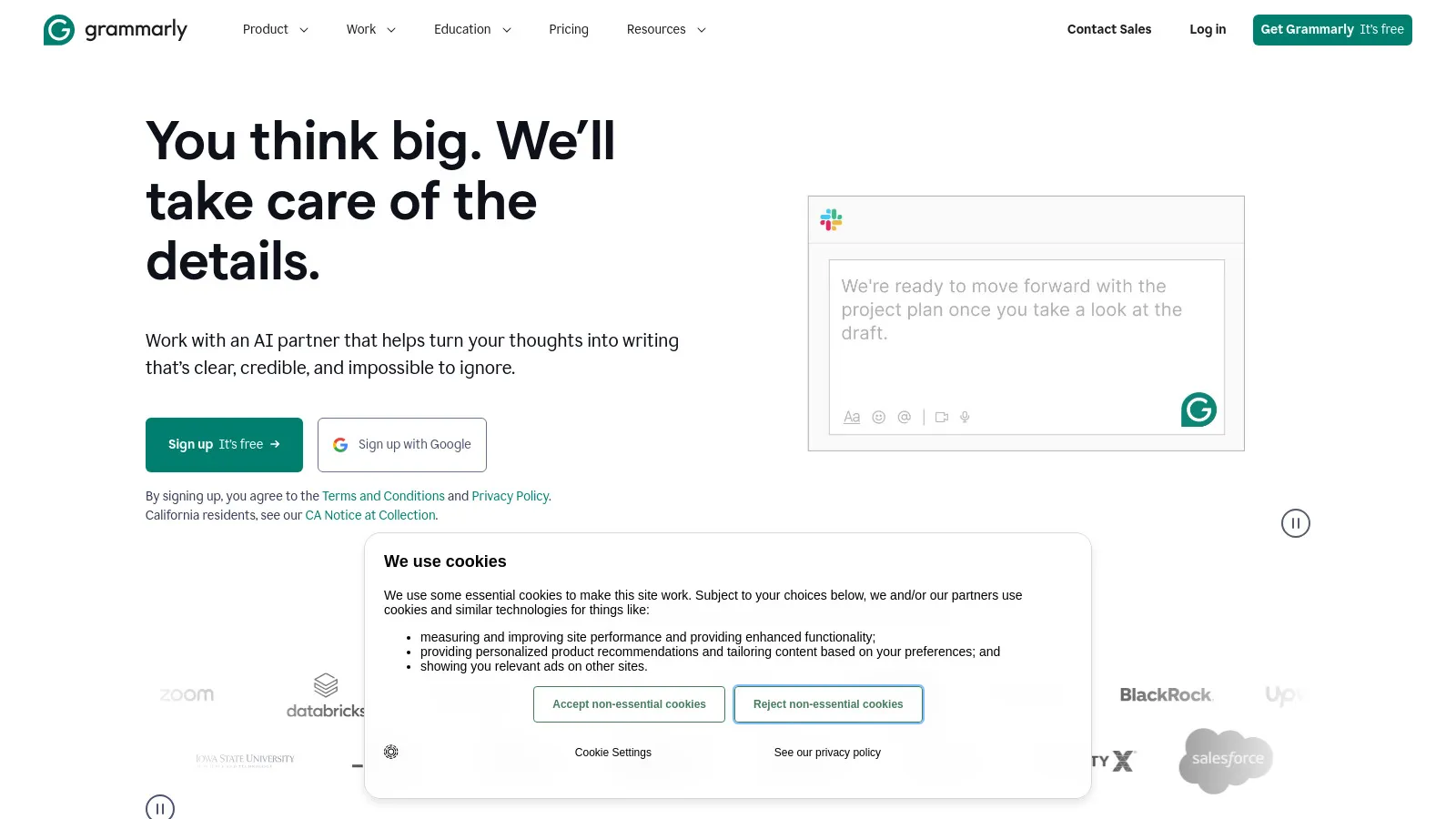
Grammarly catches errors everywhere you write. The browser extension, desktop app, and integrations mean consistent editing across tools. Premium adds style and tone suggestions.
Starting priceFree/$12
Strengths
Works everywhere
Grammar + style
Good free tier
Tone detection
AI suggestions
Reliable
Limitations
Can be prescriptive
Subscription for premium
Sometimes wrong
Who it's for: Essential editing tool for any writer.
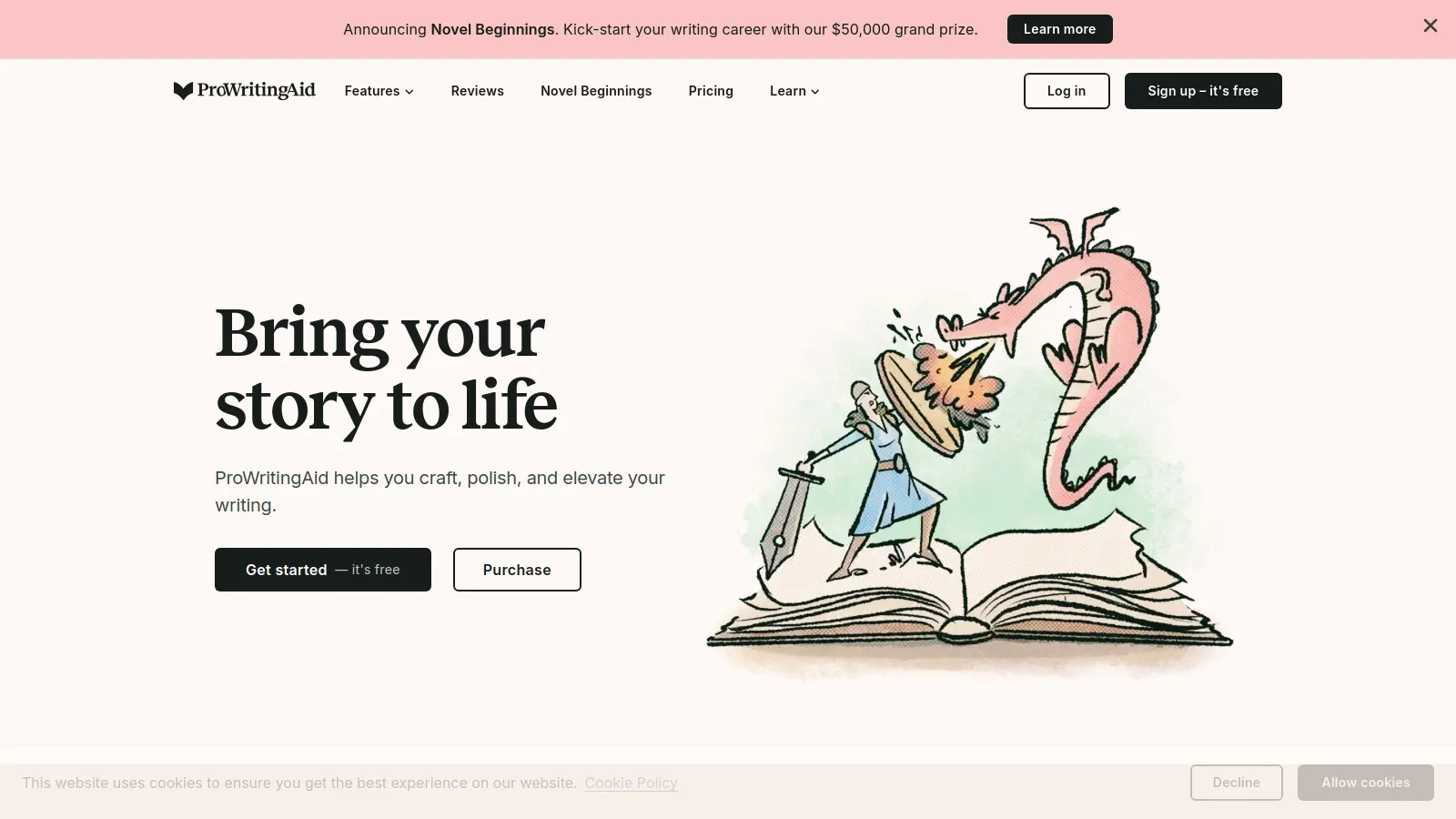
ProWritingAid goes deeper than Grammarly with writing reports and style analysis. Identify overused words, pacing issues, and readability problems. The lifetime deal makes it affordable long-term.
Starting price$20/mo
Strengths
Deep analysis
Writing reports
Style checking
Lifetime option
Learning focus
Scrivener integration
Limitations
Overwhelming at first
Slower checks
Less polish
Who it's for: Great for writers wanting to improve, not just correct.
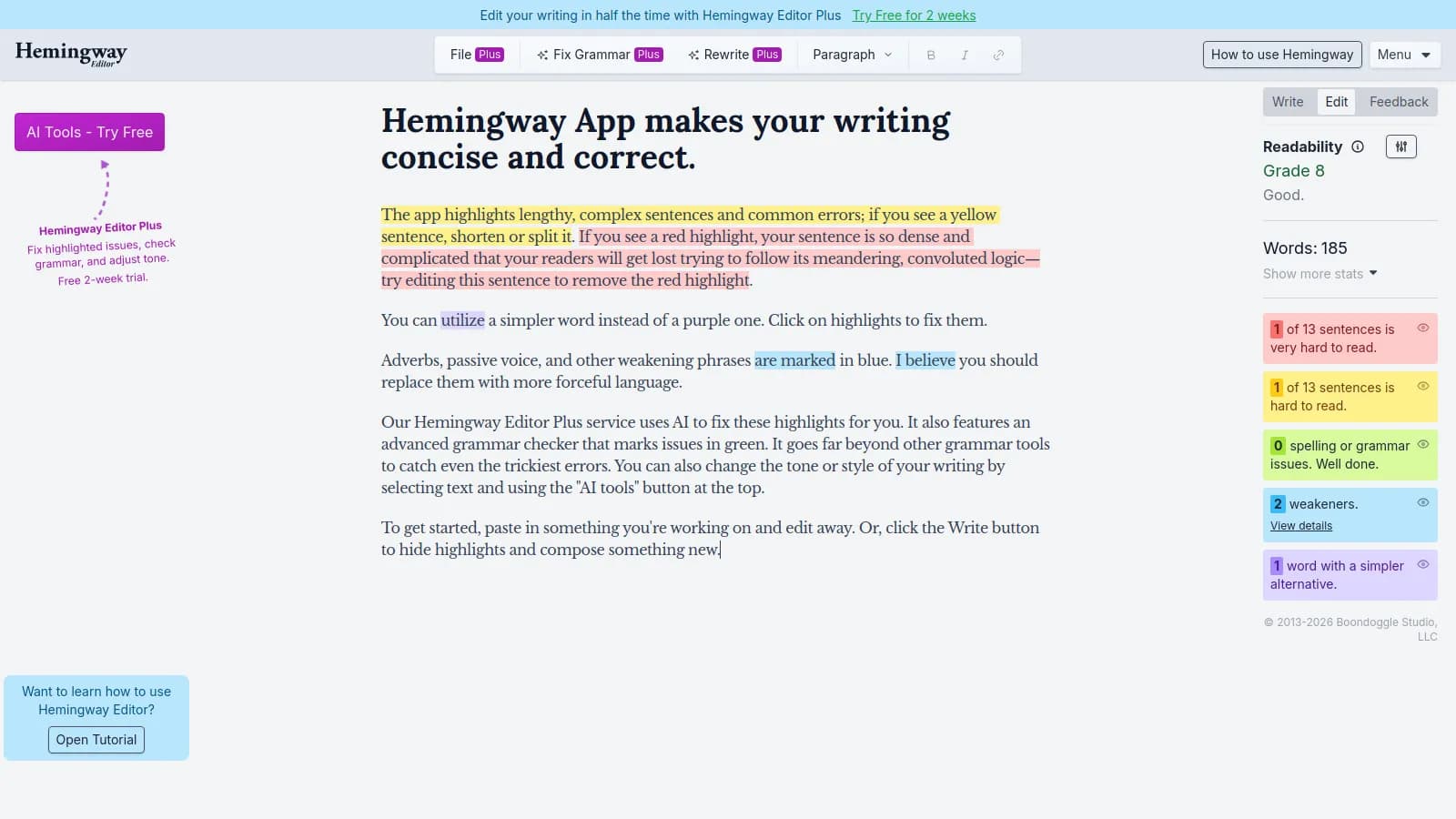
Hemingway highlights complex sentences, passive voice, and readability issues. Simple color coding makes problems obvious. The free web version is genuinely useful.
Strengths
Readability focus
Color coding
Free web version
Simple interface
Grade level
Passive voice detection
Limitations
Basic features
No integration
One-purpose tool
Who it's for: Perfect for making writing clear and readable.
Draft provides version control designed for writers. See every change, compare versions, and collaborate with editors. Simple web interface focused on the writing workflow.
Starting priceFree/$4
Strengths
Version control
Change tracking
Collaboration
Simple
Web-based
Good free tier
Limitations
Basic editor
Web only
Less for long-form
Who it's for: Great for writers who need version control and collaboration.
Freedom blocks distractions across all your devices. Schedule focused writing sessions, block specific sites, or go completely offline. Essential for writers who struggle with internet temptation.
Starting price$8.99/mo
Strengths
Cross-device blocking
Scheduled sessions
Locked mode
Blocklists
Reliable
Necessary for many
Limitations
Subscription
Can be too restrictive
Workarounds exist
Who it's for: Essential for writers who need help avoiding distractions.