6 Best Research Organization Tools for Deep Work in 2026
We tested 12+ research tools to find the best for collecting and synthesizing information. These tools help you save articles, organize references, highlight key passages, and build a knowledge base that supports deep thinking.
Readwise is the highlight aggregator every researcher needs. Syncs highlights from Kindle, Instapaper, Pocket, PDFs, and more. The Reader app is a beautiful read-later service. Daily review with spaced repetition ensures you remember what you read. Exports to Obsidian, Notion, and others.
Starting price$8/mo
Strengths
Syncs all highlights
Spaced repetition
Reader app included
Great exports
Beautiful interface
Limitations
Subscription required
No citation management
Learning curve
Dependent on integrations
Who it's for: Best for avid readers who want to remember and use what they read.
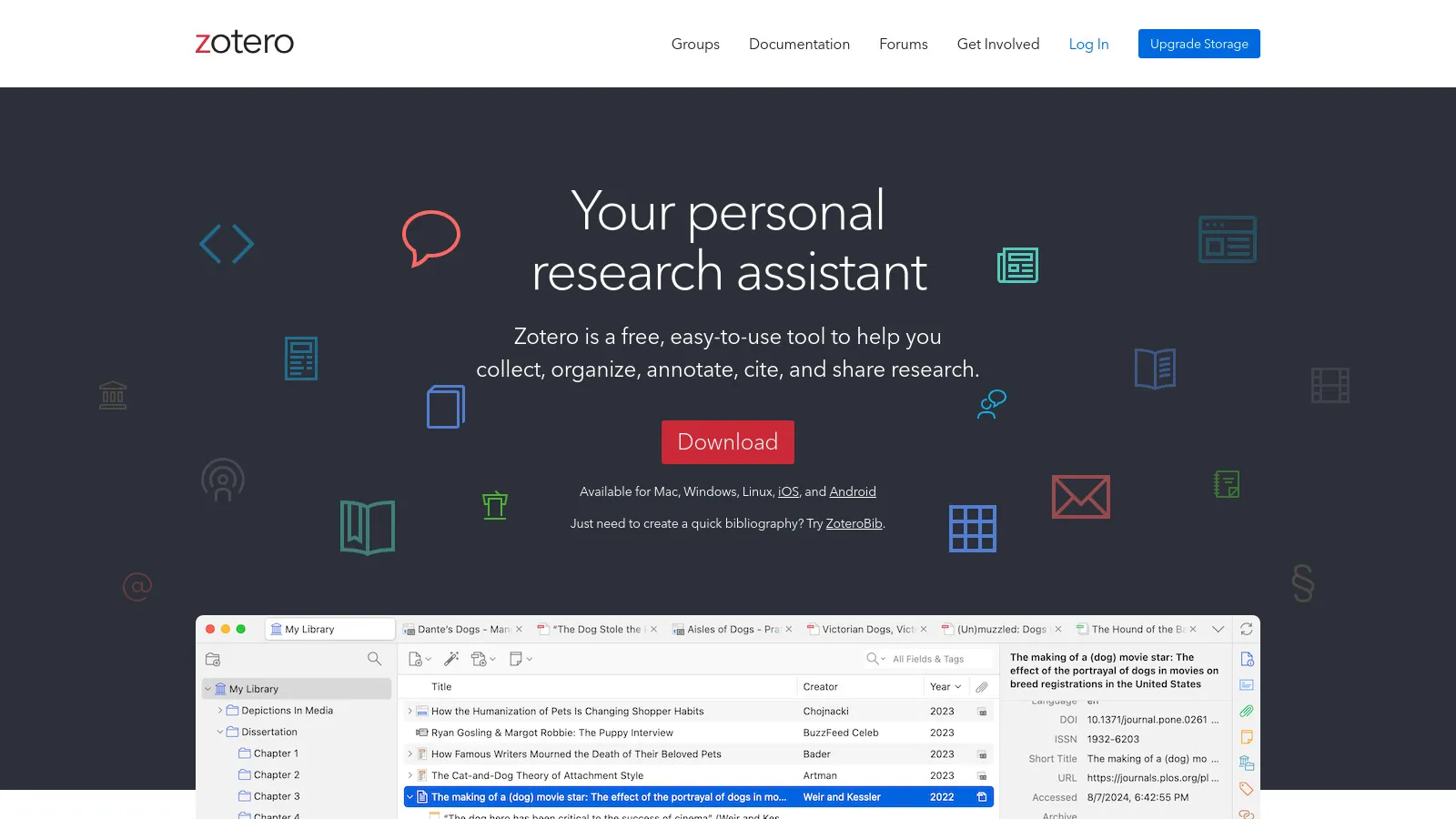
Zotero is the academic standard for reference management. Browser extension captures citations with one click. PDF storage and annotation built-in. Generates bibliographies in any citation style. Free and open-source with huge community.
Starting priceFree
Strengths
Free and open source
Best citations
PDF annotation
Large community
Word integration
Limitations
Academic-focused
Dated interface
Limited cloud storage
Not for general reading
Who it's for: Best for academics and students who need citation management.
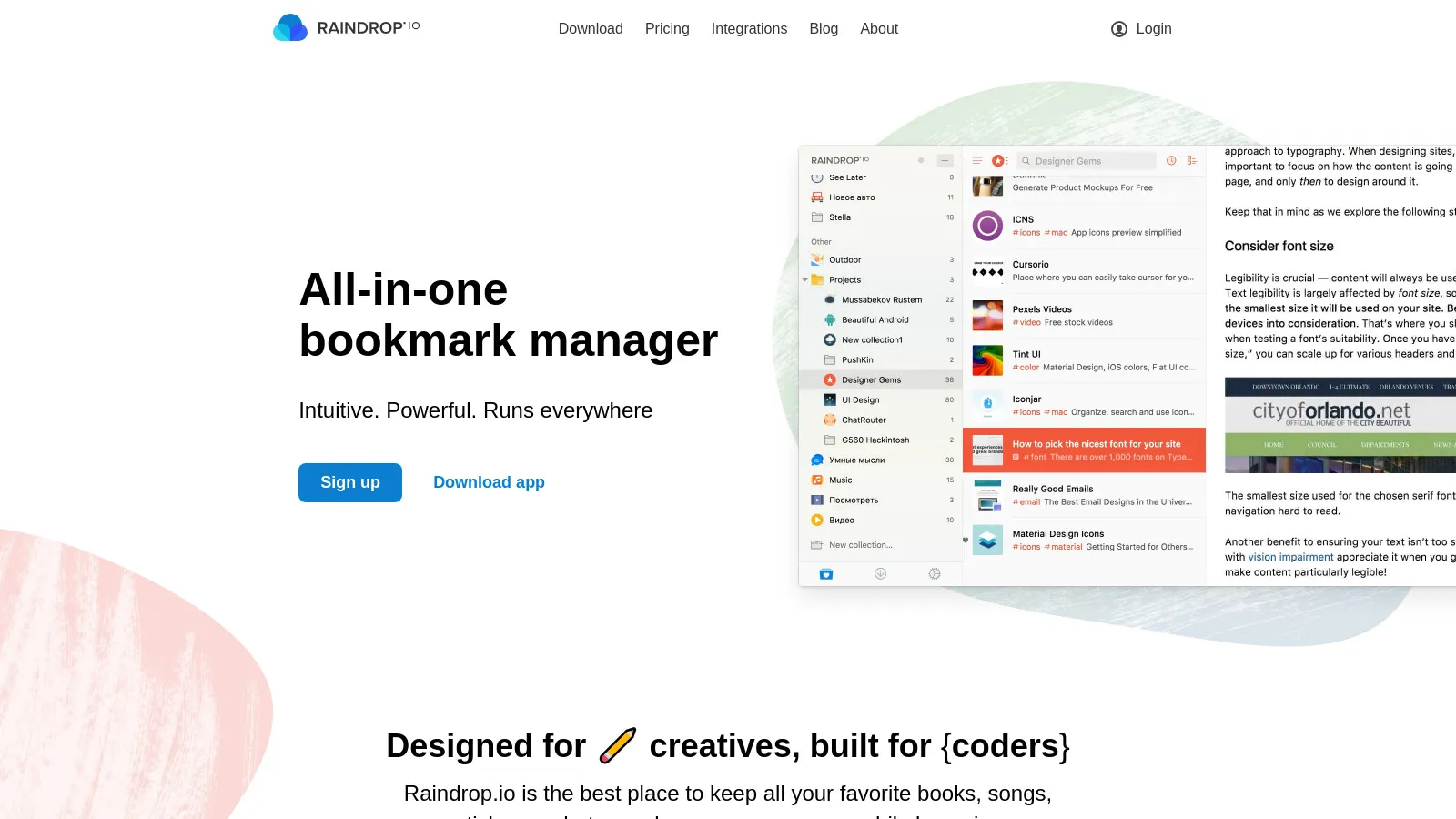
Raindrop is the most beautiful bookmark manager available. Nested collections organize complex research. Full-text search finds content you forgot you saved. Permanent copies preserve pages even if they disappear. Collaborative collections for team research.
Starting priceFree
Strengths
Beautiful design
Nested collections
Full-text search
Permanent copies
Affordable
Limitations
Bookmarks only
Limited notes
No synthesis
Basic highlights
Who it's for: Best for researchers who save lots of web content and need great organization.
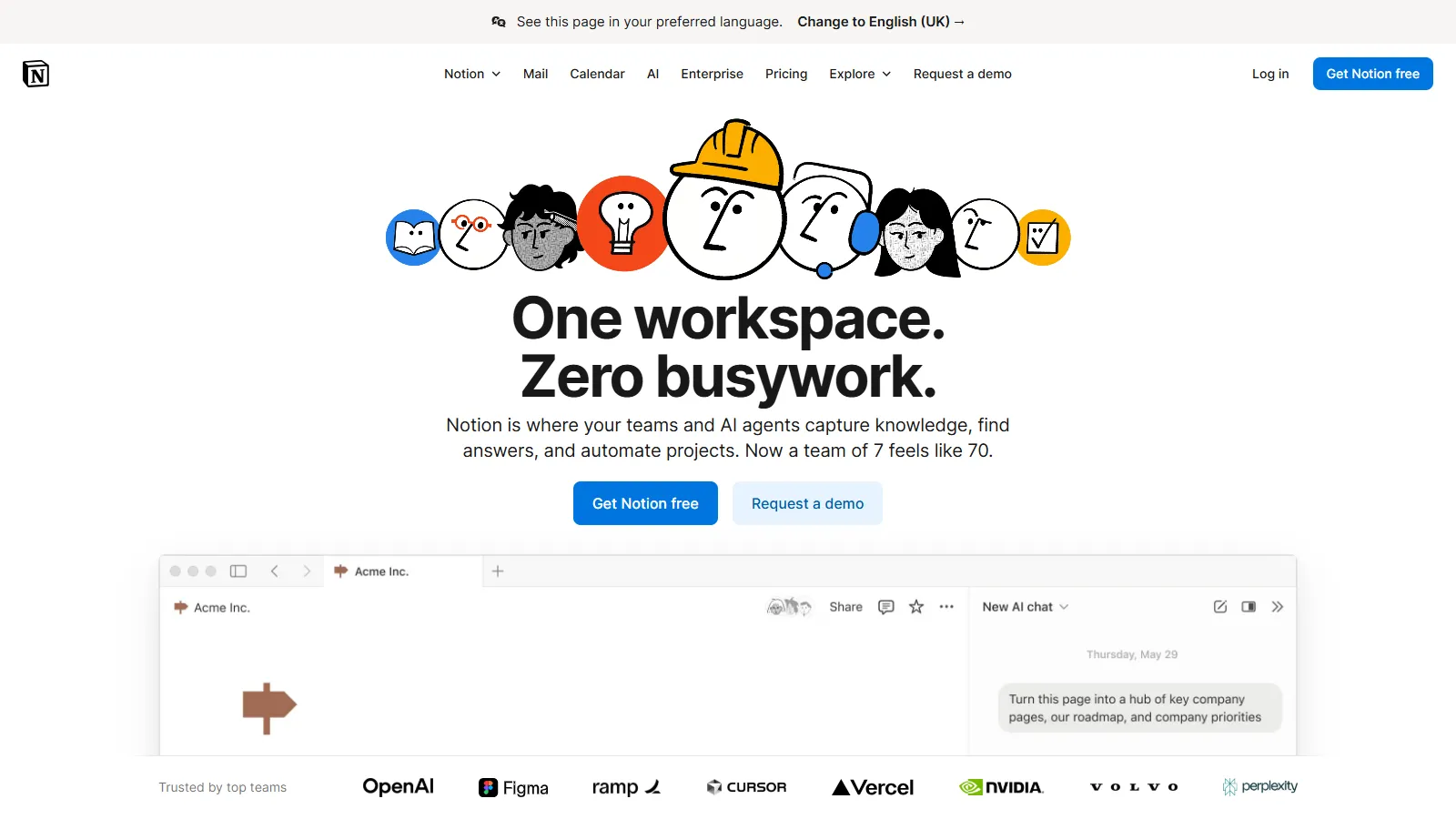
Notion works as a research hub when you need capture and synthesis together. Web clipper saves articles. Databases track sources with status, tags, and notes. Write synthesis docs alongside your sources. All-in-one reduces tool switching.
Starting priceFree
Strengths
All-in-one
Database tracking
Web clipper
Synthesis space
Collaborative
Limitations
Clipper quality varies
No citation export
Can get messy
Offline limited
Who it's for: Best for researchers who want sources and synthesis in one place.
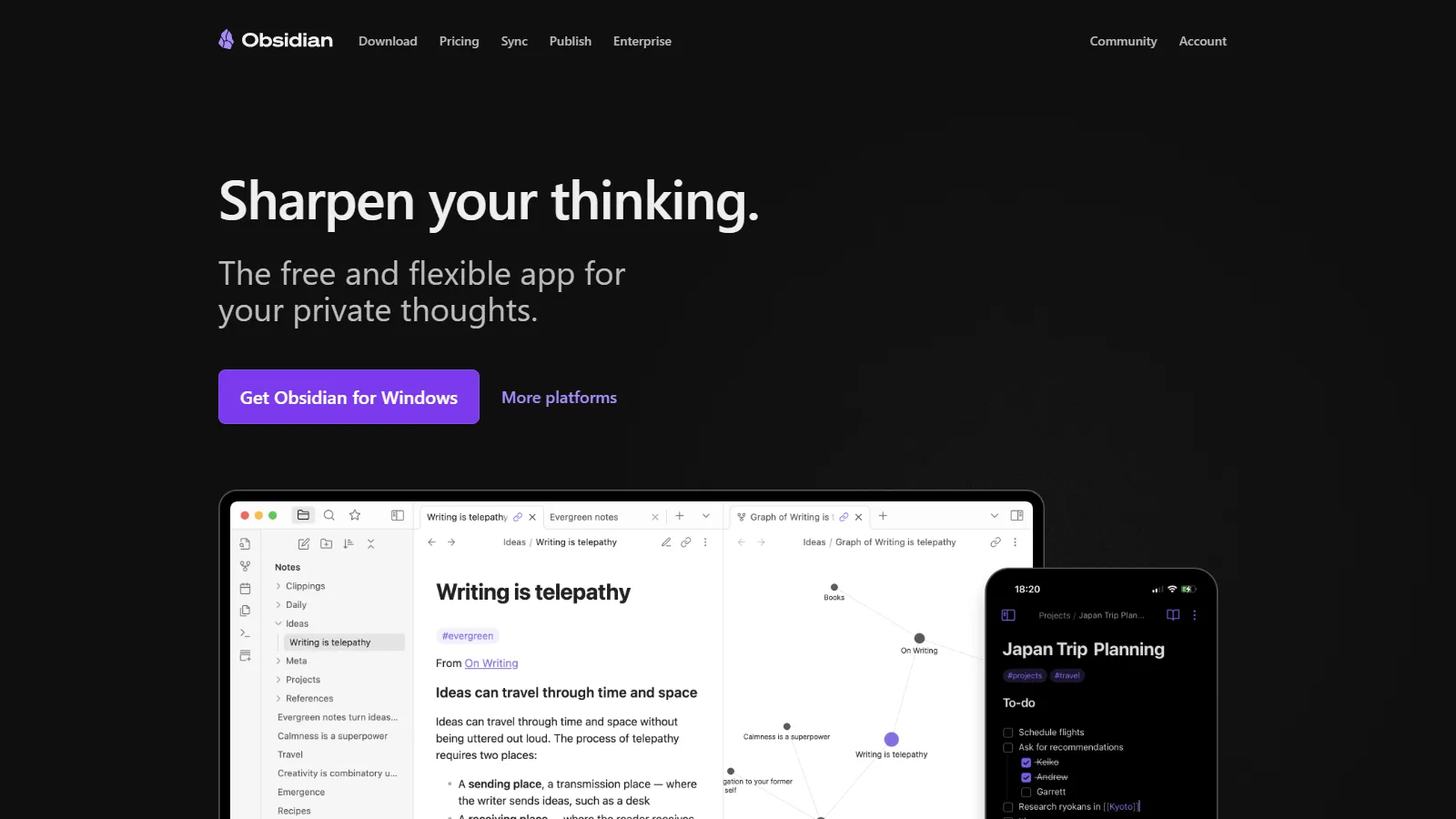
Obsidian excels at research synthesis through linked notes. Connect findings across sources. Graph view reveals patterns in your thinking. Literature note plugins import from Zotero. Local files mean you own your research forever.
Starting priceFree
Strengths
Great for synthesis
Linked notes
Zotero integration
Own your data
Plugin ecosystem
Limitations
Steeper learning curve
Capture requires plugins
Not read-later focused
Mobile less polished
Who it's for: Best for researchers focused on synthesizing and connecting ideas.
Pocket is the simplest save-for-later tool. One-click save from anywhere. Distraction-free reading view. Offline access on mobile. Tags for basic organization. Does one thing well without complexity.
Starting priceFree
Strengths
Simple to use
Great reading view
Offline access
Free tier
Cross-platform
Limitations
Basic organization
Highlights require premium
Limited search
No synthesis
Who it's for: Best for casual readers who want simple save-and-read.
We tested each tool for the complete research workflow.
Capture Speed (25%) — How fast you can save content for later.
Organization (25%) — Folders, tags, and structure options.
Retrieval (25%) — Search and rediscovery of saved content.
Synthesis (15%) — Ability to connect and synthesize findings.
Pricing (10%) — Value for research workflows.
How to Choose
Choose Readwise if you need read a lot.
Choose Zotero if you need academic research.
Choose Raindrop.io if you need save web content.
Choose Notion if you need want all-in-one.
Choose Obsidian if you need synthesize ideas.
Common Questions
Many researchers use a combination: a capture tool (Pocket, Raindrop) for saving, a reference manager (Zotero) for citations, and a PKM tool (Obsidian, Notion) for synthesis. Readwise bridges capture and PKM nicely.
Schedule regular processing time. Use progressive summarization - highlight first, then bold key parts, then write summaries. Delete or archive what you will never use. The goal is insight, not collection size.
Zotero has built-in PDF annotation. Readwise Reader handles PDFs too. Obsidian can annotate with plugins. For heavy PDF work, dedicated tools like PDF Expert or MarginNote may be worth adding.