We tested 20+ note-taking apps to find the best for professional work. These apps help you capture meeting notes, organize research, document processes, and build a personal knowledge base.
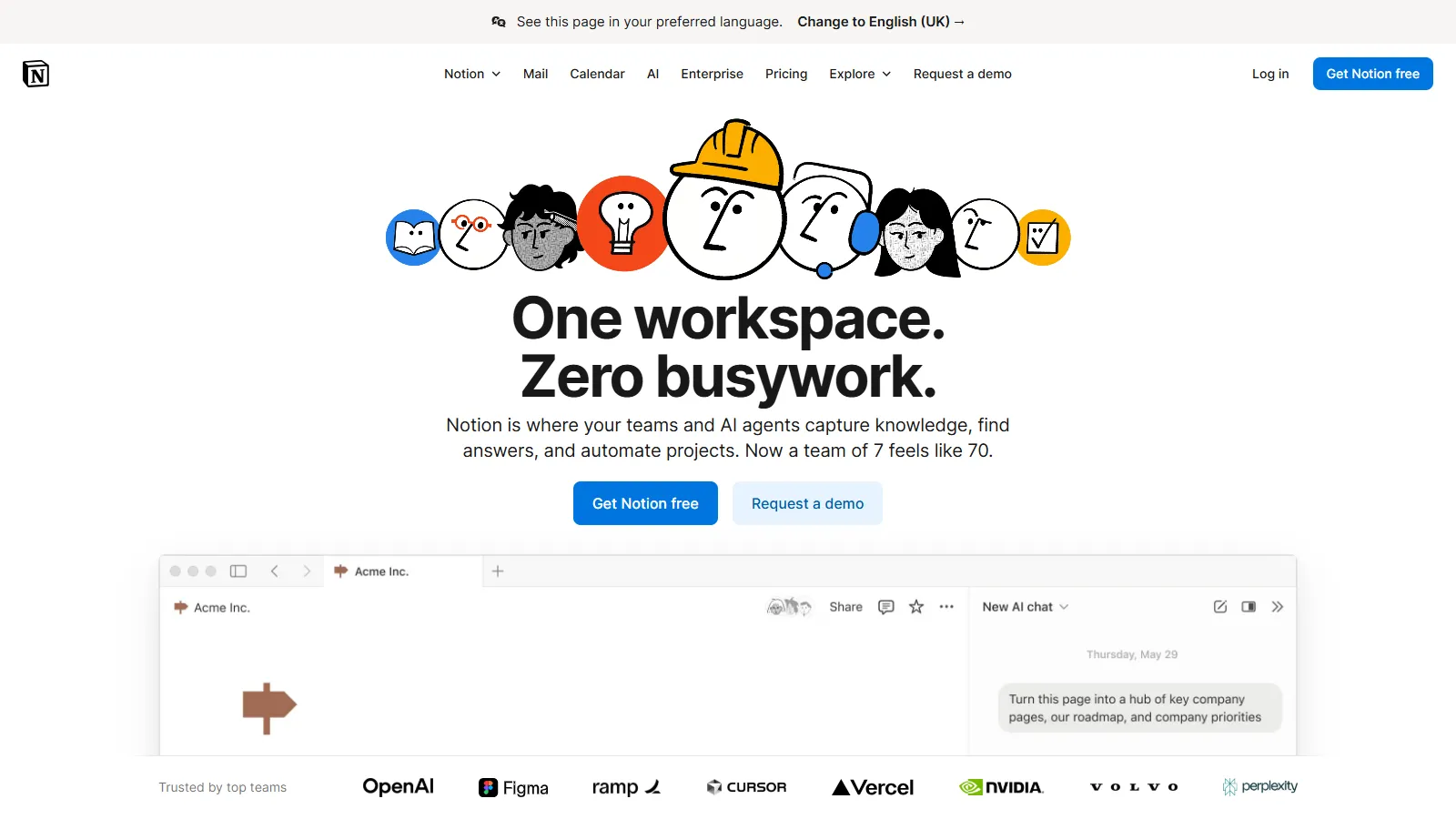
Notion combines notes with databases, wikis, and project management. Build team documentation, meeting note templates, and knowledge bases in one connected workspace.
Starting priceFree
Strengths
All-in-one workspace
Excellent templates
Team collaboration
Database power
Flexible structure
Limitations
Can be overwhelming
Offline limited
Performance with large pages
Learning curve
Who it's for: Best for teams needing notes, docs, and project management together.
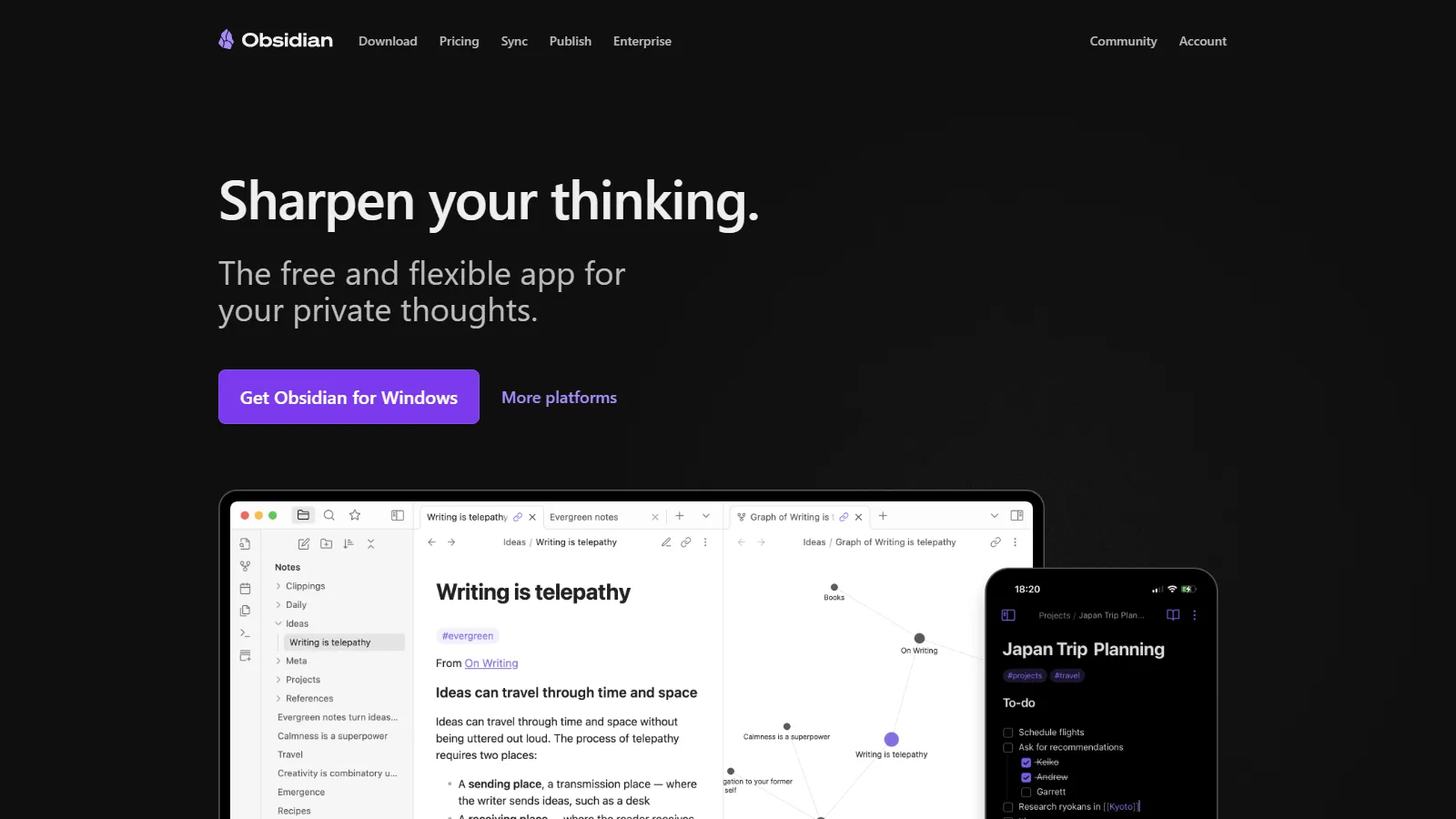
Obsidian stores notes as local Markdown files you own forever. The graph view visualizes connections between notes, and plugins extend functionality endlessly.
Starting priceFree
Strengths
Local files you own
Powerful linking
Graph visualization
Plugin ecosystem
Privacy-focused
Limitations
Sync costs extra
Steeper learning curve
Less collaborative
Setup required
Who it's for: Best for knowledge workers who want to own their data and build connected notes.
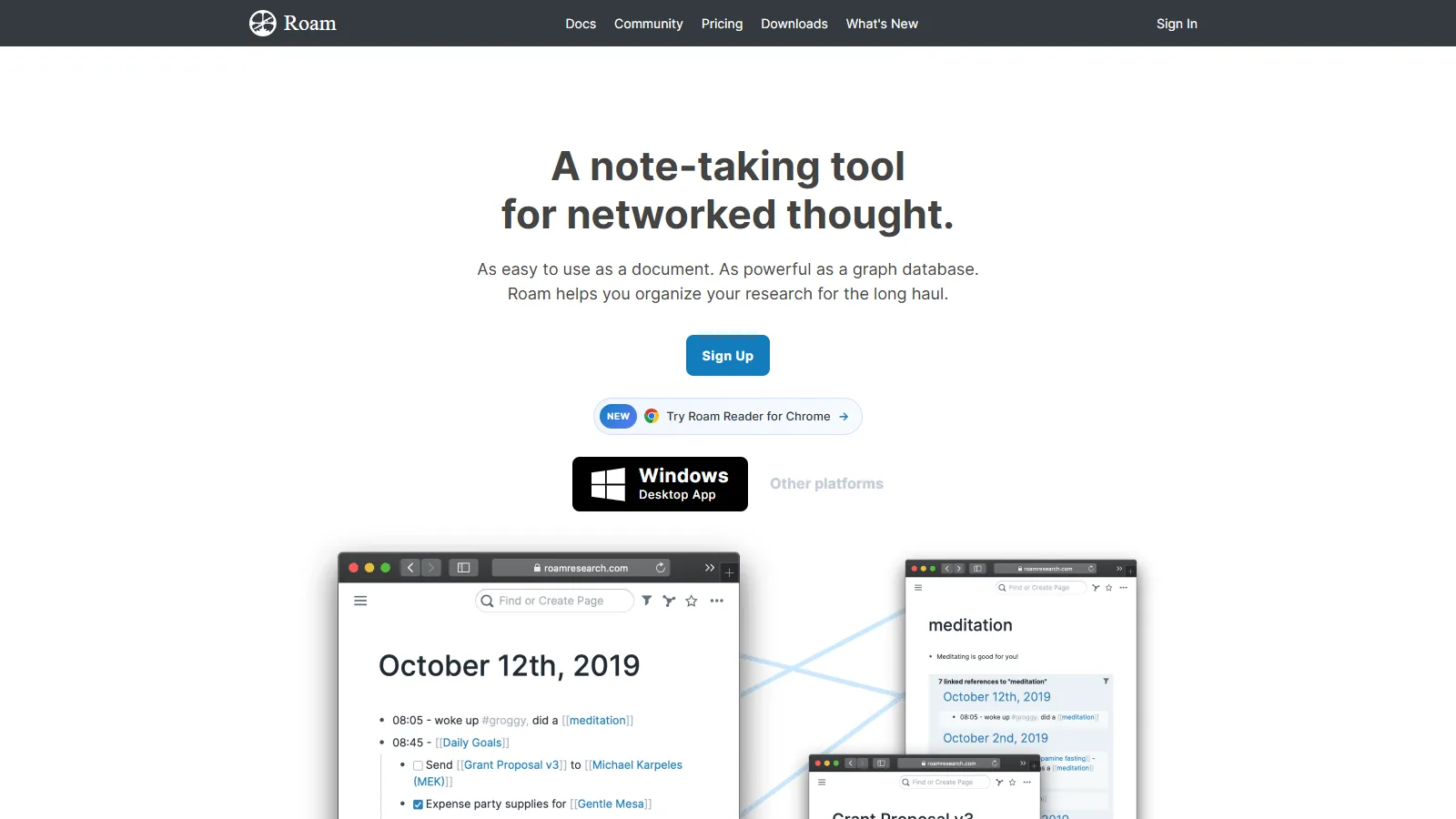
Roam pioneered block-level linking and daily notes workflow. Reference any block anywhere, query your notes like a database, and build genuine networked thought.
Strengths
Block references
Daily notes workflow
Queries and filters
Graph view
Unique approach
Limitations
Expensive
Steep learning curve
Web-only desktop
Niche use case
Who it's for: Best for researchers and thinkers building interconnected knowledge bases.
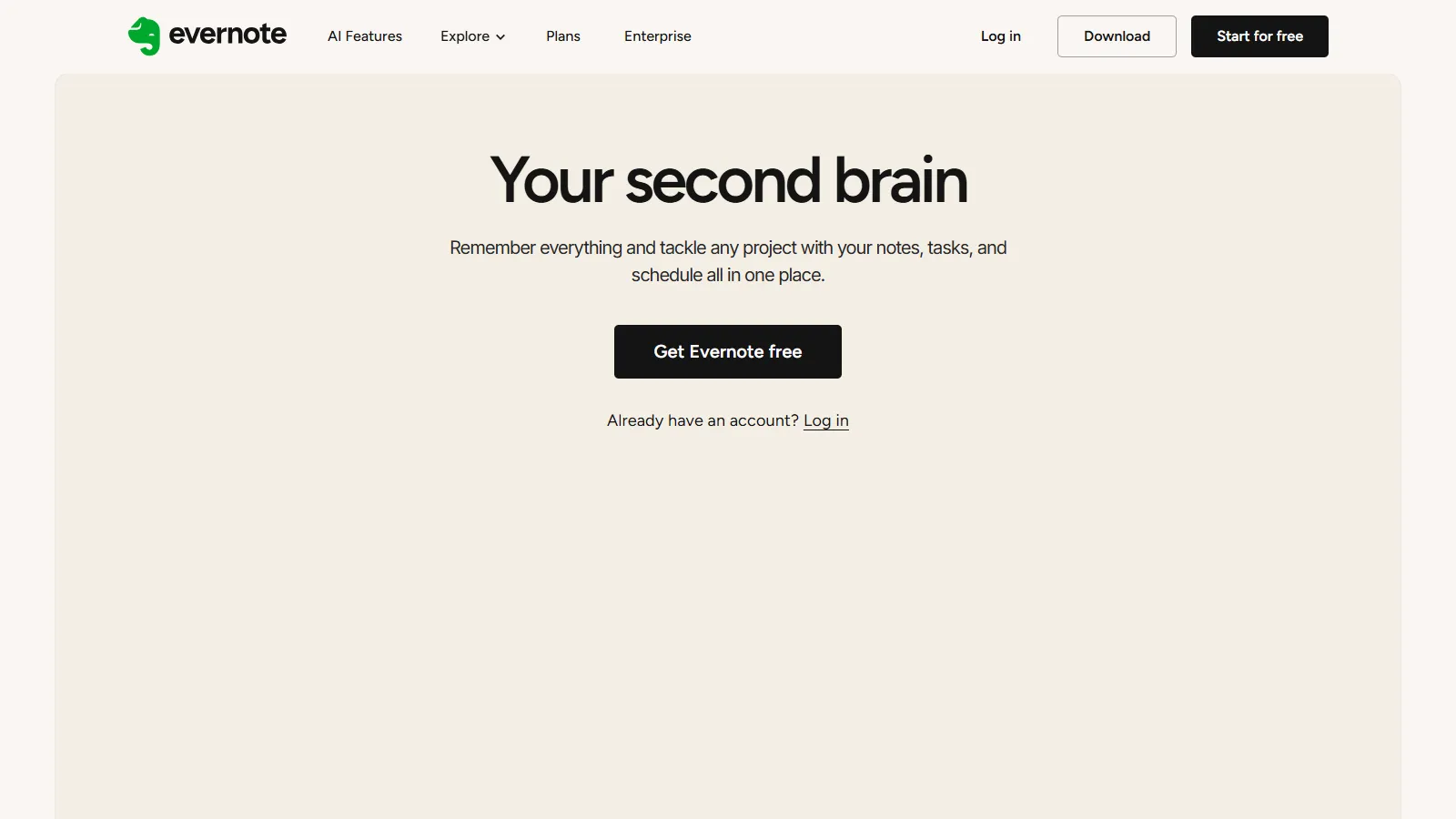
Evernote has the best web clipper for capturing content from the internet. OCR makes images searchable, and the mature platform handles large note collections.
Starting priceFree
Strengths
Best web clipper
OCR for images
Mature platform
Cross-platform
Strong search
Limitations
Pricing increased
Less innovative
Free tier limited
Legacy feel
Who it's for: Best for professionals who capture lots of web content and documents.
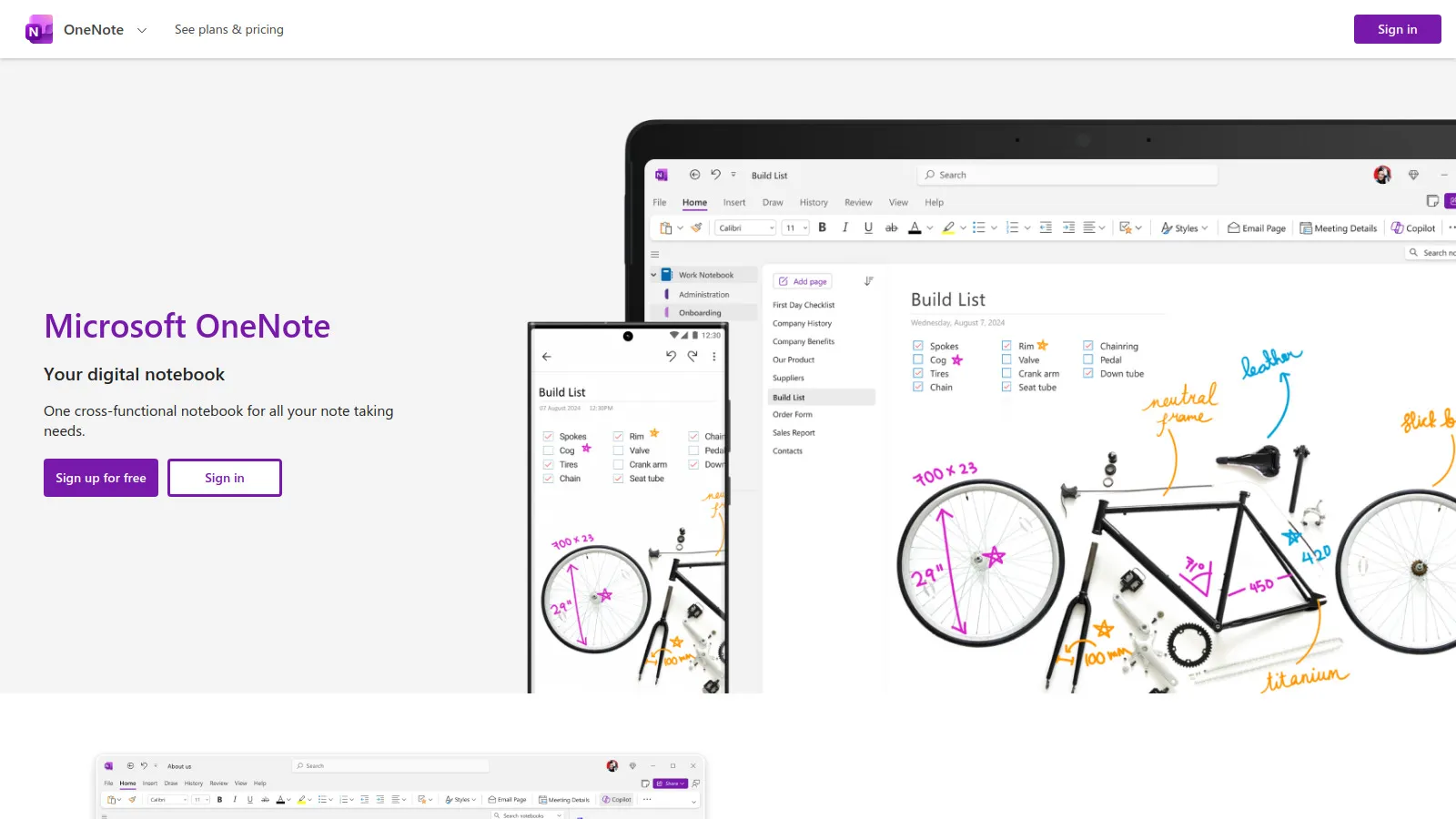
OneNote is free and deeply integrated with Microsoft 365. The notebook/section/page structure works well for organizing work notes, and ink support is excellent.
Strengths
Completely free
Microsoft 365 native
Excellent ink support
Flexible canvas
Real-time collaboration
Limitations
Sync can be slow
Limited export
Less modern
No Markdown
Who it's for: Best for Microsoft 365 users wanting free, integrated note-taking.
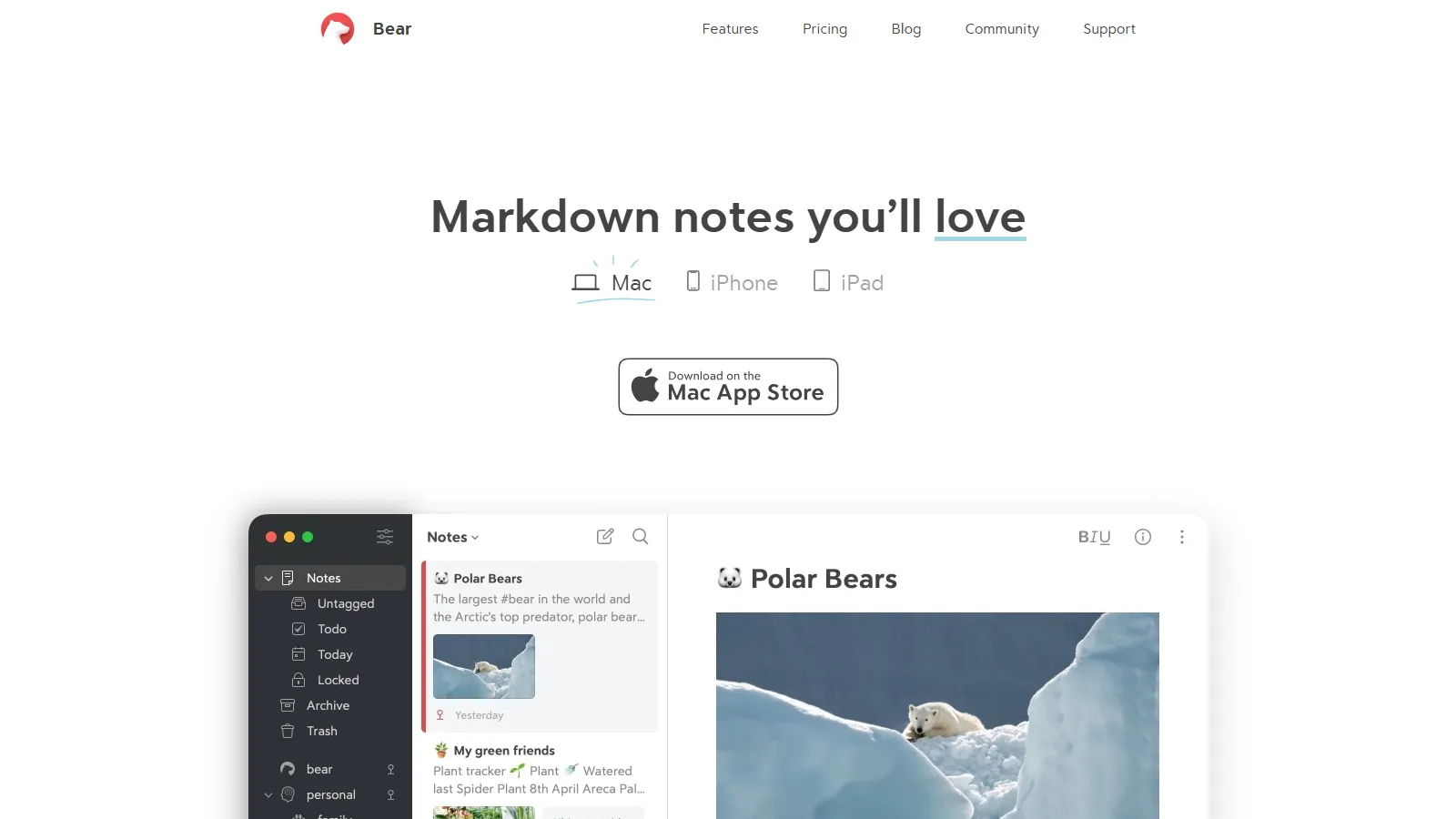
Bear is the most beautiful Markdown note app for Apple users. Elegant design, smooth writing experience, and tag-based organization for personal notes.
Starting priceFree
Strengths
Beautiful design
Great Markdown
Tag organization
Fast and smooth
Affordable
Limitations
Apple only
No collaboration
Simple linking
No tables
Who it's for: Best for Apple users who want beautiful, distraction-free writing.
Craft creates stunning visual documents with blocks, cards, and media. Share beautiful pages externally, and use the native apps for excellent performance.
Starting priceFree
Strengths
Stunning design
Great sharing
Apple native
Block editing
Daily notes
Limitations
Apple-focused
Limited free tier
Less for power users
Basic linking
Who it's for: Best for professionals creating shareable, visual documentation.
We tested each app for professional documentation and knowledge work.
Organization (25%) — How well it handles growing note collections.
Note Capture (25%) — Speed of capturing ideas and information.
Knowledge Building (20%) — Linking, search, and knowledge connections.
Collaboration (20%) — Sharing and team features.
Pricing (10%) — Value for professional use.
How to Choose
Choose Notion if you need team documentation.
Choose Obsidian if you need personal knowledge base.
Choose Evernote if you need web clipping.
Choose OneNote if you need free and simple.
Choose Bear if you need Apple ecosystem.
Common Questions
Linked notes work best for knowledge that connects across topics - research, learning, creative work. Folder structures work better for project-based work with clear hierarchies. Many professionals use both: linked notes for thinking, folders for projects.
Notion is excellent for team documentation but can be overkill for personal notes. Pure note apps like Obsidian and Bear offer faster capture and better focus. Consider your primary use case: collaboration favors Notion, personal thinking favors dedicated note apps.
Not necessarily. OneNote, Logseq, and basic tiers of most apps are free. Paid tiers add sync, collaboration, and advanced features. If notes are central to your work, the $10-15/month for premium features is usually worthwhile.