7 Best Second Brain Apps for Knowledge Management in 2026
We tested 12+ personal knowledge management tools to find the best for building a second brain. These apps help you capture ideas, connect concepts, and build a searchable knowledge base that thinks with you.
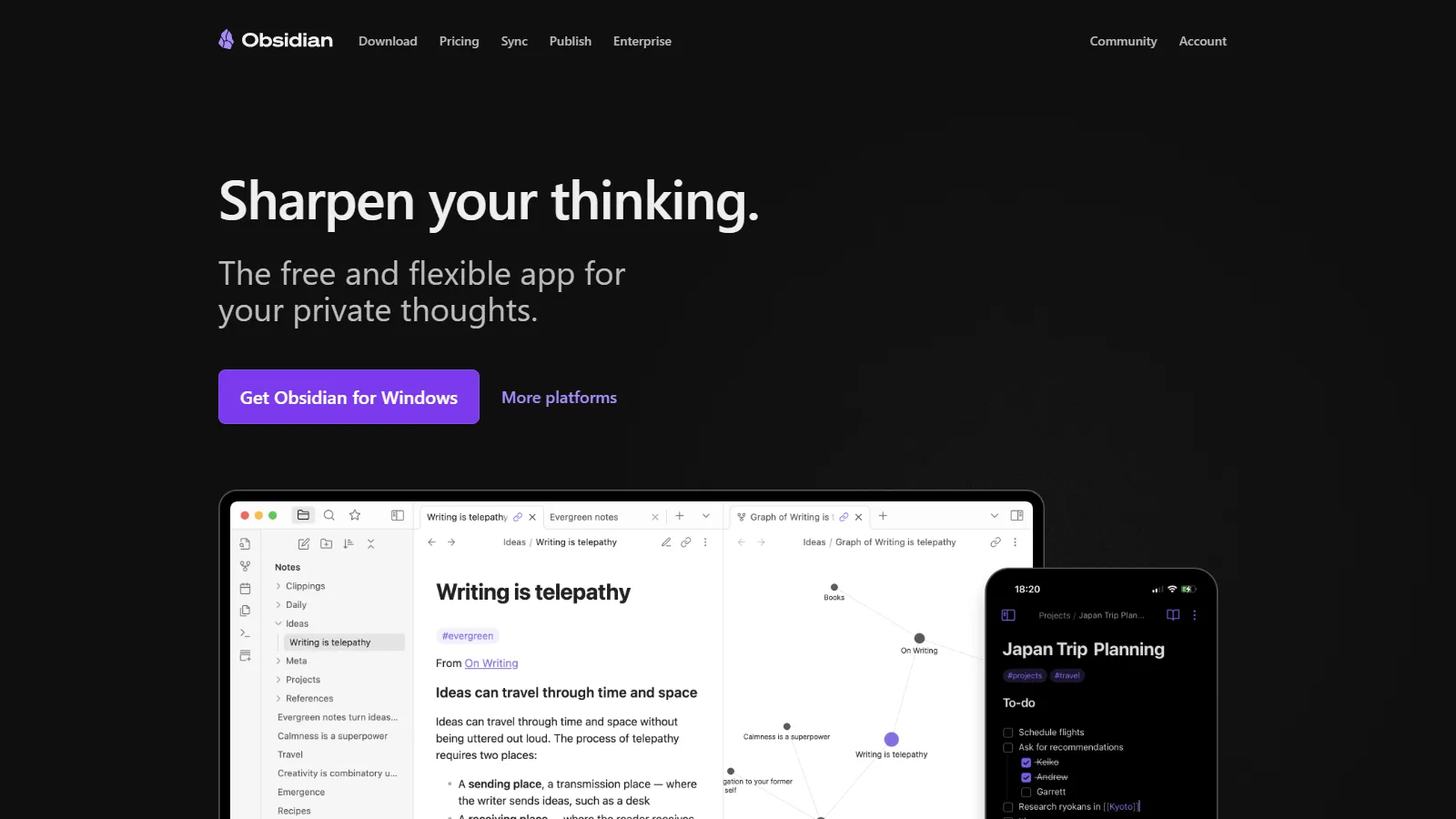
Obsidian is the power user choice for second brain building. Local Markdown files mean you own your data forever. The plugin ecosystem adds any feature imaginable. Graph view visualizes how your ideas connect. The community is passionate and helpful.
Starting priceFree
Strengths
Own your data
Best graph view
Huge plugin ecosystem
Powerful linking
Active community
Limitations
Steeper learning curve
Mobile less polished
Sync costs extra
No real-time collaboration
Who it's for: Best for power users who want full control and customization of their knowledge base.
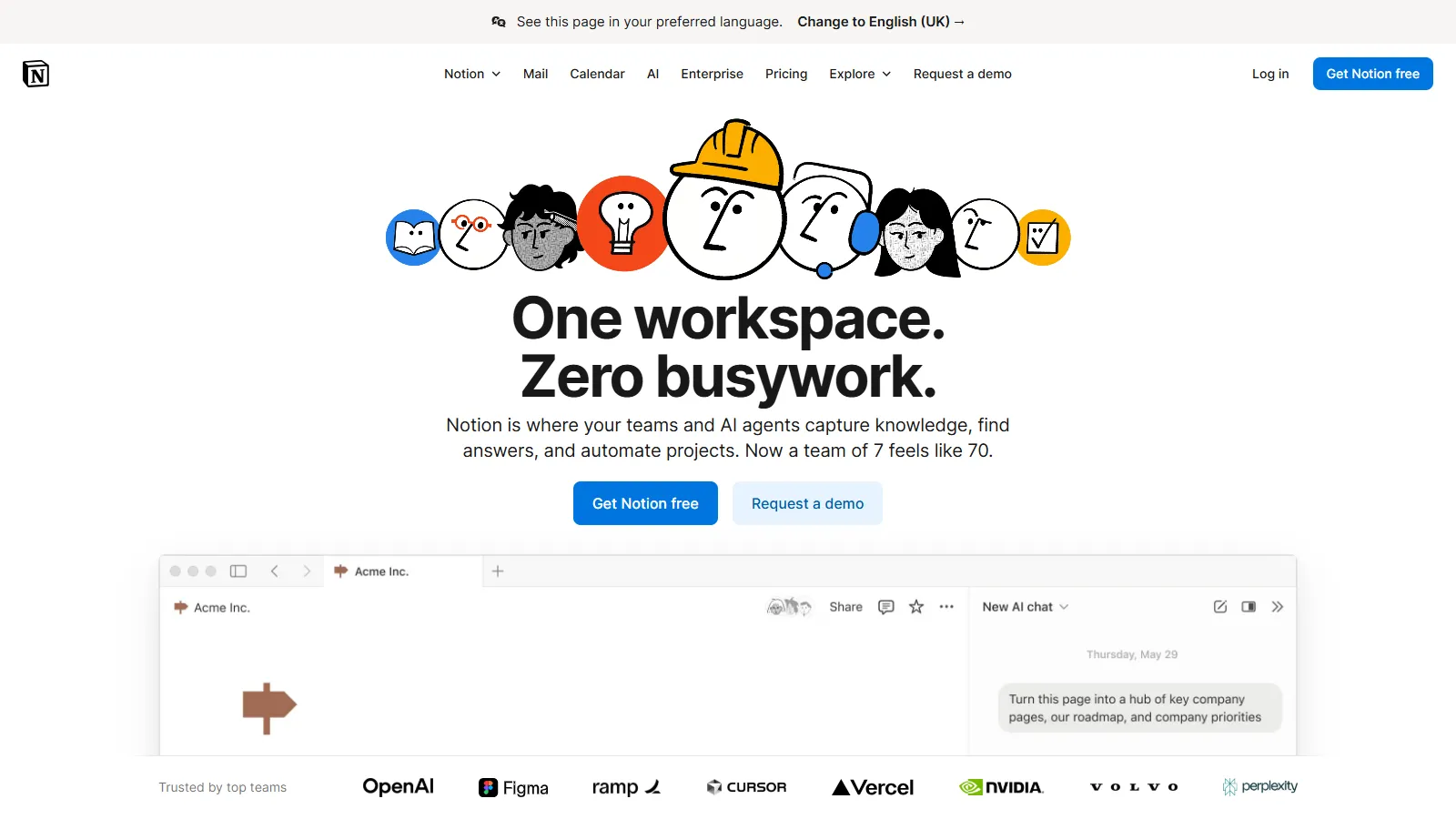
Notion works as a second brain that doubles as a workspace. Databases let you structure knowledge as wikis, reading lists, or project hubs. Templates help you start fast. The gentle learning curve makes it accessible to everyone.
Starting priceFree
Strengths
Great onboarding
Databases + notes
Beautiful templates
Team collaboration
AI features
Limitations
No graph view
Cloud-only
Can get slow
Limited linking
Who it's for: Best for users who want knowledge management combined with tasks and projects.
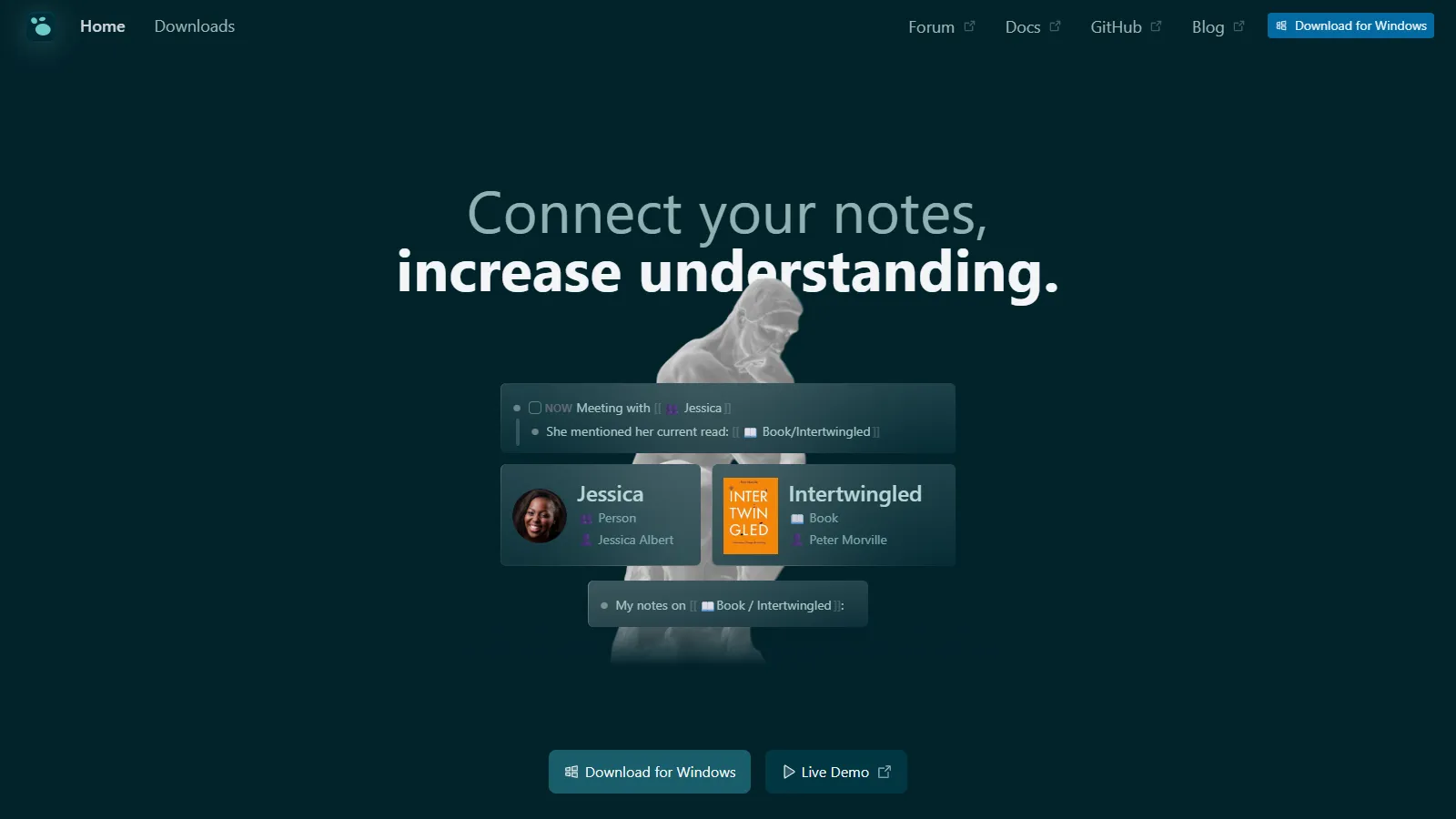
Logseq is the open-source alternative to Roam. Outline-based structure with block references. Daily journal captures fleeting thoughts. Local Markdown files like Obsidian but with outliner interface. Completely free.
Starting priceFree
Strengths
Free and open source
Local files
Block references
Daily journal
Graph view
Limitations
Smaller community
Fewer plugins
Outliner-only
Mobile rough
Who it's for: Best for users who want Roam-style features without the price tag.
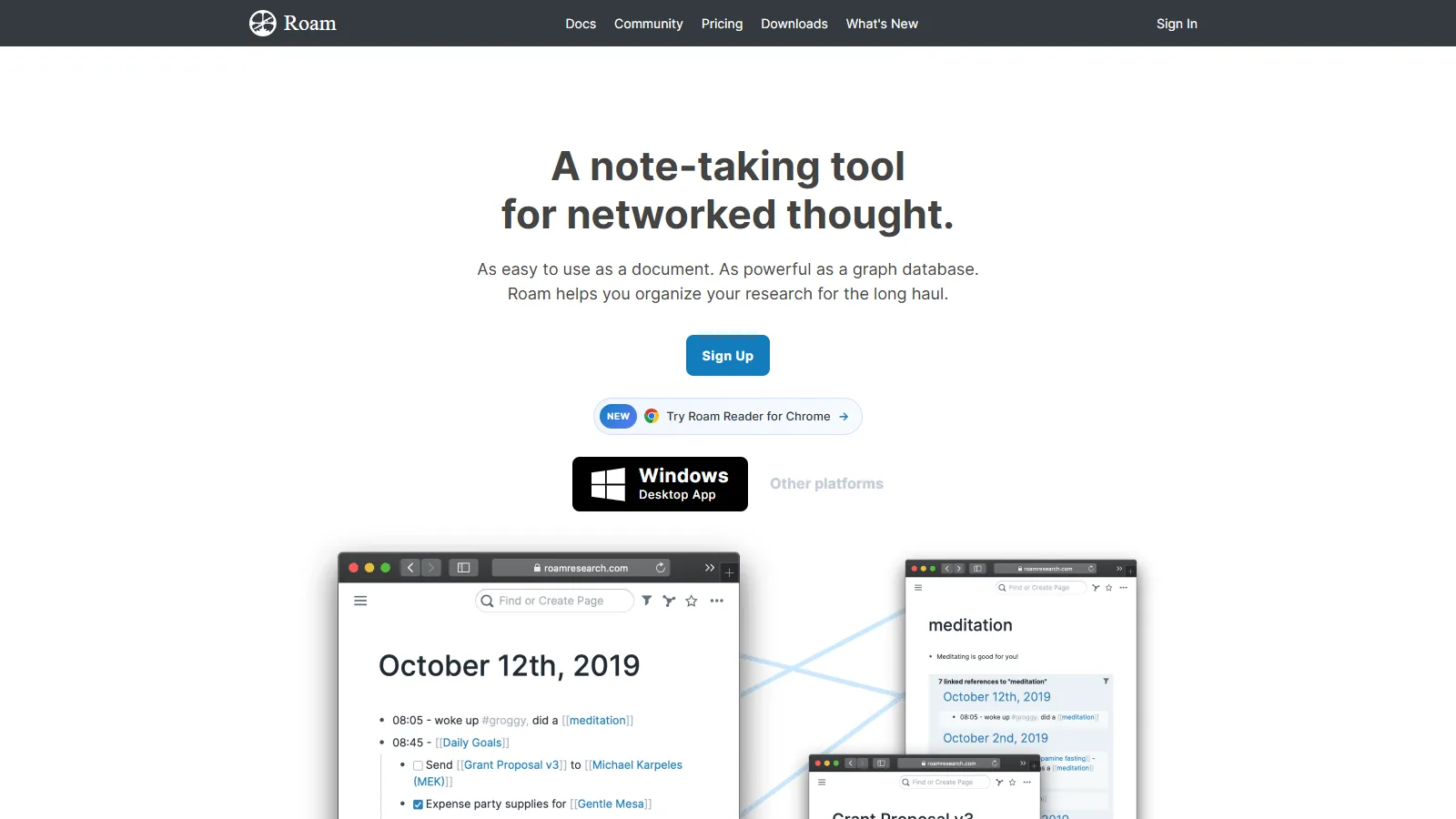
Roam pioneered networked note-taking. Block references let you reuse content across notes. Daily notes capture everything in context of when it happened. Queries surface connections you did not see. The original that inspired the rest.
Starting price$15/mo
Strengths
The original
Powerful queries
Block references
Daily notes
Passionate community
Limitations
Expensive
Outdated UI
Limited development
Cloud-only
Who it's for: Best for users who want the original networked thought experience.
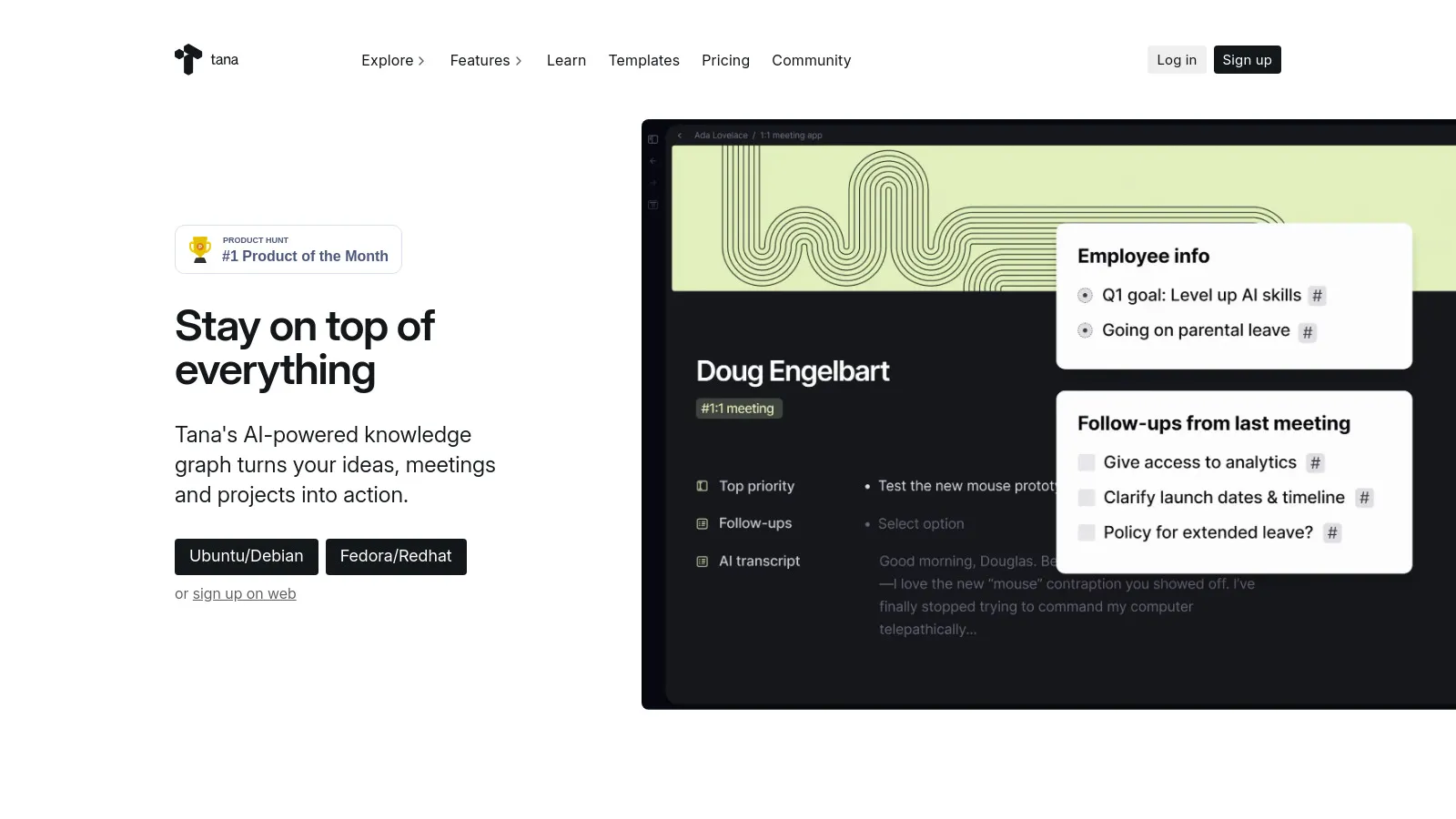
Tana introduces supertags that turn notes into structured objects automatically. Tag a note as "book" and get title, author, rating fields. AI helps write and organize. Modern interface with fresh ideas.
Starting priceFree
Strengths
Supertags structure
Built-in AI
Modern design
Growing fast
Free tier
Limitations
Invite-only (was)
Young product
Learning curve
No local files
Who it's for: Best for users who want structured data without manual database setup.
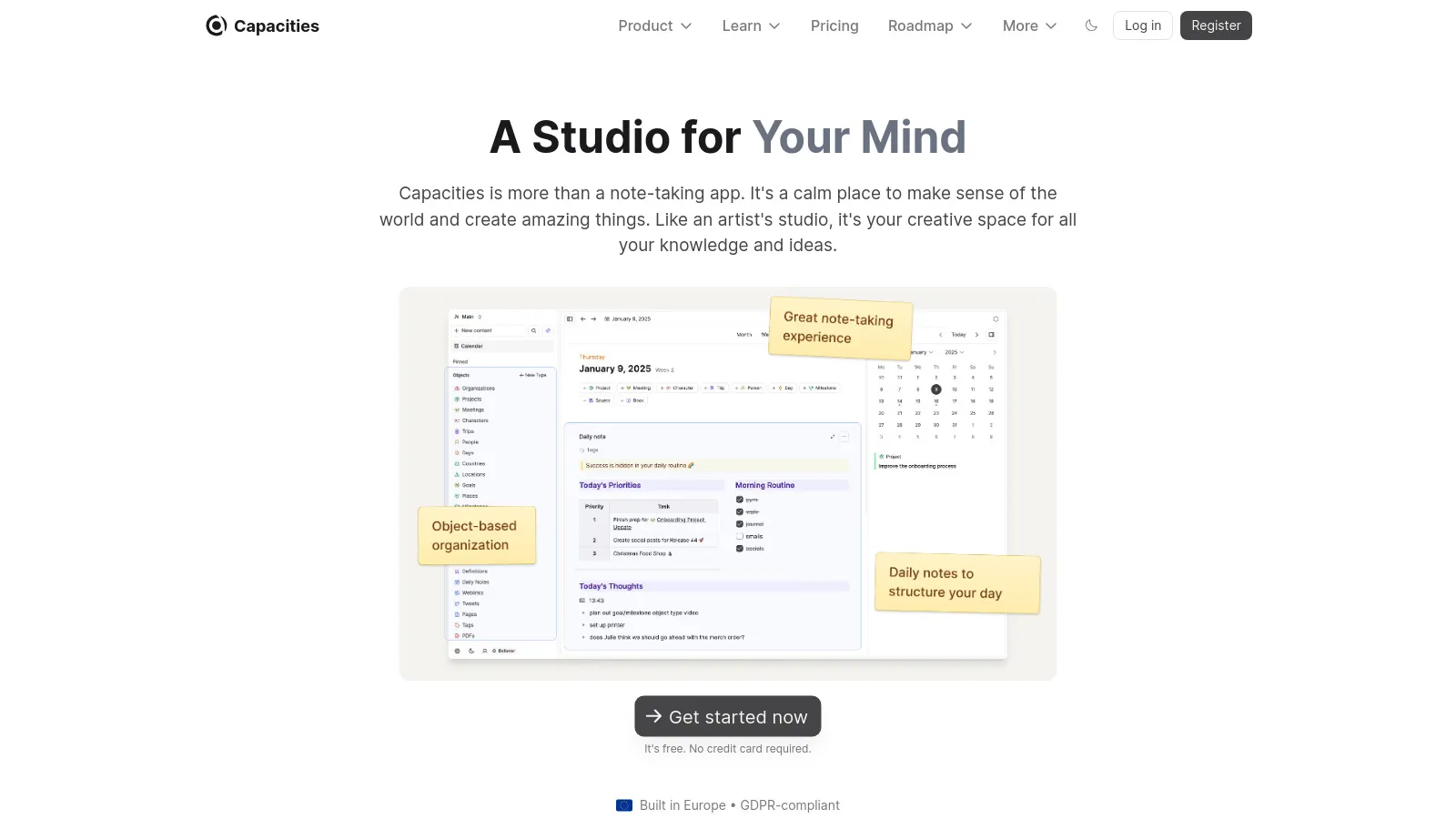
Capacities thinks in objects, not pages. Create objects for people, books, projects, and ideas. Link objects together naturally. Beautiful, clean interface designed for calm focus. Growing alternative to Notion.
Starting priceFree
Strengths
Object-based
Beautiful design
Good linking
Daily notes
Growing fast
Limitations
Newer product
Smaller community
No local files
Limited integrations
Who it's for: Best for visual thinkers who prefer objects over documents.
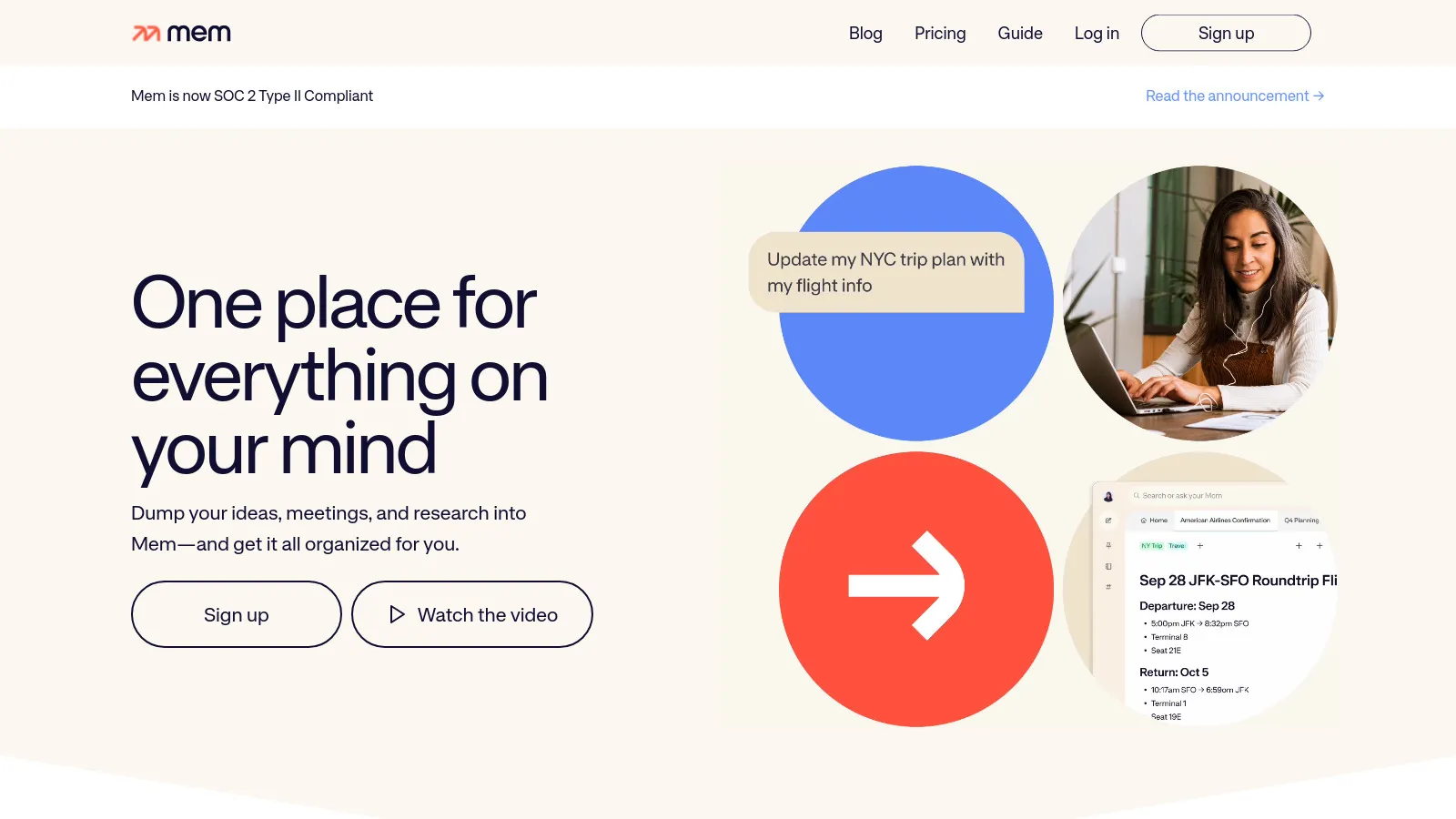
Mem takes an AI-first approach. Just capture notes quickly - AI organizes them. Smart search surfaces relevant notes when you need them. No folders or structure needed. Let the AI handle the organization.
Starting price$15/mo
Strengths
AI organization
Fast capture
Smart search
No structure needed
Simple interface
Limitations
Expensive
Trust the AI
Less control
Smaller ecosystem
Who it's for: Best for users who want to capture fast and let AI handle organization.
We tested each app for building and retrieving knowledge over time.
Linking Power (30%) — Bi-directional links, backlinks, and block references.
Retrieval (25%) — Search quality and ability to resurface old notes.
Capture Speed (20%) — How fast you can get ideas into the system.
Data Ownership (15%) — Local files, export options, and portability.
Learning Curve (10%) — Time to become productive with the tool.
How to Choose
Choose Obsidian if you need want full control.
Choose Notion if you need need collaboration.
Choose Logseq if you need want free + open.
Choose Roam Research if you need love outlining.
Choose Tana if you need prefer structure.
Common Questions
A second brain is a personal knowledge management system where you store, organize, and retrieve ideas. Instead of keeping everything in your head, you externalize it to a trusted system that you can search, link, and build upon.
Modern PKM tools emphasize links over folders. Links let a note belong to multiple contexts. Start with daily notes and link to topics as they emerge. Folders can supplement but should not be the primary organization.
You will see some benefits immediately from having a capture system. The real power emerges after 3-6 months when your notes start connecting and surfacing in unexpected ways. Consistency matters more than the perfect tool.