The average knowledge worker loses 2+ hours daily to digital distractions. Website blockers are the most effective way to reclaim that time. We tested 15 blocking tools across Windows, Mac, iOS, and Android to find which ones actually prevent you from cheating your way past the blocks.
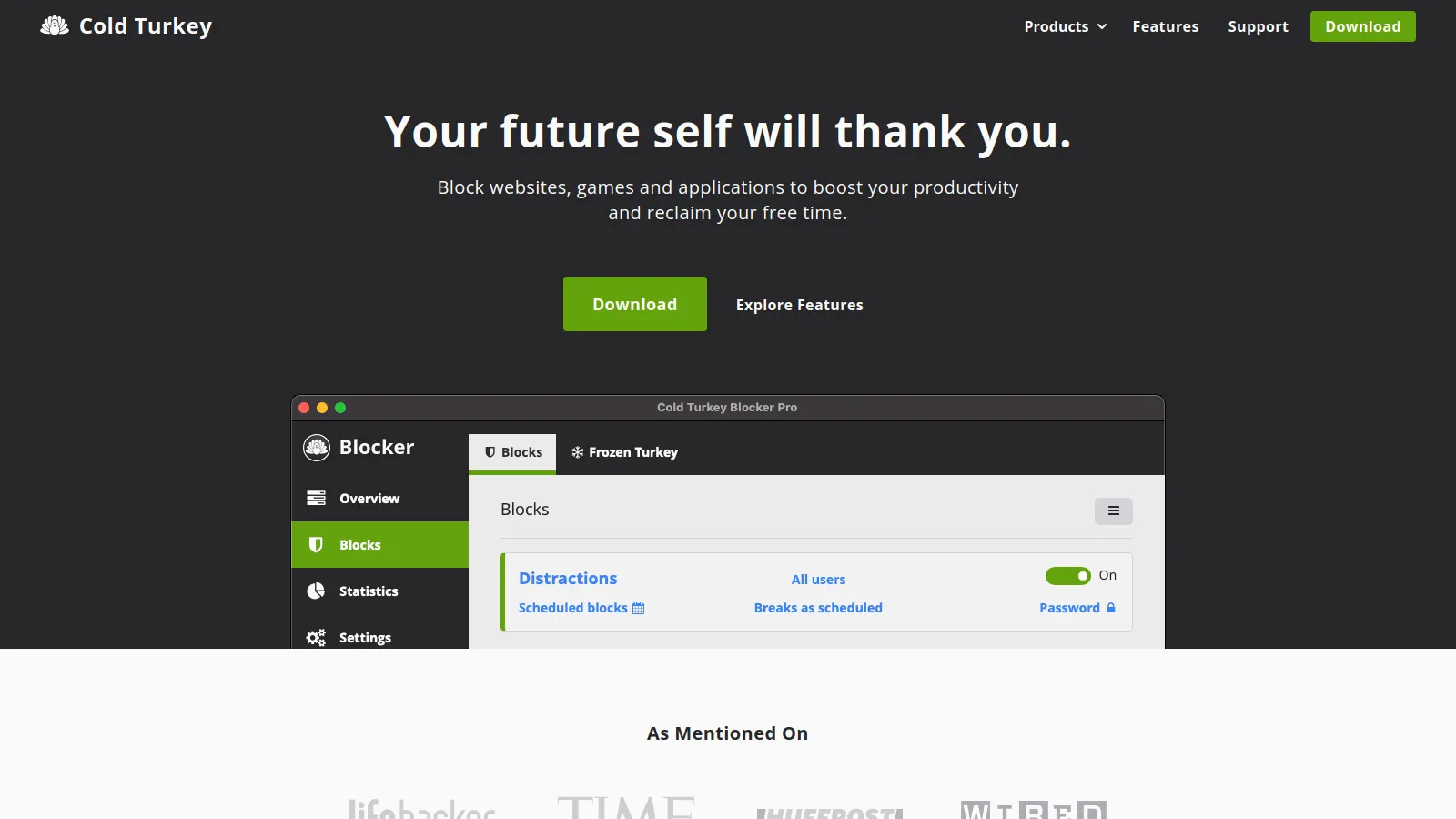
Cold Turkey is the most unbreakable website blocker available. Once you start a blocking session, there is genuinely no way to stop it - not by restarting your computer, deleting the app, or any other trick. The "Frozen Turkey" mode can even freeze your entire computer except for allowed apps. This sounds extreme, and it is, but for people who have tried everything else and still waste hours on distractions, it works.
Starting priceFree/$39
Strengths
Truly unbreakable - survives restarts and reinstalls
Frozen Turkey mode locks entire computer
Powerful scheduling with recurring blocks
One-time purchase, no subscription
Blocks both websites and applications
Detailed statistics on blocked attempts
Limitations
Desktop only - no mobile version
Can be intimidating for new users
Free version has limited features
Cannot be undone if you set it wrong
Who it's for: Perfect for anyone who has tried other blockers and found ways to cheat. If you need absolute accountability with zero escape routes, Cold Turkey is the answer.
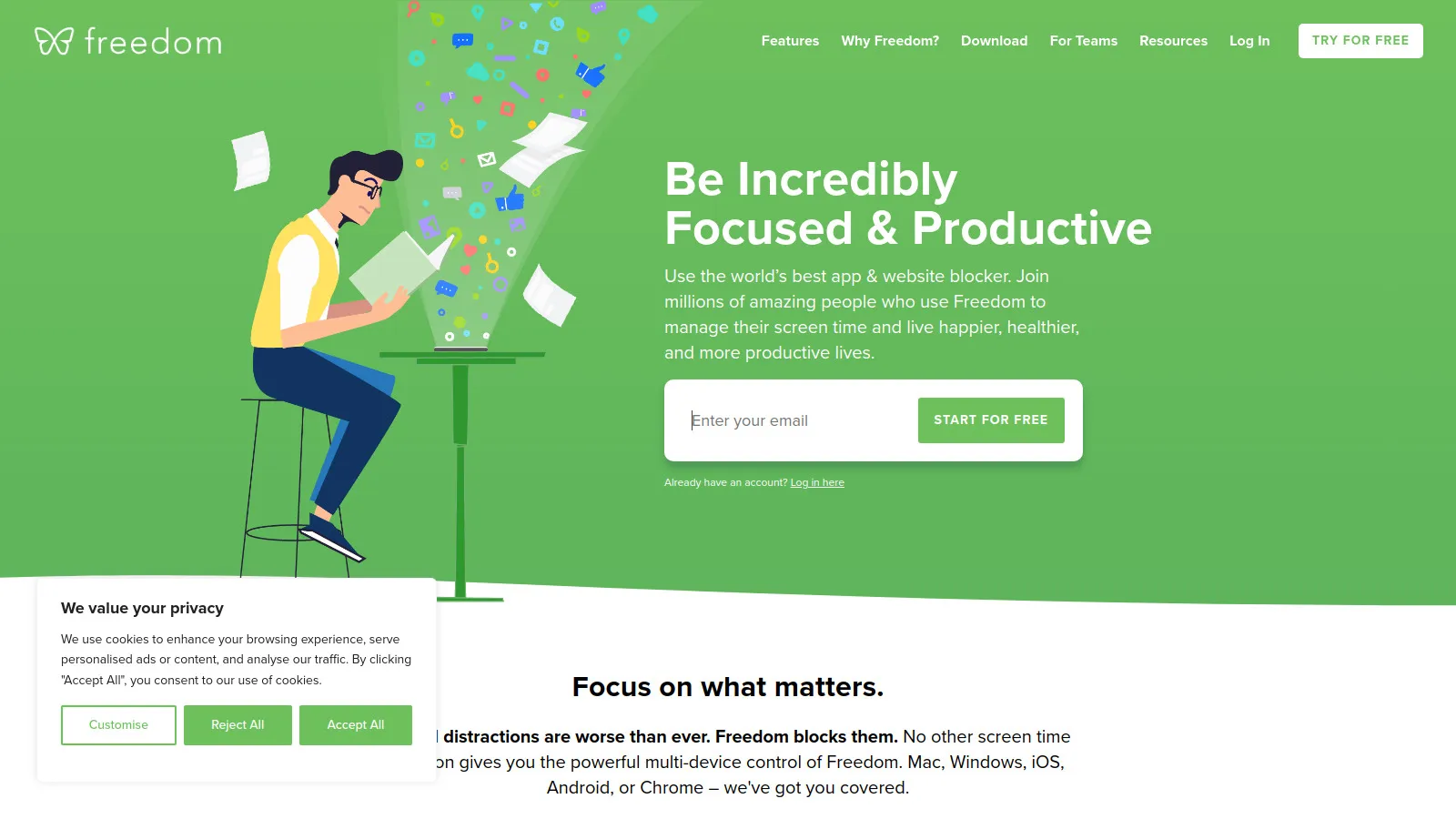
Freedom is the gold standard for cross-device blocking. Start a blocking session on your Mac and it automatically syncs to your iPhone, iPad, Windows PC, and Chrome browser. This prevents the common workaround of just picking up another device. The Locked Mode prevents you from ending sessions early, and the curated blocklist library makes setup fast for common distractions like social media and news sites.
Starting price$8.99/mo
Strengths
Blocks across Mac, Windows, iOS, Android, and Chrome
Sessions sync automatically across all devices
Locked Mode prevents early session ending
Curated blocklists for common distractions
Scheduled sessions with recurring blocks
Clean, modern interface
Limitations
Subscription pricing adds up over time
Requires account and cloud sync
Locked Mode can be disabled before session
VPN can sometimes bypass blocks
Who it's for: Ideal for multi-device users who find themselves reaching for their phone when they block sites on their computer. The cross-device sync is Freedom's killer feature.
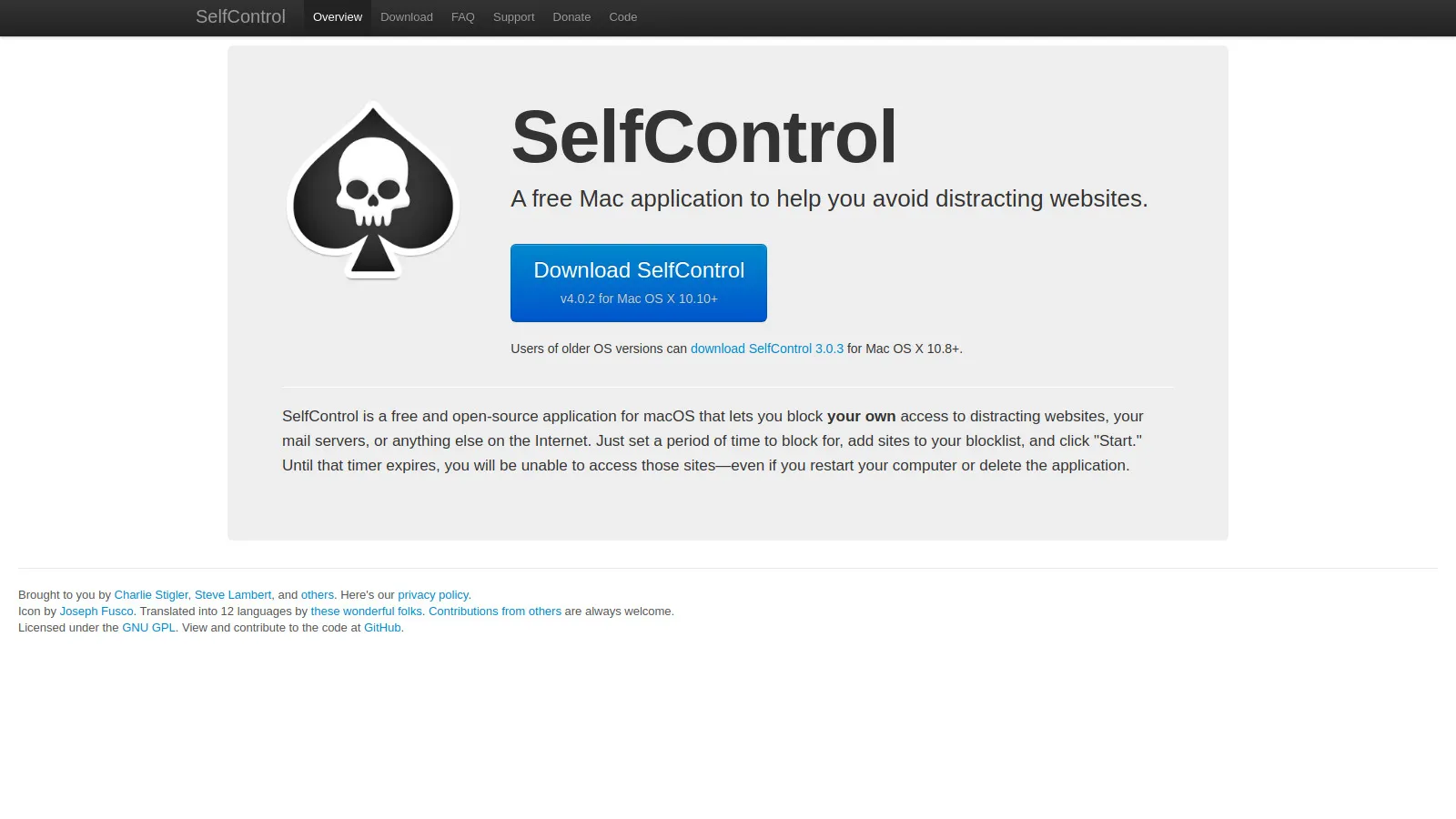
SelfControl is a free, open-source Mac app that blocks websites for a set period of time. Once started, the block cannot be undone - even deleting the app, restarting your computer, or reinstalling macOS won't help. The only option is to wait. This simplicity is its strength: no accounts, no subscriptions, no cloud sync, just an unbreakable local blocklist.
Starting priceFree
Strengths
Completely free and open source
Truly unbreakable - survives restarts and reinstalls
No account or internet required
Simple, focused interface
Lightweight with minimal system impact
Active development and community
Limitations
Mac only - no Windows or mobile
No scheduling or recurring blocks
No app blocking, websites only
Must manually add sites to blocklist
No cross-device sync
Who it's for: Best for Mac users who want a free, no-nonsense blocker that actually works. If you don't need scheduling or cross-device features, SelfControl is unbeatable for the price.
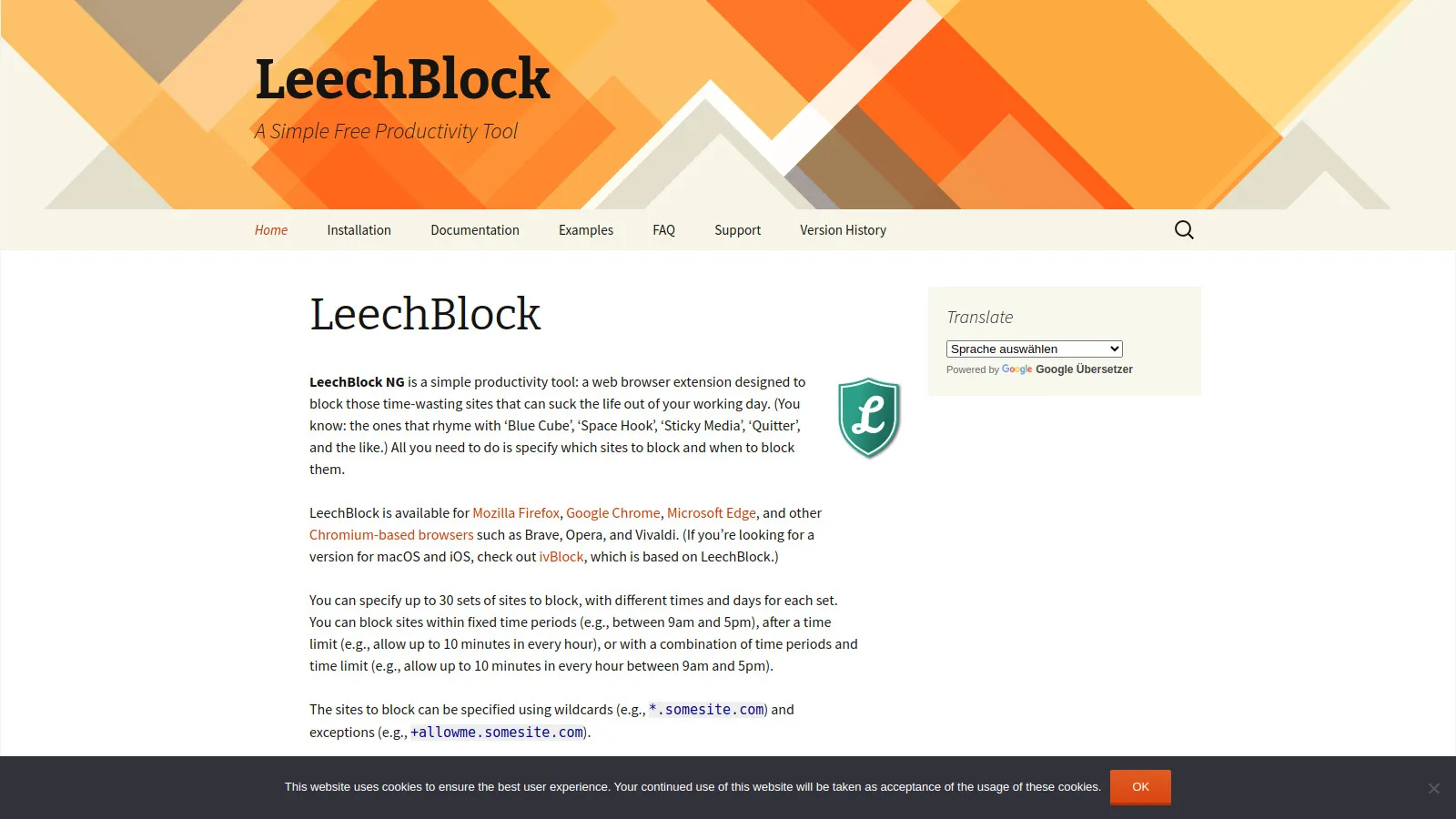
LeechBlock NG is a free browser extension with surprisingly powerful features. Unlike simple blockers, it lets you set time limits (e.g., 30 minutes of Twitter per day), schedule blocks for specific hours, and create multiple block sets with different rules. The "lockdown" feature provides extra bypass protection. The interface is dated but the functionality rivals paid tools.
Starting priceFree
Strengths
Completely free with all features
Time limits instead of full blocks
Multiple block sets with different rules
Granular scheduling options
Works on Firefox and Chrome
Lockdown mode for extra protection
Limitations
Browser extension only - no app blocking
Can be bypassed by using different browser
Dated user interface
Complex setup for advanced rules
No mobile support
Who it's for: Great for users who want fine-grained control over their browsing time without paying. The time limit feature is perfect if you don't want to completely block sites.
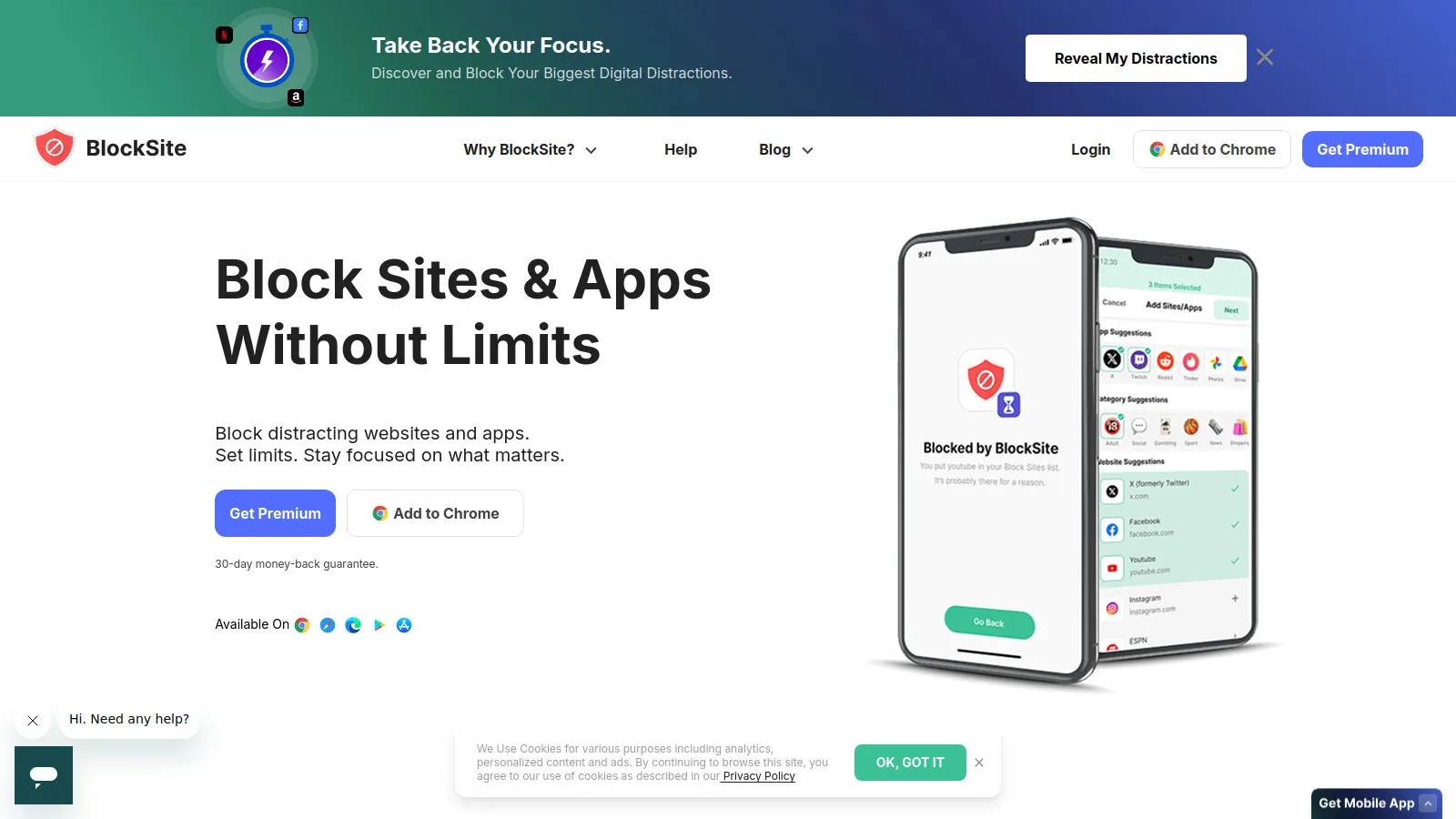
BlockSite is the easiest website blocker to set up. Install the extension or app, add sites to block, and you're done. It works across Chrome, Firefox, Android, and iOS with a consistent experience. The optional password protection adds some bypass resistance, though it's not as strong as dedicated tools like Cold Turkey or Freedom.
Starting priceFree/$3.99
Strengths
Easiest setup of any blocker
Works on desktop and mobile
Password protection option
Focus mode with timer
Syncs blocklist via account
Motivation quotes on blocked pages
Limitations
Easy to bypass if determined
Premium required for best features
Can be heavy on browser resources
Ads in free version
Account required for sync
Who it's for: Perfect for beginners who want to start blocking distractions with minimal setup. Good enough for casual distraction reduction, but power users may outgrow it.
Focus Bear takes a different approach, designed specifically for people with ADHD. Instead of harsh blocks, it uses gentle nudges and routine building. Morning and evening routines guide you through healthy habits, while focus mode blocks distractions during work. The app understands that productivity for ADHD brains requires structure, not just willpower.
Starting price$4.99/mo
Strengths
Designed specifically for ADHD
Combines blocking with routine building
Gentle nudges instead of harsh blocks
Morning and evening routine support
Break reminders and movement prompts
Founded by someone with ADHD
Limitations
Less strict blocking than alternatives
Subscription required
Newer tool with smaller community
May be too gentle for some users
Who it's for: Specifically designed for ADHD brains. If traditional blockers feel too punishing and you need help with routines and structure, Focus Bear is worth trying.
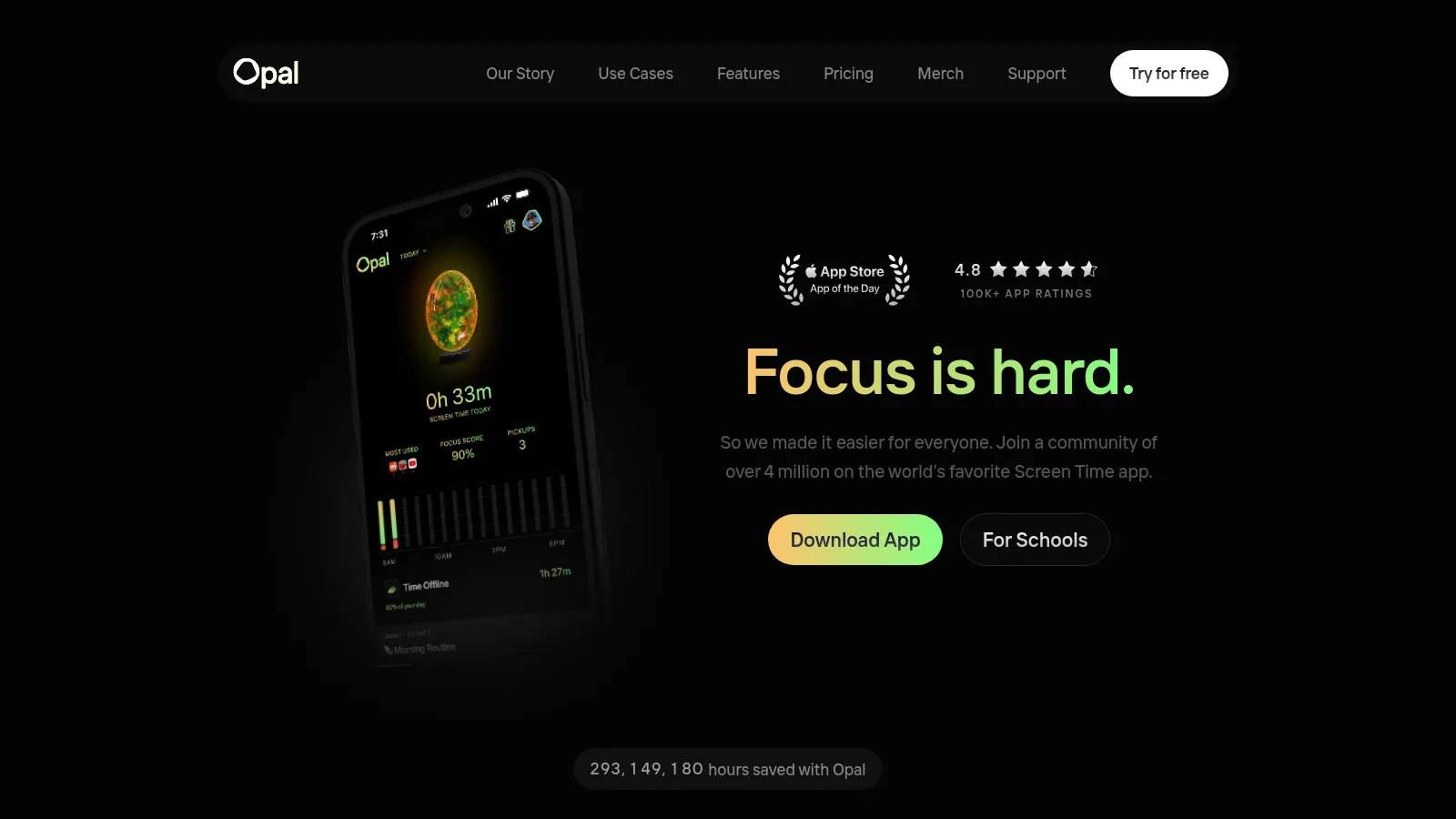
Opal is the most polished screen time and blocking app for iPhone. It goes beyond basic Screen Time with beautiful usage insights, scheduled focus sessions, and app blocking that actually works. The "Deep Focus" mode uses Apple's own Screen Time API for blocks that are harder to bypass than typical apps.
Starting priceFree/$79.99
Strengths
Beautiful, polished design
Deep iOS integration via Screen Time API
Detailed usage insights and trends
Scheduled focus sessions
App and website blocking combined
Group sessions for accountability
Limitations
iOS only - no Android or desktop
Expensive annual subscription
Some features require premium
Depends on iOS Screen Time limits
Who it's for: Best for iPhone users who want a premium screen time experience. If Apple's built-in Screen Time isn't enough, Opal is the upgrade worth paying for.
RescueTime starts by automatically tracking how you spend time on your computer, categorizing apps and websites as productive or distracting. This gives you real data before you start blocking. During Focus Time sessions, it can block distracting sites while showing you exactly how your focus session went afterward.
Starting priceFree/$12
Strengths
Automatic time tracking without logging
Detailed productivity insights
Focus Time blocking sessions
Goals and daily targets
Works in background passively
Long historical data for trends
Limitations
Blocking is secondary to tracking
Easy to bypass blocks if determined
Passive tracking may feel intrusive
Premium required for blocking features
No mobile app blocking
Who it's for: Best for people who want to understand their habits before blocking. If you don't know where your time goes, start with RescueTime's tracking.
We installed each blocker and actively tried to bypass it. This testing revealed which tools actually prevent distraction versus those easily circumvented.
Bypass Resistance (30%) — How difficult is it to cheat or disable the blocker?
Platform Coverage (25%) — Does it block across all your devices and browsers?
Scheduling Flexibility (20%) — Can you set recurring schedules and time-based rules?
Customization (15%) — Allowlists, blocklists, and exception handling.
Value for Money (10%) — Features relative to pricing.
How to Choose
Choose Cold Turkey if you need Need unbreakable blocking.
Choose Freedom if you need Use multiple devices.
Choose SelfControl if you need Mac user, want free.
Choose LeechBlock NG if you need Want time limits, not blocks.
Choose Focus Bear if you need Have ADHD.
Choose Opal if you need iPhone screen time.
Common Questions
Cold Turkey and SelfControl are the most unbreakable. Once a session starts, there is genuinely no way to bypass them - not by restarting, deleting the app, or any other trick.
Most blockers can be bypassed if you try hard enough. Browser extensions can be disabled, apps can be uninstalled. The exceptions are Cold Turkey, SelfControl, and Freedom's Locked Mode, which are designed to resist bypass attempts.
Free blockers like SelfControl, LeechBlock, and StayFocusd work well for single-device, browser-based blocking. Paid tools like Cold Turkey and Freedom add app blocking, cross-device sync, and scheduling features.
Yes, but with limitations. Freedom and BlockSite have mobile apps. Opal is iOS-only. On Android, many blockers work through VPN or accessibility services. Mobile blocking is generally easier to bypass than desktop.