5 Best CRM Tools with Native Gmail Integration in 2026
We tested 12 CRM platforms with Gmail integration to find the best for email-centric sales teams. These tools let you manage deals, track conversations, and update contacts without leaving your inbox - where you already spend most of your day.
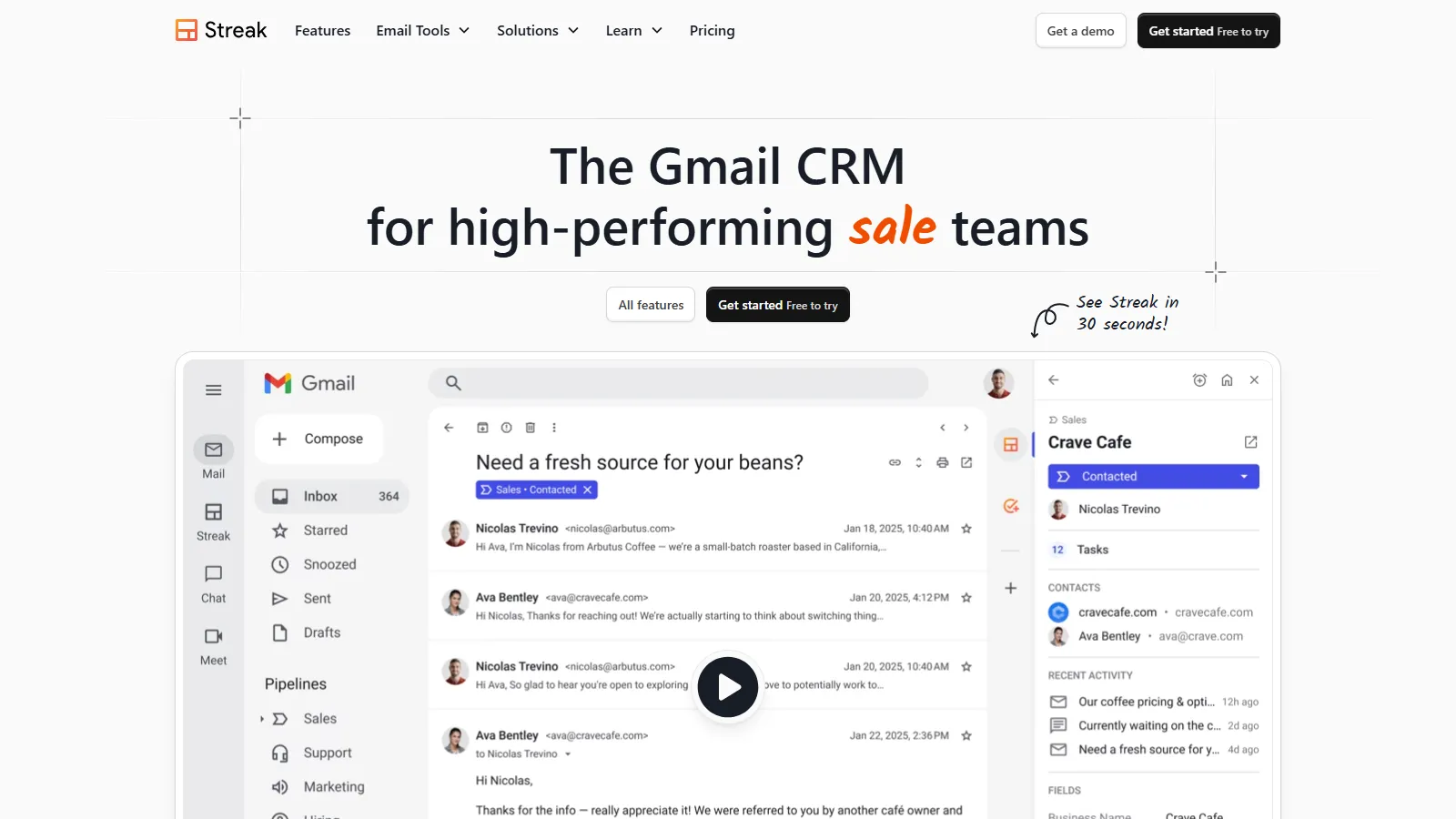
Streak is the only CRM that lives entirely inside Gmail. Your pipeline appears right in your inbox - no separate tab needed. Emails automatically link to deals. Track opens and clicks without leaving Gmail. For teams who live in email, there is nothing else like it.
Starting priceFree
Strengths
Lives in Gmail
Pipeline in inbox
Email tracking built-in
Free tier included
Zero learning curve
Limitations
Gmail-only
Limited reporting
Basic automation
No phone integration
Who it's for: Best for sales teams who spend 80%+ of their time in Gmail and want CRM without tab switching.
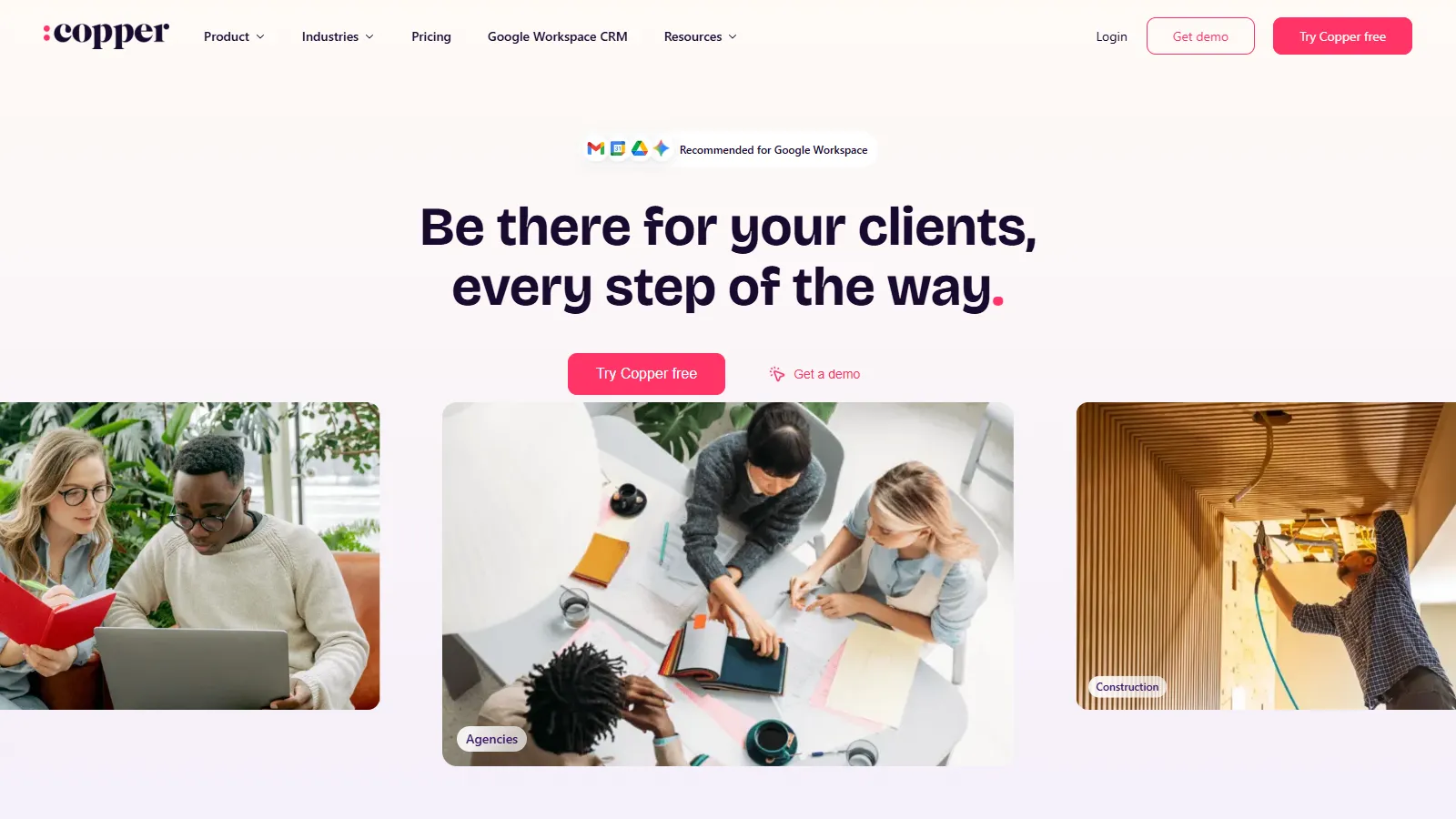
Copper was built from the ground up for Google Workspace. It automatically populates contact info from email threads, suggests new contacts to add, and syncs everything with Google Calendar and Drive. The sidebar surfaces deal context without leaving your inbox.
Starting price$23/mo
Strengths
Google-native design
Auto-enrichment
Workspace sync
Clean interface
Good mobile app
Limitations
Google Workspace only
Pricier than alternatives
Limited customization
No free tier
Who it's for: Best for teams fully invested in Google Workspace who want tight integration across all Google tools.
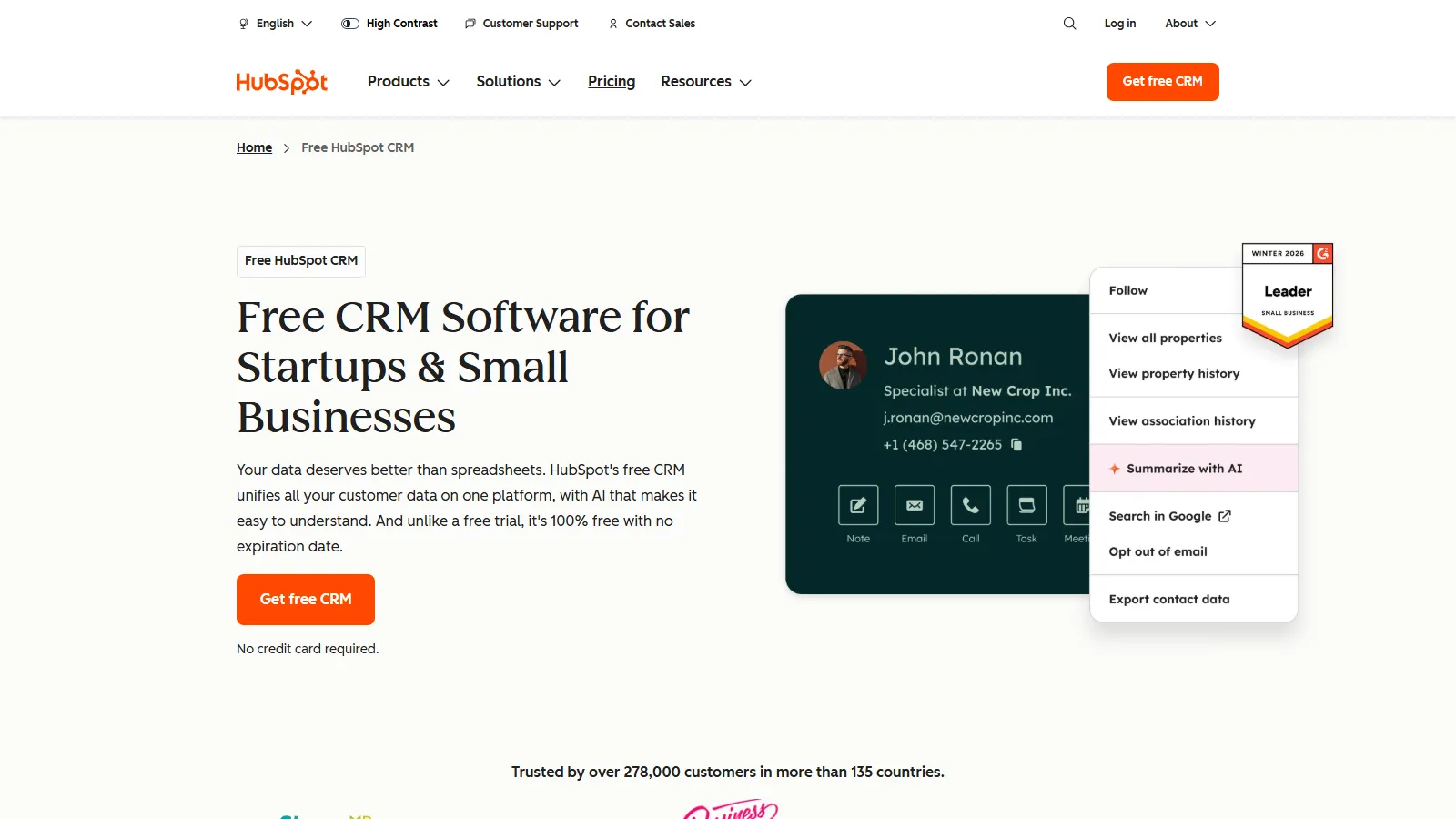
HubSpot offers a genuinely free CRM with Gmail integration that actually works. The sidebar shows contact history and deal info. Email tracking notifies you when prospects open. Templates speed up repetitive responses. All free, with no catch.
Starting priceFree
Strengths
Truly free
Email tracking included
Templates library
Full CRM features
Scales with you
Limitations
Sidebar-based (not native)
Can be overwhelming
Paid features expensive
Learning curve
Who it's for: Best for teams who want free CRM with Gmail integration and room to grow.
Pipedrive focuses purely on sales with a visual pipeline that makes deal management intuitive. The Gmail extension syncs emails, tracks opens, and lets you add contacts to deals. Smart contact data auto-enriches profiles.
Starting price$14/mo
Strengths
Visual pipeline
Sales-focused
Email sync
Activity reminders
Affordable
Limitations
Extension-based
Limited marketing
Basic reporting
No free tier
Who it's for: Best for sales-focused teams who want deal management with solid Gmail sync.
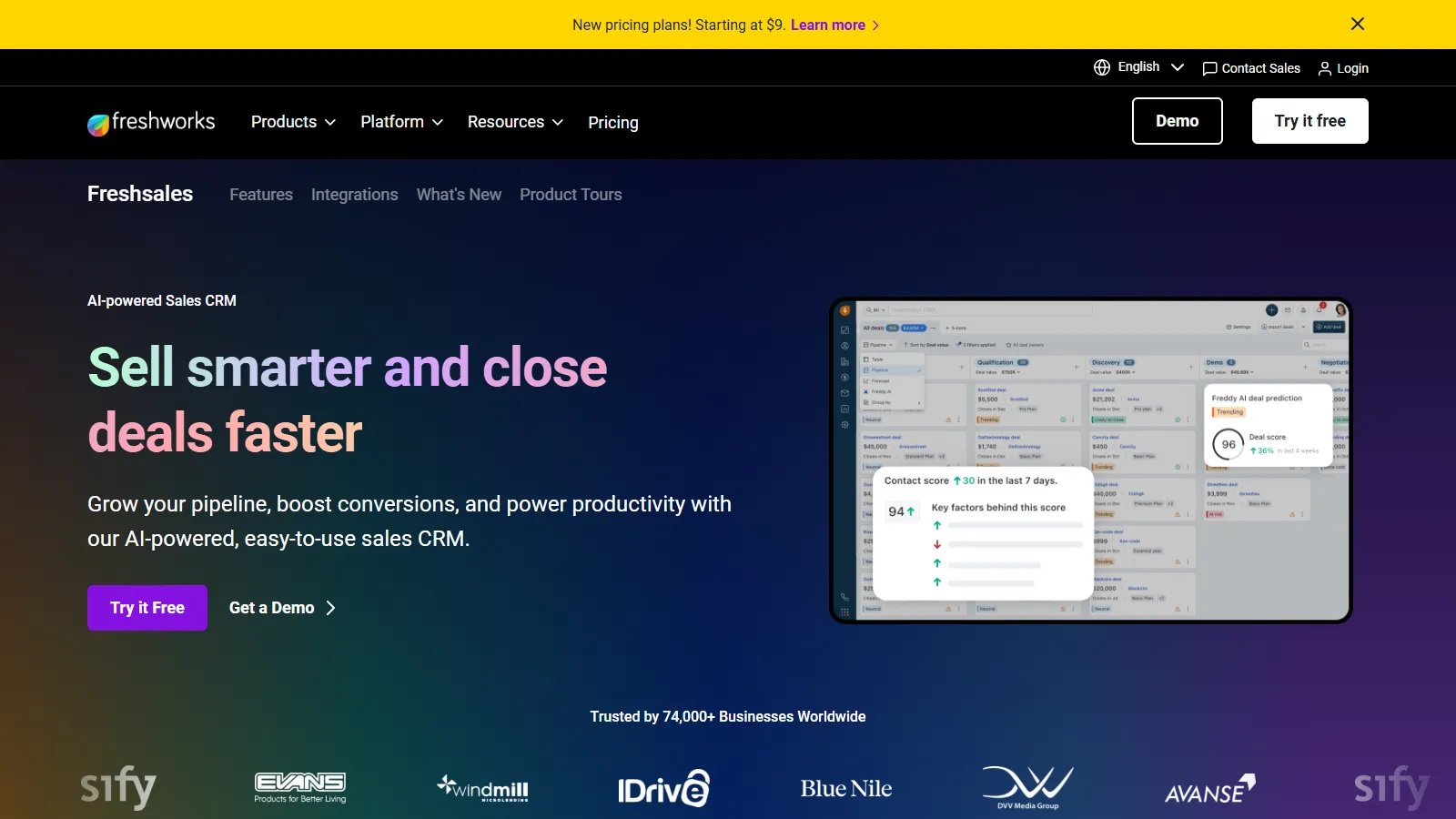
Freshsales combines Gmail integration with AI-powered insights. Freddy AI scores leads and suggests next actions. Email tracking catches every open. The free tier includes basic CRM with Gmail sync - enough for small teams to get started.
Starting priceFree
Strengths
Freddy AI assistant
Lead scoring
Free tier
Email tracking
Affordable paid plans
Limitations
Extension-based
AI features limited on free
Learning curve
Complex interface
Who it's for: Best for teams who want AI-powered insights with Gmail integration at an affordable price.
We tested each CRM for Gmail integration depth, usability, and value.
Gmail Integration (35%) — How seamlessly the CRM works within Gmail.
Email Tracking (25%) — Opens, clicks, and reply detection accuracy.
Contact Sync (20%) — Two-way sync quality and reliability.
Ease of Use (12%) — Learning curve and daily usability.
Pricing (8%) — Value for Gmail-centric teams.
How to Choose
Choose Streak if you need live in Gmail.
Choose Copper if you need Google Workspace user.
Choose HubSpot CRM if you need need free CRM.
Choose Pipedrive if you need sales-focused team.
Choose Freshsales if you need want AI insights.
Common Questions
Native integration means the CRM lives inside Gmail itself rather than as a sidebar or extension. Streak is the only truly native option - your pipeline appears as a tab in Gmail. Others use sidebars or Chrome extensions that work alongside Gmail.
Tracking pixels can occasionally trigger spam filters if overused. Most CRM tracking is invisible and low-risk. The bigger concern is privacy - some recipients may see tracking pixels as invasive. Use tracking judiciously and respect when prospects ask not to be tracked.
Most CRMs support multiple Gmail accounts, but check the specifics. Streak allows multiple Gmail accounts on paid plans. Copper requires Google Workspace. HubSpot connects multiple email accounts. Consider your team structure when choosing.