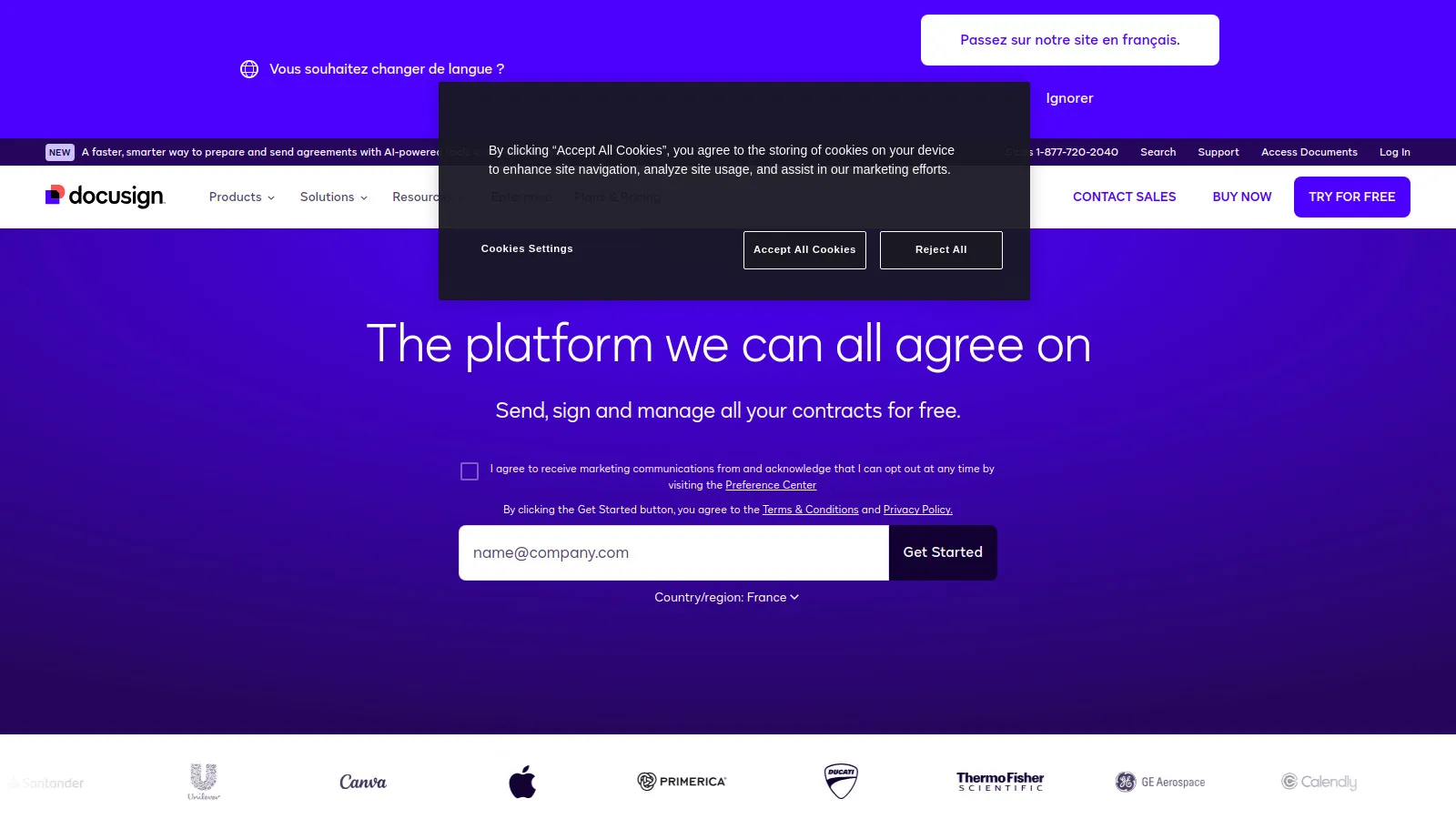
DocuSign is the industry standard for e-signatures, trusted by enterprises worldwide. The platform offers the best recipient experience, mobile signing, and integrations with every major CRM and productivity tool. When contracts need to be signed by external parties, DocuSign's brand recognition builds trust.
Starting price$15/mo
Strengths
Most trusted brand
Best recipient experience
Extensive integrations
Enterprise-grade security
Limitations
Premium pricing
Per-envelope costs add up
Who it's for: Ideal for sales teams who need the most trusted e-signature solution with maximum compatibility.
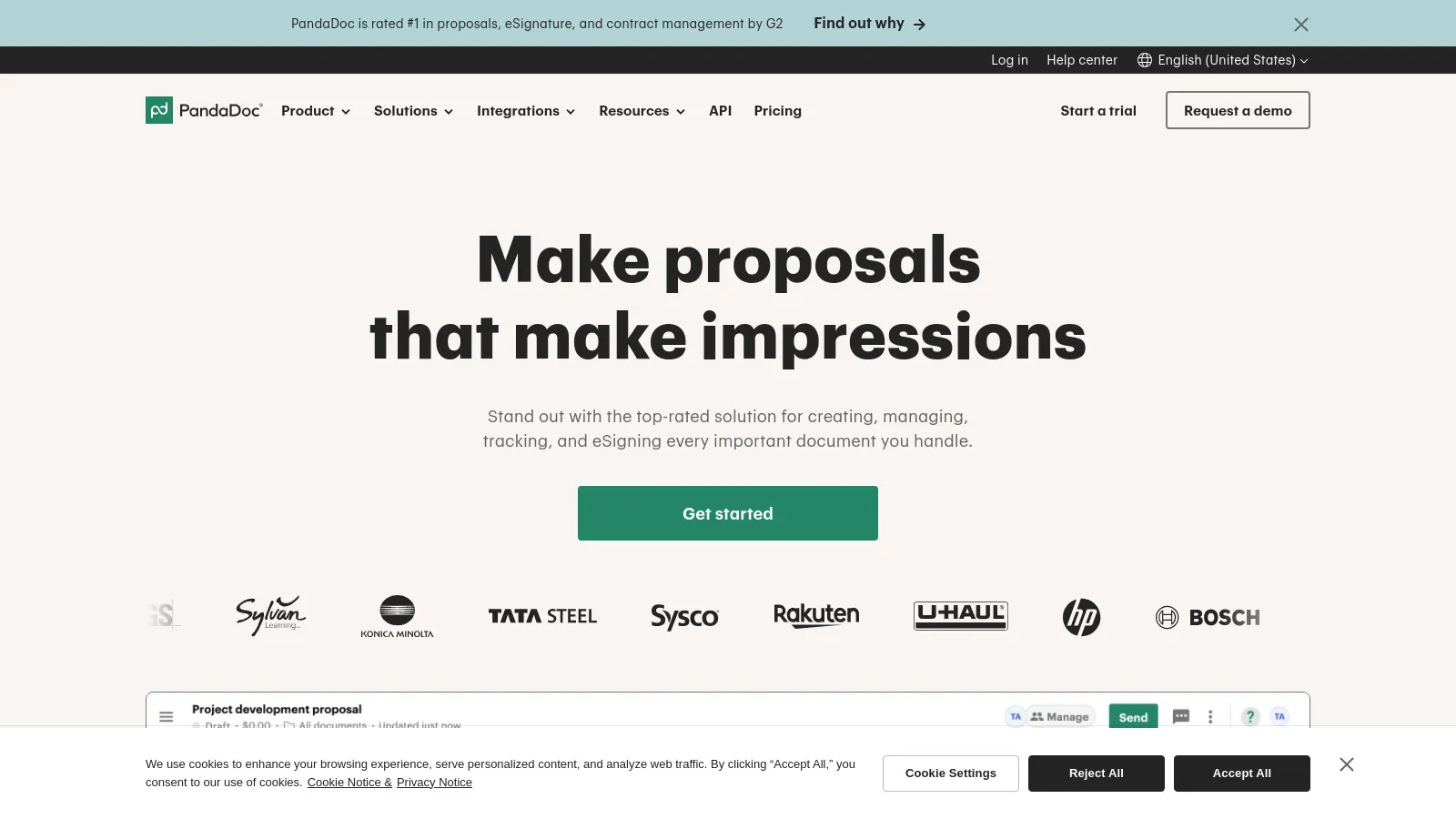
PandaDoc combines document creation with e-signature, making it ideal for sales teams who create proposals and contracts. Build beautiful documents from templates and collect signatures in one workflow. Deep CRM integrations keep everything connected.
Starting price$35/mo
Strengths
Documents + signing combined
Great for proposals
CRM integrations
Content library
Limitations
Higher per-user cost
E-sign only option limited
Who it's for: Best for sales teams who create proposals and need documents plus signing in one platform.
SignNow offers robust e-signature features at a lower price point than DocuSign. The platform handles templates, team workflows, and integrations well. Great choice for growing sales teams who need professional e-signatures without premium pricing.
Starting price$8/mo
Strengths
Great value pricing
Solid feature set
Team workflows
Good integrations
Limitations
Less brand recognition
Interface not as polished
Who it's for: Perfect for sales teams who want professional e-signatures at a budget-friendly price.
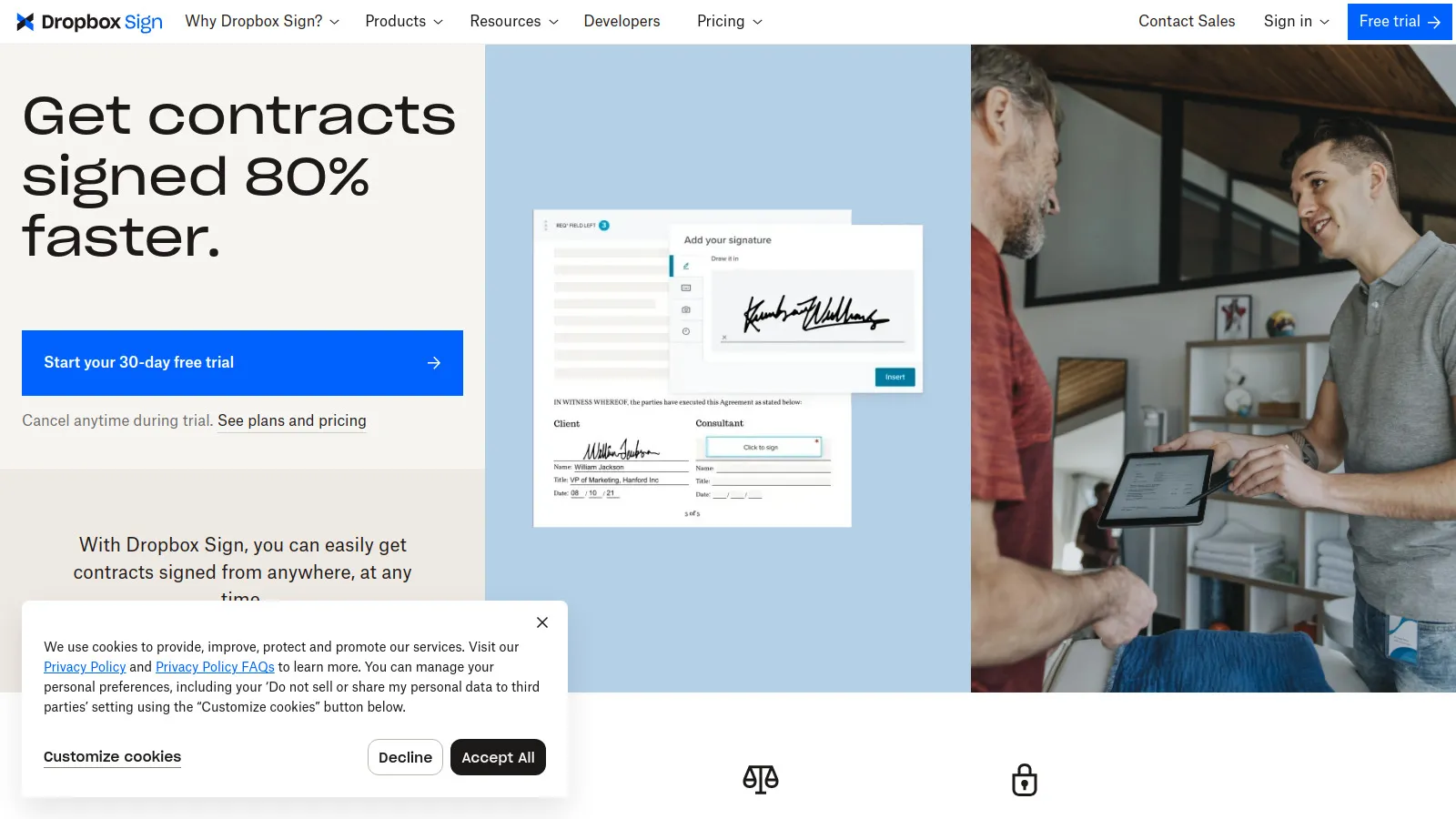
HelloSign (now Dropbox Sign) offers a clean, simple e-signature experience. The platform is particularly popular with developers for its excellent API. A good choice for teams who value simplicity over advanced features.
Starting price$20/mo
Strengths
Very simple interface
Excellent API
Clean signing experience
Developer-friendly
Limitations
Fewer CRM integrations
Basic workflow features
Who it's for: Great for teams who want simple e-signatures or need API integration for custom workflows.
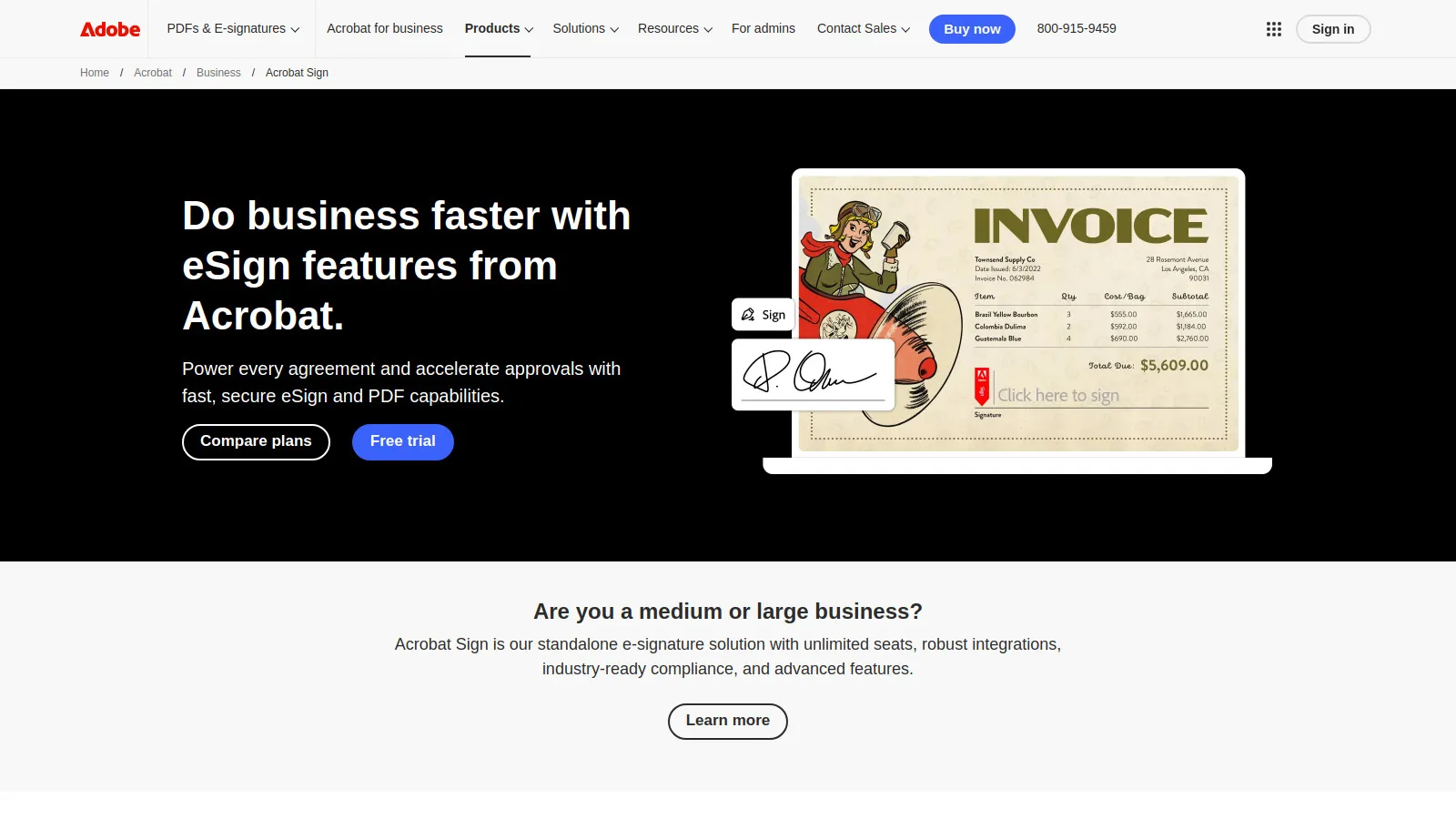
Adobe Sign integrates deeply with Adobe's ecosystem including Acrobat, Creative Cloud, and Microsoft 365. Enterprise-grade security and compliance make it suitable for regulated industries. Good for organizations already invested in Adobe.
Starting price$14.99/mo
Strengths
Adobe ecosystem integration
Enterprise security
Compliance features
PDF power tools
Limitations
Tied to Adobe ecosystem
Interface less modern
Who it's for: Best for enterprises using Adobe products who need compliant e-signatures.
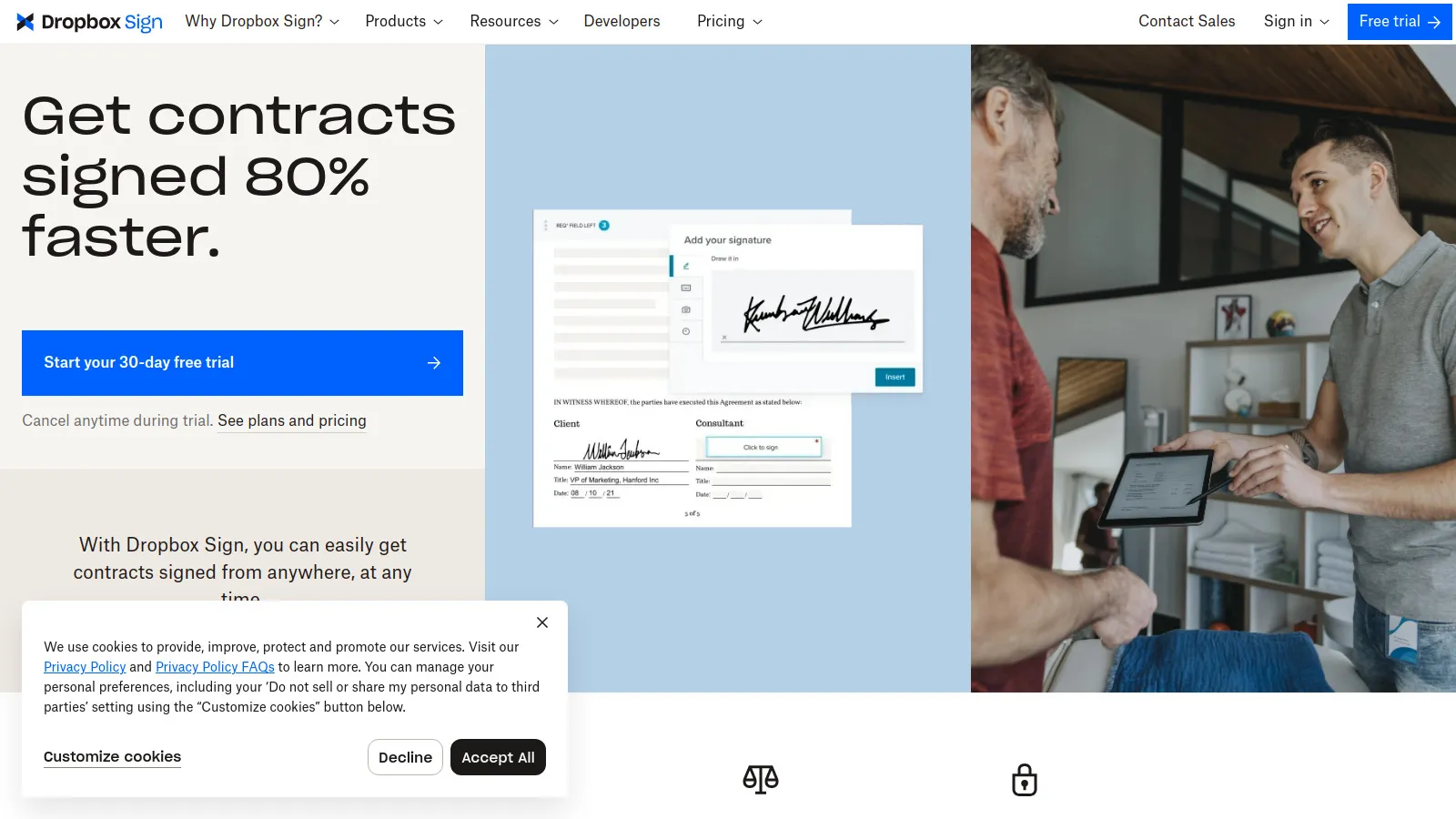
Dropbox Sign (formerly HelloSign) integrates seamlessly with Dropbox for document storage and sharing. The clean interface and straightforward workflow make it easy to use. Best for teams already using Dropbox as their document hub.
Starting price$20/mo
Strengths
Dropbox integration
Clean interface
Simple workflow
Good API
Limitations
Best with Dropbox
Fewer sales features
Who it's for: Ideal for teams using Dropbox who want seamless e-signature integration.
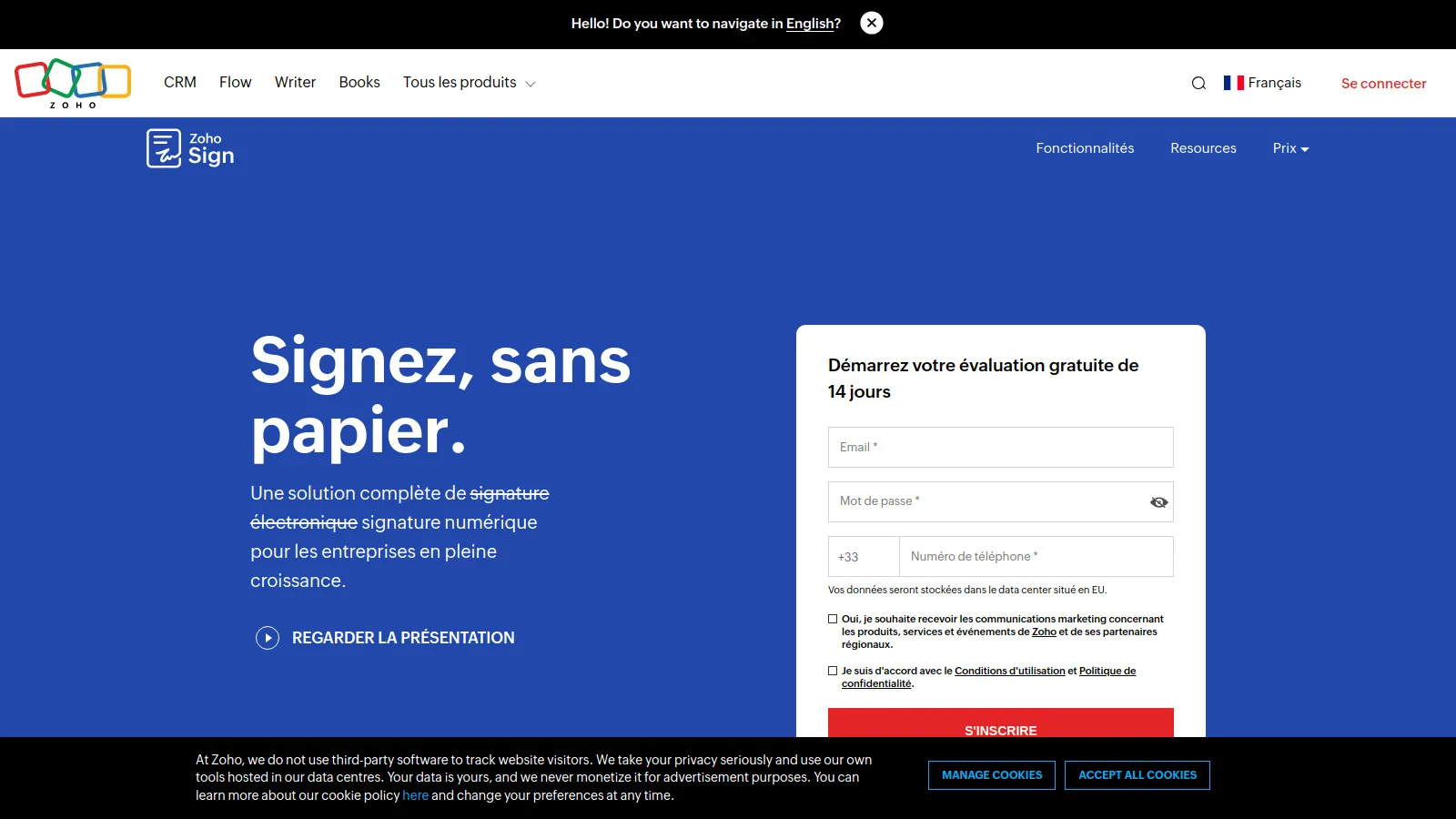
Zoho Sign offers e-signatures at a competitive price with tight integration into Zoho CRM and the broader Zoho ecosystem. Workflow automation, templates, and team features are included. Best value for Zoho users.
Starting price$12/mo
Strengths
Zoho ecosystem integration
Very affordable
Workflow automation
Good feature set
Limitations
Best with Zoho
Less known brand
Who it's for: Perfect for teams using Zoho CRM who want integrated, affordable e-signatures.
Value for Money (15%) — Pricing relative to features and limits.
How to Choose
Choose DocuSign if you need Maximum trust.
Choose PandaDoc if you need Documents + signing.
Choose SignNow if you need Budget-friendly.
Choose HelloSign if you need Simplicity.
Choose Zoho Sign if you need Zoho ecosystem.
Common Questions
Yes, e-signatures are legally binding in most countries under laws like ESIGN (US) and eIDAS (EU). All platforms listed provide legally valid signatures with audit trails.
DocuSign has the best mobile signing experience for recipients. PandaDoc and SignNow also have strong mobile apps for sending documents.
DocuSign, PandaDoc, SignNow, and Zoho Sign have native integrations with major CRMs like Salesforce and HubSpot.
This varies by plan. Some tools charge per envelope, others offer unlimited signatures. SignNow and Zoho Sign offer good unlimited options.