
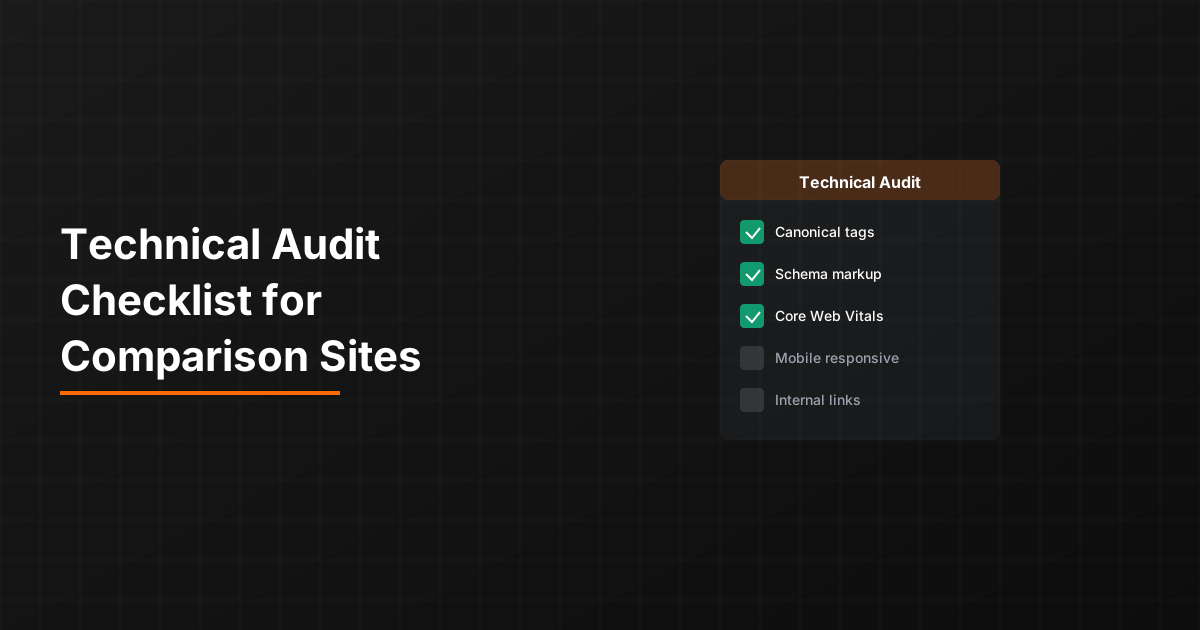
Technical SEO audits for comparison sites require attention to issues that general audits overlook. Large comparison tables create unique performance challenges. Programmatic page generation introduces template-level errors that multiply across thousands of pages. Structured data for product comparisons has specific requirements.
This checklist provides a systematic framework for auditing comparison and listicle sites. Work through each section, document findings, and prioritize fixes by impact. For programmatic sites, many issues apply at the template level—fixing once fixes many pages.
Copy and adapt this checklist for your specific site. The framework is universal, but specific thresholds and priorities may vary based on your site's scale and technical stack.
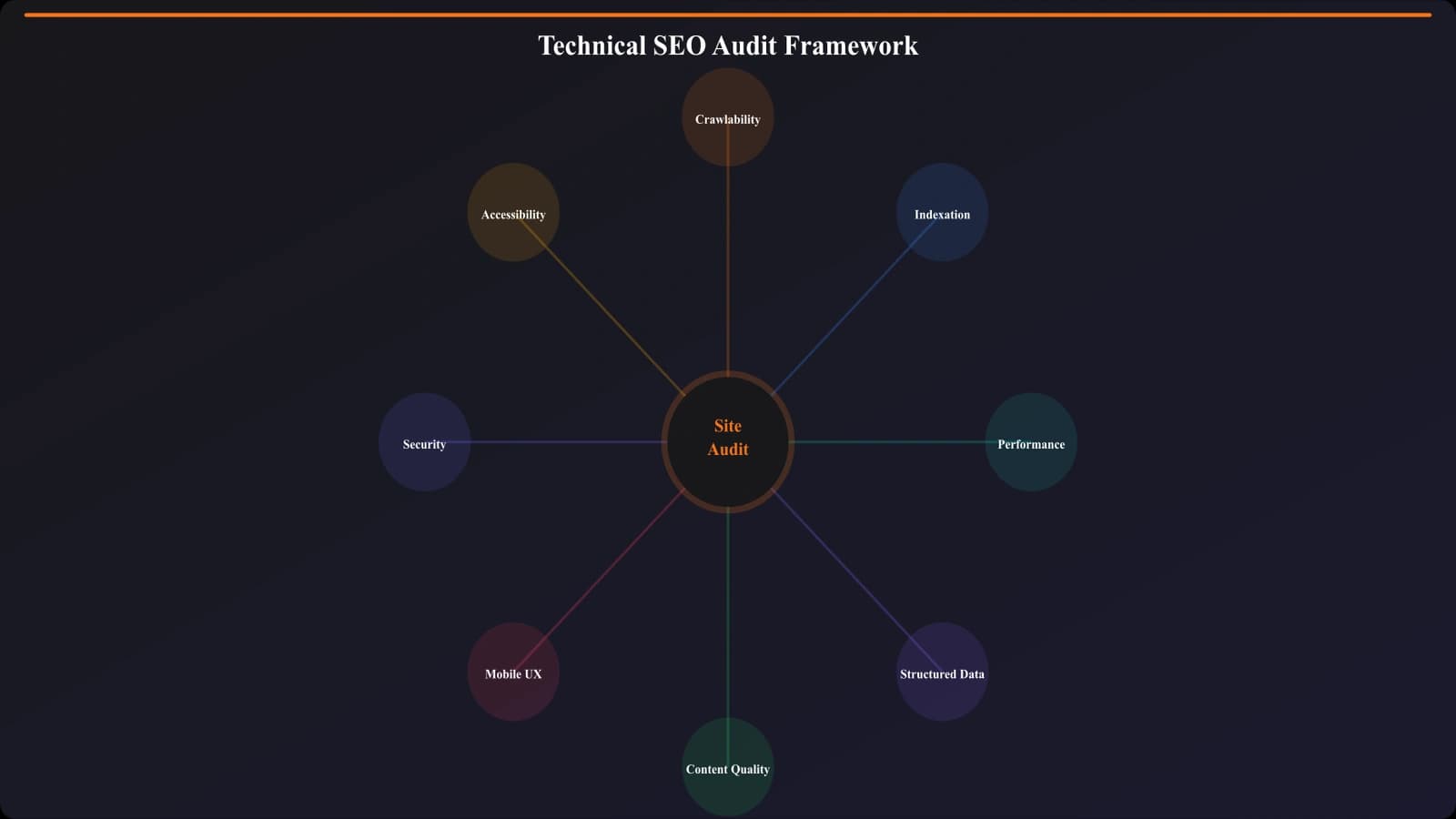
Section 1: Crawlability Audit
Ensure search engines can access and crawl your comparison pages effectively.
CHECKLIST: Crawlability
□ Robots.txt review: Verify comparison pages aren't blocked; check for overly broad disallow rules
□ XML sitemaps: All comparison pages included; sitemap submitted to Search Console; last modified dates accurate
□ Internal linking: Comparison pages reachable within 3-4 clicks from homepage; no orphan pages
□ Crawl depth: High-priority comparisons linked from category pages and navigation
□ Parameter handling: Filter/sort parameters either canonicalized or blocked from crawling
□ Pagination: Paginated lists use rel=next/prev or proper canonical handling
□ Mobile crawlability: Mobile versions return same content as desktop (mobile-first indexing)
Priority fixes: Robots.txt blocks and missing sitemap entries are critical—fix immediately. Internal linking issues are high priority for discoverability.
Crawl Budget Efficiency
CHECKLIST: Crawl Budget
□ Faceted URLs: Filter combinations aren't creating thousands of similar URLs
□ Redirect chains: No chains longer than 2 hops; no redirect loops
□ 404 volume: Less than 5% of crawled URLs returning 404
□ Soft 404s: Empty or thin pages returning 200 instead of proper 404
□ Server response time: Average under 500ms; no pages over 2s
Use server log analysis to verify crawl budget allocation. See Log File Analysis for PSEO for detailed guidance.
Section 2: Indexing Audit
Verify pages are being indexed as intended and indexing signals are correct.
CHECKLIST: Indexing Status
□ Index coverage: Compare pages in sitemap vs pages indexed (Search Console)
□ Index ratio: At least 80% of submitted URLs indexed (investigate gaps)
□ Meta robots: No unintended noindex tags on comparison pages
□ X-Robots-Tag: Check HTTP headers for conflicting directives
□ Canonical tags: All comparison pages have self-referencing canonicals
□ Canonical conflicts: No pages pointing canonical to different pages unintentionally
Duplicate Content
CHECKLIST: Duplicate Content
□ Near-duplicates: Similar comparison pages differentiated sufficiently
□ Cross-domain: Your content not duplicated on other domains (or vice versa)
□ Protocol duplicates: HTTP/HTTPS and www/non-www canonicalized properly
□ Trailing slash: Consistent handling of trailing slashes across all URLs
□ Case sensitivity: URL case variations handled (redirect or canonical)
□ Product overlap: Different comparisons featuring same products sufficiently unique
For PSEO sites, pay special attention to near-duplicate comparisons. “Best X for Y” and “Top X for Y” pages with 80% overlapping content create issues.
Section 3: Performance Audit
Comparison pages often struggle with Core Web Vitals due to image-heavy content and large tables.
CHECKLIST: Core Web Vitals
□ LCP (Largest Contentful Paint): Under 2.5 seconds on mobile
□ INP (Interaction to Next Paint): Under 200ms for interactions
□ CLS (Cumulative Layout Shift): Under 0.1 score
□ Field data passing: Check Search Console for page group assessment
□ Mobile performance: Test on throttled mobile connection, not just fast desktop
Image Optimization
CHECKLIST: Image Optimization
□ Modern formats: WebP or AVIF with fallbacks
□ Proper sizing: Images not larger than display dimensions
□ Lazy loading: Below-fold images use loading="lazy"
□ Explicit dimensions: Width and height attributes on all images
□ Alt text: Descriptive alt text for product images and screenshots
□ Hero optimization: Hero image preloaded and priority-loaded
For detailed image optimization, see Core Web Vitals for Image-Heavy Listicles.
Generate Technically Sound Comparisons
Build comparison pages with proper technical SEO implementation from the start.
Try for Free
Section 4: Structured Data Audit
Comparison pages benefit from multiple schema types. Verify implementation is correct and complete.
CHECKLIST: Structured Data
□ Article schema: Present on all comparison content pages
□ ItemList schema: Used for ranked/ordered comparisons
□ Product schema: Present for individual products (if applicable to your content type)
□ AggregateRating: If showing ratings, schema matches visible data
□ FAQPage schema: Present for FAQ sections (if included)
□ Validation: All schema passes Google Rich Results Test
□ Search Console: No structured data errors or warnings
Section 5: Content Quality Signals
Technical audits should also verify content quality signals that affect SEO performance.
CHECKLIST: Content Quality
□ Thin content: No comparison pages under 500 words without strong data justification
□ Unique value: Each comparison adds value beyond listing the same products
□ Freshness signals: Visible publication and update dates; dates accurate
□ Author attribution: Clear author with credentials where appropriate
□ Data accuracy: Sample check pricing, features against current reality
□ Broken links: No dead outbound links; internal links all resolve
PSEO-Specific Checks
CHECKLIST: Template Quality
□ No placeholder text: Search for [INSERT], TODO, Lorem ipsum across all pages
□ Template logic: Conditional content rendering correctly for edge cases
□ Data gaps: Missing data handled gracefully, not showing empty sections
□ Consistent structure: All programmatic pages follow expected pattern
□ Edge case testing: Test with minimal data, unusual characters, long strings
For programmatic sites, template-level errors multiply quickly. A single issue in a template can create thousands of broken pages.
Audit Workflow and Prioritization
Work through this checklist systematically, documenting findings as you go. Not all issues are equal priority.
Priority Framework
- Critical (fix immediately): Crawl blocks, noindex errors, major 404 issues, broken templates
- High (fix this week): Missing canonicals, poor internal linking, CLS issues, broken structured data
- Medium (fix this month): LCP optimization, image format updates, minor duplicate content
- Low (ongoing improvement): Minor performance tweaks, content freshness updates, enhanced alt text
For PSEO sites, issues affecting templates jump in priority—fixing a template fixes many pages simultaneously.
Schedule audits quarterly at minimum, or after any major site changes. Technical debt compounds—regular audits prevent small issues from becoming large problems.

Product Manager at BestPage. Pioneer in AEO research since 2024, exploring the convergence of SEO and GEO (Generative Engine Optimization). Led multiple AI-powered content optimization projects that achieved 300%+ citation increases in ChatGPT and Perplexity.