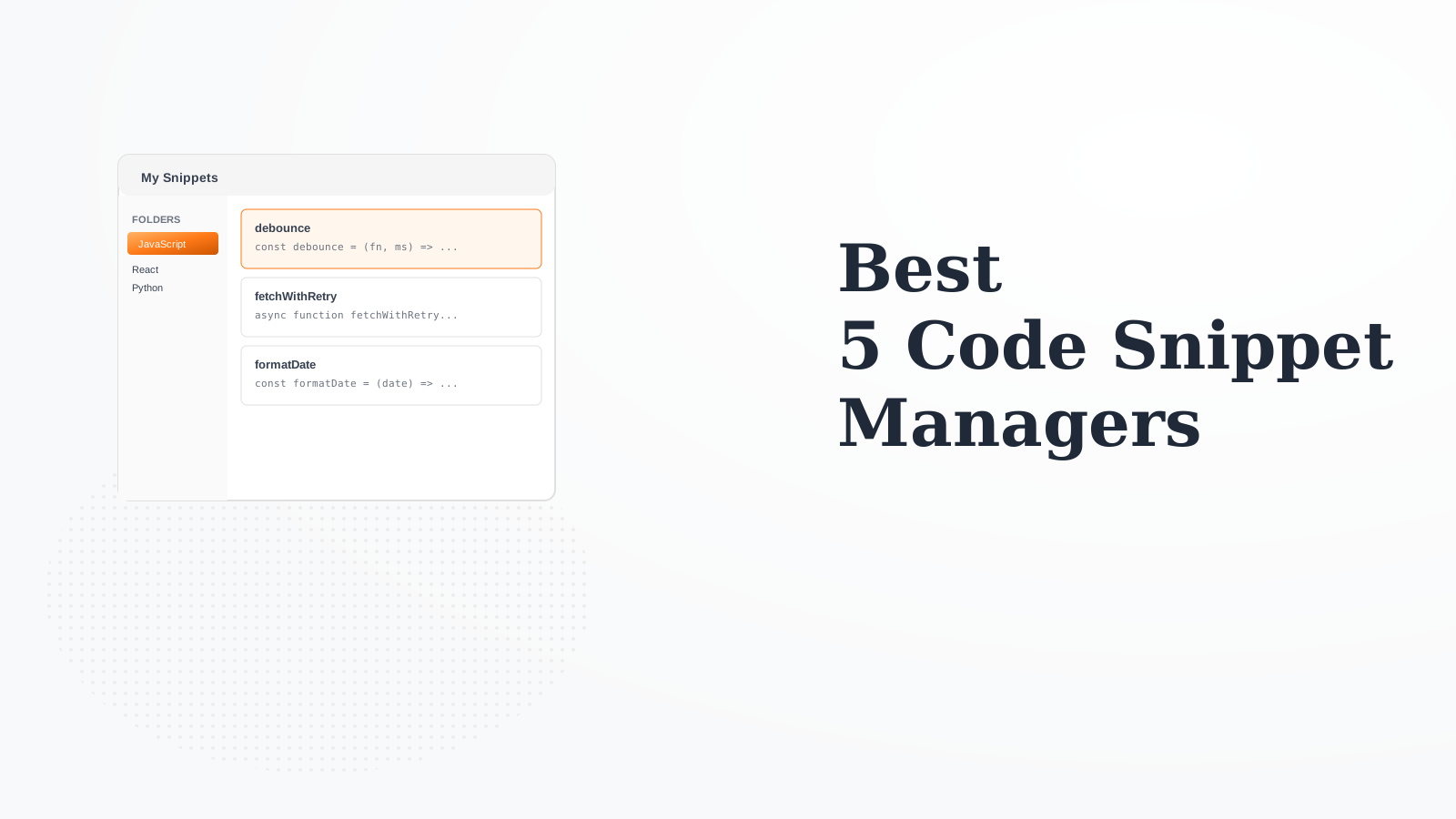
5 Best Code Snippet Managers for Reusable Code in 2026
Every developer accumulates reusable code patterns, utility functions, and clever solutions. Without a snippet manager, these get lost in old projects or scattered across notes. A good snippet manager keeps your code library organized, searchable, and accessible right from your IDE. We tested 8 snippet tools to find the best for different workflows.
If you already use Raycast (and you should), its snippets feature is incredibly convenient. Type a keyword anywhere on Mac and your snippet expands. Dynamic placeholders let you fill in variables. The snippets sync with your Raycast account. No separate app needed - snippets live in your productivity hub.
Starting priceFree
Strengths
Expand snippets anywhere
Dynamic variables
Integrated with Raycast
Fast search
Cloud sync
Free
Limitations
Mac only
Requires Raycast
Less organization than dedicated tools
No IDE integration
Who it's for: The best option for Mac developers already using Raycast. Snippets are always one keystroke away.
SnippetsLab is a beautiful, native Mac app for snippet management. Organize with folders, tags, and smart groups. The editor has excellent syntax highlighting for 100+ languages. iCloud sync keeps snippets available on all your Macs. The menu bar app provides quick access.
Starting price$9.99
Strengths
Beautiful native Mac UI
Excellent organization
iCloud sync
Smart groups
Menu bar access
One-time purchase
Limitations
Mac only
No text expansion
No team features
No IDE plugins
Who it's for: Best for Mac developers wanting a dedicated, well-designed snippet organizer.
massCode is a free, open-source snippet manager that works on all platforms. Each snippet can have multiple fragments (variants). The Markdown support helps with documentation. Store snippets locally or sync via cloud folders. No account required.
Starting priceFree
Strengths
Free and open source
Cross-platform
Multiple fragments per snippet
Markdown support
No account needed
Local storage
Limitations
Less polished UI
Manual sync setup
Fewer features
Smaller community
Who it's for: Great for developers wanting a free, cross-platform snippet manager without accounts.
Lepton syncs with GitHub Gists, so your snippets are accessible anywhere through GitHub. Tag and search gists efficiently. Changes sync back to GitHub. Good for developers who already use Gists and want a better interface.
Starting priceFree
Strengths
GitHub Gist sync
Access from anywhere
Tags and search
Cross-platform
Free
Public/private gists
Limitations
Requires GitHub account
Electron (heavy)
Less organization features
No text expansion
Who it's for: Perfect for GitHub-centric developers who want their snippets version-controlled.
Dash is primarily a documentation browser, but its snippet feature is powerful. Create snippets with placeholder variables that expand anywhere on Mac. If you already use Dash for docs, the snippets are a valuable bonus.
Starting price$29.99
Strengths
Text expansion anywhere
Placeholder variables
With documentation app
iCloud sync
Quick search
One-time purchase
Limitations
Bundled with Dash ($30)
Mac only
Organization not as rich
Primary purpose is docs
Who it's for: If you use Dash for documentation, the snippet feature adds significant value.