We tested 12+ construction PM tools to find the best options for builders and contractors. These platforms handle field access, scheduling, documentation, and the unique needs of construction projects.
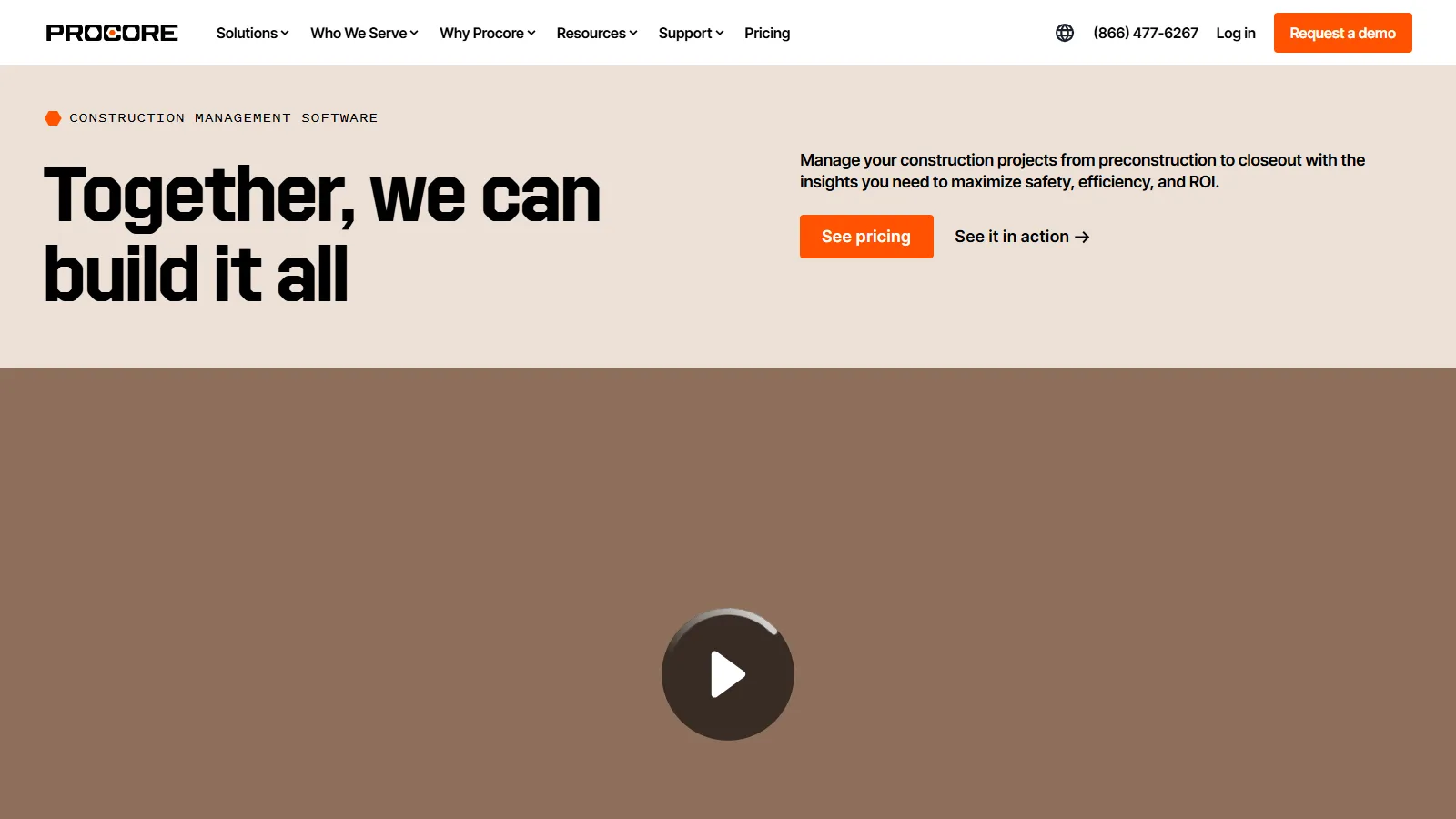
Procore is the industry-leading construction management platform covering the entire project lifecycle. Field apps, financials, quality management, and BIM integration make it the enterprise standard.
Starting priceCustom
Strengths
Complete platform
Excellent field app
Strong financials
BIM support
Industry standard
Limitations
Enterprise pricing
Complex implementation
Overkill for small projects
Learning curve
Who it's for: Best for commercial contractors and enterprises needing complete construction management.
Buildertrend is built for residential builders with client portals, selection sheets, and scheduling. Home builders get tools designed for their specific workflow.
Starting price$499/mo
Strengths
Residential focus
Great client portal
Selection management
Scheduling
Good mobile app
Limitations
Monthly cost
Residential focused
Less for commercial
Some learning curve
Who it's for: Best for residential home builders wanting complete client and project management.
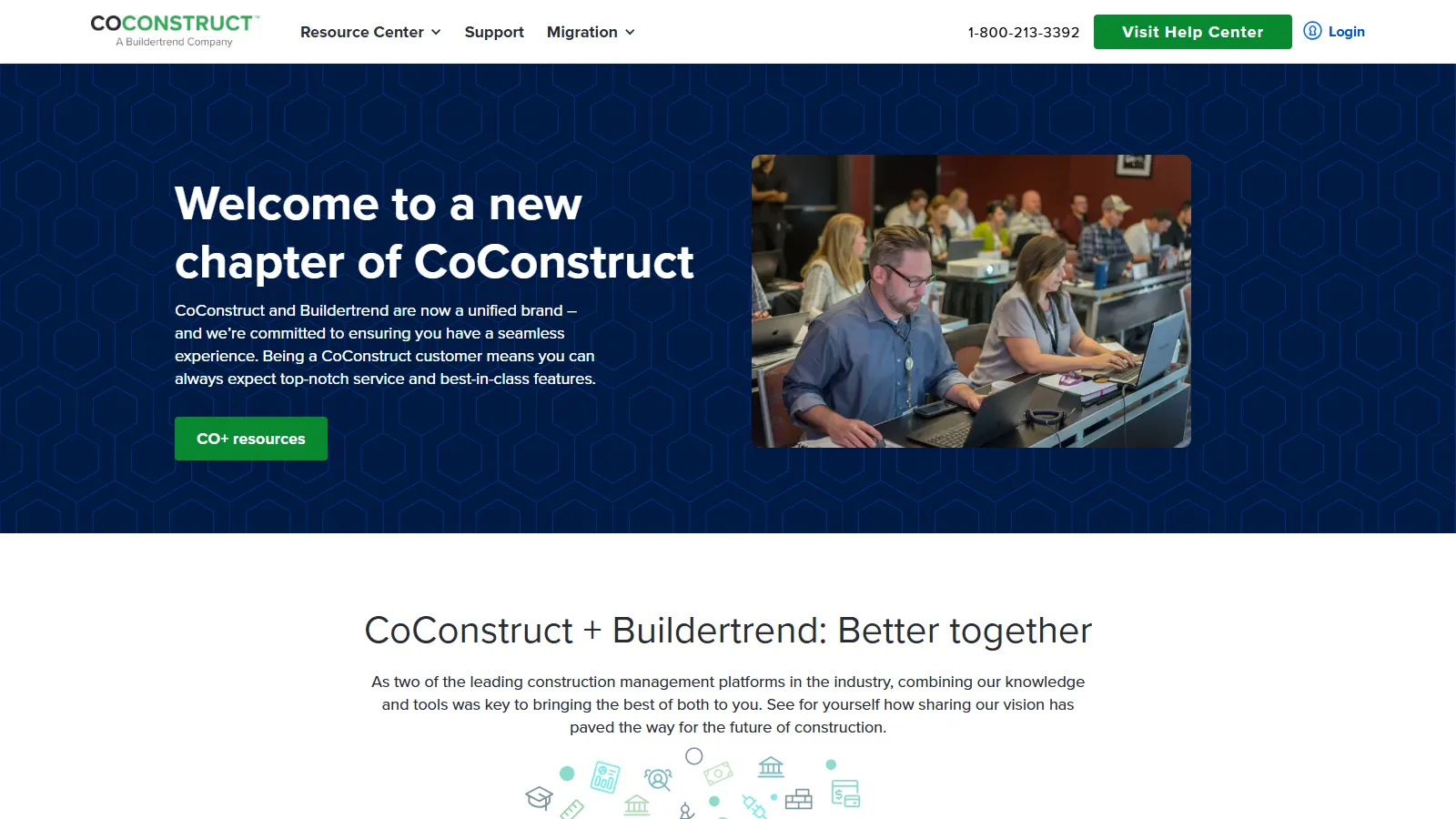
CoConstruct focuses on custom home builders with estimating, selections, and client communication tools designed for the unique needs of custom builds.
Starting price$449/mo
Strengths
Custom home focus
Good estimating
Client selections
Communication tools
Change orders
Limitations
Custom homes only
Monthly pricing
Less flexible
Smaller ecosystem
Who it's for: Best for custom home builders wanting purpose-built software for their workflow.
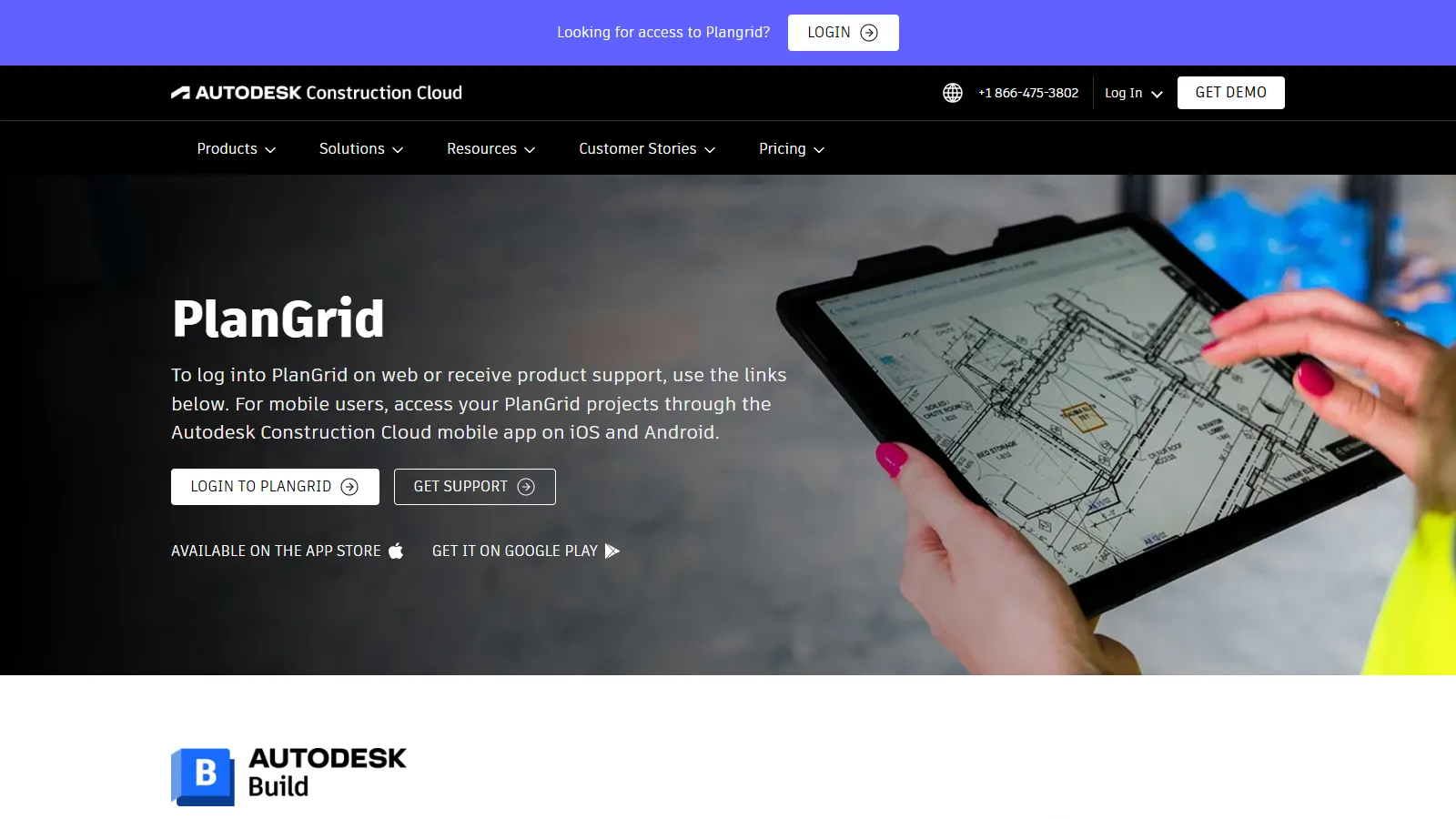
PlanGrid (now part of Autodesk) provides best-in-class blueprint management and field documentation. Markups, punch lists, and photo documentation work seamlessly on-site.
Starting price$39/user
Strengths
Best blueprint management
Easy markups
Punch lists
Photo documentation
Great field app
Limitations
Limited project management
No financials
Autodesk acquisition
Per-user pricing
Who it's for: Best for teams prioritizing document and blueprint management in the field.
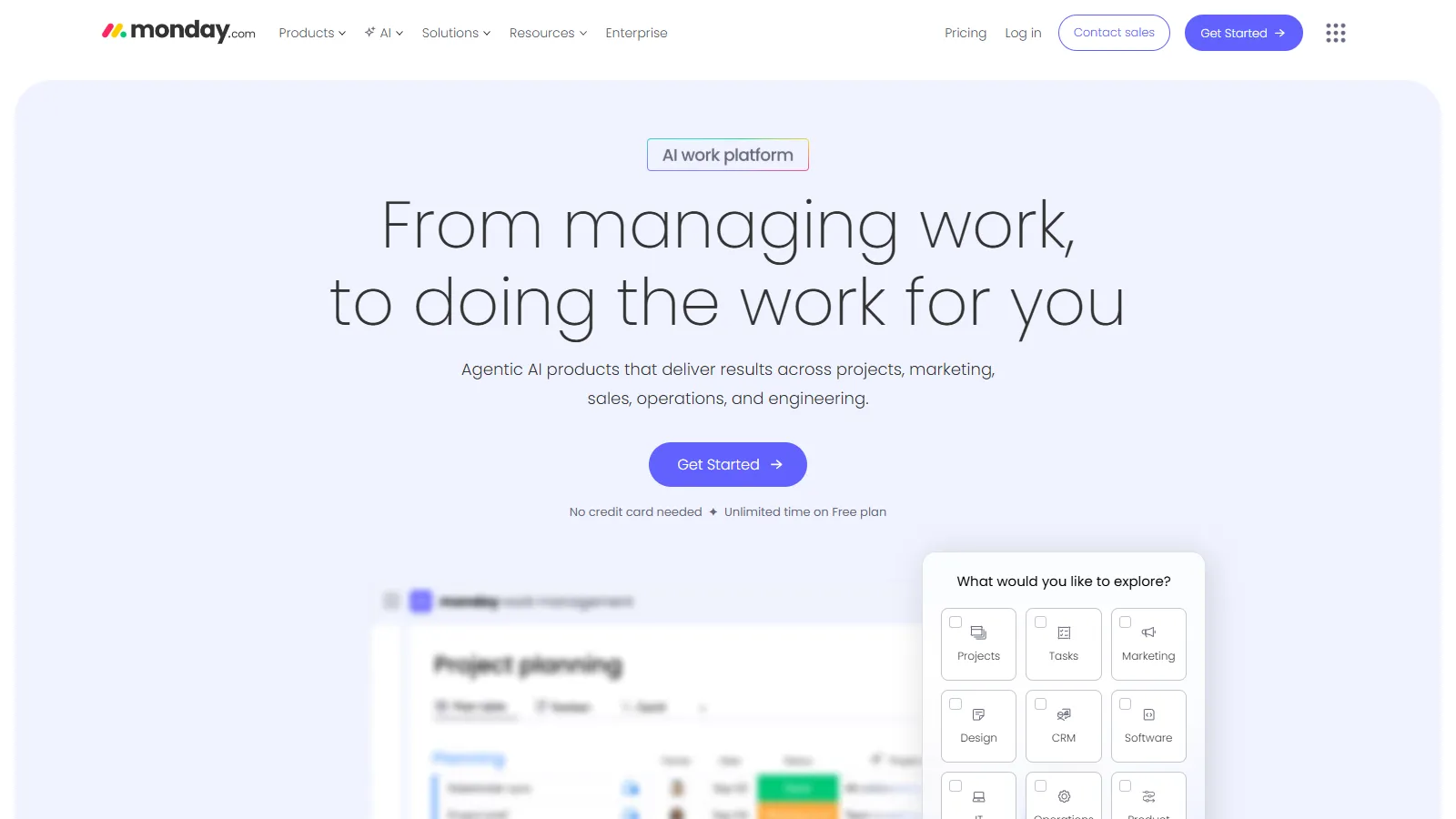
Monday.com offers flexible project management with construction templates. General contractors can adapt it to their workflow without construction-specific constraints.
Starting price$9/user
Strengths
Flexible platform
Good templates
Visual boards
Many integrations
Affordable
Limitations
Not construction-specific
No blueprint tools
No estimating
Generic platform
Who it's for: Best for general contractors wanting flexible PM without industry-specific features.
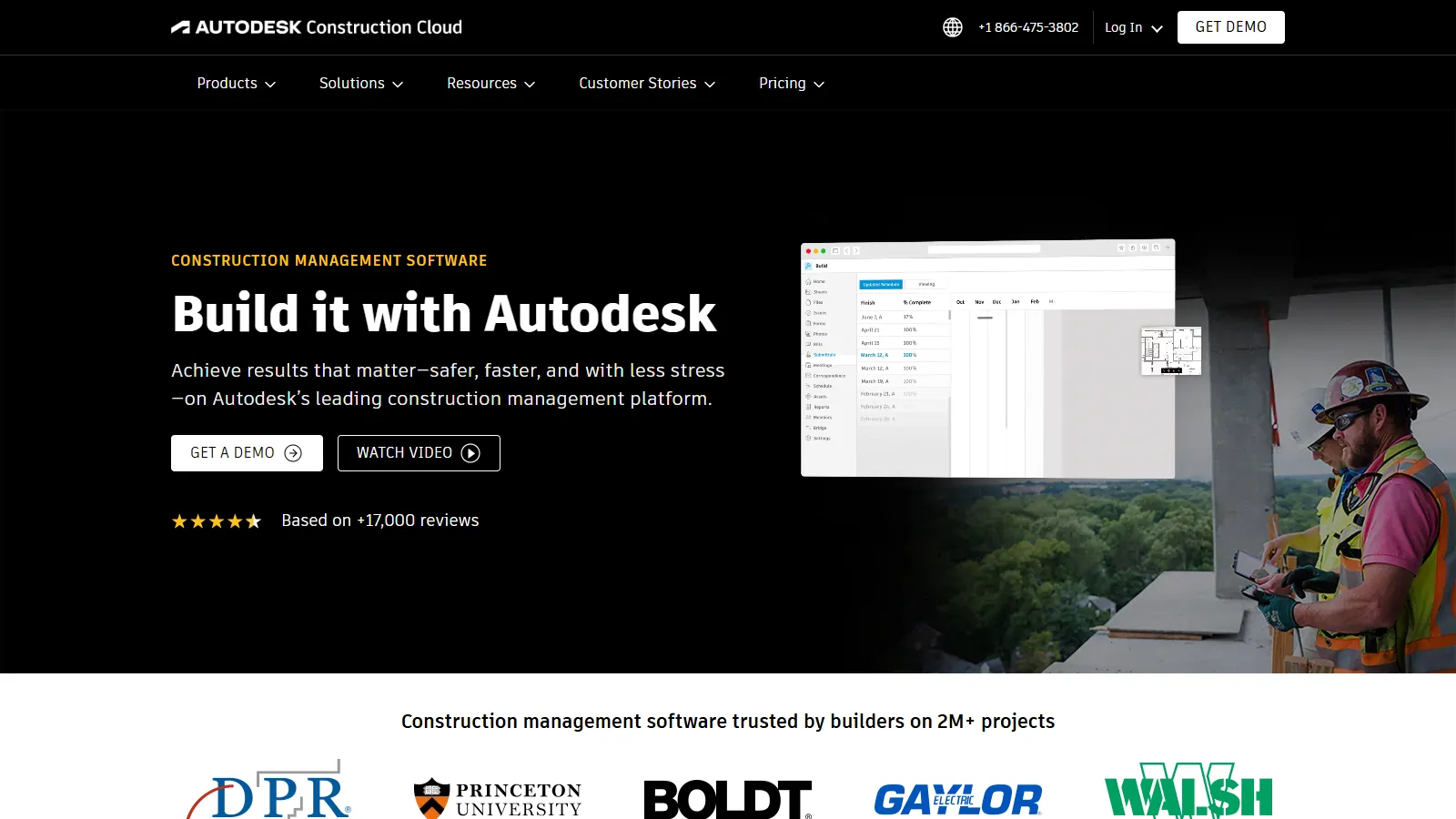
Autodesk Construction Cloud provides enterprise construction management with BIM integration and design coordination. Large-scale projects get complete design-to-build coverage.
Strengths
BIM integration
Design coordination
Large project support
Quantification
Autodesk ecosystem
Limitations
Enterprise pricing
Complex
Autodesk lock-in
Implementation time
Who it's for: Best for large projects needing BIM integration and design-build coordination.
We tested each tool for construction-specific workflows and field usability.
Construction Features (30%) — Industry-specific functionality.
Field Usability (25%) — Mobile app quality for job sites.
Documentation (20%) — Blueprint, photo, and document management.
Integration (15%) — Accounting, estimating, and other tool connections.
Value (10%) — Features relative to cost.
How to Choose
Choose Procore if you need commercial enterprise.
Choose Buildertrend if you need residential builder.
Choose CoConstruct if you need custom homes.
Choose PlanGrid if you need blueprint focus.
Choose Fieldwire if you need small contractor budget.
Common Questions
For most contractors, yes. Construction has unique needs like blueprint management, punch lists, RFIs, and change orders that general PM tools dont handle well. Purpose-built tools save significant time.
Critical. Most construction work happens in the field, not at a desk. Poor mobile apps mean low adoption. Test the mobile experience before committing.
Yes if possible. Construction projects have complex financials. Integration with QuickBooks, Sage, or your accounting system reduces double-entry and errors.