7 Best Project Management Tools for Waterfall Projects in 2026
We tested 20+ PM tools to find the best options for traditional waterfall methodology. These tools offer Gantt charts, task dependencies, milestone tracking, and critical path analysis for sequential project phases.
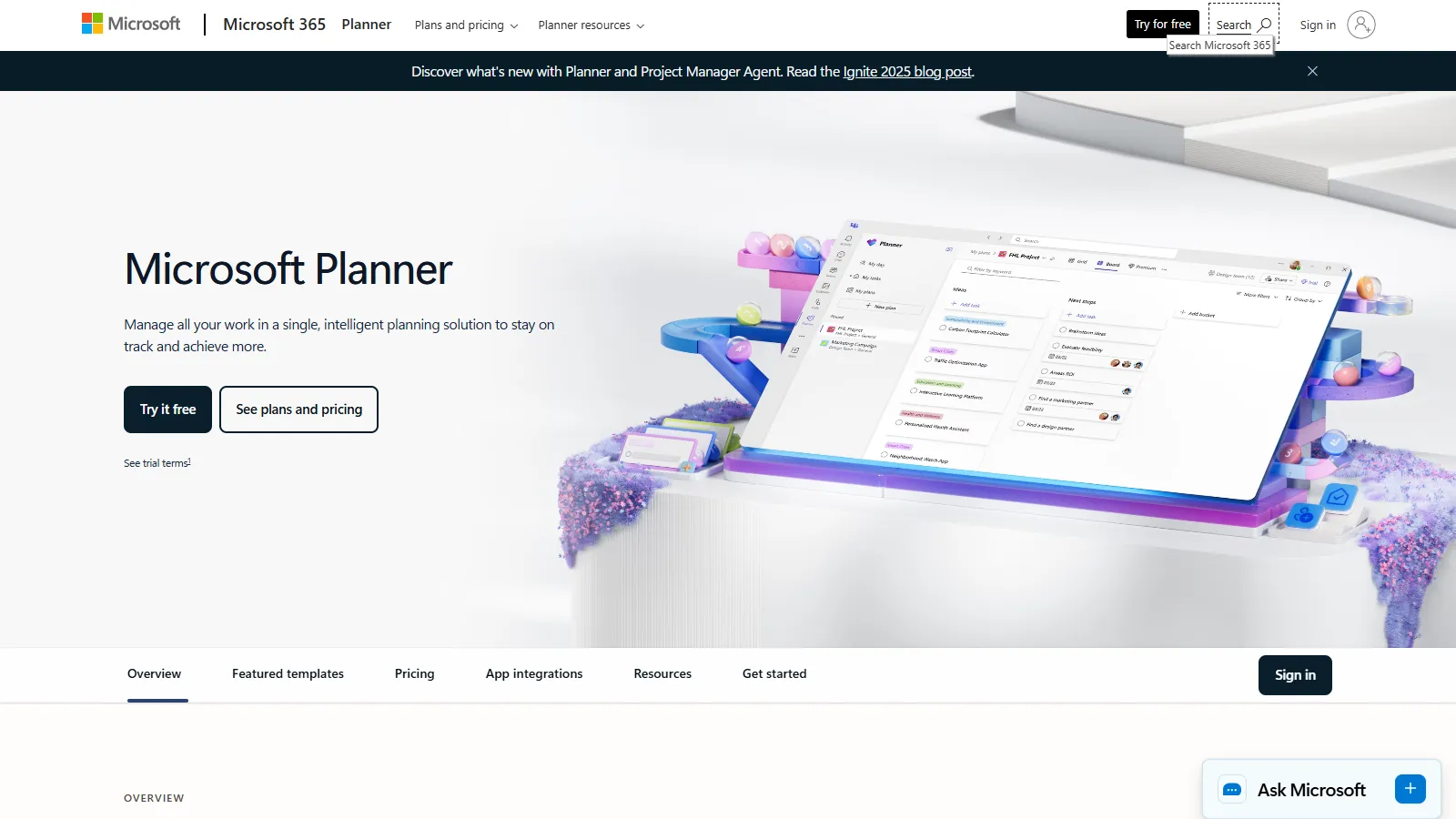
Microsoft Project remains the industry standard for waterfall project management. It offers the deepest feature set for Gantt charts, critical path analysis, resource leveling, and baseline tracking. Integration with Microsoft 365 makes it natural for enterprise teams.
Starting price$10/user/mo
Strengths
Industry-standard Gantt and scheduling
Comprehensive critical path analysis
Advanced resource leveling
Baseline tracking and variance reports
Deep Microsoft 365 integration
Limitations
Steeper learning curve
Can be overkill for simple projects
Desktop app feels dated
Premium features require higher tiers
Who it's for: Best for project managers in enterprises with complex multi-phase projects. Ideal when you need comprehensive scheduling, resource management, and Microsoft ecosystem integration.
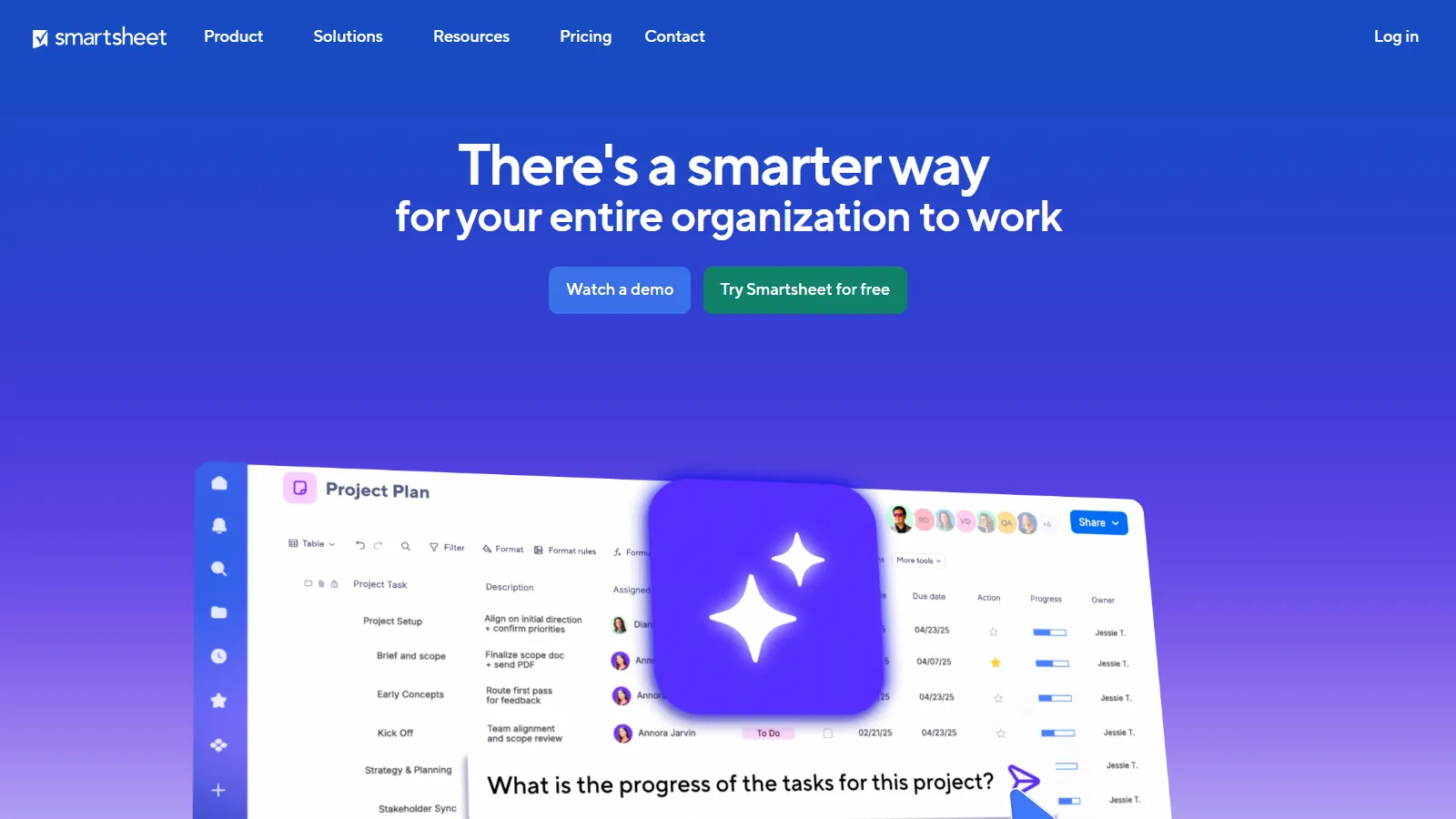
Smartsheet combines spreadsheet familiarity with powerful project management features. Teams transitioning from Excel find it intuitive, while getting proper Gantt charts, dependencies, and automation. The grid interface works naturally for waterfall planning.
Starting price$9/user/mo
Strengths
Familiar spreadsheet interface
Powerful Gantt with dependencies
Strong automation capabilities
Excellent dashboards and reports
Critical path analysis included
Limitations
Per-user pricing adds up
Some features require higher plans
Mobile experience less capable
Learning curve for advanced features
Who it's for: Perfect for teams moving from Excel to proper PM tools. Ideal for organizations that value spreadsheet-style data entry with Gantt visualization.
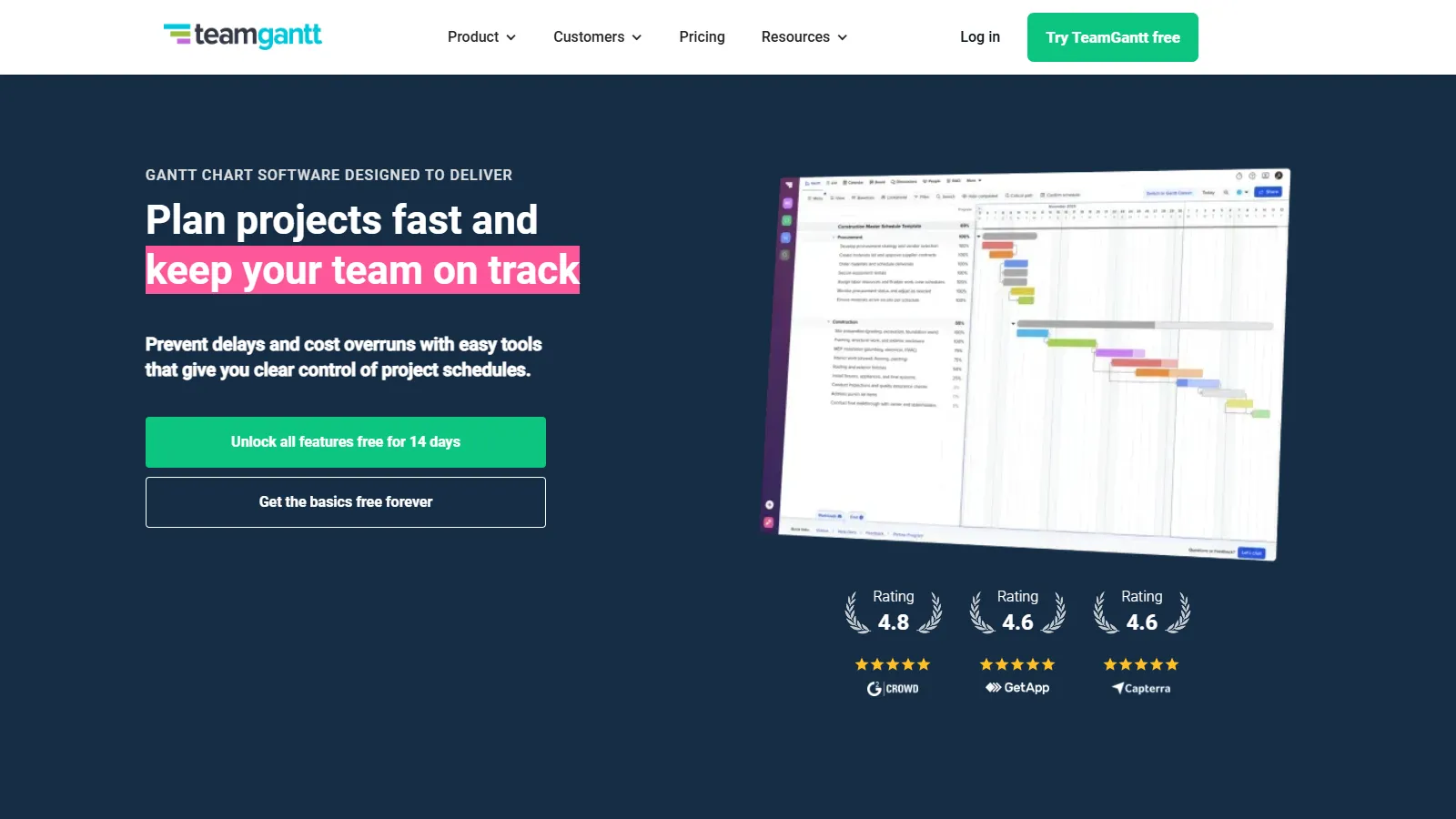
TeamGantt is purpose-built for Gantt chart project management with the most intuitive drag-and-drop interface. One free project makes it accessible for small teams, and the paid plans remain affordable for growing organizations.
Starting priceFree/$19/mo
Strengths
Easiest Gantt interface to learn
One free project included
Drag-and-drop everything
Baseline tracking available
Simple team collaboration
Limitations
Less feature depth than enterprise tools
No critical path analysis
Limited reporting options
Basic resource management
Who it's for: Best for small teams or individuals who need straightforward Gantt charts without enterprise complexity. Ideal when simplicity matters more than advanced features.
Wrike offers robust Gantt charts alongside other view types, making it ideal for organizations that blend waterfall and agile approaches. The timeline view handles dependencies well, while kanban boards support iterative work within phases.
Starting price$9.80/user/mo
Strengths
Gantt plus kanban plus list views
Strong dependency management
Critical path analysis
Workload view for resources
Good for hybrid methodologies
Limitations
Gantt requires higher-tier plans
Can feel complex initially
Per-user pricing climbs quickly
Some features enterprise-only
Who it's for: Best for teams using mixed methodologies that need waterfall phases with agile elements. Ideal for marketing, creative, and professional services teams.
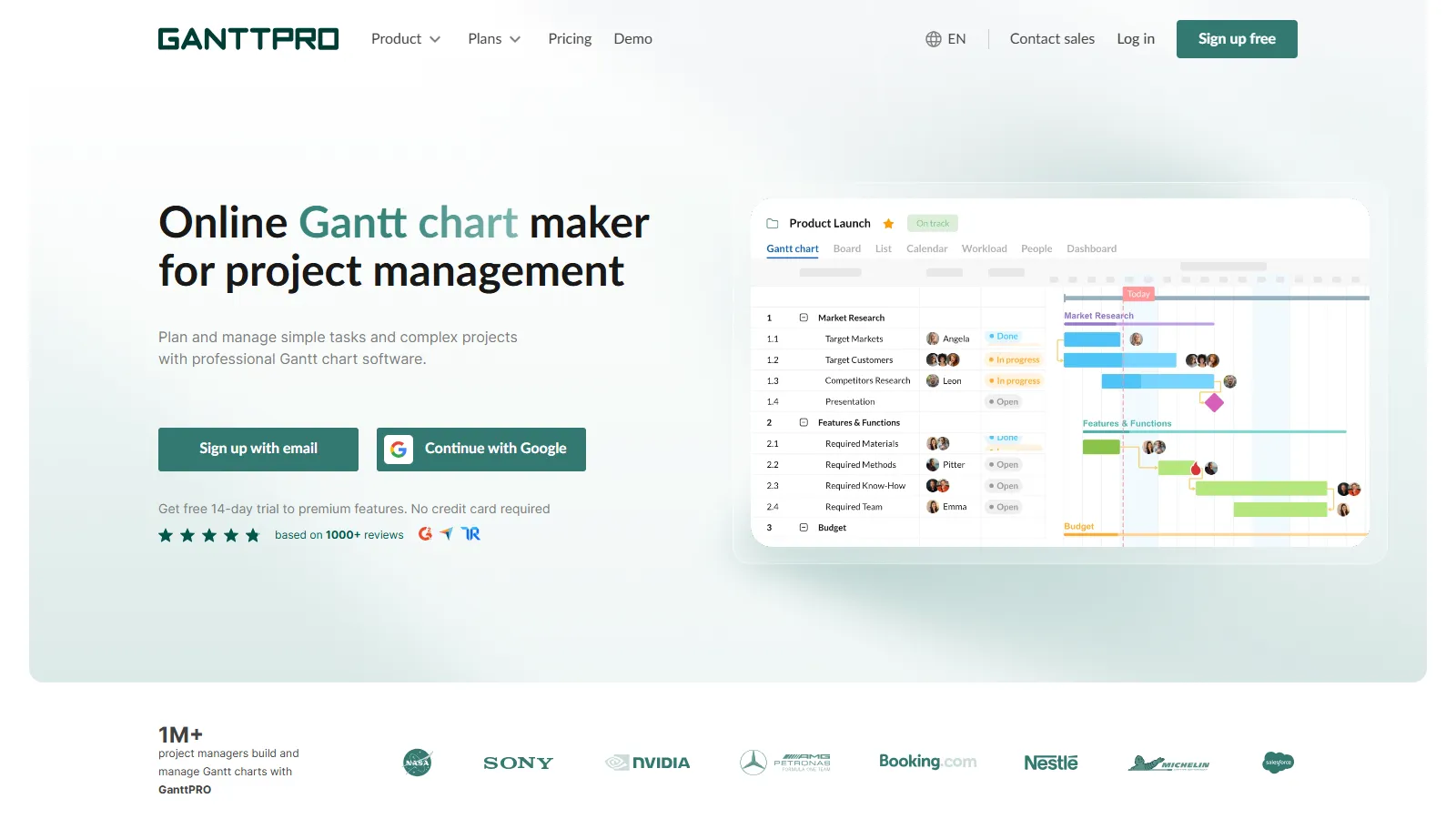
GanttPRO delivers dedicated Gantt chart functionality at a budget-friendly price point. It includes dependencies, baselines, and resource management without the complexity or cost of enterprise tools like Microsoft Project.
Starting price$7.99/user/mo
Strengths
Affordable dedicated Gantt tool
Critical path analysis included
Baseline tracking available
Template library for quick start
Export to popular formats
Limitations
Less integration ecosystem
Basic collaboration features
Fewer view types
Limited automation
Who it's for: Perfect for budget-conscious teams that need proper Gantt charts without enterprise pricing. Ideal for construction, event planning, and traditional project managers.
Monday.com offers beautiful timeline views with dependency arrows for waterfall-style planning. While not a traditional PM tool, its visual approach and flexibility make it work well for sequential project phases with modern aesthetics.
Starting price$9/user/mo
Strengths
Beautiful modern interface
Timeline view with dependencies
Powerful automations
Excellent dashboard building
Strong integration ecosystem
Limitations
Not a traditional PM tool
No critical path analysis
No baseline tracking
Less depth for complex projects
Who it's for: Best for teams wanting modern visual project management with timeline capabilities. Ideal when stakeholder presentation matters as much as project tracking.
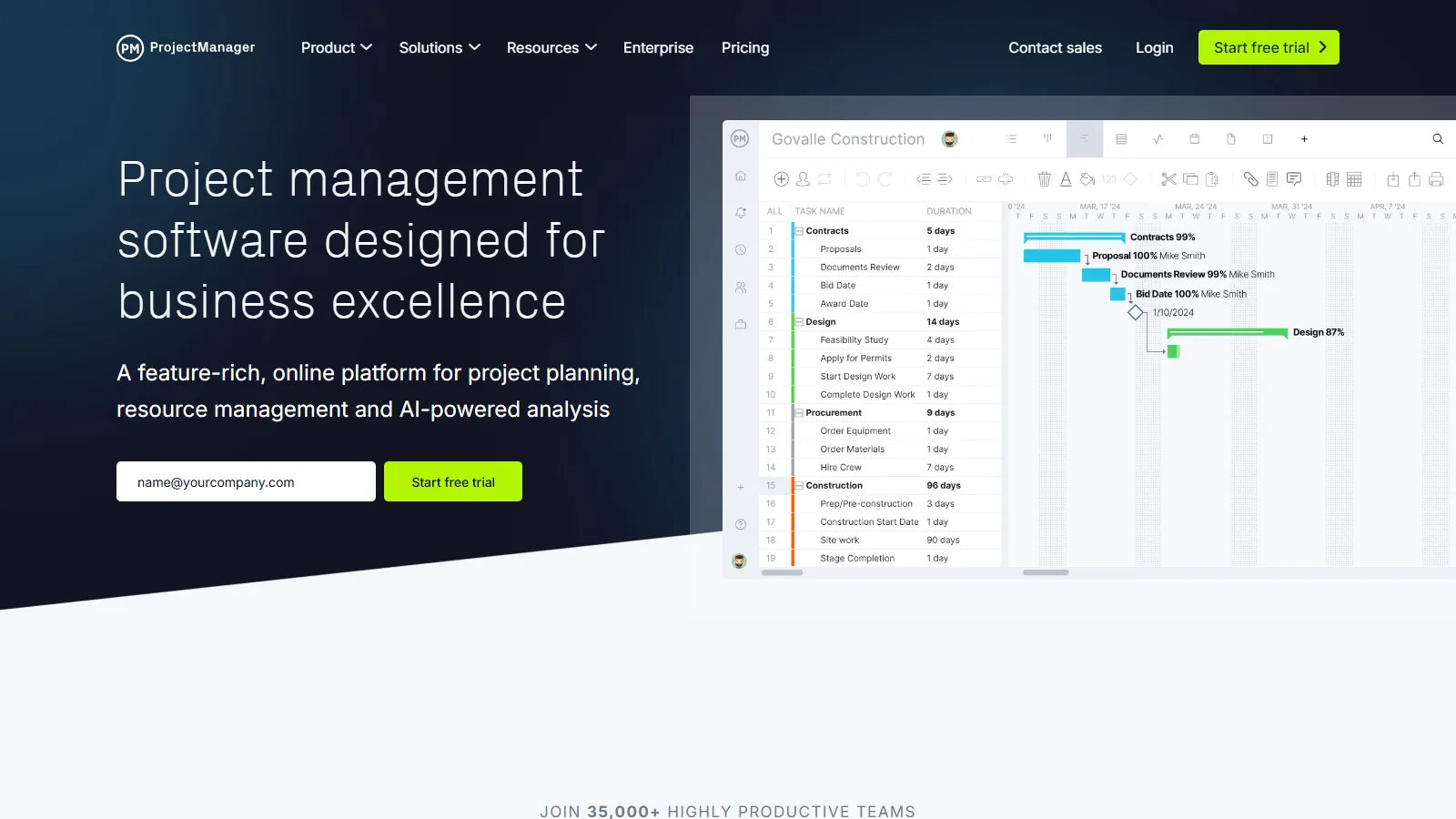
ProjectManager provides a full-featured traditional PM experience with Gantt charts, timesheets, and workload management. The online platform modernizes classic project management methodology with real-time collaboration.
Starting price$13/user/mo
Strengths
Full traditional PM feature set
Gantt with critical path
Timesheets and workload views
Baseline and variance tracking
Real-time collaboration
Limitations
Higher price point
Interface less modern
Steeper learning curve
Mobile apps basic
Who it's for: Good for organizations with formal PM practices needing online traditional tools. Best when you need timesheets, resource management, and Gantt in one platform.
Choose Microsoft Project if you need enterprise-grade waterfall PM.
Choose Smartsheet if you need spreadsheet-style project planning.
Choose TeamGantt if you need simple Gantt charts to start.
Choose Wrike if you need mixed waterfall and agile.
Choose GanttPRO if you need budget-friendly Gantt tool.
Choose Monday.com if you need modern visual timelines.
Choose ProjectManager if you need traditional PM with timesheets.
Common Questions
Waterfall is a sequential methodology where projects progress through defined phases (requirements, design, implementation, testing, deployment) with each phase completing before the next begins. It works well for projects with clear requirements and predictable outcomes.
For complex enterprise projects with many dependencies and resource constraints, Microsoft Project provides features no other tool matches. For simpler projects, TeamGantt or GanttPRO offer better value.
Gantt charts can track sprints and releases at a high level, but they are not ideal for daily agile work. Tools like Wrike and Monday.com let you combine Gantt views with kanban boards for hybrid approaches.
Critical path identifies the longest sequence of dependent tasks that determines minimum project duration. Any delay on the critical path delays the project. Microsoft Project, Smartsheet, and GanttPRO include this feature.
Baselines let you compare actual progress against original plans, essential for reporting variance to stakeholders. Most waterfall tools include baseline features for tracking schedule and cost changes over time.