7 Best Project Management Tools for Creative Teams in 2026
We tested 20+ PM tools to find the best options for creative and design teams. These platforms support proofing, approvals, asset management, and visual workflows that match how creatives actually work.
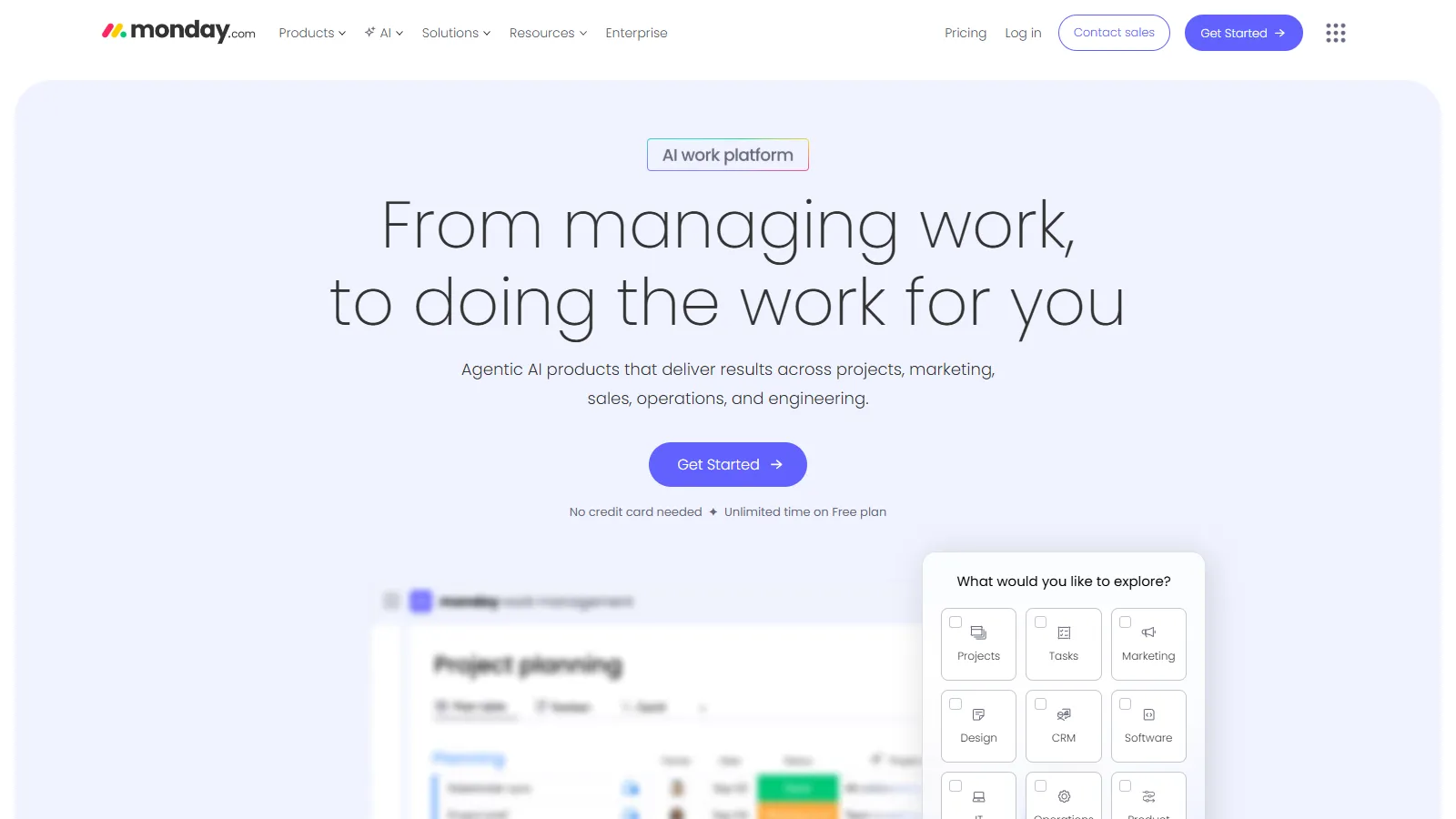
Monday.com offers the most visually appealing project management experience for creative teams. The colorful interface, built-in proofing with markup tools, and asset columns make it natural for design workflows and stakeholder approvals.
Starting price$9/user/mo
Strengths
Beautiful visual interface
Built-in proofing with annotations
Asset columns for file management
Powerful automations
Excellent dashboard building
Limitations
Per-user pricing adds up
Some features require higher tiers
Proofing less advanced than Wrike
Mobile app less capable
Who it's for: Best for creative teams that value visual aesthetics in their tools. Ideal for in-house marketing teams and agencies managing campaigns and design projects.
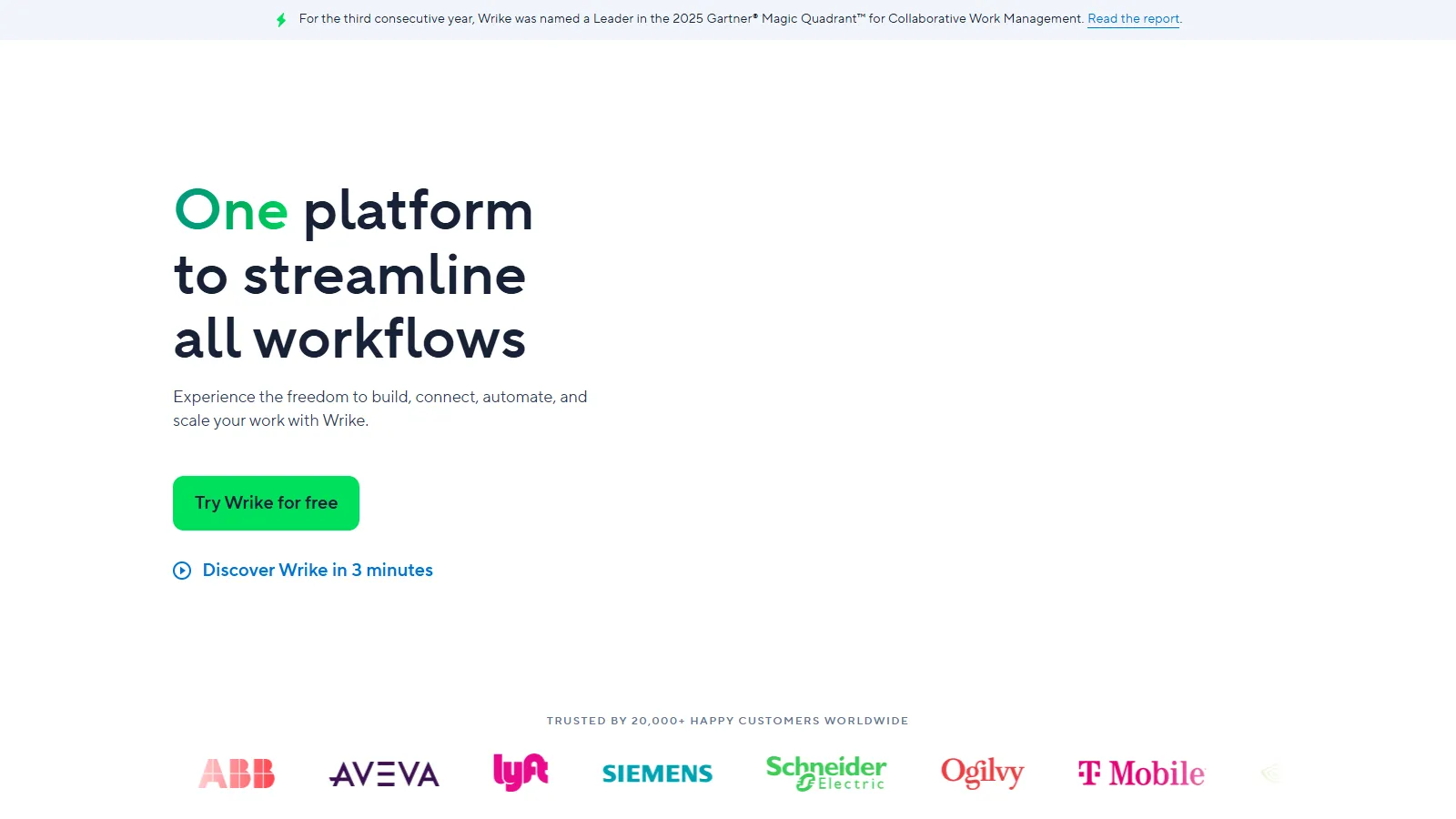
Wrike offers the most advanced proofing and approval capabilities for creative teams. Compare versions side-by-side, markup with precision tools, and manage approvals with structured workflows. Deep Adobe integration keeps designers in their preferred tools.
Starting price$9.80/user/mo
Strengths
Best-in-class visual proofing
Version comparison side-by-side
Deep Adobe Creative Cloud integration
Structured approval workflows
Digital asset management
Limitations
Interface can feel complex
Proofing requires higher tier
Learning curve for full setup
Per-user pricing climbs quickly
Who it's for: Perfect for creative agencies and enterprise marketing teams with formal review processes. Ideal when proofing and Adobe integration are essential.
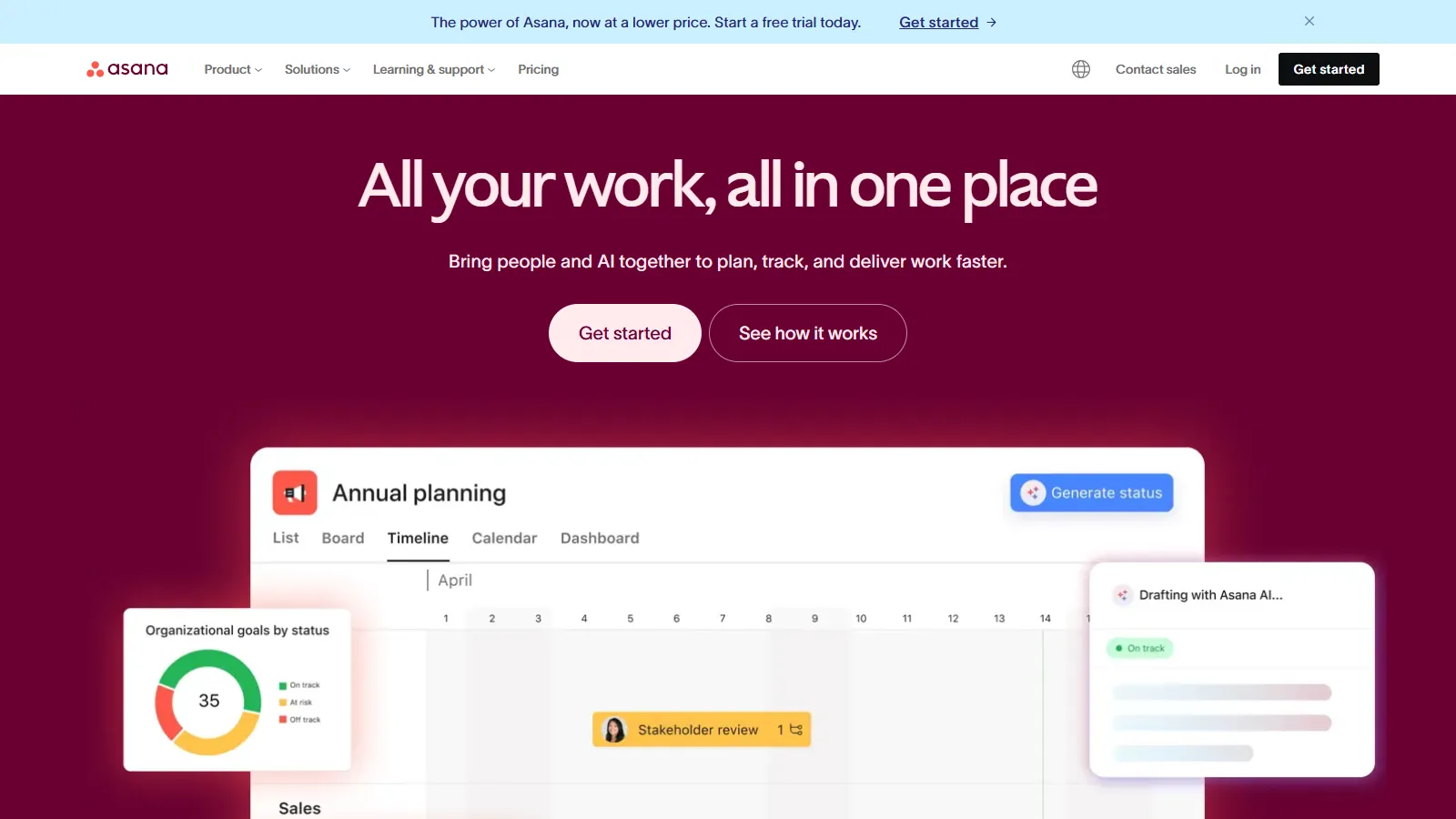
Asana provides easy adoption for marketing and creative teams with minimal learning curve. Built-in proofing for images and PDFs, creative brief templates, and campaign management workflows make it practical for cross-functional creative work.
Starting priceFree/$10.99/user
Strengths
Easiest to learn and adopt
Good free tier for small teams
Creative brief templates
Proofing for images and PDFs
Strong Adobe integration
Limitations
Proofing less advanced than Wrike
No native asset management
Approval workflows require setup
Less visual than Monday
Who it's for: Best for marketing teams and in-house creative departments. Ideal when you need easy adoption across designers, marketers, and stakeholders.
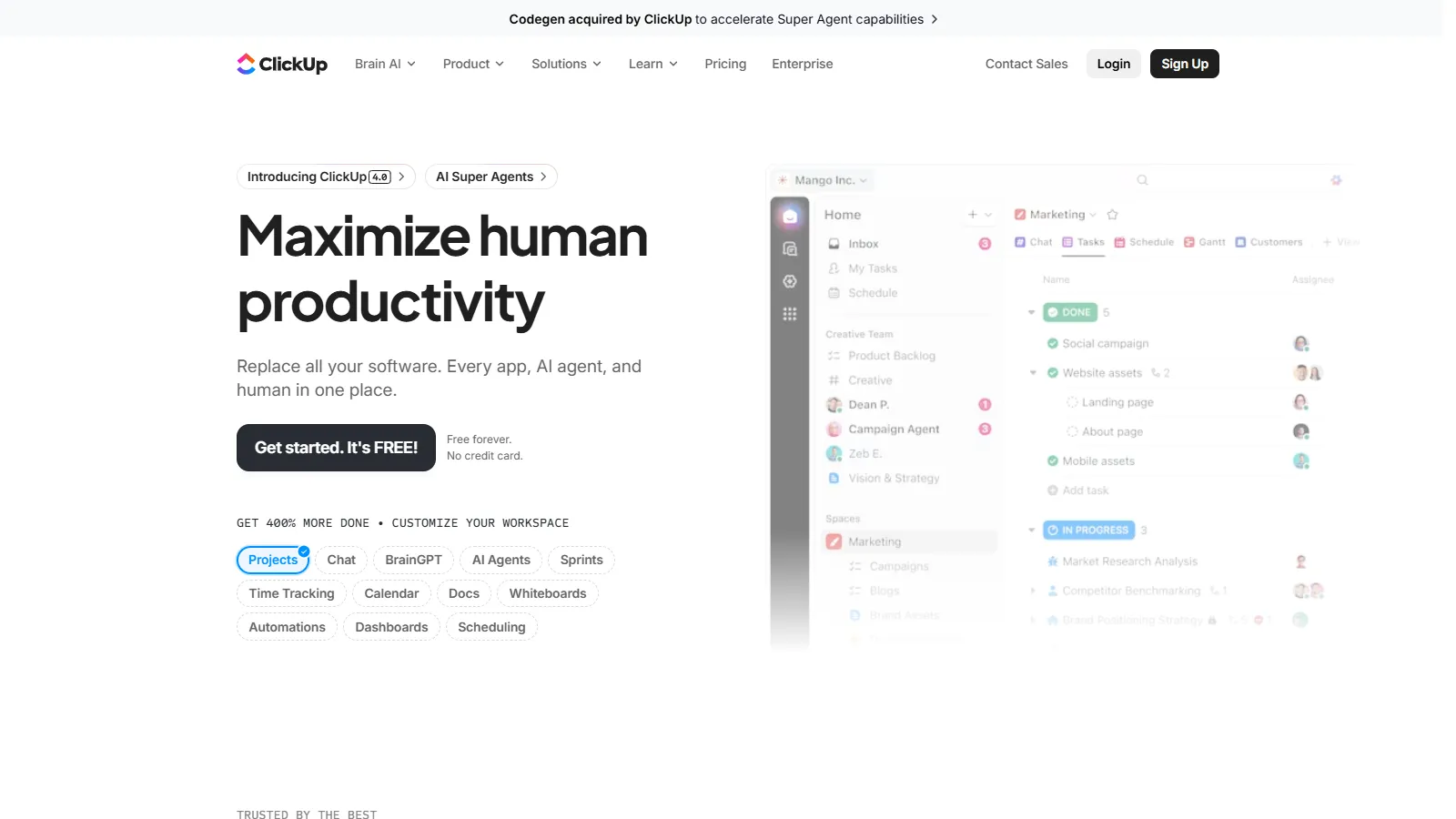
ClickUp combines whiteboards for creative brainstorming with proofing for approvals in one platform. Creative teams get ideation space, project management, and review workflows without switching between tools.
Starting priceFree/$7/user
Strengths
Whiteboards for brainstorming
Built-in proofing and markup
Docs for creative briefs
Strong free tier
Highly customizable
Limitations
Feature overload can overwhelm
Proofing less polished than Wrike
Learning curve for full setup
Mobile app less capable
Who it's for: Best for creative teams wanting ideation and project management together. Ideal when you need whiteboards, docs, and proofing in one free or affordable platform.
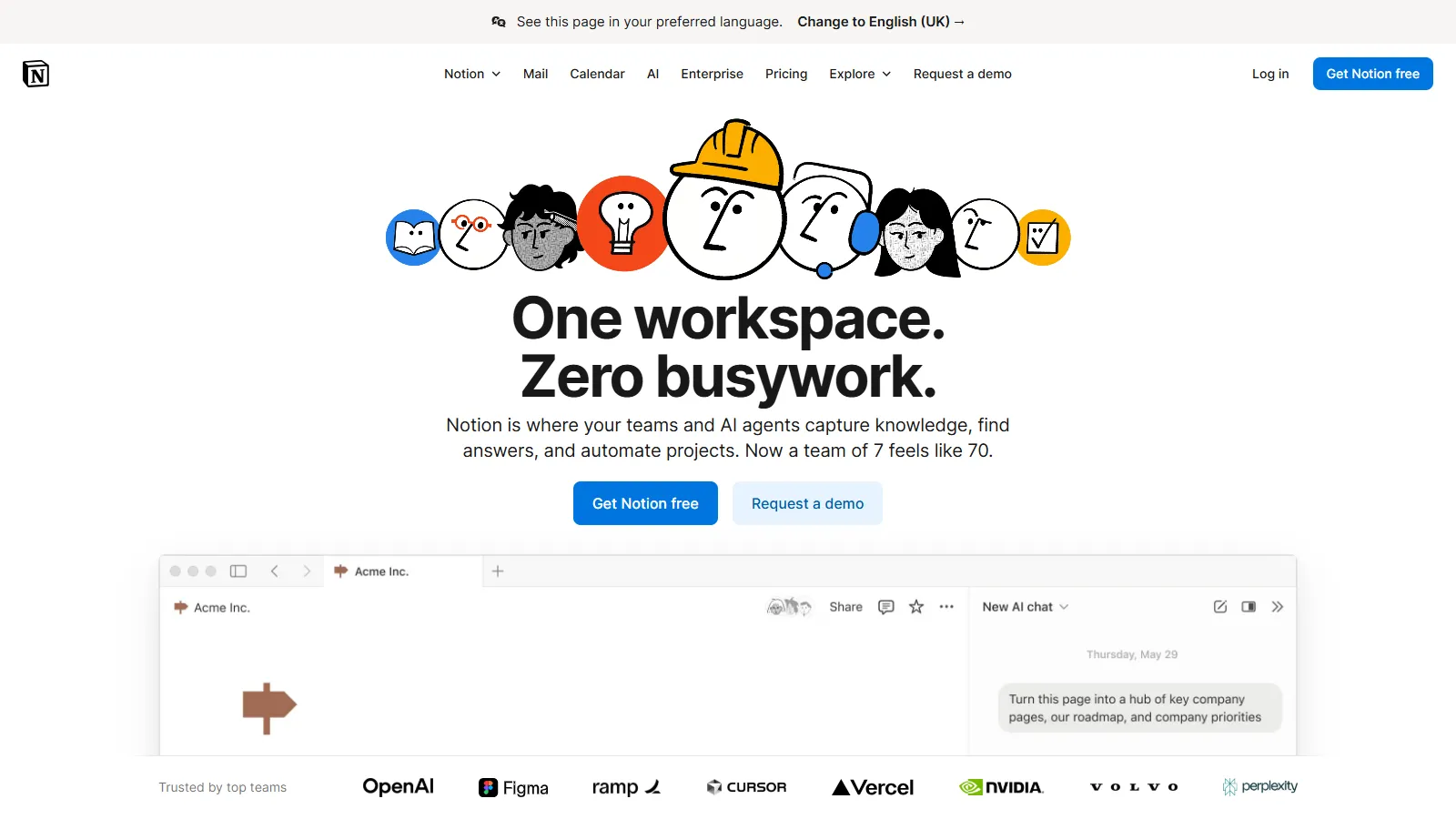
Notion provides a flexible workspace for creative briefs, mood boards, and project tracking. While it lacks native proofing, the gallery database view and rich media embedding work well for visual-first creative teams.
Starting priceFree/$8/user
Strengths
Flexible for any workflow
Gallery view for visual content
Rich media embedding
Great for documentation
Strong free tier
Limitations
No native proofing tools
No approval workflows built-in
Requires significant setup
Not a dedicated PM tool
Who it's for: Best for creative teams that prioritize documentation and flexibility. Ideal for brand guidelines, creative briefs, and project wikis alongside basic task tracking.
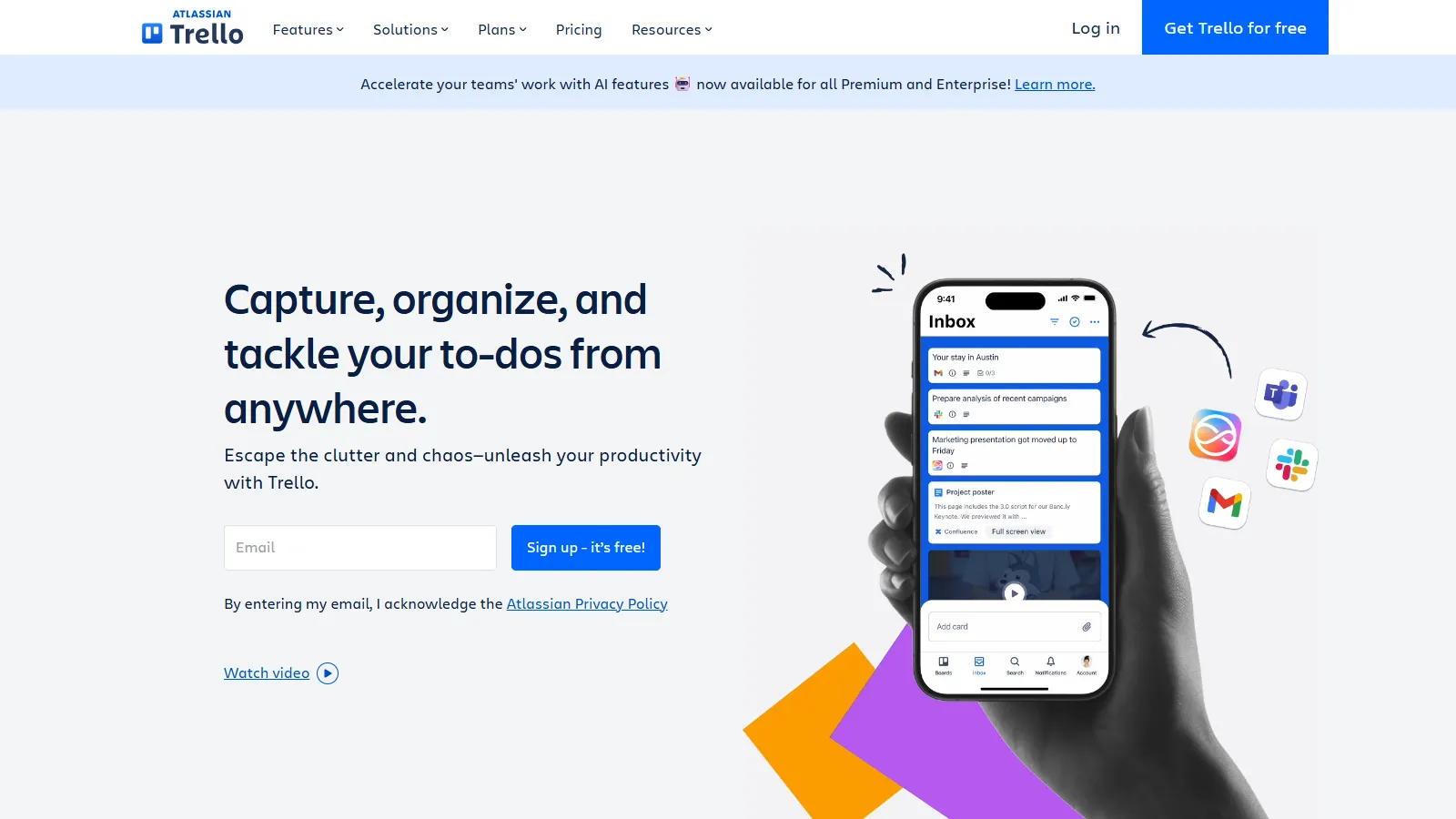
Trello offers the simplest visual workflow for creative projects. Card cover images show design previews directly on boards, making it easy to see project status at a glance. Power-Ups add integrations with creative tools as needed.
Starting priceFree/$5/user
Strengths
Simplest visual workflow
Card covers show design previews
Very generous free tier
Power-Ups for integrations
Easy for stakeholders to use
Limitations
No native proofing
No approval workflows
Limited for complex projects
Basic file management
Who it's for: Best for small creative teams or freelancers wanting simple visual project tracking. Ideal when you need something stakeholders can quickly understand.
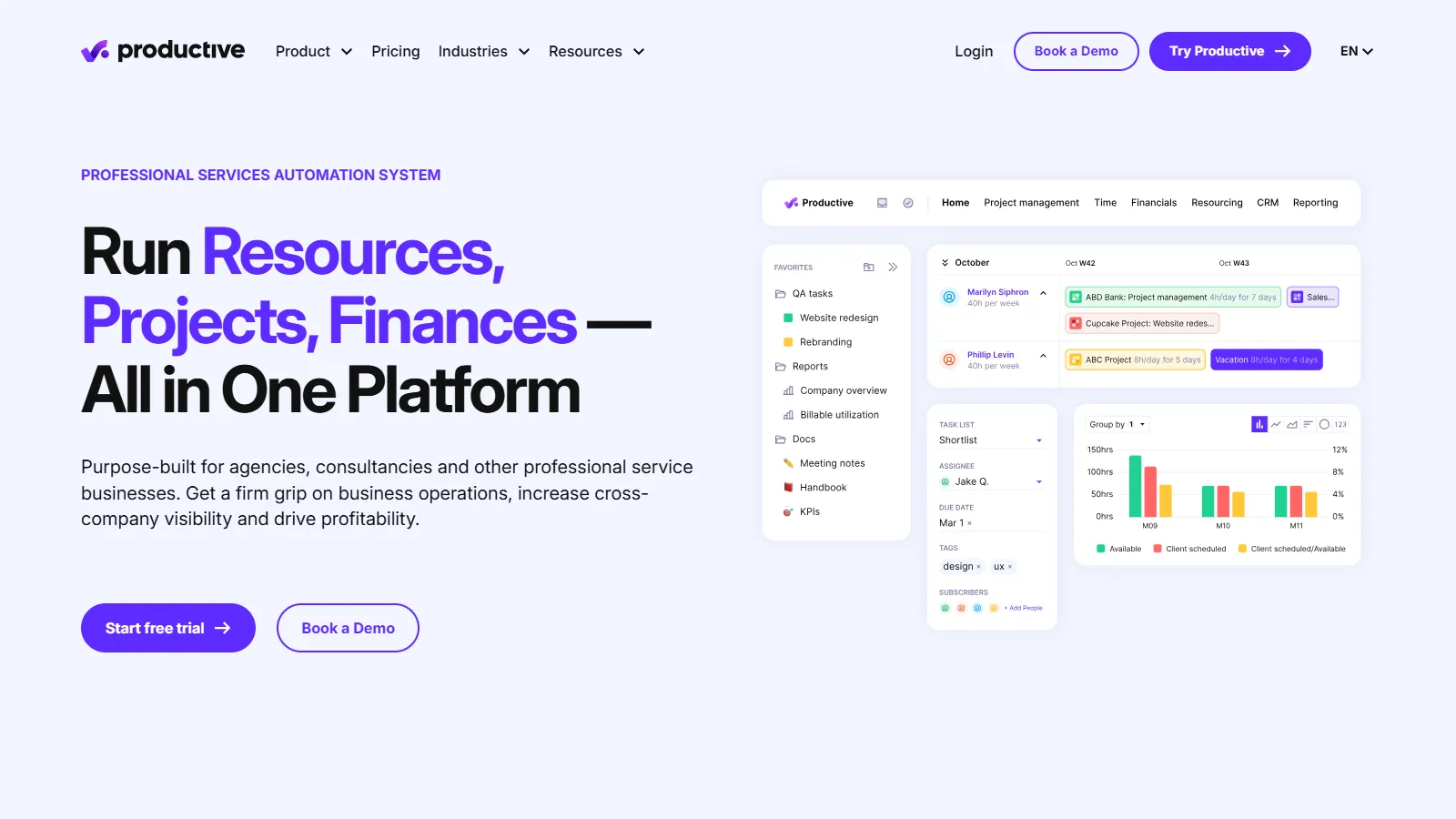
Productive is built specifically for creative agencies, combining project management with resource planning, budgets, and profitability tracking. It handles the business side of creative work that general PM tools often miss.
Starting price$9/user/mo
Strengths
Built for agency operations
Resource planning and scheduling
Budget and profitability tracking
Time tracking and invoicing
Client portal access
Limitations
No visual proofing
Less focus on creative workflows
Smaller user community
Best suited for agencies only
Who it's for: Best for creative agencies that need business operations alongside project management. Ideal when profitability tracking, resource planning, and invoicing matter.
We tested each tool for creative workflow needs, focusing on visual work, proofing, and approval processes.
Visual Interface (25%) — How well the interface supports visual work and design aesthetics.
Proofing & Markup (25%) — Built-in proofing tools for annotating and reviewing creative assets.
Approval Workflows (20%) — Structured approval processes for stakeholder sign-off.
Asset Management (15%) — File storage, version control, and digital asset organization.
Creative Integrations (15%) — Connections to Adobe, Figma, Canva, and other creative tools.
How to Choose
Choose Monday.com if you need beautiful visual project management.
Choose Wrike if you need advanced proofing and Adobe integration.
Choose Asana if you need easy adoption for marketing teams.
Choose ClickUp if you need brainstorming plus project management.
Choose Notion if you need creative documentation and wikis.
Choose Trello if you need simplest visual workflow.
Choose Productive if you need agency operations and profitability.
Common Questions
Visual proofing lets reviewers annotate directly on images, videos, and PDFs with comments pinned to specific locations. Wrike and Monday.com offer the best built-in proofing. It streamlines creative feedback versus separate email threads.
Not necessarily, but creative-focused tools offer proofing, approval workflows, and visual interfaces that match how designers work. General tools like Asana and Trello also work well for creative projects.
Wrike offers the deepest Adobe integration, followed by Monday.com and Asana. These allow opening tasks directly from Adobe apps and attaching files without leaving creative software.
Approval workflows ensure the right stakeholders review work in the right order, with clear sign-off records. This prevents version confusion and documents who approved what for compliance and client protection.
Yes, Notion works well for creative teams that prioritize documentation, mood boards, and flexibility. It lacks native proofing but excels at creative briefs, brand guidelines, and project wikis.