10 Best Email Management Tools for Inbox Zero in 2026
Email overload is real. The average professional receives 120+ emails daily. The right tools help you process faster, automate responses, and actually reach inbox zero. We tested 20+ email management tools to find what works.
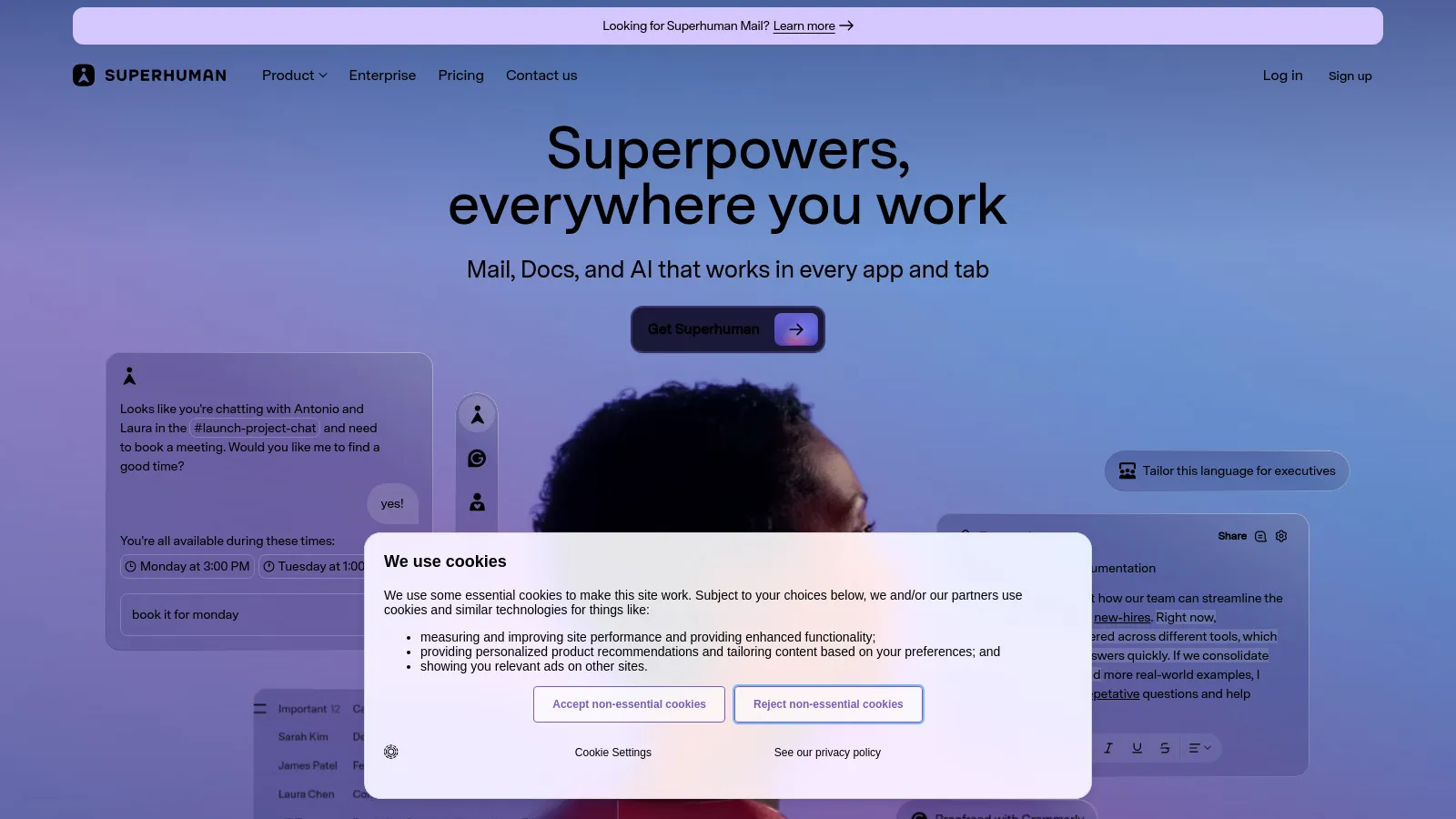
Superhuman is the fastest email client with keyboard shortcuts for everything. AI writing assistance, split inbox, and snooze. Premium but delivers for power users.
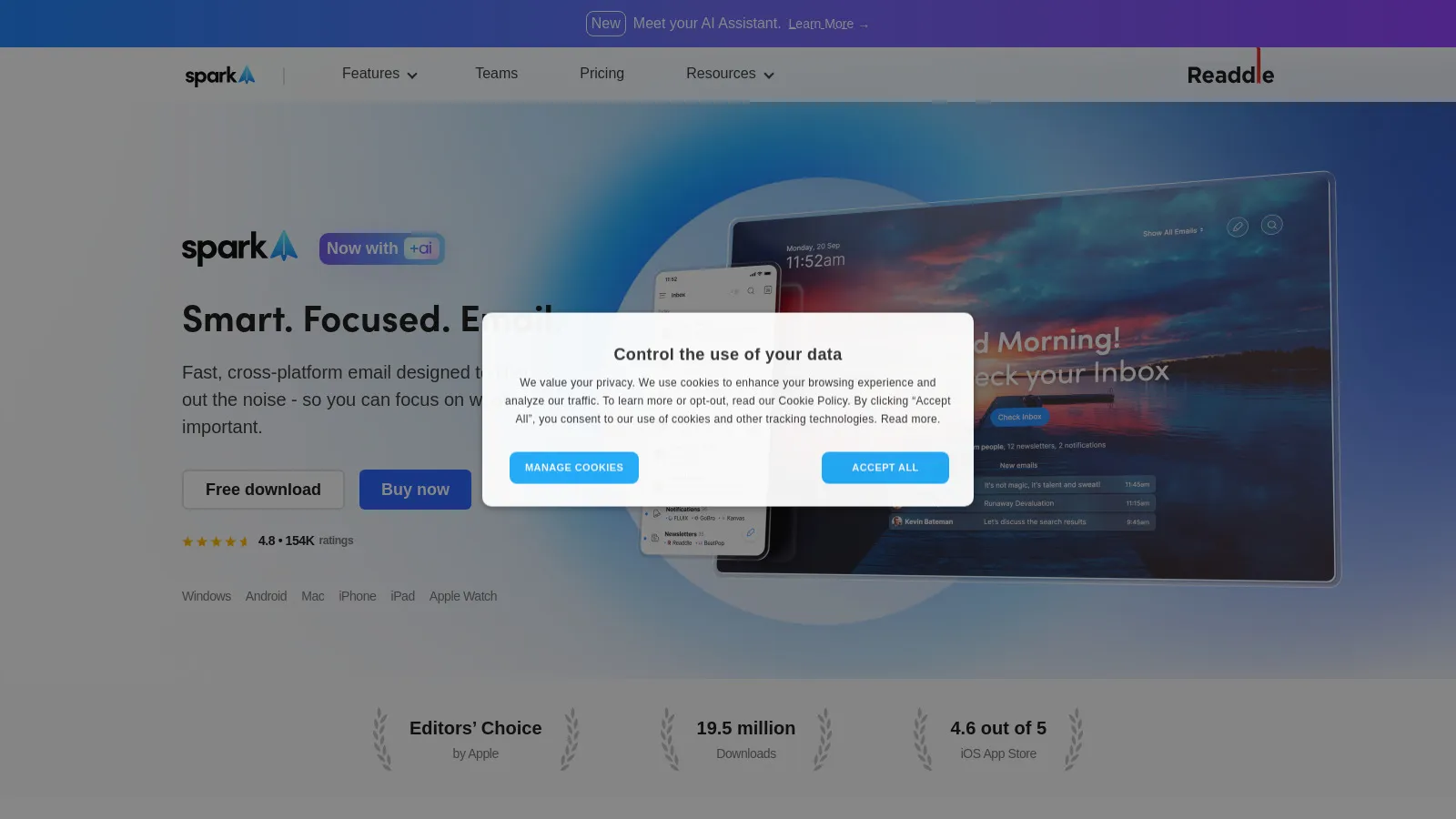
Spark provides a smart inbox with intelligent grouping. Personal emails, notifications, and newsletters are separated. Good free tier with team features available.
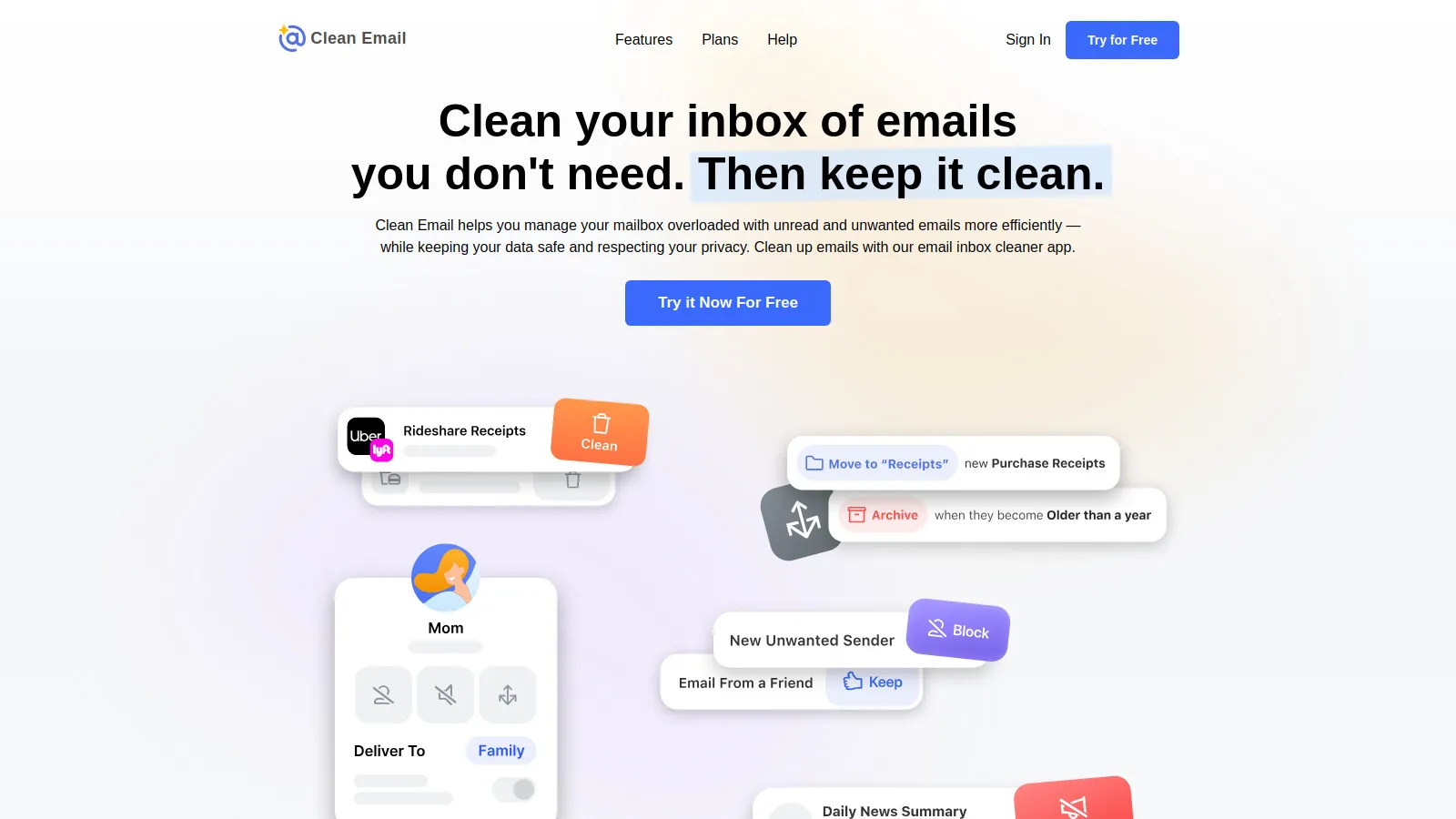
Clean Email helps with bulk cleanup and ongoing organization. Mass delete, unsubscribe, and set rules for future emails. Great for initial inbox cleanup.
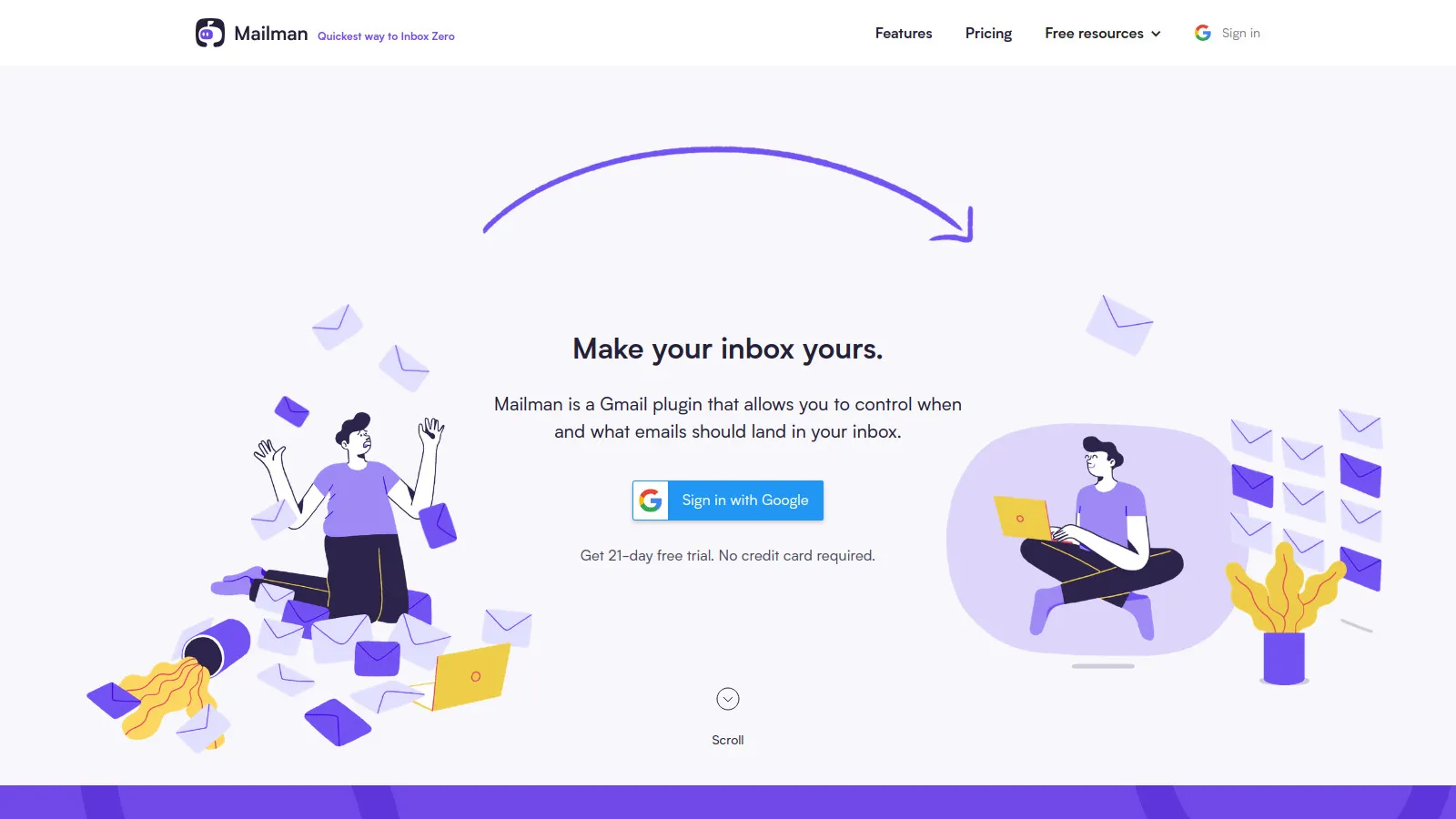
Mailman batches email delivery so you're not constantly interrupted. Set delivery times, VIP senders, and block times. Take back control of when email arrives.
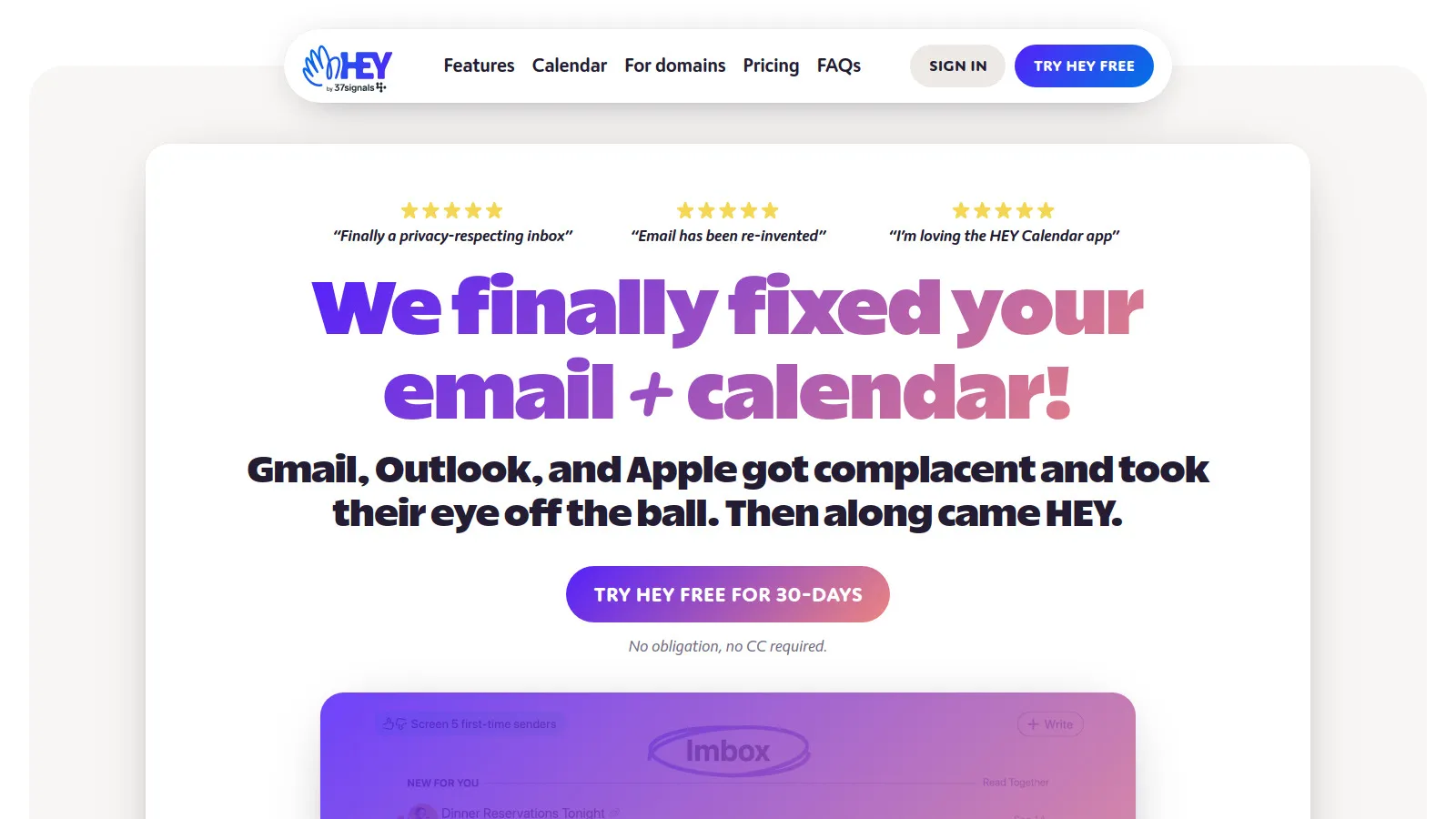
Hey is a radical rethink of email. The Screener filters new senders, the Imbox has important email, and the Feed has newsletters. Opinionated but refreshing.
We measured actual inbox processing speed and organization.
Time Savings (30%) — Faster email processing.
Organization (25%) — Helps reach inbox zero.
Ease of Use (20%) — Quick to set up and use.
Integration (15%) — Works with your email.
Value (10%) — ROI on subscription.
How to Choose
Choose Superhuman if you need Power user willing to pay.
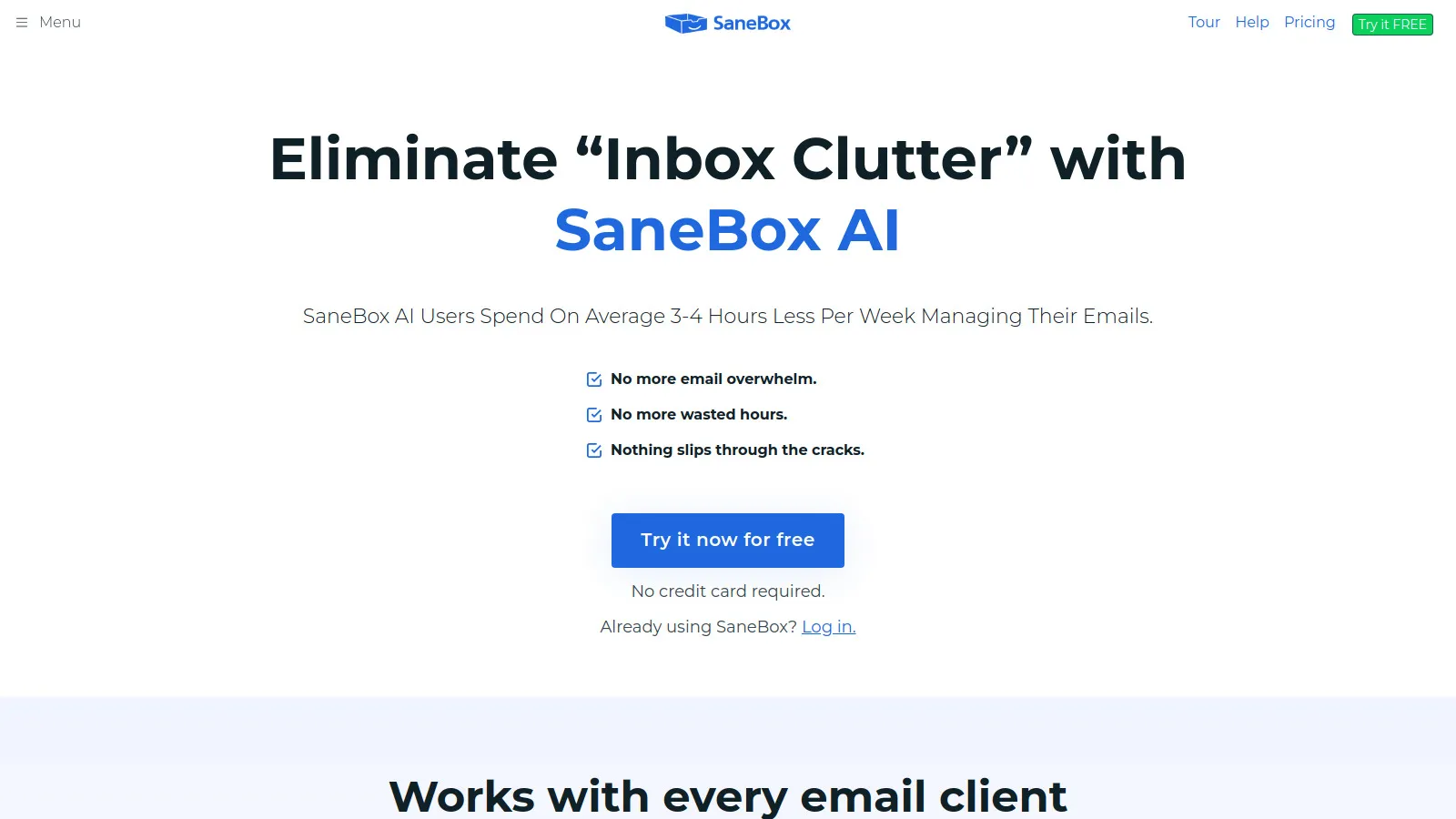
Choose SaneBox if you need Overwhelmed, any client.
Choose Spark if you need Free smart inbox.
Choose Clean Email if you need Need initial cleanup.
Choose Gmail + Filters if you need Free solution.
Common Questions
If you spend 2+ hours daily in email and value time at $50+/hour, saving 30 minutes daily = $375/month value. For email power users, yes. For casual emailers, no.
SaneBox works with any email client you already use. AI clients like Superhuman or Shortwave replace your client. SaneBox for keeping your setup, new client for full experience.
Gmail + proper filters and labels. Learn keyboard shortcuts (j/k to navigate, e to archive). Add Boomerang for send later. You can do a lot for free.