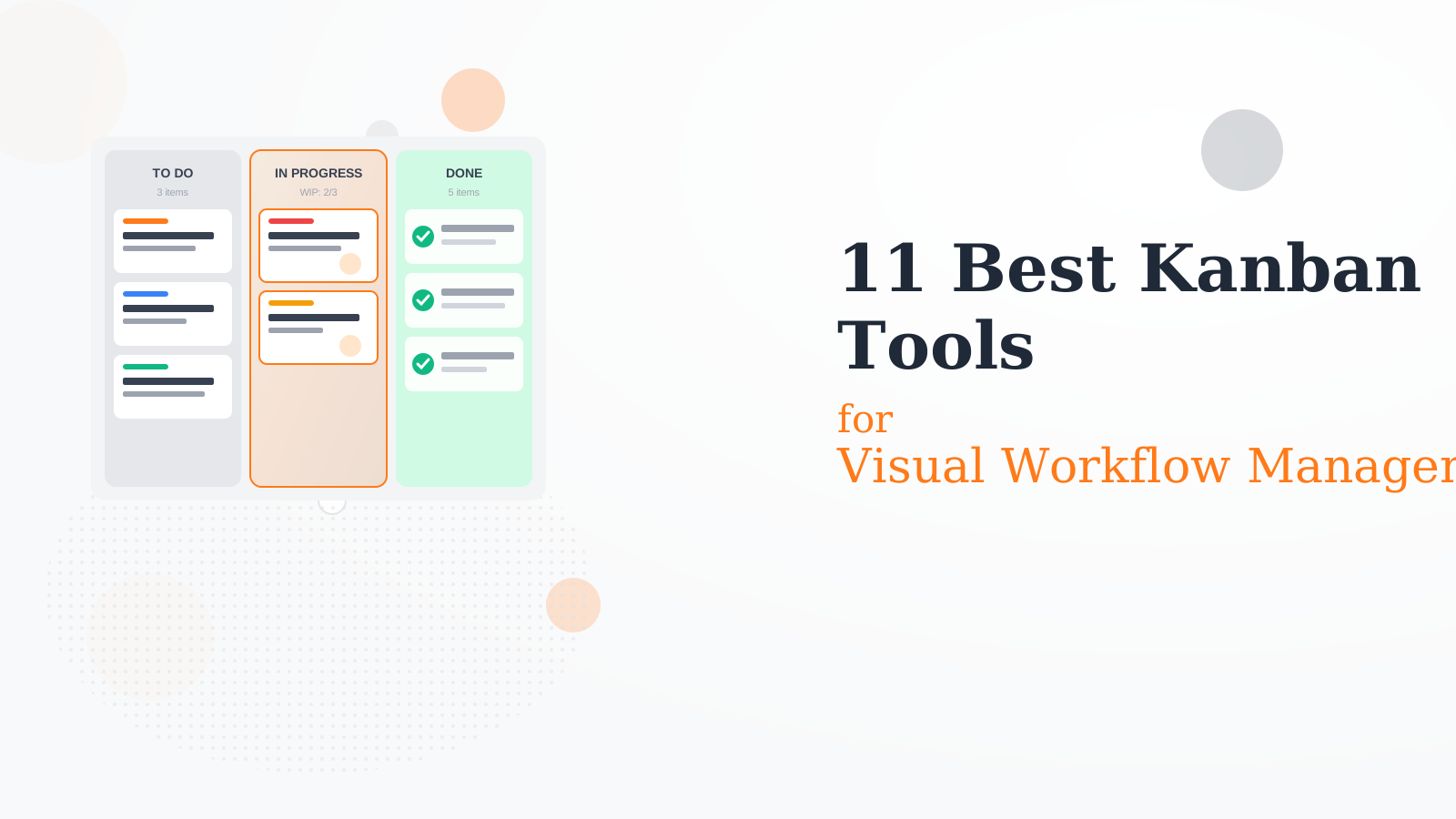
11 Best Kanban Tools for Visual Workflow Management in 2026
We tested 25+ Kanban tools to find the best for visualizing workflows. These boards help you see work in progress, limit WIP, identify bottlenecks, and maintain flow across your team.
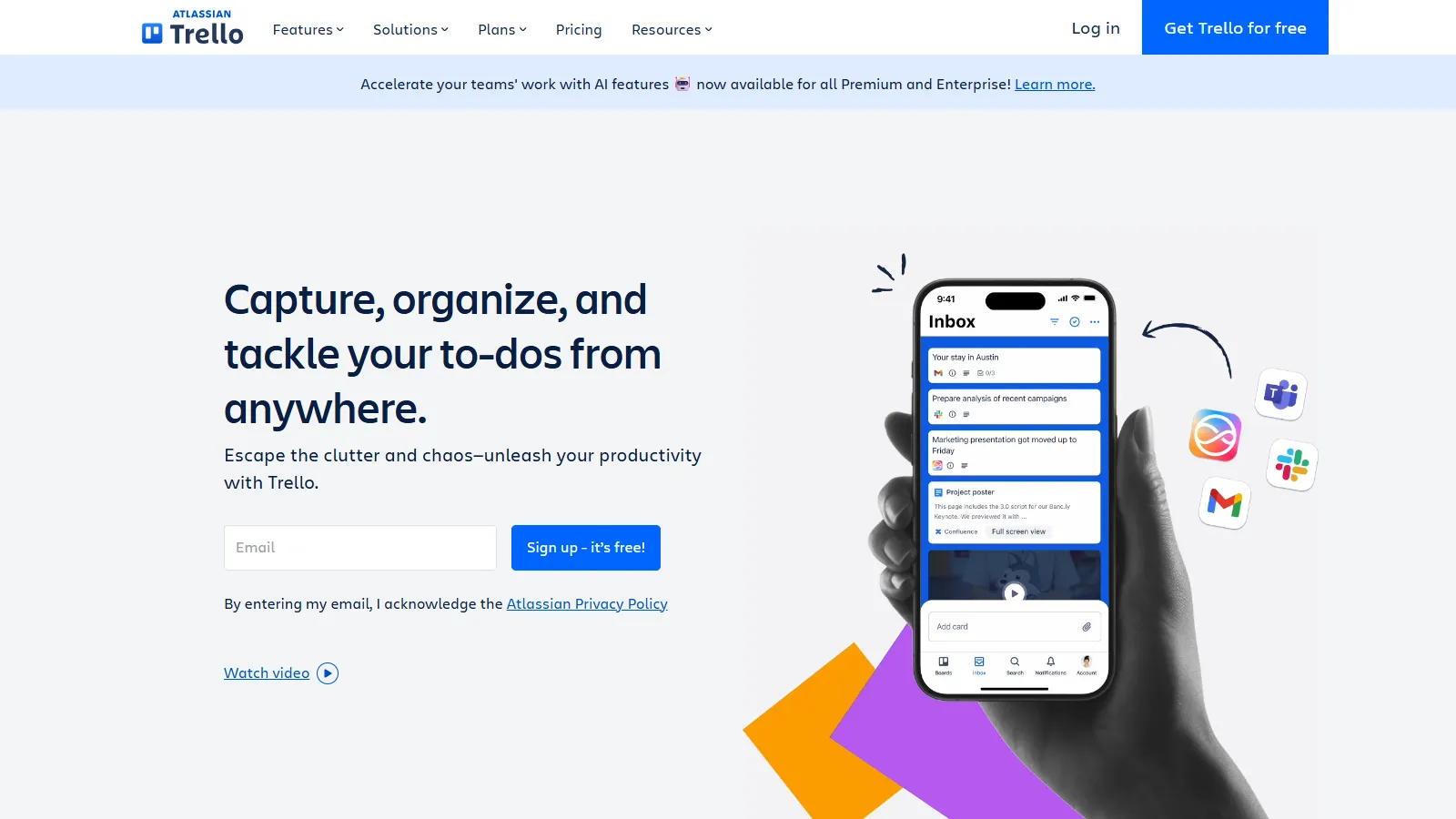
Trello defined the visual Kanban category and remains the easiest to use. Drag cards between columns, add checklists and due dates, and extend with Power-Ups for advanced needs.
Starting priceFree
Strengths
Easiest to learn
Beautiful interface
Great free tier
Power-Up ecosystem
Universal familiarity
Limitations
Limited reporting
No native WIP limits
Can outgrow it
Single project view
Who it's for: Best for teams wanting simple, visual task management without complexity.
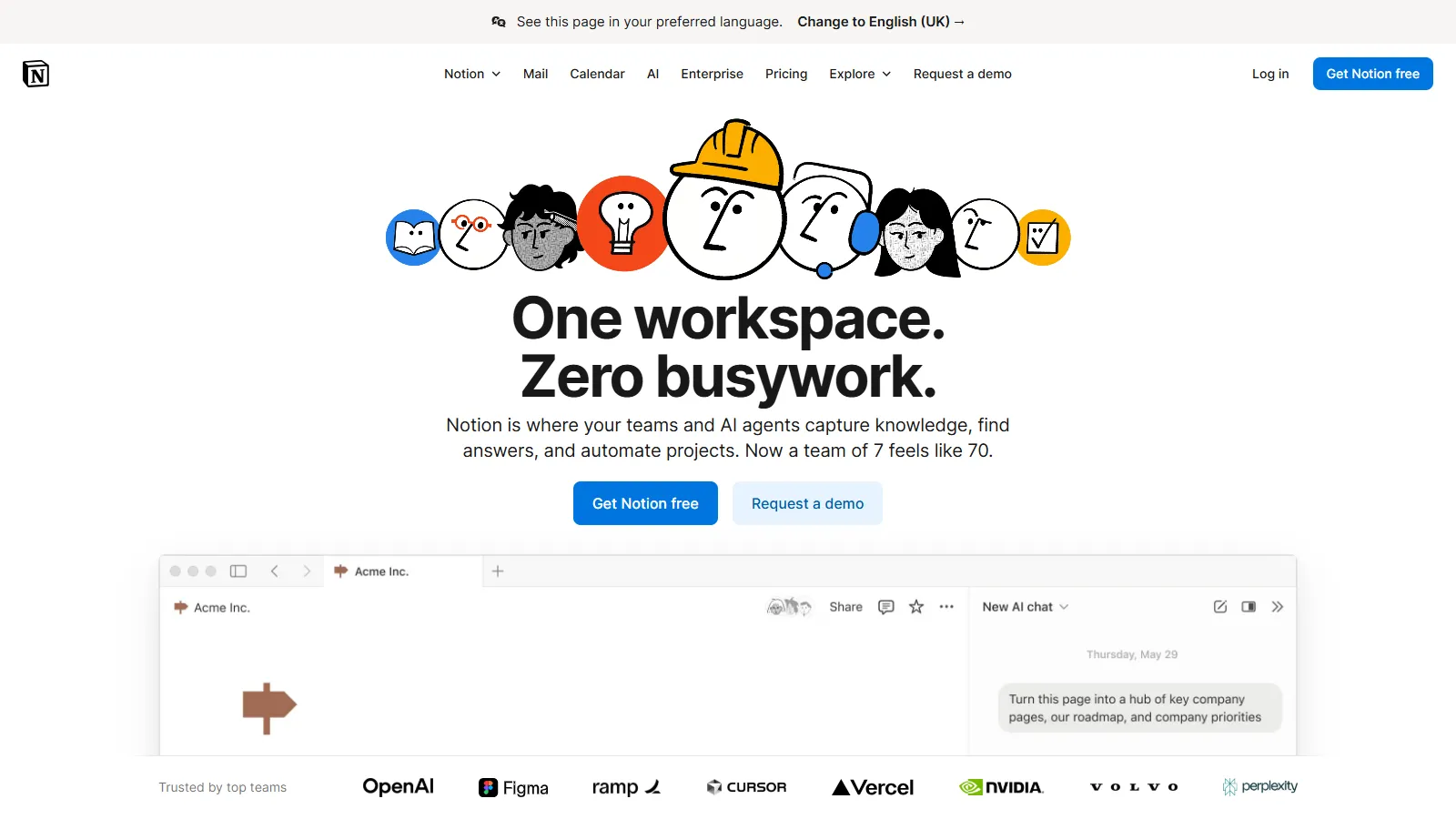
Notion offers Kanban as one view of its powerful database system. Switch between board, table, calendar, and list views of the same data. Combine with docs and wikis seamlessly.
Starting priceFree
Strengths
Multiple views of same data
Docs integration
Highly flexible
Good free tier
All-in-one workspace
Limitations
Not pure Kanban
Can be complex
No WIP limits
Performance at scale
Who it's for: Best for teams wanting Kanban as part of a broader workspace.
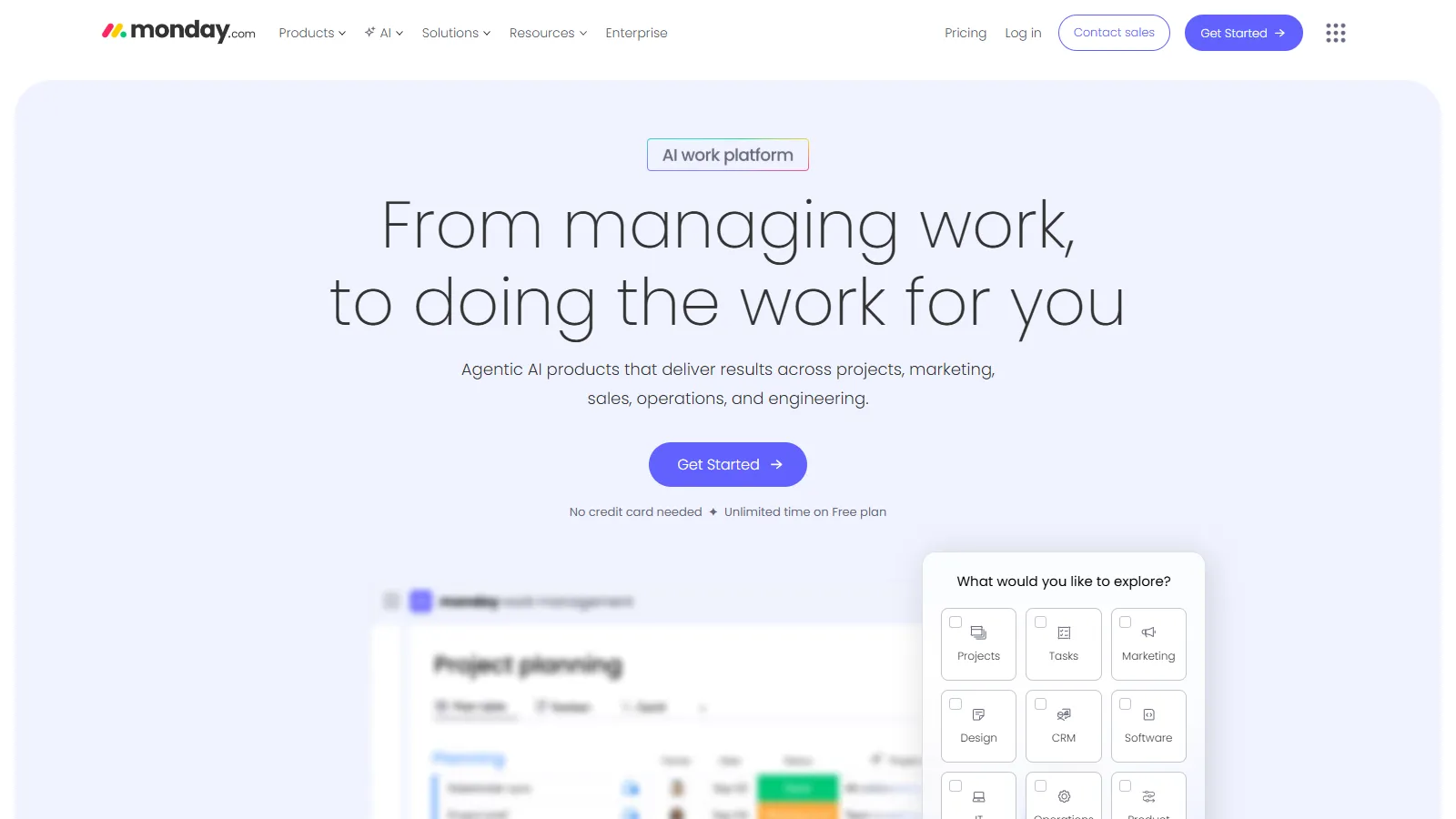
Monday.com offers Kanban as one of 15+ views with powerful automation. Build custom workflows, create dashboards, and scale from small teams to enterprise.
Starting price$9/user/mo
Strengths
Many view options
Strong automation
Great dashboards
Scalable
Good integrations
Limitations
Can be expensive
Complex for simple needs
Learning curve
Per-seat pricing
Who it's for: Best for teams needing Kanban plus advanced automation and reporting.
Kanbanize is built specifically for Kanban methodology purists. True WIP limits, flow analytics, and portfolio Kanban for scaling across the organization.
Starting price$179/mo
Strengths
True Kanban method
Advanced WIP limits
Flow analytics
Portfolio Kanban
Forecasting
Limitations
Steeper pricing
Focused on Kanban only
Learning curve
Less flexible
Who it's for: Best for teams serious about Kanban methodology and flow metrics.
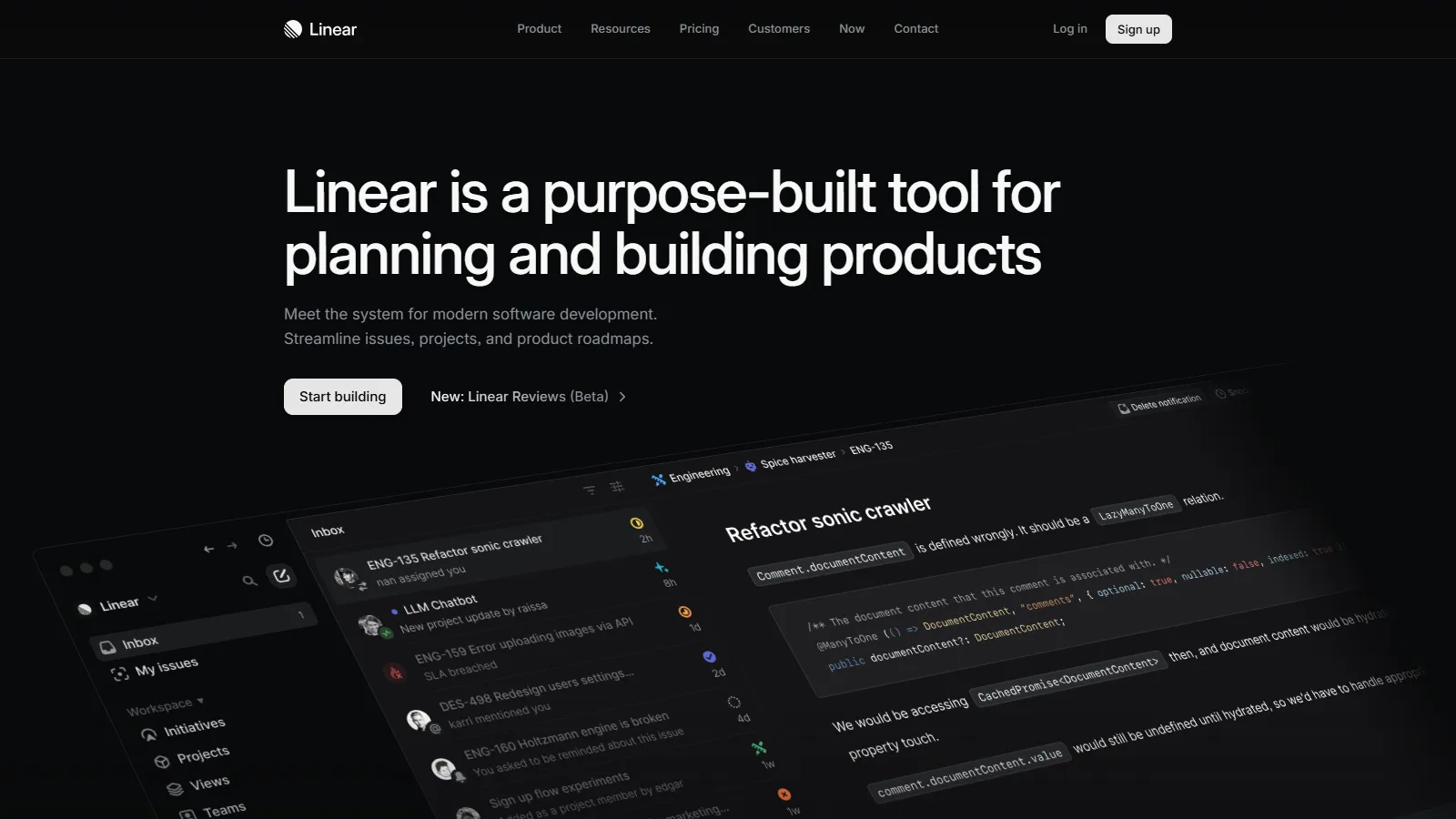
Linear is the fastest, most keyboard-driven issue tracker for modern dev teams. Kanban boards load instantly and navigation happens entirely via keyboard.
Starting priceFree
Strengths
Extremely fast
Keyboard-first
Beautiful design
GitHub native
Great free tier
Limitations
Dev-focused only
Less customizable
Newer platform
Limited integrations
Who it's for: Best for dev teams who value speed and keyboard-driven workflows.
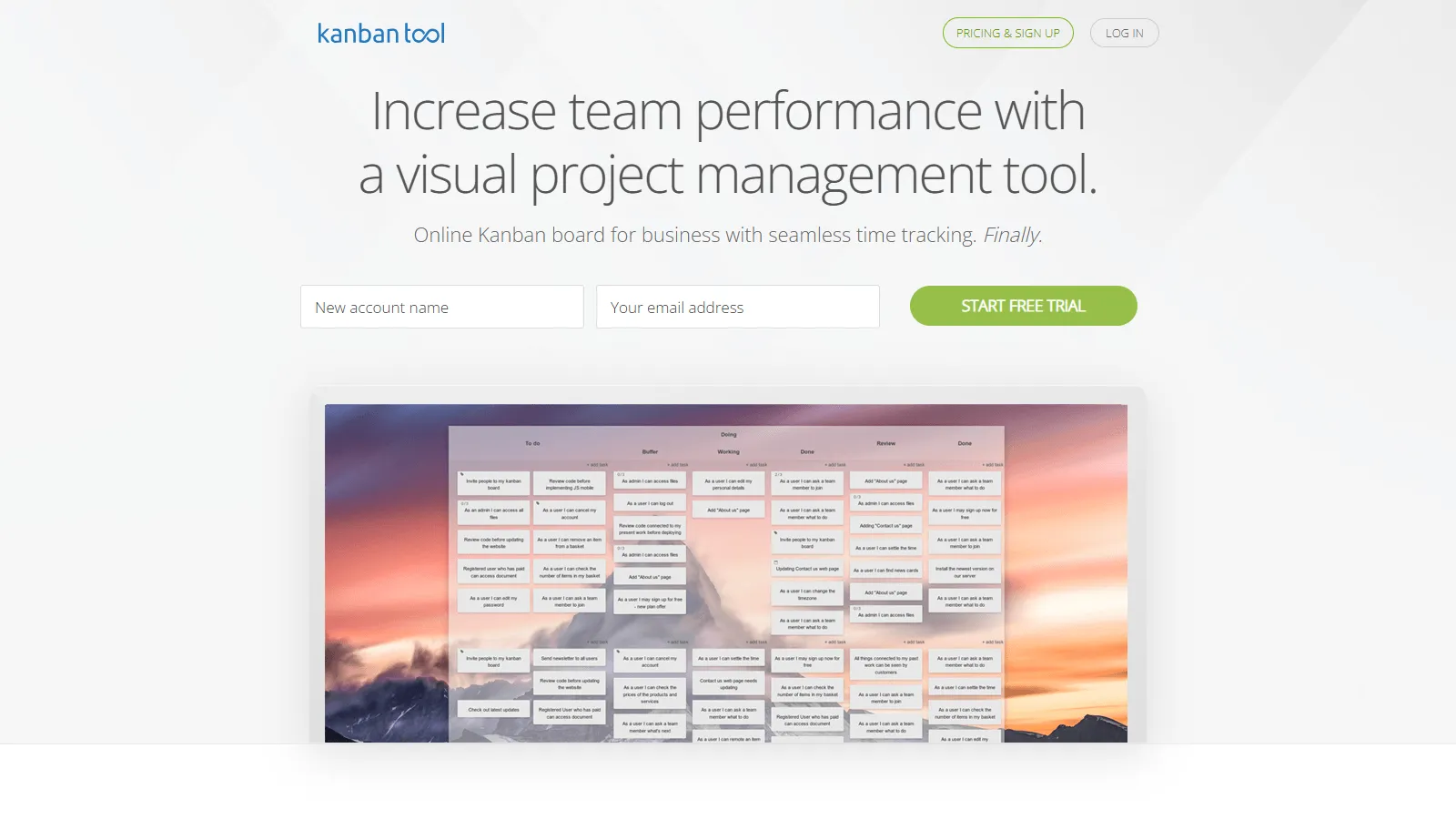
Kanban Tool includes time tracking directly on cards. Track how long work takes, analyze with built-in reports, and improve your flow based on real data.
Starting price$5/user/mo
Strengths
Built-in time tracking
WIP limits
Good analytics
Affordable
Simple
Limitations
Less modern UI
Fewer integrations
Limited automation
Smaller ecosystem
Who it's for: Best for teams who need to track time spent on Kanban tasks.
Ease of Use (25%) — How quickly teams can adopt and use daily.
Flexibility (20%) — Customization and adaptation to workflows.
Analytics (15%) — Flow metrics, cycle time, and bottleneck detection.
Pricing (10%) — Value for individuals through enterprise.
How to Choose
Choose Trello if you need simplest option.
Choose Notion if you need all-in-one workspace.
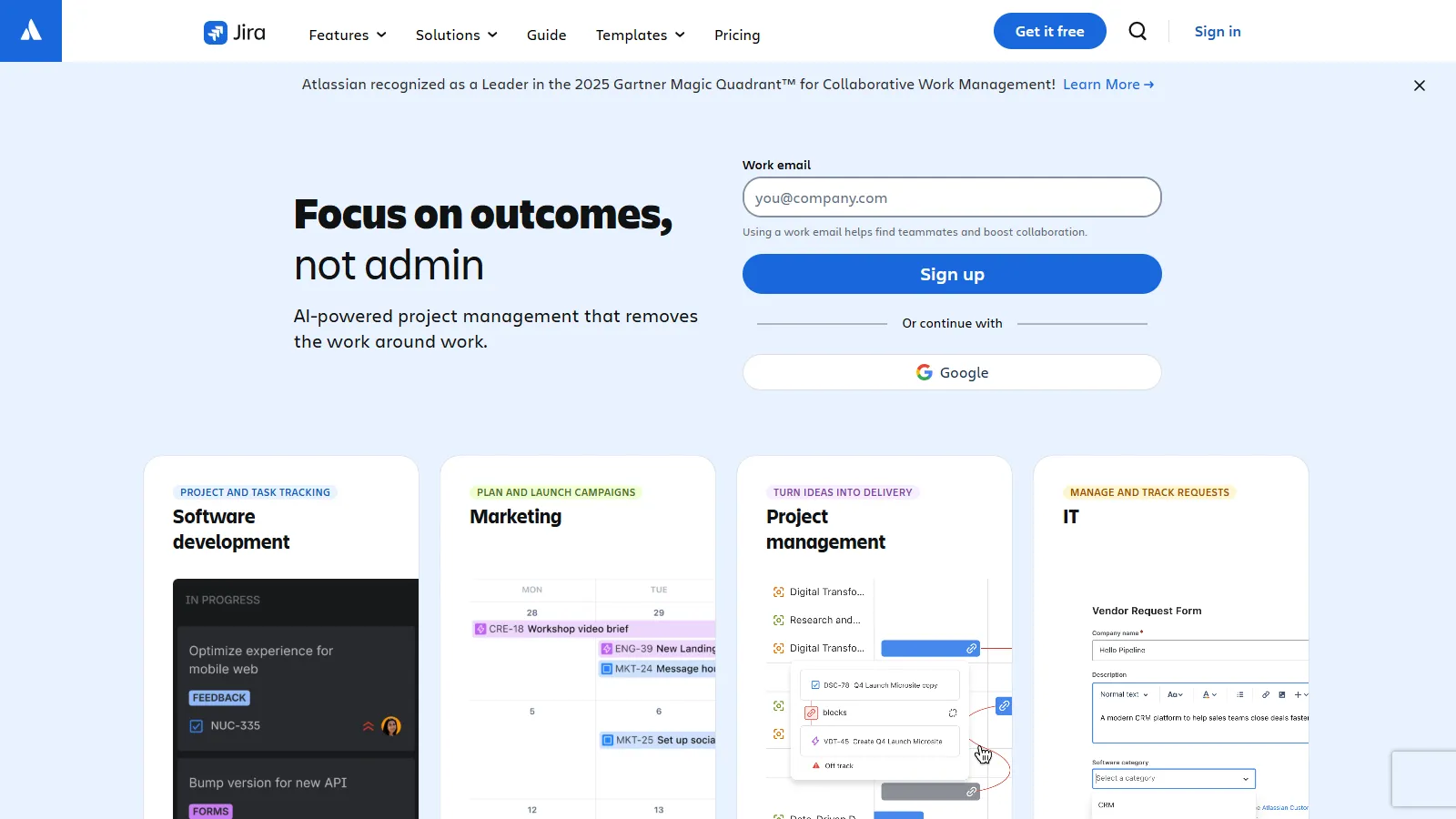
Choose Jira if you need software development.
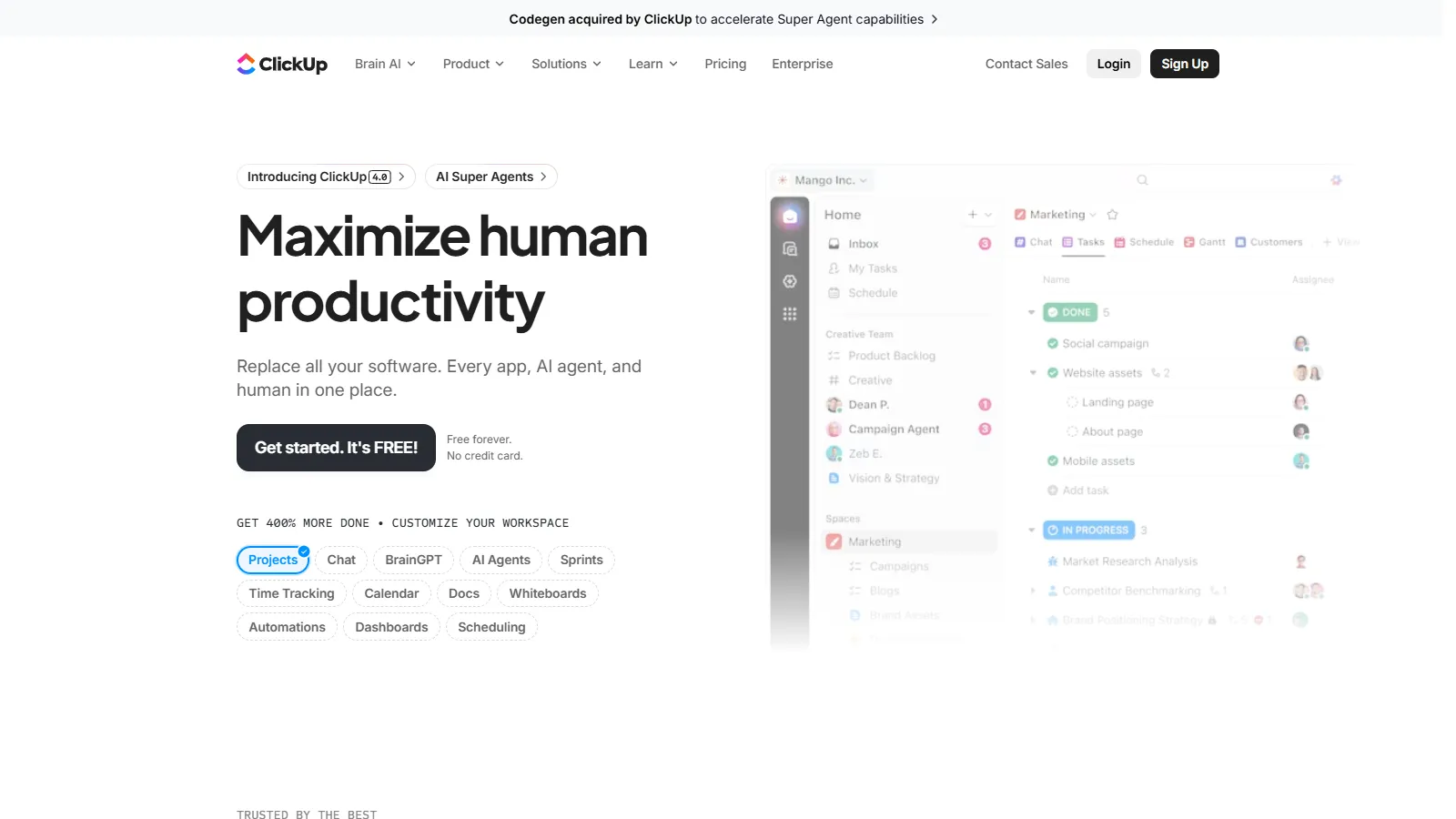
Choose ClickUp if you need best free tier.
Choose Kanbanize if you need pure Kanban method.
Common Questions
WIP (Work in Progress) limits cap how many items can be in a column. They prevent overloading, force finishing over starting, and reveal bottlenecks. True Kanban methodology requires WIP limits, but many tools dont enforce them.
Trello is simpler and works for any team. Jira is purpose-built for software development with backlogs, sprints, and dev integrations. Non-technical teams usually prefer Trello; dev teams often need Jiras additional features.
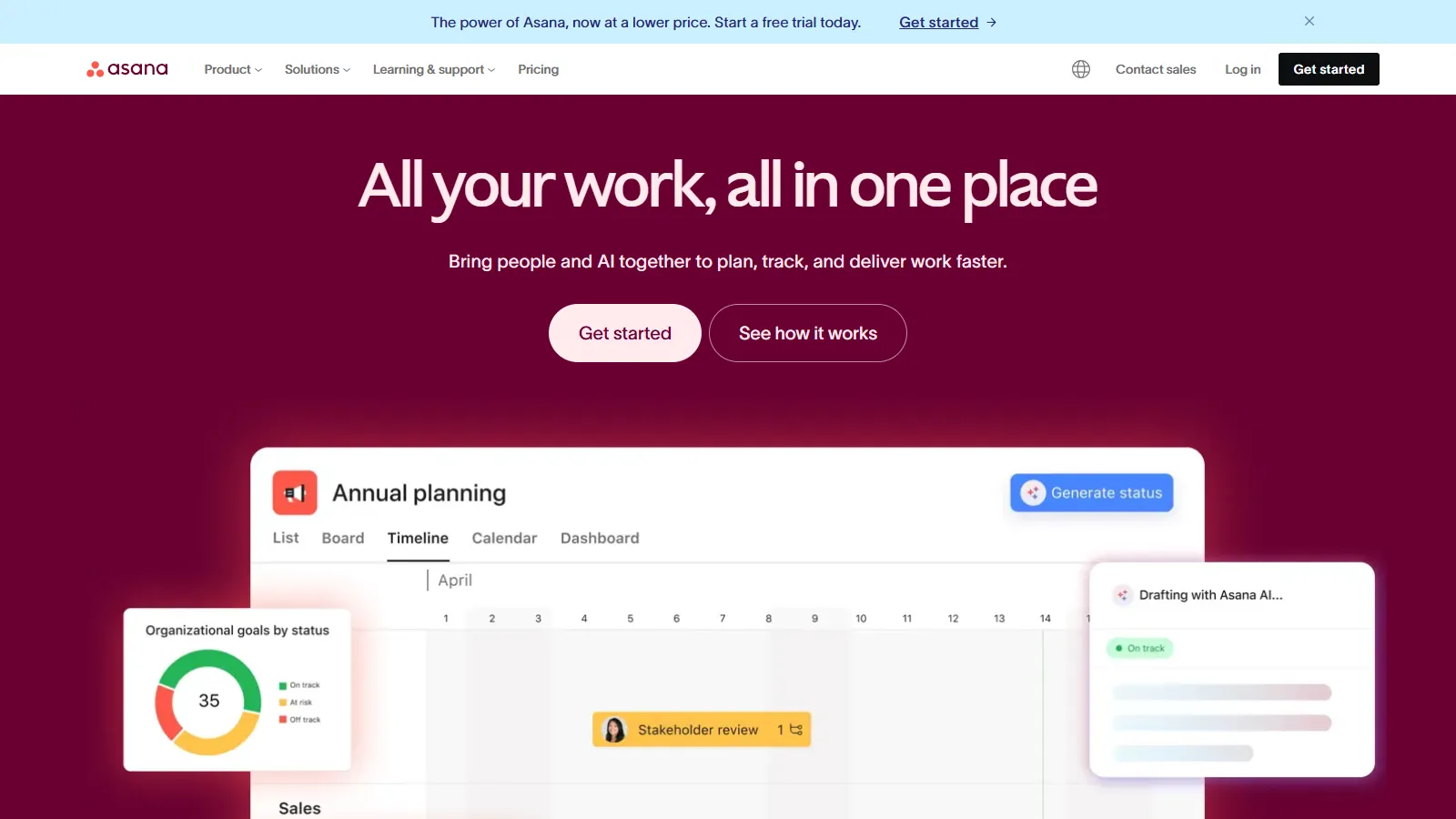
Not always. Tools like Notion, Monday.com, and Asana offer Kanban as one view among many. If Kanban is your primary methodology and you want flow analytics and WIP enforcement, dedicated tools like Kanbanize are worth considering.