We tested 15+ note-taking apps to find the best for students. These apps help you capture lectures, organize study materials, annotate PDFs, and prepare for exams with features designed for academic success.
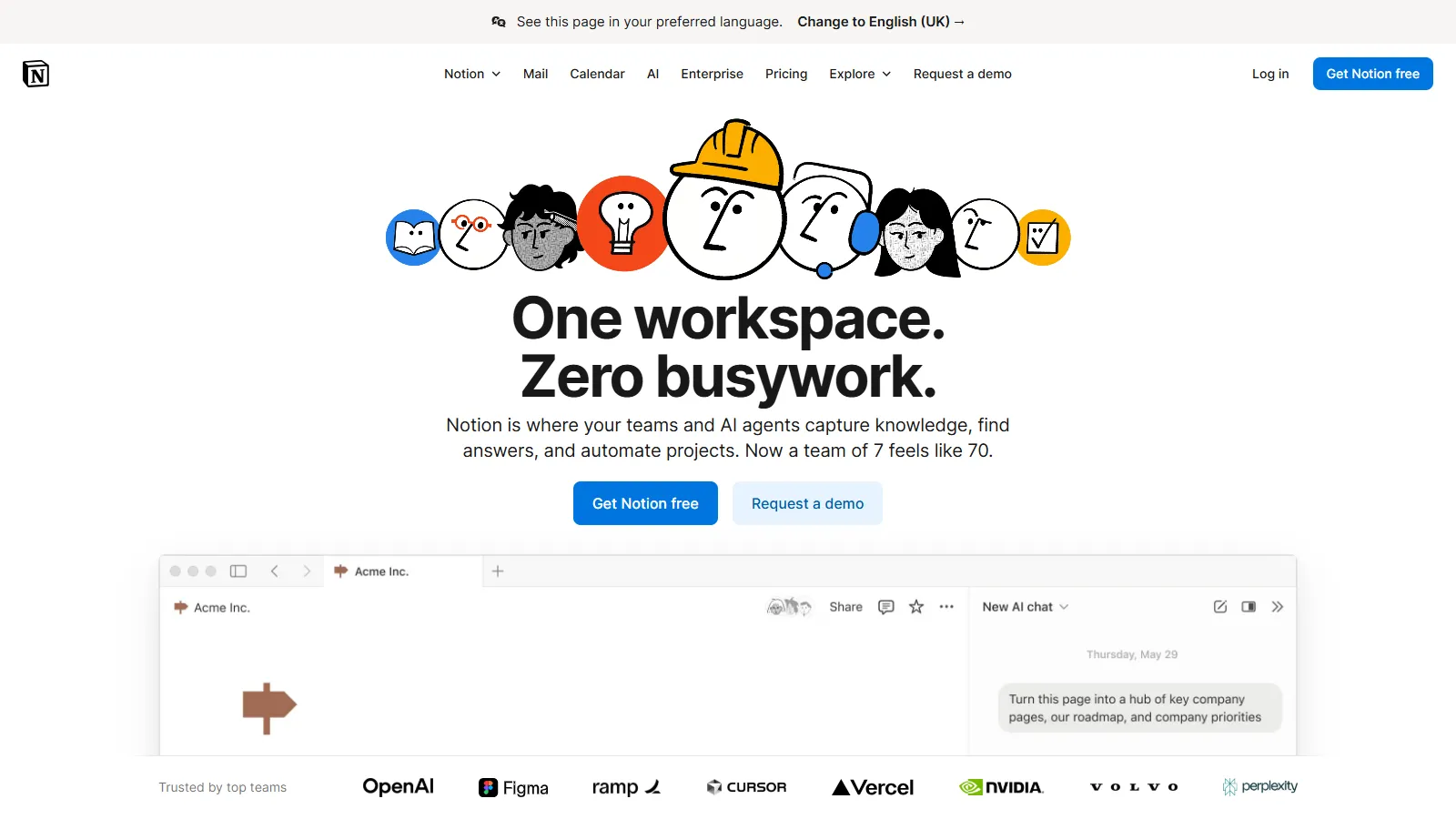
Notion is the Swiss Army knife for students. Free Pro plan with .edu email gives you unlimited blocks. Create databases to track assignments, build study wikis, and share notes with classmates. Templates for every use case get you started fast.
Starting priceFree
Strengths
Free for students
All-in-one workspace
Great templates
Team collaboration
Assignment tracking
Limitations
No handwriting
No audio recording
Offline limited
Learning curve
Who it's for: Best for students who want notes, tasks, and study materials in one organized workspace.
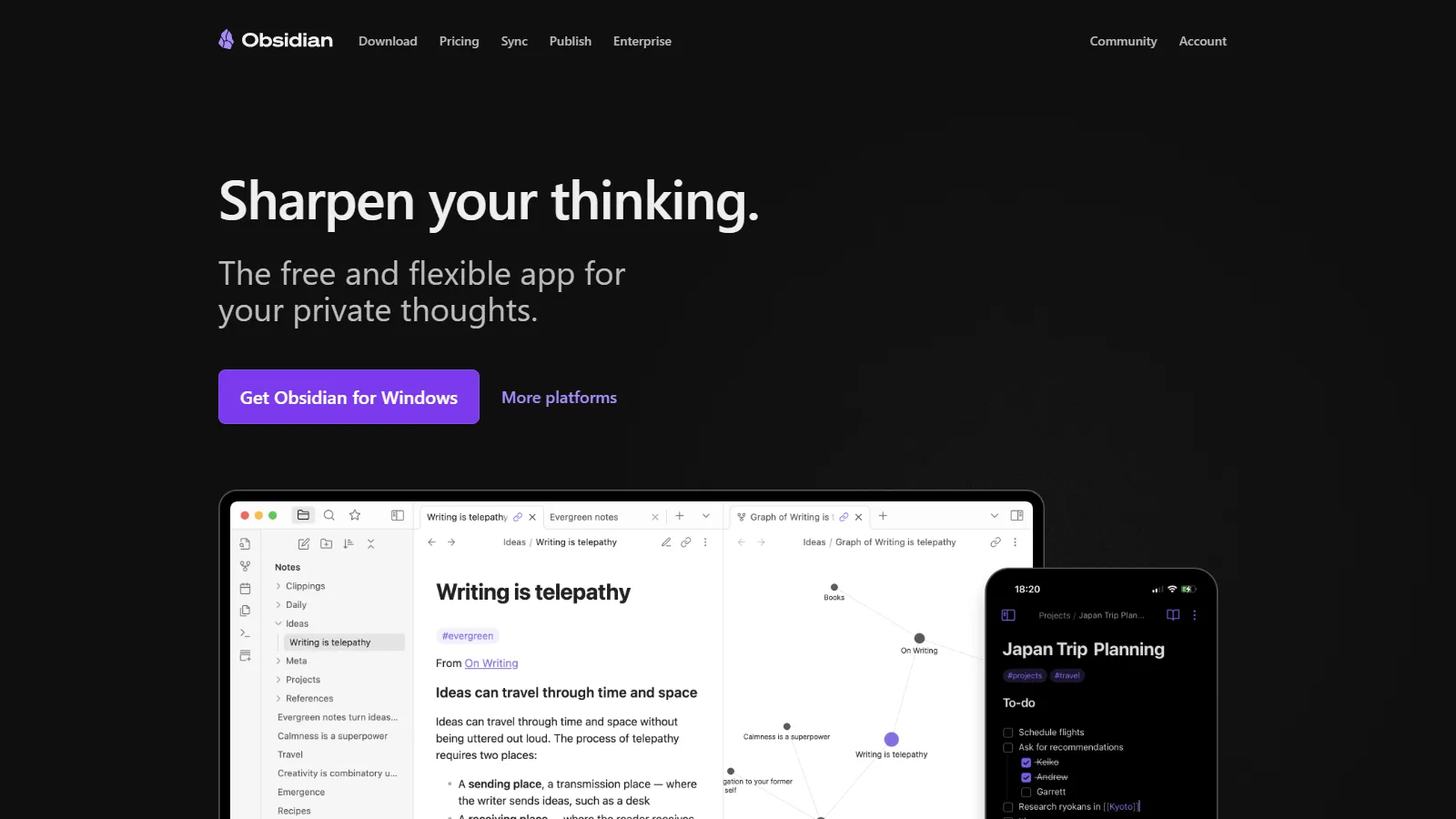
Obsidian helps you build a connected knowledge base. Link concepts across subjects to see how ideas relate. The graph view visualizes your learning. Local Markdown files mean you own your notes forever. Plugins add any feature you need.
Starting priceFree
Strengths
Free forever
Linked notes
Graph view
Plugin ecosystem
Local files
Limitations
Learning curve
No handwriting
Sync costs extra
Desktop-focused
Who it's for: Best for students building long-term knowledge bases and connecting ideas across courses.
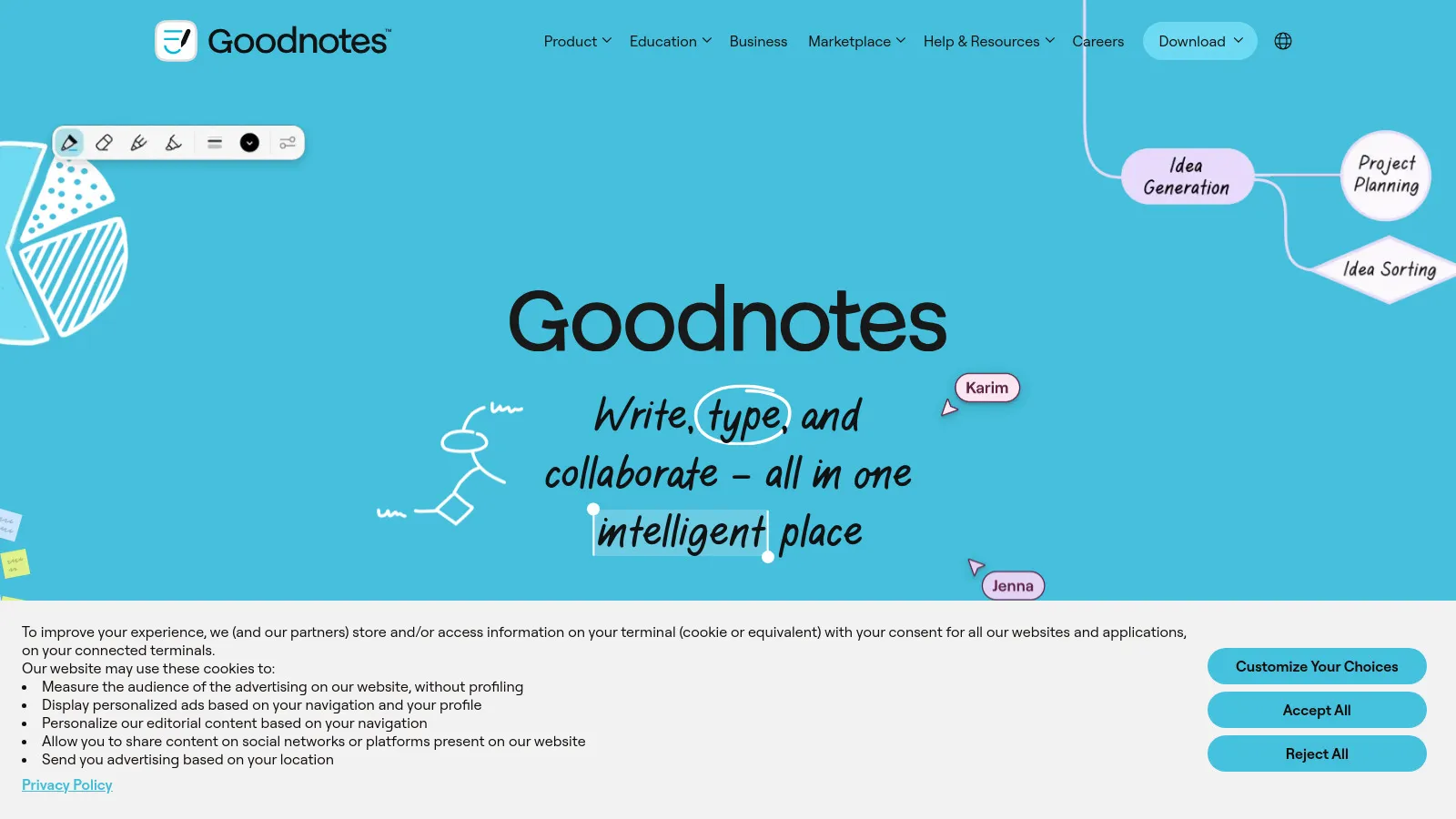
GoodNotes is the gold standard for handwritten notes on iPad. Apple Pencil feels like real paper. PDF annotation lets you mark up textbooks and lecture slides. Built-in flashcards help you study. One-time purchase means no subscriptions.
Starting price$9
Strengths
Best handwriting
PDF annotation
Flashcards built-in
One-time purchase
Great organization
Limitations
Apple only
No audio sync
No collaboration
iPad required
Who it's for: Best for iPad students who prefer handwriting and need PDF annotation.
Notability shines for lecture capture. Record audio while taking notes, then tap any word to hear what was said at that moment. Great handwriting with Apple Pencil. PDF markup for annotating readings. Simple enough for day one.
Starting price$15/yr
Strengths
Audio sync
Simple to start
Good handwriting
PDF annotation
Cross-device
Limitations
Subscription now
Apple focused
Limited organization
Basic features
Who it's for: Best for students who attend lectures and want audio synced to handwritten notes.
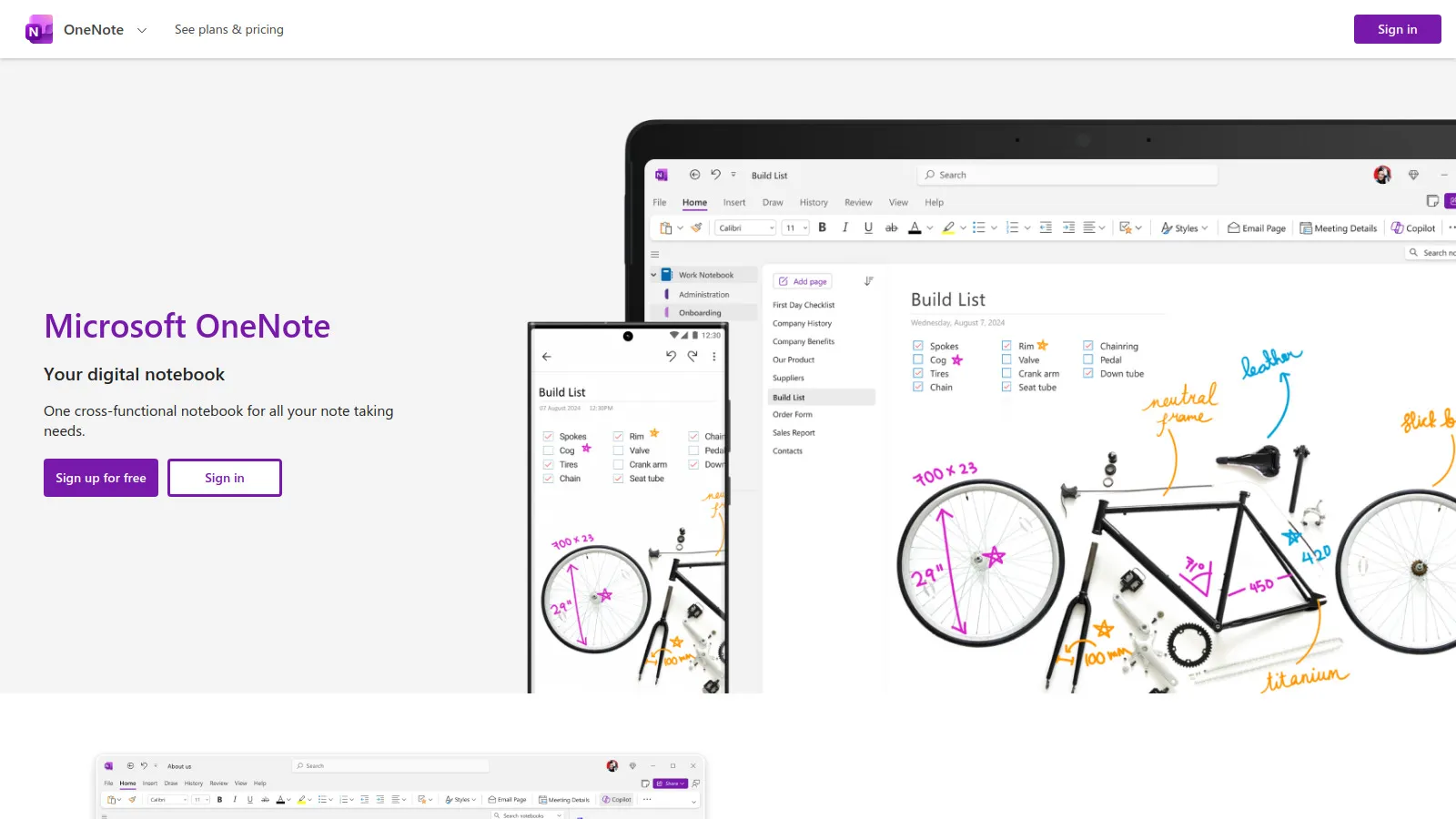
OneNote is completely free with no limits. Notebook/section/page hierarchy matches how students think. Handwriting works on any device. Audio recording included. Cross-platform sync means notes everywhere. Integrates with Office 365.
Strengths
Completely free
Great organization
Works everywhere
Handwriting support
Audio recording
Limitations
Cluttered interface
Slow sync sometimes
Limited export
Microsoft ecosystem
Who it's for: Best for students who want a free, full-featured note app that works on any device.
Evernote excels at capturing research from the web. The Web Clipper saves articles, PDFs, and snippets with one click. OCR makes handwritten notes and images searchable. Mature app that handles large note libraries.
Starting priceFree
Strengths
Best web clipper
OCR search
Cross-platform
Mature and stable
Tag organization
Limitations
Free tier limited
Getting expensive
Feeling dated
No linked notes
Who it's for: Best for research-heavy students who clip lots of web content.
We tested each app for student-specific needs like lecture capture and study tools.
Organization (25%) — Ability to organize notes by class, semester, and topic.
Study Features (25%) — Flashcards, search, and exam preparation tools.
Capture Options (20%) — Typing, handwriting, audio, and PDF support.
Price for Students (20%) — Free tiers and student discounts.
Cross-Platform (10%) — Availability on laptop, tablet, and phone.
How to Choose
Choose Notion if you need want all-in-one.
Choose Obsidian if you need connect ideas.
Choose GoodNotes if you need prefer handwriting.
Choose Notability if you need record lectures.
Choose OneNote if you need need free.
Common Questions
Notability or GoodNotes for handwriting anatomy diagrams, with Anki for flashcard-based memorization. Many medical students use Notion as a hub connecting to specialized study tools.
Obsidian works fully offline with local files. GoodNotes and Notability work offline on iPad. Notion has limited offline support. OneNote caches notes locally for offline access.
Most apps support notebook/folder hierarchies. Create a structure like Year > Semester > Course > Topic. Tags can cross-cut this hierarchy for themes that span courses.